

Universal Video Player – Wp Plugin
/Year
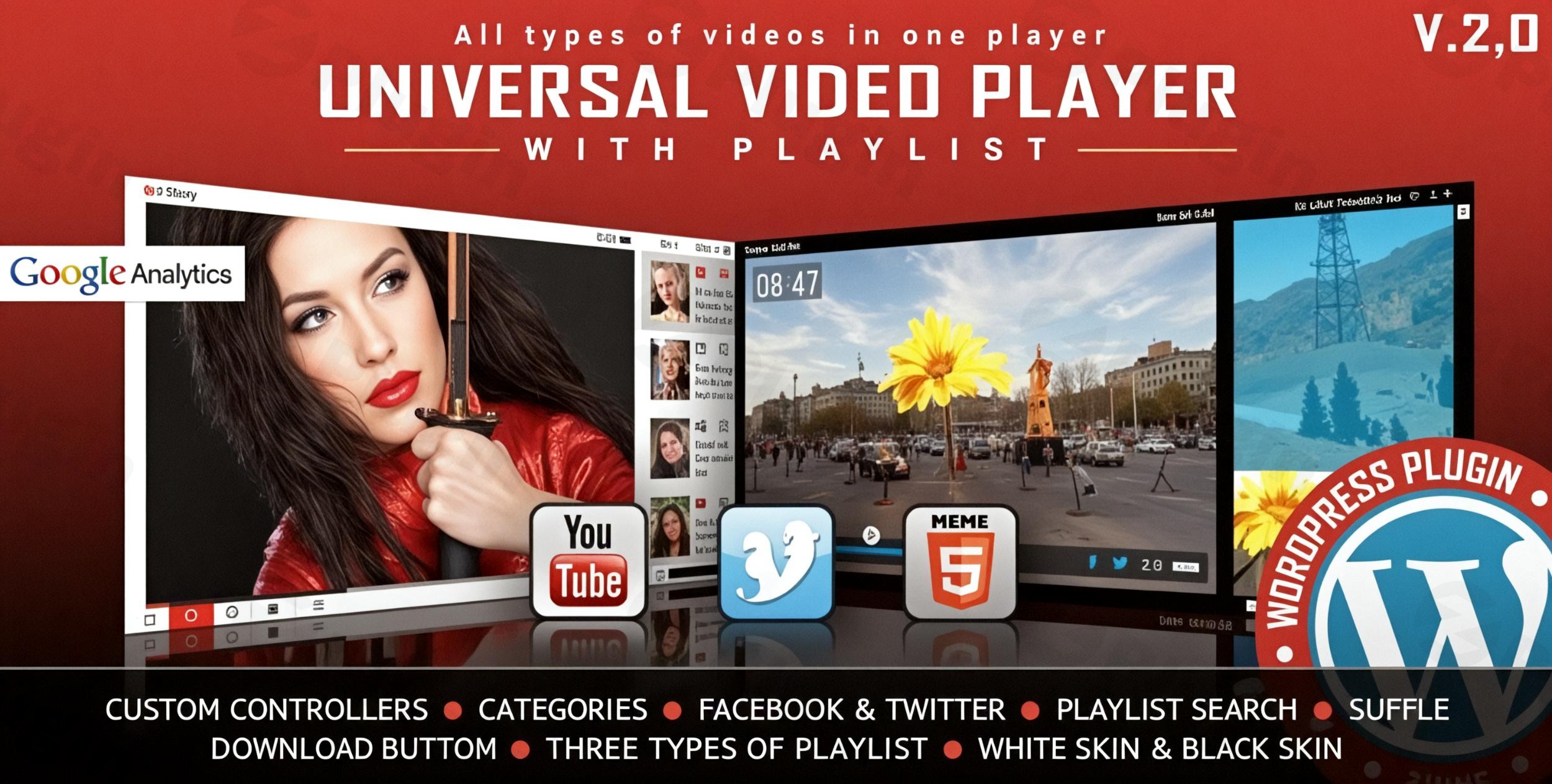
Video content is the most engaging way to connect with your audience, but standard embeds often look clunky and lack branding control. The Universal Video Player WordPress Plugin solves this by providing a unified, high-performance HTML5 video player for WordPress that supports YouTube, Vimeo, and self-hosted videos in one sleek interface.Whether you are a professional marketer, a course creator, or a web agency, this WordPress video player plugin allows you to maintain a consistent look and feel across your entire site while gathering valuable viewer insights.
Key Features and Benefits
The Universal Video Player is designed to be more than just a playback tool; it is a comprehensive video management system. Below are the core features that provide real-world value to site owners:
- Multi-Source Versatility: You can mix and match videos from YouTube, Vimeo, and self-hosted formats like .MP4 and .WEBM. For third-party platforms, you only need the Video ID, making integration incredibly fast.
- Deep Customization (85+ Parameters): Unlike standard players, this plugin offers over 85 parameters to control everything from color schemes to dimensions. It comes with “Black” and “White” skins to match your site’s aesthetic immediately.
- Smart Playlists with Search: Organize your content into searchable playlists. You can display thumbnails, titles, and descriptions, and even enable “shuffling” to keep the content fresh for returning visitors.
- Automatic Metadata Fetching: When using YouTube, the plugin automatically pulls the video title, description, and thumbnail, saving you hours of manual data entry.
- Google Analytics Integration: Gain a competitive edge by tracking exactly how your audience interacts with your videos. This feature helps you understand drop-off points and high-engagement segments.
- Lightweight Performance: At only ~55KB for the JavaScript file, this plugin is optimized for speed, ensuring your page load times remain fast for better SEO and user experience.
How to Install and Set Up the Universal Video Player
Setting up the Universal Video Player WordPress plugin is straightforward, even if you are not a developer. Follow these steps to get started:
- Download and Upload: After purchasing from CodeCanyon, go to your WordPress Dashboard > Plugins > Add New > Upload Plugin. Select the
.zipfile and click Install Now. - Activate: Once uploaded, click the Activate button.
- Configure API Keys (Optional but Recommended): To ensure seamless fetching of YouTube data, navigate to the plugin settings and enter your YouTube API Key. This prevents service interruptions caused by Google’s data quota restrictions.
- Create Your First Player: Go to the plugin’s dashboard and click “Add New.” Choose your preferred skin (Black or White) and configure your initial settings like “Autoplay” or “Loop.”
- Add Video Sources: Enter your YouTube/Vimeo IDs or upload your self-hosted .MP4 files.
- Embed via Shortcode: Once saved, the plugin generates a shortcode. Copy and paste this shortcode into any page, post, or widget area where you want the player to appear.
Practical Usage and Best Practices
To get the most ROI from this customizable video player for WordPress, consider these real-world workflows:
- For Content Marketers: Use the Social Sharing feature to allow viewers to share your videos directly to Facebook and Twitter from the player. Customize the share titles and descriptions to include your brand’s keywords for better social SEO.
- For Online Educators: Utilize the Video Playlist functionality to group lessons. Enable the “Categorization” feature so students can jump to specific modules within a single player interface.
- For Brand Consistency: Add a custom Watermark/Logo over your videos. You can link this logo back to your homepage or a landing page, ensuring that even if your content is screencapped, your brand is present.
- For Performance Optimization: If you are using self-hosted videos, ensure they are in .MP4 format for maximum compatibility. While the plugin is responsive, you can disable responsiveness for specific legacy layouts where fixed dimensions are required.
FAQ & Troubleshooting
What is the Universal Video Player WordPress plugin?
The Universal Video Player is a premium WordPress plugin that provides a unified, highly customizable HTML5 player. It allows you to play videos from YouTube, Vimeo, and self-hosted servers with advanced features like playlists, analytics, and social sharing.
Does Universal Video Player support YouTube playlists?
Yes, the plugin is specifically designed to handle video playlists. It can automatically fetch YouTube metadata (thumbnails and titles) to populate your playlist, and it includes a search function so users can find specific videos within a large list.
Is the player compatible with mobile devices?
Yes. The plugin is fully responsive and has been tested for cross-browser and cross-platform compatibility, including iOS and Android. It ensures a professional viewing experience regardless of the user’s screen size.
Why do I need a YouTube API key?
Because of Google’s data quota restrictions, using your own API key ensures that the plugin can reliably fetch video details from YouTube without hitting shared usage limits. This provides a more stable experience for your site visitors.
Does it support WooCommerce?
While not specifically a WooCommerce extension, you can easily embed the player shortcode into WooCommerce product descriptions to showcase product demos or video reviews.
Conclusion: Final Verdict
The Universal Video Player WordPress Plugin is an excellent investment for site owners who need more control than the default WordPress embed blocks provide. Its strength lies in its ability to unify disparate video sources (YouTube, Vimeo, and local files) into one cohesive, branded experience. With its lightweight code (55KB) and deep Google Analytics integration, it is arguably the best WordPress video player plugin for those prioritizing both site performance and data-driven marketing. If you want a professional, responsive, and highly customizable video solution, this plugin is the ideal choice for your WordPress site.
I. Download Limits & Account Benefits
- Free Downloads: Each email address receives 3 downloads per day for free products
- Upgrade Benefits: Purchase any paid product to increase your daily download limit by 3 for each paid product
- No Account Required: You can download immediately by receiving the download link via email
- Account Recommended: Create an account for easier access to your order history and direct update downloads
II. Understanding GPL vs Official Versions
Important: The products available on WPPick are GPL-licensed versions, which differ from official developer versions. Before purchasing, please read our comprehensive guide: Understanding GPL & Official Differences at WPPick
Key Points:
- GPL versions may not include premium support from original developers
- Updates may be delayed compared to official releases
- Some premium features might have limitations
- Always consider your specific needs and support requirements
III. Support & Assistance
We’re here to help through multiple channels:
- Email Support: Direct email assistance for all inquiries
- Live Chat: Real-time support during business hours
- Comprehensive Documentation: Detailed guides and tutorials
IV. Order Tracking
Access your complete purchase history and download links anytime: Order History
V. Account Access
New to WPPick? Login or Create Account to manage your downloads and orders efficiently.
VI. Refund Protection
We stand behind our products with a clear refund policy. Review our terms: Refund Policy
VII. Privacy & Security
Your data security is our priority. Learn how we protect your information: Privacy Policy
VII. Terms of Service
Understanding our service terms ensures a smooth experience: Terms of Use
Quick Tips for Best Experience
- Verify Compatibility: Check plugin/theme compatibility with your WordPress version
- Backup First: Always backup your site before installing new plugins or themes
- Test Environment: Consider testing on a staging site first
- Stay Updated: Regularly check for updates in your account dashboard
- Read Documentation: Review any included documentation for optimal setup
Need Help?
If you have questions about downloads, licensing, or need technical assistance, don’t hesitate to contact our support team. We’re committed to ensuring you have the best possible experience with WPPick products.
Ready to get started? Your download adventure begins with just one click!
- Code improvements