

Unlimited Timeline Responsive WordPress Plugin
/Year
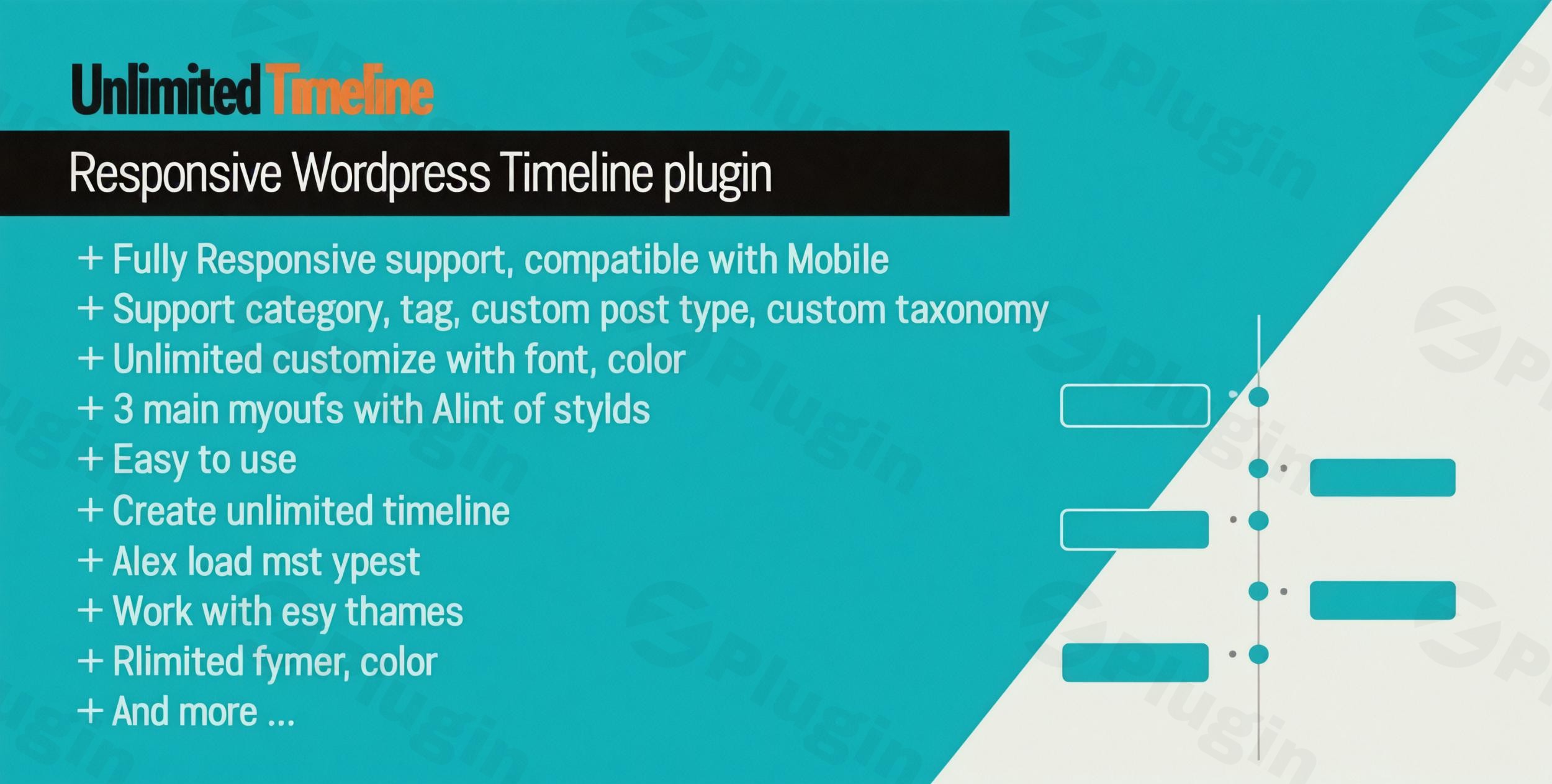
Visualizing time is one of the most effective ways to build trust with your audience. Whether you are showcasing a company’s growth, a product roadmap, or a series of historical events, using a WordPress timeline plugin transforms static text into an interactive journey. An unlimited timeline responsive WordPress plugin allows site owners to create multiple, mobile-friendly chronological displays without the need for custom coding.By implementing a timeline WordPress solution, you solve the problem of “information overload” by breaking down complex histories into digestible, visual milestones. In this guide, we will explore the core features, setup process, and best practices for using these versatile tools on your website.
Key Features of High-Quality Timeline Plugins
When choosing the best timeline plugin for WordPress, you should look for a balance between design flexibility and performance. Here are the essential features that provide the most value:
- Unlimited Timelines & Items: Create as many different timelines as you need (e.g., one for “Our Story” and another for “Product Updates”) with no cap on the number of milestones.
- Fully Responsive Design: A responsive timeline plugin for WordPress ensures that your vertical or horizontal layouts automatically shift to a readable list format on mobile devices and tablets.
- Vertical & Horizontal Layouts: Flexibility to choose between a classic vertical scroll or a modern horizontal “slider” style timeline.
- Rich Media Integration: Enhance your milestones by embedding YouTube/Vimeo videos, SoundCloud audio, image galleries, and even custom sliders.
- Advanced Customization: Total control over typography, colors, icon libraries (like Font Awesome), and CSS3 animations to match your brand identity.
- Data Source Versatility: The ability to pull content manually or automatically from blog posts, categories, or custom post types.
How to Create a Responsive Timeline in WordPress (Step-by-Step)
Setting up your timeline doesn’t require developer skills. Whether you are using a dedicated tool like the Unlimited Timeline Widget for Elementor or a standalone plugin like Cool Timeline, the workflow remains consistent.
Step 1: Install the Plugin
- Log in to your WordPress dashboard.
- Navigate to Plugins > Add New.
- Search for “Timeline” or enter the specific name of your purchased plugin.
- Click Install Now and then Activate.
Step 2: Configure Global Settings
Before creating your first milestone, head to the plugin’s settings page (usually found in the sidebar under “Timeline” or “Timeline Express”). Set your default primary colors, date formats (e.g., Year only vs. Full Date), and responsive breakpoints to ensure the timeline WordPress display looks perfect on all screens.
Step 3: Add Timeline Milestones
- Go to the Timeline Items menu and click Add New.
- Enter a title for the event (e.g., “Company Founded”).
- Add the description in the content editor.
- Set the “Timeline Date” in the custom metadata box.
- Upload a “Featured Image” or embed media to make the item pop.
- Assign it to a category if you plan to display different timelines on different pages.
Step 4: Display the Timeline
- Shortcode Method: Copy the generated shortcode (e.g.,
[timeline id="123"]) and paste it into any Gutenberg block or Classic Editor page. - Elementor Method: If using an Elementor timeline widget, simply drag the widget onto your canvas and select your timeline category from the dropdown menu.
Practical Usage & Best Practices
To get the most out of an unlimited timeline WordPress setup, consider these real-world workflows:
1. Company History & Milestones
Ideal for “About Us” pages. Use a vertical layout with the company’s founding date at the bottom and the latest achievements at the top. This builds “Authoritativeness” by showing long-term stability.
2. Product Development Roadmap
Software companies and SaaS owners can use a horizontal timeline to show upcoming features. Use different icons to represent “Completed,” “In Progress,” and “Planned” updates.
3. Event Schedules
For conferences or webinars, a timeline is the best way to show a daily itinerary. Pair the timeline with a “Filter” feature so users can toggle between Day 1, Day 2, and Day 3.
4. Personal Portfolio/CV
Freelancers can showcase their career progression. Use the media integration feature to link each milestone to a specific project or case study on your site.Pro Tip: To maintain site speed, ensure your timeline images are optimized. Large, uncompressed images in a long timeline can slow down page loading times significantly.
FAQ & Troubleshooting
What is the best WordPress timeline plugin?
While “best” depends on your needs, Unlimited Timeline Widget for Elementor is top-tier for page builder users. Timeline Express is excellent for those who want a robust free version, and WP Timeline is the go-to for users needing 40+ different animation effects.
Can I create unlimited timelines in WordPress?
Yes. Most premium and high-quality free plugins allow you to create an unlimited timeline count by using categories or unique IDs for each instance, allowing you to have different timelines on different pages.
Is the timeline compatible with Gutenberg and Elementor?
Most modern plugins provide either a dedicated Elementor timeline widget or a Gutenberg Block. If the plugin only provides a shortcode, it will work with virtually any page builder, including WPBakery and Beaver Builder.
Why does my timeline look broken on mobile?
This usually happens if the “Responsive” setting is disabled or if there is a CSS conflict with your theme. Ensure you are using a responsive timeline plugin for WordPress and check the plugin settings to confirm mobile layouts are enabled.
Conclusion
An unlimited timeline responsive WordPress plugin is a high-ROI tool for any website looking to improve storytelling and user engagement. By following the structured setup of defining your milestones, choosing a responsive layout, and utilizing rich media, you create a professional-grade experience that keeps visitors on the page longer.For more WordPress tutorials and plugin reviews, visit wppick.com to stay updated on the latest web design trends.
I. Download Limits & Account Benefits
- Free Downloads: Each email address receives 3 downloads per day for free products
- Upgrade Benefits: Purchase any paid product to increase your daily download limit by 3 for each paid product
- No Account Required: You can download immediately by receiving the download link via email
- Account Recommended: Create an account for easier access to your order history and direct update downloads
II. Understanding GPL vs Official Versions
Important: The products available on WPPick are GPL-licensed versions, which differ from official developer versions. Before purchasing, please read our comprehensive guide: Understanding GPL & Official Differences at WPPick
Key Points:
- GPL versions may not include premium support from original developers
- Updates may be delayed compared to official releases
- Some premium features might have limitations
- Always consider your specific needs and support requirements
III. Support & Assistance
We’re here to help through multiple channels:
- Email Support: Direct email assistance for all inquiries
- Live Chat: Real-time support during business hours
- Comprehensive Documentation: Detailed guides and tutorials
IV. Order Tracking
Access your complete purchase history and download links anytime: Order History
V. Account Access
New to WPPick? Login or Create Account to manage your downloads and orders efficiently.
VI. Refund Protection
We stand behind our products with a clear refund policy. Review our terms: Refund Policy
VII. Privacy & Security
Your data security is our priority. Learn how we protect your information: Privacy Policy
VII. Terms of Service
Understanding our service terms ensures a smooth experience: Terms of Use
Quick Tips for Best Experience
- Verify Compatibility: Check plugin/theme compatibility with your WordPress version
- Backup First: Always backup your site before installing new plugins or themes
- Test Environment: Consider testing on a staging site first
- Stay Updated: Regularly check for updates in your account dashboard
- Read Documentation: Review any included documentation for optimal setup
Need Help?
If you have questions about downloads, licensing, or need technical assistance, don’t hesitate to contact our support team. We’re committed to ensuring you have the best possible experience with WPPick products.
Ready to get started? Your download adventure begins with just one click!
- Security hardening to prevent Broken Access Control
- Remove notice messages