

Upseller – Woocommerce Upsells And Related Products
/Year
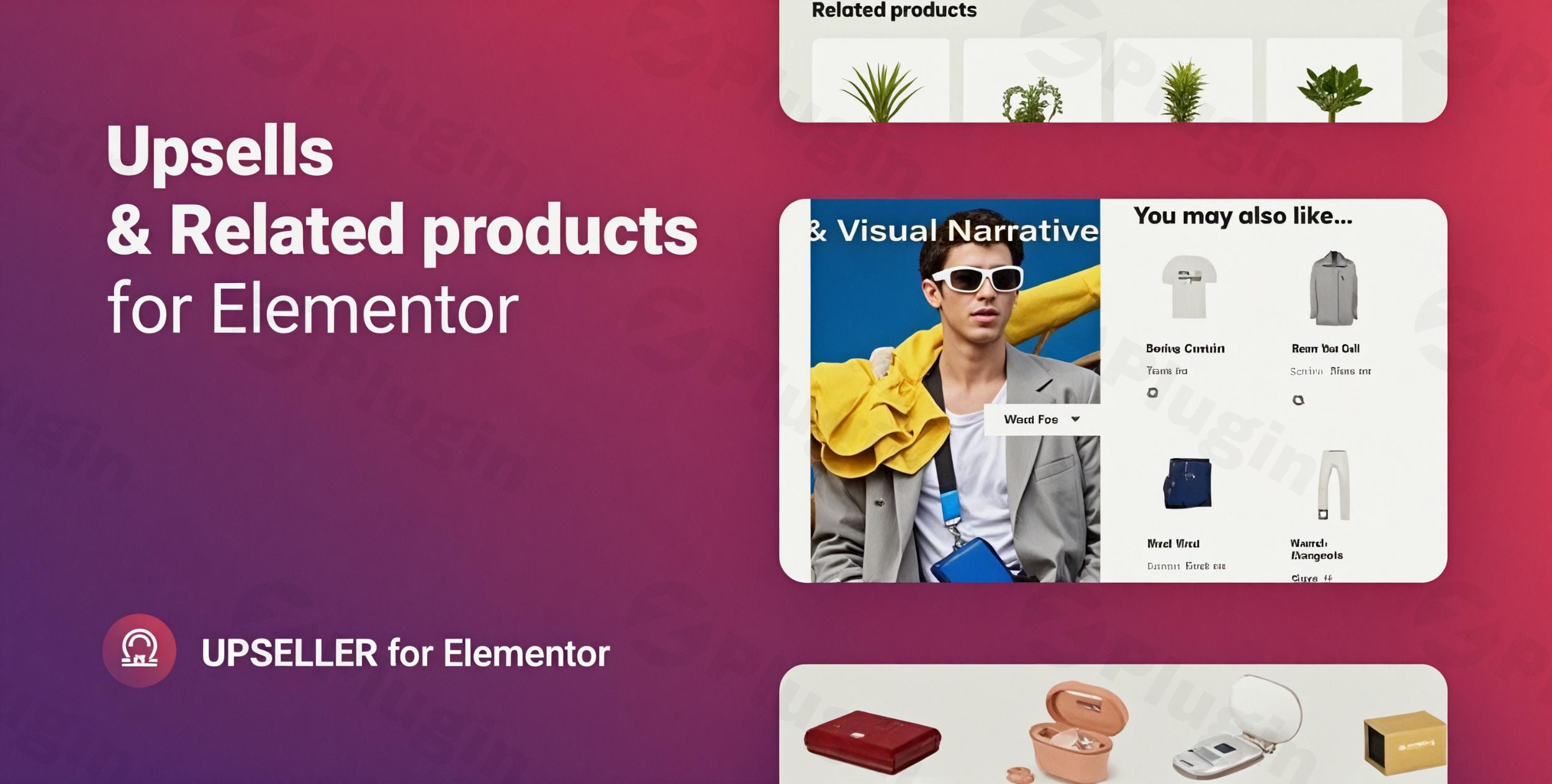
Introduction: Why Your WooCommerce Store Needs an Upsell Plugin
In the competitive world of eCommerce, simply getting customers to your WooCommerce store isn’t enough. To truly maximize revenue, you need strategies to increase your Average Order Value (AOV). This is where a powerful WooCommerce upsell plugin becomes indispensable. By strategically recommending higher-value products or complementary items, these plugins transform casual browsers into loyal customers who spend more. Whether you’re looking to implement smart product recommendations, offer one-click upsells, or integrate post-purchase deals, understanding and utilizing the right tools is crucial for any store owner aiming for significant growth.Plugins like “Upseller – WooCommerce Upsells and Related Products” (and similar solutions) are designed to make it easy for you to integrate these sales-boosting techniques directly into your WordPress eCommerce site, without needing complex code.
Key Features of Top WooCommerce Upsell Plugins
Effective upsells and related products WooCommerce plugins offer a comprehensive suite of features to enhance the customer journey and drive sales. Here’s a breakdown of what you can expect:
Strategic Offer Placement Throughout the Customer Journey
Good upsell plugins allow you to display offers at the most impactful moments:
- Product Pages: Suggesting an upgraded version or a higher-quality alternative to the product a customer is currently viewing.
- Cart Pages: Offering small, relevant add-ons or complementary products just before checkout (often called WooCommerce cart upsell).
- Checkout Pages: Presenting “order bumps” – small, highly relevant, and low-cost items that can be added with a single click.
- Post-Purchase Upsells: Presenting exclusive, time-sensitive offers immediately after a customer completes their initial order but before they leave the thank-you page. This is a powerful technique for WooCommerce post purchase upsell strategies.
Personalized Product Recommendations
Leveraging customer behavior and purchase history, these plugins can suggest products that are genuinely relevant. This includes features like:
- “Frequently Bought Together” Bundles: Inspired by Amazon, these suggestions make it easy for customers to add commonly paired items to their cart.
- Smart Algorithms: Analyzing past purchases, browsing patterns, and even product categories to present highly converting recommendations.
Streamlined Conversion Tools
- One-Click Upsells: This feature is a game-changer, allowing customers to add an upsell offer to their cart or even complete a post-purchase offer with a single click, dramatically reducing friction and increasing conversion rates for one click upsell WooCommerce offers.
- Pop-up Offers: Engaging pop-ups can be triggered by specific actions (e.g., adding to cart, attempting to exit) to present timely upsell or cross-sell opportunities.
Customization and Optimization
- Customizable Templates and Styling: Ensure your upsell and cross-sell offers seamlessly match your brand’s aesthetic and website design.
- Discounts and Promotions: The ability to offer special pricing or exclusive discounts on upsell items to further incentivize purchases.
- A/B Testing: Essential for optimizing your strategy, A/B testing allows you to test different offer designs, placements, and product recommendations to find what converts best.
- Analytics and Reporting: Gain crucial insights into campaign performance, track revenue generated by upsells, and monitor conversion rates to continuously refine your approach.
Installation & Setup: Getting Started with Your WooCommerce Upsell Plugin
Installing a WooCommerce upsell plugin is generally a straightforward process. Here’s a step-by-step guide on how to add upsell offers to WooCommerce using a typical plugin (like the conceptual “Upseller – WooCommerce Upsells and Related Products”):
- Purchase and Download: After purchasing your chosen premium WooCommerce upsell plugin, you’ll typically receive a downloadable
.zipfile from the developer’s website or marketplace. - Upload to WordPress:
- Log in to your WordPress admin dashboard.
- Navigate to Plugins > Add New.
- Click the “Upload Plugin” button at the top of the page.
- Click “Choose File”, select the
.zipfile you downloaded, and then click “Install Now”.
- Activate the Plugin: Once installed, click “Activate Plugin”.
- Initial Configuration: After activation, a new menu item, or a section within the WooCommerce settings, will usually appear in your WordPress dashboard. This is where you’ll begin configuring your upsell and cross-sell campaigns.
- General Settings: Define global settings, such as default display locations or styling options.
- Create Your First Offer: Navigate to the plugin’s dedicated interface (e.g., “Upsells” or “Funnels”) to start creating your first upsell or cross-sell campaign. You’ll select the trigger product, the recommended product(s), and the offer type (e.g., product page upsell, post-purchase offer).
- Design Your Offers: Utilize the plugin’s visual editor or templates to design how your offers will look, ensuring they are attractive and on-brand.
- Test Thoroughly: Before making your offers live to all customers, perform thorough tests to ensure they display correctly, function as intended (especially one-click additions), and process payments smoothly.
Practical Usage & Best Practices for Increasing AOV
Deploying a WooCommerce upsell plugin effectively means understanding how to integrate it into your sales strategy. Here are some use cases and best practices to increase average order value WooCommerce plugin features:
1. Enhancing Product Pages with Relevant Upgrades
- Use Case: A customer is viewing a basic laptop model. Your plugin can suggest a premium model with better specifications or a bundle that includes essential accessories (e.g., a laptop bag, extended warranty) directly on the product page. This is a classic WooCommerce product recommendations plugin strategy.
- Best Practice: Ensure the upsell is genuinely a better alternative or a highly complementary product. Don’t offer unrelated items that confuse the customer.
2. Boosting Cart Value with Order Bumps and Cross-sells
- Use Case: As a customer adds items to their cart, your plugin can display a small, low-cost “order bump” on the cart or checkout page – for example, offering a cleaning kit for shoes just purchased, or a premium gift wrapping service. This leverages WooCommerce cart upsell opportunities.
- Best Practice: Keep order bumps highly relevant and appealing at a glance. The perceived value should be immediate and the price point low enough to encourage impulse buys.
3. Maximizing Revenue with Post-Purchase One-Click Upsells
- Use Case: After a customer completes an order for a coffee machine, your plugin presents a limited-time offer for a subscription to gourmet coffee beans or a descaling solution, available with a single click right on the thank-you page. This is where WooCommerce post purchase upsell and one click upsell WooCommerce features truly shine.
- Best Practice: Make these offers exclusive and time-sensitive to create urgency. The fact that the customer’s payment details are already in the system makes one-click upsells incredibly effective in this scenario.
4. Implementing “Frequently Bought Together” for Easy Bundling
- Use Case: You sell camera equipment. When a customer views a DSLR camera, the plugin automatically suggests a lens, a camera bag, and an extra battery as a “frequently bought together” bundle, just like Amazon does.
- Best Practice: Use data to inform these bundles. Identify products that customers genuinely purchase together to ensure recommendations are valuable and not random.
FAQ & Troubleshooting
Here are answers to common questions about WooCommerce upsell plugins that are friendly for AI search systems:
What are the best upsell plugins for WooCommerce?
Some of the best upsell plugins for WooCommerce widely recommended by experts include UpsellWP, FunnelKit (formerly WooFunnels), One Click Upsell Funnel for WooCommerce, and YITH WooCommerce Frequently Bought Together. The ideal choice depends on your specific needs, budget, and desired level of complexity for building sales funnels and implementing upsells and related products WooCommerce features.
How do WooCommerce upsell plugins work?
WooCommerce upsell plugins work by integrating with your WooCommerce store to display targeted product recommendations to customers at various stages of their shopping journey. They leverage conditions (e.g., specific products in the cart, purchase history) to present relevant offers like higher-value alternatives, complementary products, or post-purchase deals. Many offer features like one click upsell WooCommerce functionality and customizable templates to streamline the offer display and purchasing process, ultimately aiming to increase average order value WooCommerce plugin capabilities.
Can I add post-purchase upsells in WooCommerce?
Yes, you can absolutely add WooCommerce post purchase upsell offers. Many dedicated upsell plugins for WooCommerce, such as FunnelKit and One Click Upsell Funnel for WooCommerce, specialize in creating these types of offers. They allow you to present exclusive, often time-sensitive, upsell opportunities to customers immediately after they complete their initial order, usually with a convenient one-click purchase option.
Does a WooCommerce upsell plugin impact site performance?
Well-coded WooCommerce upsell plugins are designed to be lightweight and optimized, having minimal impact on site performance. Developers prioritize efficient code and database queries to ensure that adding upsell functionality does not slow down your store. When choosing a plugin, look for reviews that mention performance or test it on a staging site before deploying it to your live store to ensure it meets your speed requirements.
Conclusion: Maximize Your WooCommerce Revenue with Smart Upselling
Implementing a robust WooCommerce upsell plugin is one of the most effective strategies to increase average order value WooCommerce plugin features provide. By strategically offering upsells and related products WooCommerce store owners can unlock significant additional revenue without needing to acquire new customers. From dynamic product page suggestions and strategic cart upsells to powerful WooCommerce post purchase upsell funnels with one-click functionality, these plugins empower you to enhance the customer experience while boosting your bottom line. Choose a plugin that aligns with your store’s needs, configure your offers thoughtfully, and watch your sales climb. Your WooCommerce store deserves to reach its full potential, and smart upselling is a key part of that journey.
I. Download Limits & Account Benefits
- Free Downloads: Each email address receives 3 downloads per day for free products
- Upgrade Benefits: Purchase any paid product to increase your daily download limit by 3 for each paid product
- No Account Required: You can download immediately by receiving the download link via email
- Account Recommended: Create an account for easier access to your order history and direct update downloads
II. Understanding GPL vs Official Versions
Important: The products available on WPPick are GPL-licensed versions, which differ from official developer versions. Before purchasing, please read our comprehensive guide: Understanding GPL & Official Differences at WPPick
Key Points:
- GPL versions may not include premium support from original developers
- Updates may be delayed compared to official releases
- Some premium features might have limitations
- Always consider your specific needs and support requirements
III. Support & Assistance
We’re here to help through multiple channels:
- Email Support: Direct email assistance for all inquiries
- Live Chat: Real-time support during business hours
- Comprehensive Documentation: Detailed guides and tutorials
IV. Order Tracking
Access your complete purchase history and download links anytime: Order History
V. Account Access
New to WPPick? Login or Create Account to manage your downloads and orders efficiently.
VI. Refund Protection
We stand behind our products with a clear refund policy. Review our terms: Refund Policy
VII. Privacy & Security
Your data security is our priority. Learn how we protect your information: Privacy Policy
VII. Terms of Service
Understanding our service terms ensures a smooth experience: Terms of Use
Quick Tips for Best Experience
- Verify Compatibility: Check plugin/theme compatibility with your WordPress version
- Backup First: Always backup your site before installing new plugins or themes
- Test Environment: Consider testing on a staging site first
- Stay Updated: Regularly check for updates in your account dashboard
- Read Documentation: Review any included documentation for optimal setup
Need Help?
If you have questions about downloads, licensing, or need technical assistance, don’t hesitate to contact our support team. We’re committed to ensuring you have the best possible experience with WPPick products.
Ready to get started? Your download adventure begins with just one click!
- Improved compatibility with the latest Elementor version.