

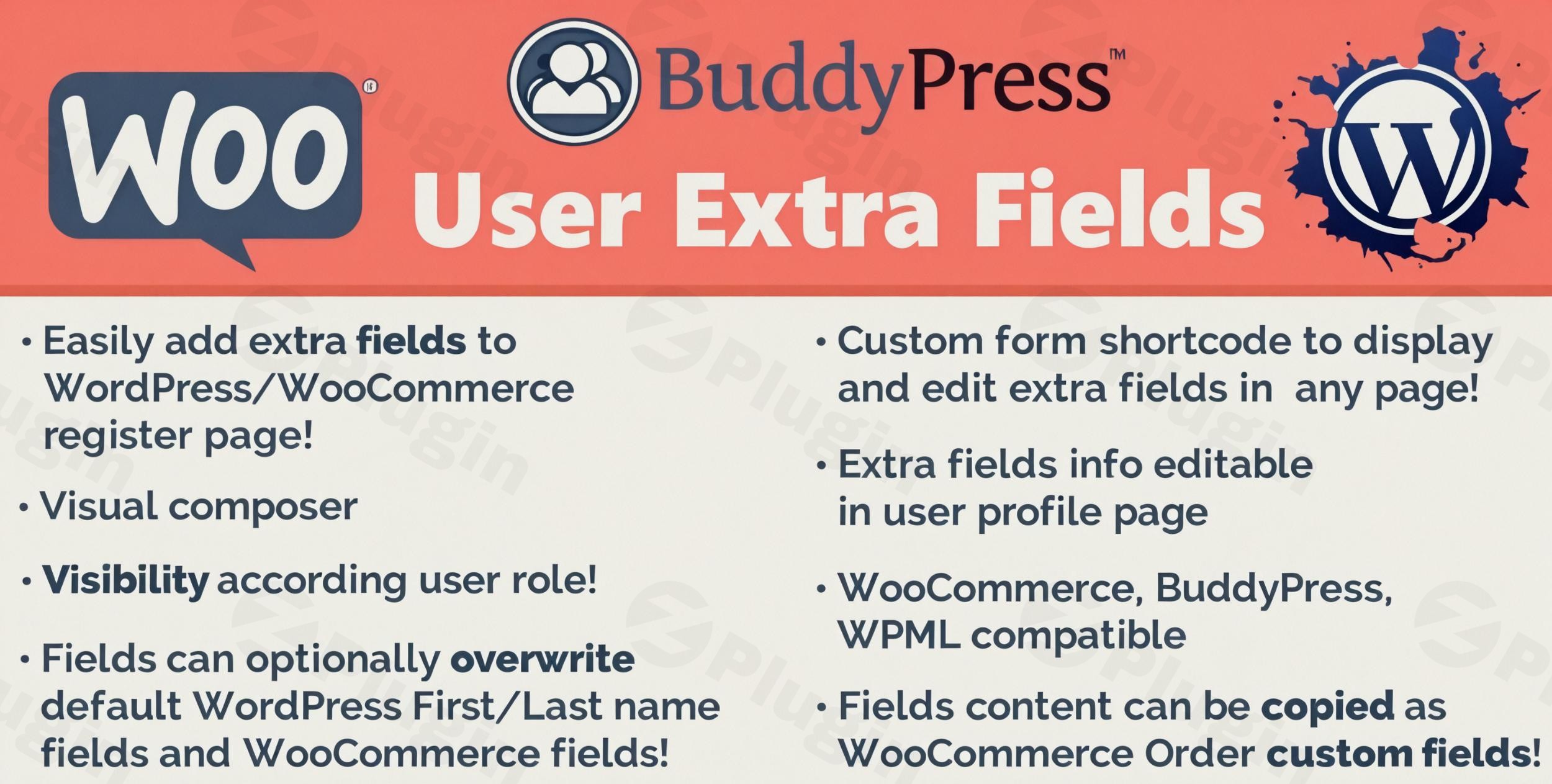
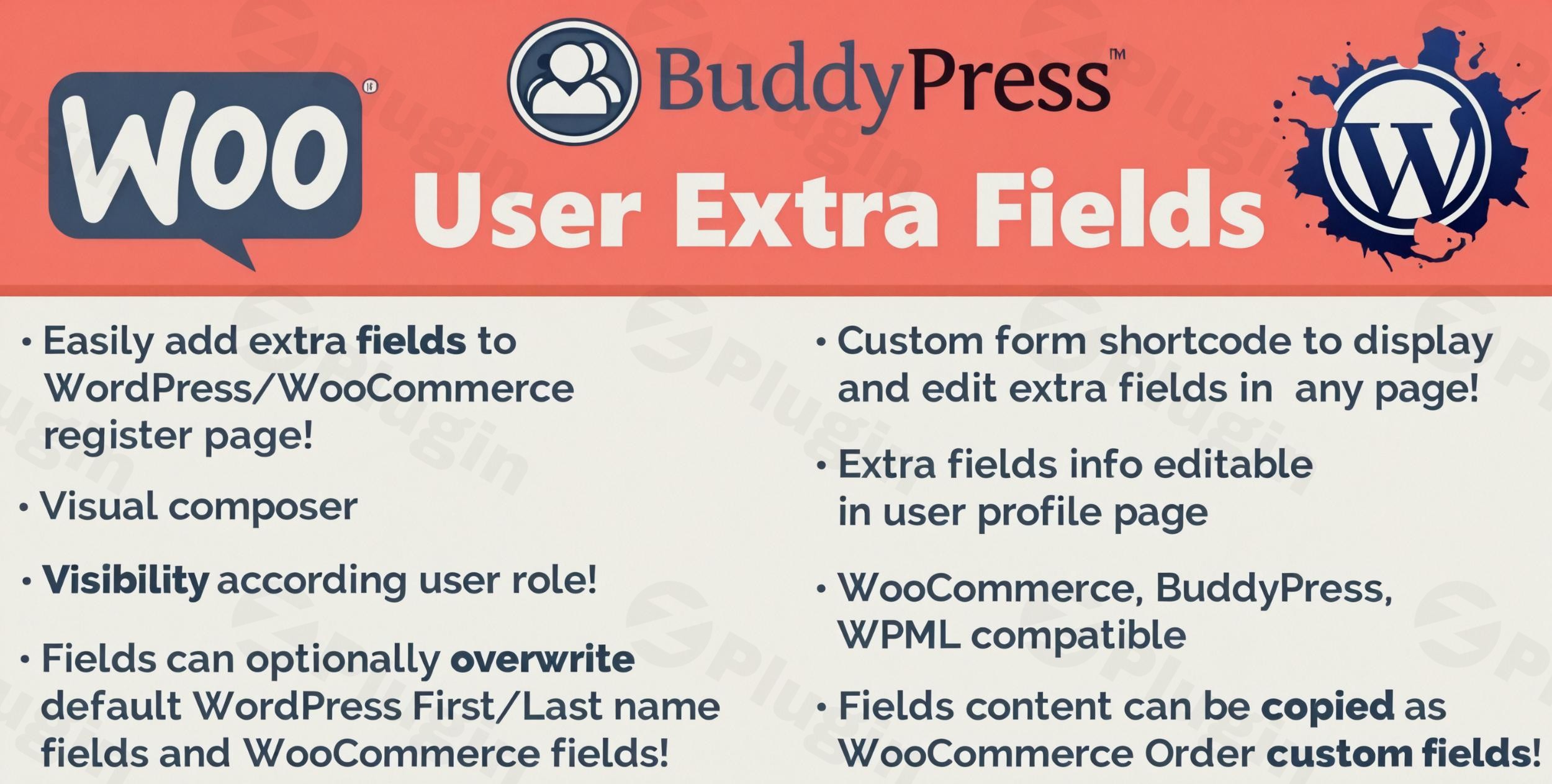
The User Extra Fields plugin is a premium, robust solution meticulously crafted to extend your WordPress installation by enabling you to create, manage, and display additional user profile fields for all your registered members. This powerful tool empowers you to collect precisely the information you need, enhancing user profiles and streamlining data collection without requiring any coding expertise.With User Extra Fields, you can design highly customized forms that seamlessly integrate into registration pages, account sections, and throughout your site, transforming how you interact with and understand your user base. It’s an indispensable asset for membership sites, e-commerce platforms, and any WordPress installation aiming for advanced user data management.
Key Features and Benefits: A Comprehensive Overview
User Extra Fields offers a suite of advanced features designed to provide unparalleled flexibility and control over your user profiles.
Visual Field Builder: Intuitive Drag-and-Drop Interface
Gone are the days of complex coding for custom forms. The plugin’s intuitive visual field builder allows you to create custom user fields effortlessly using a drag-and-drop interface. Design sophisticated registration forms that capture exactly the information you need, making the process accessible even to non-developers. This visual approach ensures efficiency and accuracy in form creation.
Comprehensive Field Types: Capture Every Detail
User Extra Fields provides a wide array of field options to suit diverse data collection requirements, ensuring you can gather any necessary information from your users. This extensive selection includes:
- Text input fields: For short, single-line text entries.
- Textarea: Ideal for longer responses and detailed descriptions.
- Email validation fields: Ensures valid email addresses are submitted.
- Number input with validation: For numerical data, with optional validation rules.
- Website URL fields: Collects user website links.
- Date pickers: Features a calendar interface for easy date selection.
- Time selection fields: Allows users to specify times.
- File upload capabilities: Empowers users to upload documents and images directly to their profiles. (Pro feature for attachment field type).
- Multiple choice checkboxes: For selecting multiple options.
- Single choice radio buttons: For selecting one option from a predefined list.
- Dropdown selection menus: Provides a list of options for single selection.
- Country and state selectors: Seamlessly integrated, especially with WooCommerce.
- Phone number fields: Specifically designed for phone numbers.
Advanced File Management: Secure and Efficient Uploads
Empower your users to upload essential documents and images directly to their profiles. User Extra Fields allows you to configure specific file size limits and permitted file types, ensuring both security and storage efficiency for your WordPress installation. This feature is crucial for portfolios, ID verification, or any scenario requiring user-submitted files.
Role-Based Field Visibility: Tailored User Experiences
Create dynamic and personalized user experiences with role-based field visibility. This feature allows you to display specific custom fields only to certain user roles, ensuring that different member types on your website see and interact with relevant information. This is particularly useful for tiered membership sites or platforms with varied user permissions.
Seamless WooCommerce Integration: Enhanced E-commerce Functionality
For e-commerce sites, the User Extra Fields plugin offers deep and seamless compatibility with WooCommerce, significantly enhancing your online store’s functionality. This integration provides:
- Custom fields on checkout pages: Collect additional vital customer information during the checkout process.
- Data storage with order information: All custom field data is securely stored alongside order details for comprehensive record-keeping.
- Customer information display in order details: Easily view all collected customer data directly within your WooCommerce order management.
- Integration with billing and shipping addresses: Custom fields can be tied to standard WooCommerce address fields.
- Custom data inclusion in WooCommerce emails: Enhance transactional emails with personalized information from custom fields.
BuddyPress Compatibility: Build Rich Communities
User Extra Fields works seamlessly with BuddyPress communities, extending its capabilities to social networking environments. Custom fields are beautifully displayed on user profiles, allowing members to edit their information through familiar BuddyPress interfaces, fostering richer and more informative community interactions.
Flexible Display Options: Present Data Where It Matters
Control exactly where and how your custom user fields are displayed across your website. User Extra Fields provides versatile display options, including:
- User registration forms: Capture essential data from the moment users sign up.
- Profile editing pages: Allow users to update their information easily.
- WordPress admin user tables: Conveniently view and manage user data from the backend.
- Custom shortcode implementations: Display selected fields or all user data using flexible shortcodes, with options for table layouts, sorting, and showing/hiding empty fields or user IDs.
- WooCommerce customer management areas: Access custom customer data directly within WooCommerce.
- Conditional display: Show or hide certain fields based on specific conditions.
Internationalization Ready: Global Reach
Expand your audience with confidence. User Extra Fields boasts full WPML compatibility, ensuring that your custom fields, labels, and descriptions can be easily translated for multilingual websites. This makes the plugin an ideal choice for businesses and communities with a global presence.
Advanced Data Management and Troubleshooting
- Export User Data: Easily export all user data, including custom fields, to a CSV file for analysis, backup, or migration.
- Import User Data (Pro): Seamlessly import user data from a CSV file, a powerful feature for migrating existing user bases or updating profiles in bulk.
- Front-end Editing Forms (Pro): Allow users to edit their profile data directly from the front end of your site, eliminating the need for them to access the WordPress dashboard.
- Custom Validation Messages: Customize messages for required fields or unavailable entries, improving user experience.
- Debug Mode: Enable debug mode for efficient troubleshooting and issue resolution.
- Custom Code (Pro): Add custom code directly from plugin settings for advanced customization.
Why Choose Our Plugin from ZeroPlugin.com?
Choosing User Extra Fields from ZeroPlugin.com means investing in quality, security, and dedicated support.
- GPL Licensed Software: All our plugins are distributed under GPL licensing, guaranteeing you receive legitimate, high-quality software that respects open-source principles and offers flexibility.
- Regular Security Updates: We are committed to maintaining the highest security standards. Our plugins receive frequent updates to ensure compatibility with the latest WordPress versions and security protocols. Every release undergoes rigorous VirusTotal scanning to guarantee a safe and clean installation.
- Reliable Performance: Experience stable, optimized performance with regular maintenance and dedicated support. Our plugins are engineered to work efficiently without compromising your website’s speed or overall performance.
- Trusted Source: ZeroPlugin.com provides verified, clean software installations with complete transparency regarding product origins and rigorous quality assurance processes, building unwavering trust with our users.
Ideal Use Cases
The User Extra Fields plugin is an invaluable asset for a wide range of WordPress applications:
- Membership websites: Requiring detailed user profiles for access control and personalized content.
- E-commerce stores: Needing additional customer information for marketing, order fulfillment, or personalized shopping experiences.
- Community platforms: With customized member directories and enhanced user profiles for social interaction.
- Business directories: Featuring extensive profile requirements for listings.
- Educational platforms: Tracking student information, progress, and course enrollments.
- Any WordPress site: Requiring enhanced user data collection and management for improved functionality and user experience.
Technical Specifications and Compatibility
The User Extra Fields plugin is built with modern WordPress standards at its core, ensuring seamless compatibility with current themes and plugins. It is compatible with the latest WordPress versions, lightweight, fast, and easy to set up. Designed for optimal performance, it maintains low memory usage and minimal impact on page loading times. Furthermore, the plugin is translation-ready and supports RTL (Right-to-Left) languages, expanding its accessibility globally.
Installation and Setup: Get Started Instantly
Installing and configuring the User Extra Fields plugin is straightforward:
- Via WordPress Dashboard:
- Navigate to your WordPress admin dashboard.
- Go to Plugins > Add New.
- Search for “User Extra Fields” or “Profile Extra Fields by BestWebSoft” (if migrating from the free version context).
- Click “Install Now” and then “Activate.”
- Manual Installation:
- Download the plugin ZIP file from ZeroPlugin.com.
- Upload the plugin folder (unzipped) to the
/wp-content/plugins/directory via FTP or your hosting panel. - Navigate to Plugins in your WordPress dashboard and activate “User Extra Fields.”
- Configuration:
- Once activated, a new menu item, typically labeled “User Extra Fields” or “Profile Extra Fields,” will appear in your WordPress dashboard.
- Access this menu to begin creating and configuring your custom fields using the intuitive visual builder.
- Define field types, set validation rules, and configure display options as needed.
Conclusion: Transform Your User Management
The User Extra Fields plugin is more than just an add-on; it’s a comprehensive solution for transforming your WordPress user management system. By providing an intuitive visual builder, a vast array of field types, deep integrations with WooCommerce and BuddyPress, and robust data management features, it empowers site administrators to collect, display, and manage user information with unprecedented efficiency and flexibility.Available exclusively through ZeroPlugin.com, this premium plugin guarantees quality, ongoing support, and regular updates, ensuring your website remains secure and high-performing. Elevate your user profiles and unlock the full potential of your WordPress site today with User Extra Fields.