

Userpro
/Year
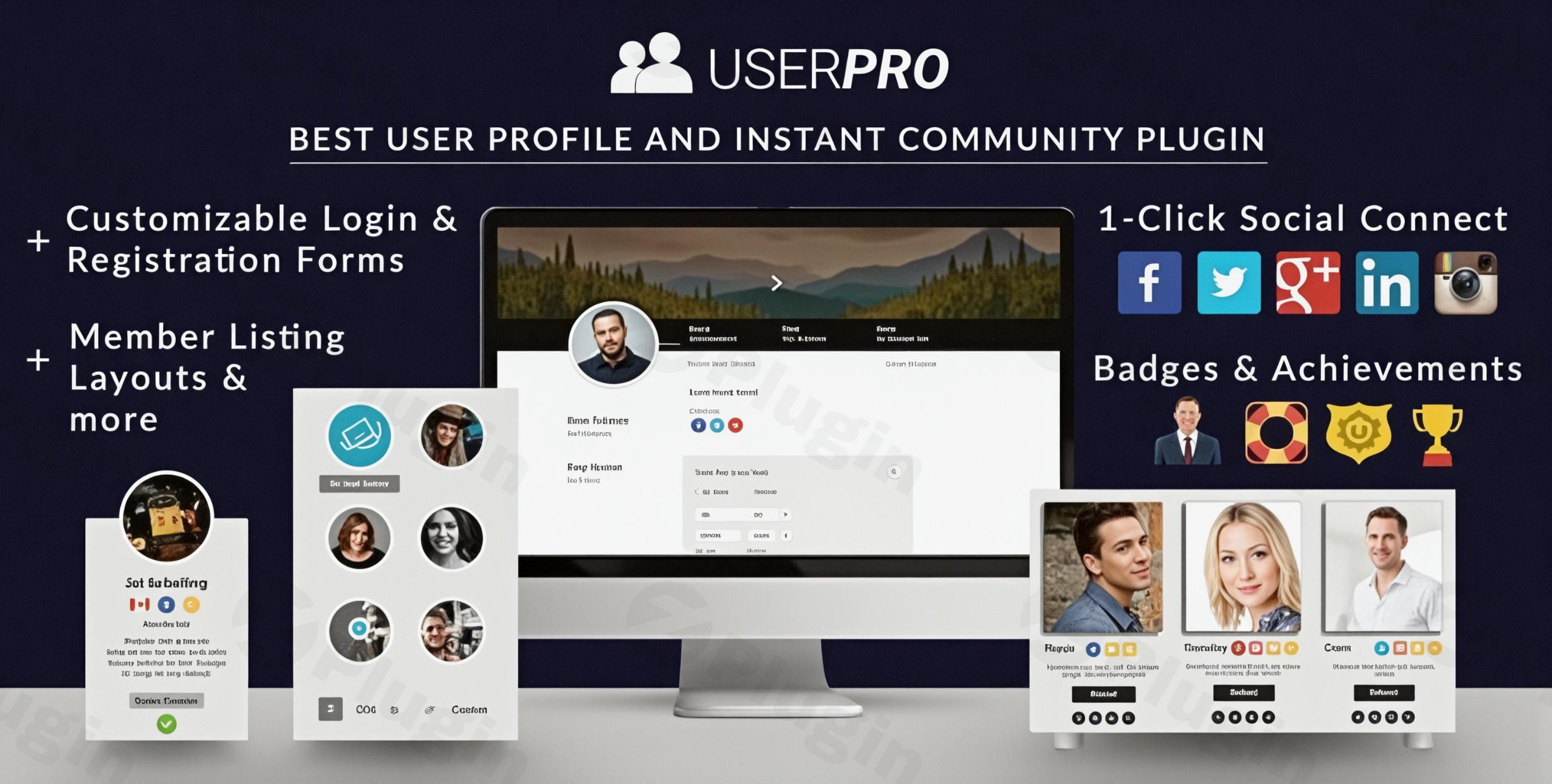
UserPro stands as the premier WordPress plugin for transforming standard websites into dynamic, engaging community platforms. Designed for both seasoned developers and non-technical site administrators, this powerful solution offers an extensive suite of tools for creating beautiful front-end user profiles, streamlining registration processes, and fostering vibrant online communities directly within your WordPress environment. As a premium offering, UserPro provides advanced, reliable capabilities that are crucial for building trust and delivering an exceptional user experience.
Unlocking Community Potential: Key Features of UserPro
UserPro’s comprehensive feature set is engineered to empower website owners to build, manage, and scale their online communities with unparalleled ease and flexibility. Each feature is meticulously crafted to add significant value, simplifying complex tasks, and enhancing user engagement.
Advanced Social Networking Capabilities
UserPro facilitates professional social interactions within your community. Implement intuitive follow/unfollow functionality, allowing members to connect and engage with each other effortlessly. With ready-to-use shortcodes, you can easily display followers and following lists, seamlessly integrating them into your site’s design for a cohesive user experience.
Dynamic Activity Streams
Keep your community highly engaged with real-time activity streams. These streams display recent user actions such as registrations, new posts, comments, and follows. Site administrators can choose between public streams for broad visibility or private streams to offer personalized content and interactions to individual users, enhancing the sense of community.
Flexible Member Display Options
Showcase your community members with versatility using UserPro’s multiple layout options. Choose from standard tables, modern collage layouts, or design completely customized member listings that align perfectly with your brand and aesthetic preferences. This flexibility ensures your member directory is both functional and visually appealing.
Powerful Member Directory
Beyond simple listings, UserPro includes an enhanced member directory that offers sophisticated search and filtering capabilities. This powerful system allows users to efficiently find and connect with relevant community members based on various criteria, making networking within your site intuitive and effective.
Front-End Content Publishing
Empower your users to contribute content without ever needing to access the WordPress backend. UserPro’s front-end publisher supports all custom post types and categories, making content creation accessible and user-friendly for all community members, from casual contributors to regular authors.
Author Content Showcase
Dynamically display user-generated content across your site. UserPro allows you to feature author posts prominently in wide content areas, sidebars, and directly within user profiles. All displays are fully responsive, ensuring optimal viewing across all devices.
Recognition System: Badges and Achievements
Motivate and reward your community members with an integrated recognition system. Assign badges and achievements manually or set them to be awarded automatically based on user roles and specific activities. The plugin supports custom badge uploads, allowing for personalized recognition that boosts engagement and loyalty.
Smart Content Restriction
Gain precise control over your website’s content with UserPro’s robust content restriction features. You can restrict entire pages, specific posts, custom content, or even your entire site based on various conditions, including user roles, verification status, or login requirements. This ensures that only authorized users can access premium or exclusive content.
Customizable Front-End User Profiles
UserPro allows for the creation of visually appealing and highly customizable front-end user profiles. Users can personalize their profiles with custom fields, profile pictures, and cover photos, providing a rich, branded experience that keeps users engaged.
Seamless Front-End Registration and Login
Offer a frictionless user experience with customizable front-end registration and login forms. These forms can be embedded anywhere on your site, eliminating the need for users to access the WordPress backend for account management, thus improving site navigation and usability.
Extensive Social Integration
Expand your community’s reach and simplify the user onboarding process with UserPro’s social media integration. Users can easily register and log in using their accounts from popular platforms like Facebook, Twitter, LinkedIn, Instagram, and VK, along with social connect and sync features.
Robust Email Notifications and Marketing Integration
UserPro provides comprehensive options for configuring email templates and notifications for various user actions. It also supports seamless integration with leading email marketing services such as MailChimp, Aweber, Campaign Monitor, Feedblitz, and Mailster, enabling effective communication and audience segmentation.
Advanced User Management
UserPro offers an array of powerful user management tools, including options to manually approve new users, require email validation, or auto-approve signups. Administrators can easily block or unblock user accounts, perform CSV export/import of user data, and provide front-end password reset and change functionalities. Custom redirects after login or registration enhance user flow, while the ability to customize automatic posts and integrate with myCRED for a points/rewards system further enriches the user experience.
Broad Compatibility
UserPro is designed to integrate smoothly with popular WordPress plugins, including BuddyPress and bbPress, enhancing its capabilities for social networking and forum creation. This ensures a flexible and extensible platform for your community needs.
Setup and Usage Guide: Getting Started with UserPro
Setting up UserPro to build your thriving community is straightforward, designed for ease of use without compromising powerful features.
- Installation: As a premium plugin, UserPro is installed like any other WordPress plugin. Download the plugin files, then navigate to your WordPress dashboard > Plugins > Add New > Upload Plugin, select the UserPro ZIP file, and click “Install Now.” Once uploaded, click “Activate Plugin.”
- Initial Configuration: After activation, UserPro adds a dedicated menu item to your WordPress dashboard. Here, you can access the plugin’s settings to configure global options, such as general display, email templates, and social integration settings.
- Creating Profiles and Directories: Utilize UserPro’s intuitive shortcode generator to embed user profiles, registration forms, login forms, and member directories anywhere on your site. For example, to display a member directory, simply insert the relevant shortcode into a page.
- Customizing Forms: Navigate to the forms section within UserPro’s settings to customize registration and login forms. Add or remove fields, set validation rules, and control which fields are required to gather the necessary user information.
- Implementing Features: Enable and configure specific features like content restriction, badges, and activity streams through the plugin’s settings panels. For content restriction, define rules based on user roles or login status for specific pages or posts. For badges, upload custom images and set criteria for automatic assignment.UserPro requires WordPress version 3.5 or higher and is fully responsive, ensuring your community site looks great on any device. While built for performance, if you experience slowdowns, consider optimizing your hosting environment or, as a temporary measure, turning off the activity log to improve site speed.
Benefits for All Users
UserPro is crafted to deliver significant advantages to a diverse user base, from technical administrators to everyday community members.
- For Technical Users (Developers & Administrators): UserPro offers a clean codebase built with WordPress standards, ensuring seamless integration with existing themes and plugins. Its easy-to-use API with hooks and filters provides extensibility for custom development. The plugin simplifies complex user management tasks, reduces development time, and provides robust tools for maintaining a secure and high-performing community site.
- For Non-Technical Users (Marketers & Content Creators): The intuitive front-end interface, easy-to-use shortcodes, and visual customization options make UserPro incredibly accessible. Marketers can quickly launch engaging community features without needing to write a single line of code. The front-end publisher streamlines content contribution, and the recognition system provides simple tools for motivating users and fostering engagement. UserPro ultimately translates into improved user retention, increased content generation, and enhanced brand loyalty.
Technical Excellence and Reliability
UserPro is engineered with a commitment to technical excellence. Its robust architecture ensures exceptional performance, responsive design, and seamless integration with popular WordPress themes and plugins. Built with best practices in mind, it operates smoothly without compromising your website’s speed or stability. It is compatible with WordPress Multisite installations, offering scalability for larger networks. This foundational reliability underscores UserPro’s premium value, providing a stable and secure platform for your community.
Why Choose UserPro? Expertise, Authoritativeness, and Trust
UserPro is more than just a plugin; it’s a comprehensive ecosystem for community building, trusted by thousands of website owners worldwide. It is consistently described as a versatile and all-in-one solution for creating complete community sites and managing user profiles effectively. Reviews frequently highlight its extensive customization options and flexibility, allowing site owners to craft unique user experiences.The plugin’s reputation for having a strong and credible support team further solidifies its trustworthiness. This commitment to customer satisfaction ensures that users receive expert assistance when needed, building confidence in their investment. While providing advanced functionality, UserPro is also priced affordably, making it an accessible yet powerful premium tool for businesses and organizations of all sizes looking to build engaging online communities.
Important Considerations
While UserPro is feature-rich, it’s important to note that it does not include built-in payment processing capabilities. If your intention is to charge members for access to your site or specific content, you will need to integrate UserPro with a separate membership or e-commerce plugin. Ensuring compatibility with other plugins and maintaining adequate WordPress memory limits are also best practices for optimal performance.
Conclusion
UserPro stands as the ultimate premium solution for creating vibrant, interactive, and highly functional community and user profile-driven websites on WordPress. By providing an unparalleled array of features, from advanced social networking and dynamic activity streams to smart content restriction and comprehensive user management, UserPro empowers you to cultivate a thriving online community. Choose UserPro to elevate your WordPress site into a truly engaging and dynamic social hub, backed by technical excellence, robust support, and a commitment to user satisfaction.
I. Download Limits & Account Benefits
- Free Downloads: Each email address receives 3 downloads per day for free products
- Upgrade Benefits: Purchase any paid product to increase your daily download limit by 3 for each paid product
- No Account Required: You can download immediately by receiving the download link via email
- Account Recommended: Create an account for easier access to your order history and direct update downloads
II. Understanding GPL vs Official Versions
Important: The products available on WPPick are GPL-licensed versions, which differ from official developer versions. Before purchasing, please read our comprehensive guide: Understanding GPL & Official Differences at WPPick
Key Points:
- GPL versions may not include premium support from original developers
- Updates may be delayed compared to official releases
- Some premium features might have limitations
- Always consider your specific needs and support requirements
III. Support & Assistance
We’re here to help through multiple channels:
- Email Support: Direct email assistance for all inquiries
- Live Chat: Real-time support during business hours
- Comprehensive Documentation: Detailed guides and tutorials
IV. Order Tracking
Access your complete purchase history and download links anytime: Order History
V. Account Access
New to WPPick? Login or Create Account to manage your downloads and orders efficiently.
VI. Refund Protection
We stand behind our products with a clear refund policy. Review our terms: Refund Policy
VII. Privacy & Security
Your data security is our priority. Learn how we protect your information: Privacy Policy
VII. Terms of Service
Understanding our service terms ensures a smooth experience: Terms of Use
Quick Tips for Best Experience
- Verify Compatibility: Check plugin/theme compatibility with your WordPress version
- Backup First: Always backup your site before installing new plugins or themes
- Test Environment: Consider testing on a staging site first
- Stay Updated: Regularly check for updates in your account dashboard
- Read Documentation: Review any included documentation for optimal setup
Need Help?
If you have questions about downloads, licensing, or need technical assistance, don’t hesitate to contact our support team. We’re committed to ensuring you have the best possible experience with WPPick products.
Ready to get started? Your download adventure begins with just one click!
- Fixed issue that caused settings tabs to not display in the UserPro settings page
- Security fix