

Video Blogster Pro – Import Youtube Videos To WordPress. Also Dailymotion, Spotify, Vimeo, More
/Year
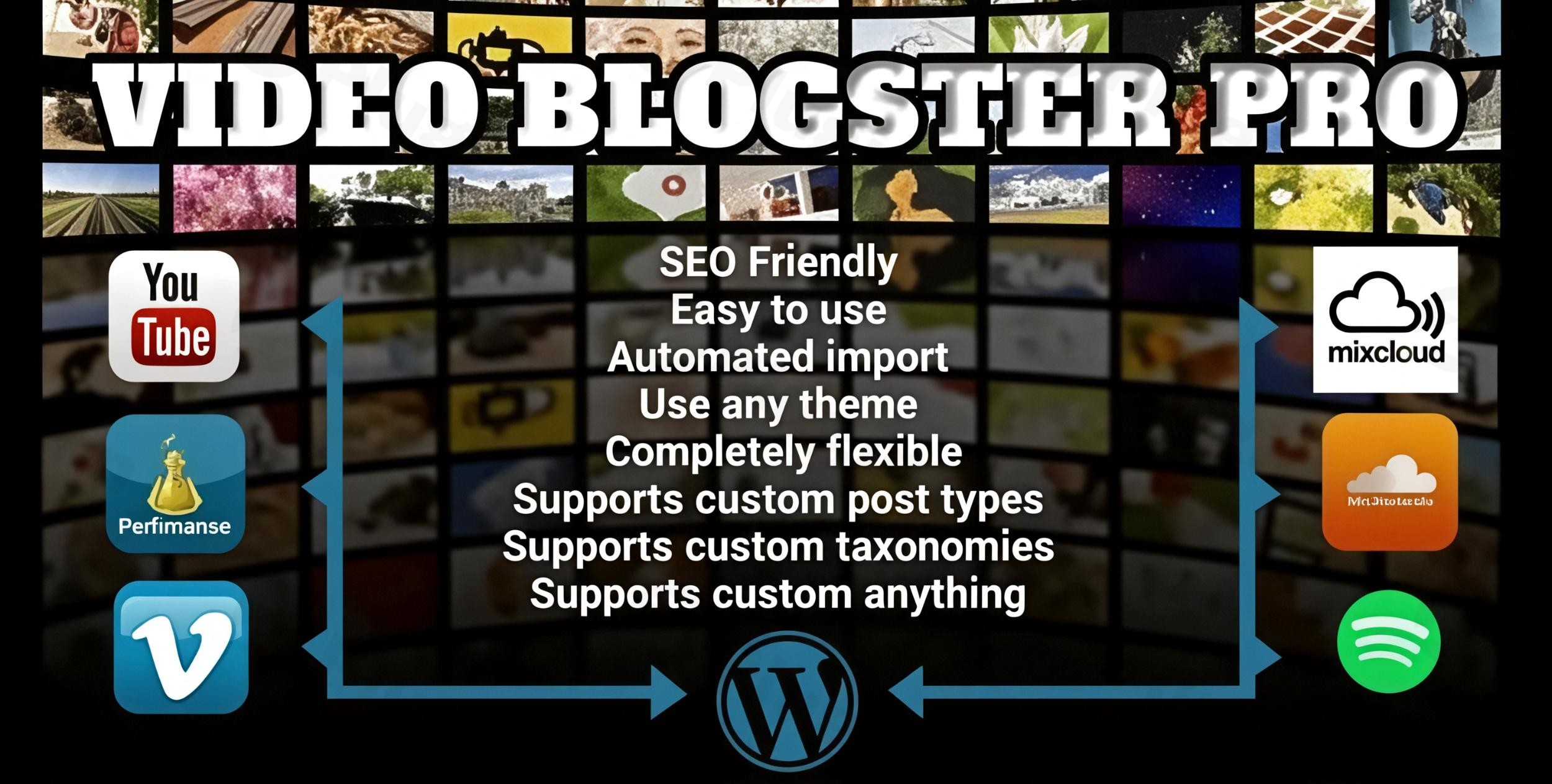
Maintaining a fresh stream of content is one of the biggest challenges for any website owner. If you run a video-heavy site, a news portal, or a niche music blog, manually embedding media and writing descriptions is a massive time sink. Video Blogster Pro is a powerful WordPress video import plugin designed to solve this problem by automating the process of fetching and posting multimedia content directly to your site.
Whether you want to import YouTube videos to WordPress or curate playlists from Spotify, this plugin acts as a bridge between major media platforms and your WordPress dashboard. It doesn’t just embed a link; it creates full, SEO-optimized posts with titles, descriptions, tags, and even comments, allowing you to build an automated content powerhouse with minimal effort.
Key Features of Video Blogster Pro
Video Blogster Pro stands out because it goes far beyond simple YouTube embeds. It is a comprehensive tool for “auto-blogging” and media curation.
1. Multi-Platform Support (More Than Just YouTube)
While most tools focus solely on one platform, Video Blogster Pro allows you to import content from:
- Video: YouTube (API v3), Vimeo, Dailymotion, and GiantBomb.
- Audio/Music: Spotify, SoundCloud, and Mixcloud.This makes it the best plugin to import Dailymotion and Vimeo videos to WordPress while simultaneously supporting music discovery sites.
2. Intelligent Content Automation
The plugin’s core strength is its WordPress auto blogging plugin capabilities. You can set up “Feeds” based on:
- Keywords or search phrases.
- Specific YouTube Channels or User IDs.
- Playlists and specific Video/Track IDs.Once configured, the built-in scheduler fetches new content in the background, ensuring your site stays updated 24/7 without you ever clicking “Publish.”
3. Advanced Content Processing & Spinning
To avoid “duplicate content” issues, Video Blogster Pro offers advanced processing options. You can use integrated content spinning and language translation tools to make imported descriptions unique. It also allows you to strip out unwanted links or specific text strings from the original source.
4. High-Quality Media Handling & SEO
The plugin fetches the highest resolution thumbnails available and saves them directly to your WordPress Media Library as featured images. It also imports metadata like view counts, likes, and ratings, which can be mapped to custom fields. This ensures your imported YouTube videos in WordPress posts look professional and rank well in search engines.
How to Install and Set Up Video Blogster Pro
Setting up the plugin is straightforward, even for non-developers. Follow these steps to start your automated video site:
- Installation: Download the plugin file after purchase. Navigate to your WordPress Dashboard, go to Plugins > Add New > Upload, and select the zip file. Click Activate.
- API Configuration: Most platforms require an API key to fetch data. For example, to import YouTube videos to WordPress, you will need a YouTube API v3 Key (available for free via Google Cloud Console). Enter your keys in the plugin’s “Settings” tab.
- Create a New Feed: Go to the “Feeds” section and click Add New.
- Source: Choose your platform (e.g., YouTube or Spotify).
- Query: Enter your keywords, channel URL, or playlist ID.
- Post Settings: Select which category the posts should go into and what “Post Status” they should have (e.g., Published or Draft).
- Schedule & Run: Set the frequency (e.g., every 2 hours). You can click “Run Now” to test the feed and watch as your first set of posts is created automatically.
Practical Usage & Best Practices
To get the most out of Video Blogster Pro, consider these real-world workflows:
- For Niche Curation Sites: If you run a site dedicated to “Electric Vehicle News,” set up feeds for the top 10 EV channels on YouTube. This keeps your site the “go-to” hub for the latest industry videos.
- For Music Bloggers: Use the Spotify music import WordPress feature to automatically create posts for new releases from specific artists or genres. This is an ideal way to build a community around curated sounds.
- SEO Tip (Content Customization): Never just import the raw description. Use the plugin’s “Template” feature to add your own introduction or call-to-action (CTA) to every imported post automatically.
- Maintenance: Use the Broken Media Detection feature. Video Blogster Pro can automatically flag or delete posts if the original video is removed by the owner on YouTube or Vimeo, keeping your site clean and professional.
FAQ & Troubleshooting
How does Video Blogster Pro work?
Video Blogster Pro works by connecting to the APIs of platforms like YouTube, Vimeo, and Spotify. It searches for content based on your specific criteria (keywords, channels, etc.) and then automatically creates a new WordPress post for each item found. It downloads the thumbnail to your library and embeds the media using the native WordPress player or shortcodes.
Is Video Blogster Pro compatible with my WordPress theme?
Yes, Video Blogster Pro is designed to be compatible with most WordPress themes. It has built-in detection for premium themes (like those focused on video) that use custom meta fields. It supports Gutenberg, Elementor, and other page builders by utilizing standard WordPress post types.
Can I import Spotify playlists into a WordPress blog?
Yes, you can import Spotify playlists into a WordPress blog using Video Blogster Pro. The plugin allows you to fetch tracks from Spotify and convert them into individual WordPress posts or curated lists, making it an excellent tool for music influencers and reviewers.
Will importing videos slow down my website?
No. Because the plugin embeds the videos rather than hosting the video files on your server, your bandwidth usage remains at $0. The only thing saved to your server is the thumbnail image and the post text, ensuring your site remains fast and responsive.
Conclusion: The Verdict on Video Blogster Pro
If you are looking for a reliable, professional-grade WordPress video import plugin, Video Blogster Pro offers the best balance of features and ease of use. It transitions your website from a manual blog to an automated media hub, saving hundreds of hours of manual data entry.
With its ability to handle multiple sources (YouTube, Vimeo, Spotify), manage SEO metadata, and clean up broken links, it provides a massive ROI for marketers and agency owners. Whether you are building a video gallery or a music discovery portal, Video Blogster Pro is the definitive tool for automated multimedia content management.
I. Download Limits & Account Benefits
- Free Downloads: Each email address receives 3 downloads per day for free products
- Upgrade Benefits: Purchase any paid product to increase your daily download limit by 3 for each paid product
- No Account Required: You can download immediately by receiving the download link via email
- Account Recommended: Create an account for easier access to your order history and direct update downloads
II. Understanding GPL vs Official Versions
Important: The products available on WPPick are GPL-licensed versions, which differ from official developer versions. Before purchasing, please read our comprehensive guide: Understanding GPL & Official Differences at WPPick
Key Points:
- GPL versions may not include premium support from original developers
- Updates may be delayed compared to official releases
- Some premium features might have limitations
- Always consider your specific needs and support requirements
III. Support & Assistance
We’re here to help through multiple channels:
- Email Support: Direct email assistance for all inquiries
- Live Chat: Real-time support during business hours
- Comprehensive Documentation: Detailed guides and tutorials
IV. Order Tracking
Access your complete purchase history and download links anytime: Order History
V. Account Access
New to WPPick? Login or Create Account to manage your downloads and orders efficiently.
VI. Refund Protection
We stand behind our products with a clear refund policy. Review our terms: Refund Policy
VII. Privacy & Security
Your data security is our priority. Learn how we protect your information: Privacy Policy
VII. Terms of Service
Understanding our service terms ensures a smooth experience: Terms of Use
Quick Tips for Best Experience
- Verify Compatibility: Check plugin/theme compatibility with your WordPress version
- Backup First: Always backup your site before installing new plugins or themes
- Test Environment: Consider testing on a staging site first
- Stay Updated: Regularly check for updates in your account dashboard
- Read Documentation: Review any included documentation for optimal setup
Need Help?
If you have questions about downloads, licensing, or need technical assistance, don’t hesitate to contact our support team. We’re committed to ensuring you have the best possible experience with WPPick products.
Ready to get started? Your download adventure begins with just one click!
- Bug fixes
- New Bearer token for API requests