

Video Gallery WordPress Plugin /w Youtube, Vimeo, Facebook Pages
/Year
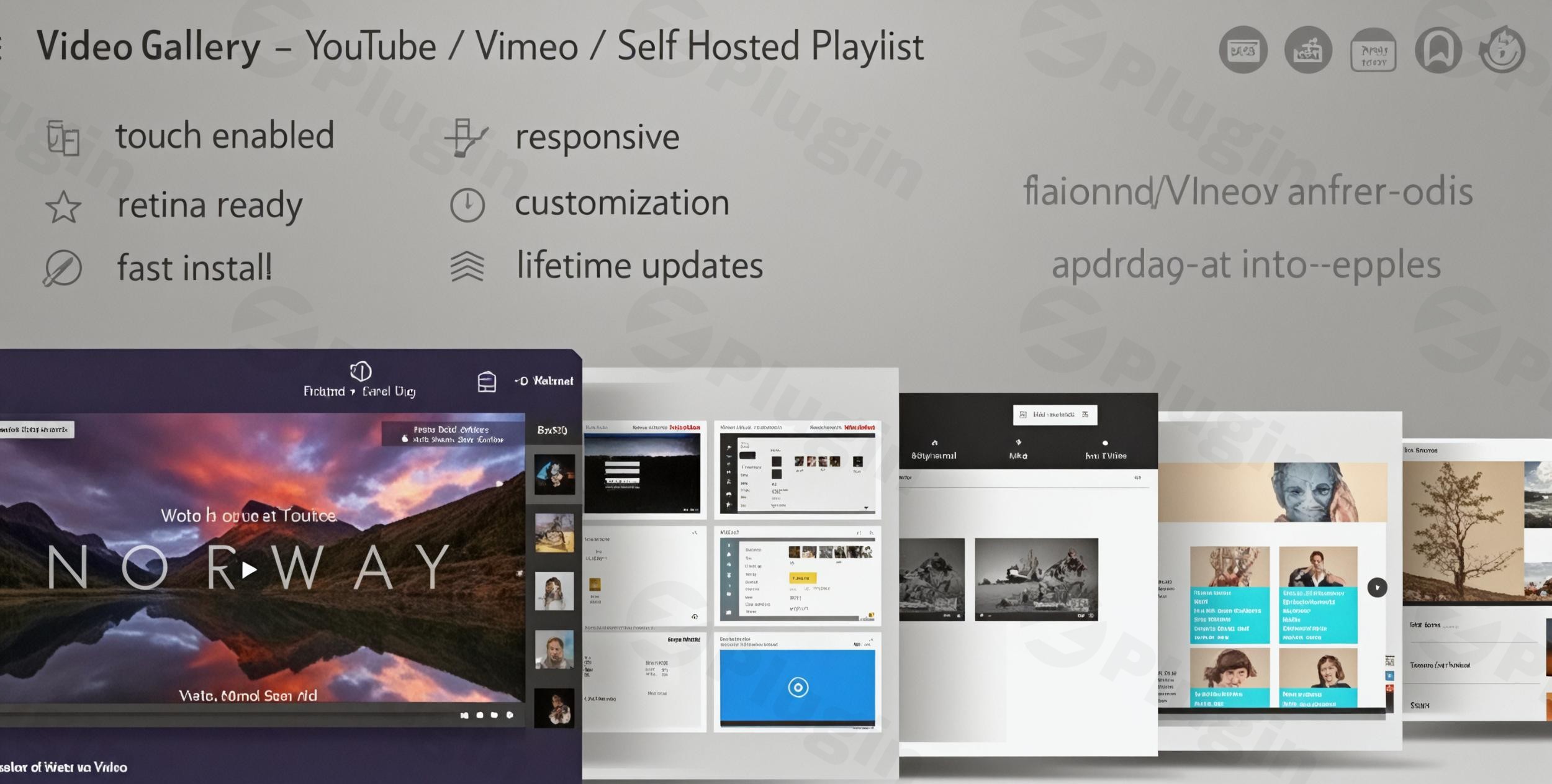
In today’s visually-driven digital landscape, high-quality video content is paramount for engaging audiences and enhancing user experience. The Ultimate Video Gallery WordPress Plugin stands as a premium, robust solution designed to empower WordPress users to create, manage, and display stunning video galleries with unparalleled ease and sophistication. This article provides a comprehensive overview of its features, technical prowess, and the myriad benefits it offers to content creators, businesses, and educators alike.
Transform Your Website with Professional Video Galleries
The Ultimate Video Gallery WordPress Plugin is more than just a simple embed tool; it’s a comprehensive platform engineered to elevate your WordPress site with advanced video capabilities. It enables the creation of responsive, visually appealing video galleries that perform flawlessly across all devices and platforms, ensuring your content always looks its best. As a premium offering, it delivers reliability, cutting-edge functionality, and dedicated support, distinguishing it from basic alternatives.
Key Features That Set This Plugin Apart
This plugin is packed with features designed to simplify video management and enhance content delivery, making it an indispensable asset for any WordPress site utilizing video.
Multi-Source Video Integration
One of the plugin’s core strengths is its ability to aggregate video content from a multitude of sources. Users can seamlessly pull videos from popular platforms such as YouTube, Vimeo, Facebook, and Dailymotion, as well as integrate self-hosted videos (supporting formats like MP4, WebM, OGV, HLS, and MPEG-DASH). This unified approach allows for the creation of diverse galleries that can combine content from various origins into a single, cohesive display.
Responsive Design & Mobile Optimization
In an era dominated by mobile browsing, responsive design is non-negotiable. The Ultimate Video Gallery WordPress Plugin automatically adapts to any screen size, ensuring perfect rendering on desktops, tablets, and mobile devices. Its HTML5 video playback guarantees broad compatibility with iOS and Android devices, providing an optimal viewing experience for all users, regardless of their preferred device.
Advanced Customization Options
Tailoring your video galleries to match your website’s branding and aesthetic is crucial for a professional look. This plugin offers extensive customization options, including multiple pre-designed skins. For those seeking complete control, a built-in skin generator allows users to craft custom designs, ensuring the gallery integrates seamlessly with their site’s overall style.
Smart Streaming Technology
Delivering a smooth, uninterrupted viewing experience is paramount. The plugin incorporates DASH MPEG streaming support, which ensures consistent, high-quality playback across all major web browsers. Furthermore, advanced caching mechanisms are employed to significantly reduce loading times and optimize performance, leading to a superior user experience.
Professional Administration Panel
Managing a vast library of video content is made effortless through the plugin’s intuitive drag-and-drop administration panel. This user-friendly interface simplifies gallery management, allowing users to duplicate galleries, batch upload videos, and organize their content with unprecedented ease and efficiency.
Social Media Integration
Maximizing content reach often involves social sharing. The plugin enhances this capability with Open Graph meta tags, ensuring that when videos are shared on social platforms, the correct thumbnail and title are displayed. Deep linking functionality also allows for direct access to specific videos within galleries, improving shareability and user navigation.
Multi-Language & RTL Support
For global audiences, accessibility is key. The Ultimate Video Gallery WordPress Plugin is fully compatible with right-to-left (RTL) languages, including Arabic and Hebrew. Its professional localization readiness ensures that international websites can effectively serve diverse linguistic audiences.
Technical Excellence
Beyond its user-facing features, the Ultimate Video Gallery WordPress Plugin is built on a foundation of technical excellence, ensuring reliability, performance, and accessibility.
API Integration
The plugin boasts full integration with YouTube and Vimeo APIs. This deep integration unlocks advanced functionalities, such as private video access for Vimeo PRO accounts and extended API limits, which are crucial for professional content management.
Accessibility Features
Committed to inclusivity, the plugin includes important accessibility features. It supports SRT subtitles, enabling content to be understood by a wider audience, including those with hearing impairments. Keyboard navigation and screen reader compatibility further ensure that content is accessible to all users.
Performance Optimized
A clean, lightweight code architecture underpins the plugin’s design, ensuring fast loading times without compromising on its rich feature set. Efficient caching mechanisms are implemented to reduce server load, contributing to overall website performance and improved SEO rankings.
Why Choose Ultimate Video Gallery Plugin from ZeroPlugin.com?
Choosing a premium plugin involves trust and confidence in its quality and support. When acquiring the Ultimate Video Gallery WordPress Plugin from ZeroPlugin.com, users benefit from several assurances:
- GPL Licensed Product: All plugins are distributed under the GPL license, guaranteeing legal compliance and the freedom to use the plugin across multiple projects without additional licensing fees.
- Regular Updates & Security: The plugin receives frequent updates, bringing new features, performance enhancements, and crucial security patches. All code is rigorously scanned through VirusTotal and third-party security services to maintain high security standards.
- Quality Guarantee: Each plugin undergoes stringent testing to ensure compatibility with the latest WordPress versions and popular themes/plugins, providing a reliable and stable experience.
- Professional Support: Users gain access to comprehensive documentation and professional support resources, ensuring they can maximize the plugin’s potential and resolve any queries efficiently.
Perfect For
The versatility and advanced capabilities of the Ultimate Video Gallery WordPress Plugin make it ideal for a wide range of applications:
- Media companies and content creators looking to showcase their video productions.
- Educational institutions and training platforms needing to organize and present video lectures or tutorials.
- E-commerce sites for displaying product video galleries that enhance customer engagement.
- Portfolio websites and creative agencies to elegantly present their video work.
- News sites and media portals requiring dynamic video integration.
- Membership sites offering exclusive video content to subscribers.
Setup and Installation Guide
Getting started with the Ultimate Video Gallery WordPress Plugin is a straightforward process, following standard WordPress plugin installation practices:
- Download the Plugin: After purchasing, download the plugin’s
.zipfile from ZeroPlugin.com. - Upload to WordPress: Log in to your WordPress admin dashboard. Navigate to
Plugins>Add New. Click on theUpload Pluginbutton at the top of the page. - Choose File: Click
Choose Fileand select the.zipfile you downloaded. - Install and Activate: Click
Install Now, thenActivate Pluginonce the installation is complete. - Initial Configuration: Upon activation, a new menu item, typically labeled “Video Gallery” or similar, will appear in your WordPress admin sidebar. Navigate to this section to begin initial configuration, set up API keys for YouTube/Vimeo, and adjust global settings.
Usage Guide: Creating and Managing Your Video Galleries
Once installed and activated, leveraging the power of the Ultimate Video Gallery WordPress Plugin is intuitive:
- Create a New Gallery: From the plugin’s admin panel, select “Add New Gallery.”
- Add Videos: Use the drag-and-drop interface to add videos. You can paste URLs from YouTube, Vimeo, Facebook, Dailymotion, or upload self-hosted video files. The multi-source integration allows you to mix and match.
- Organize and Customize: Drag and drop videos to reorder them within the gallery. Utilize the advanced customization options to select a skin, adjust colors, and configure playback settings (e.g., autoplay, loop).
- Generate Shortcode: After saving your gallery, the plugin will generate a unique shortcode for it.
- Embed on Your Site: Navigate to any WordPress post or page where you wish to display the gallery. Paste the generated shortcode directly into the content editor. The gallery will automatically render on the front end, fully responsive and optimized.
- Manage and Update: Return to the administration panel to easily duplicate galleries, batch edit videos, or update existing content. The intuitive interface ensures ongoing management is as simple as initial creation.
Conclusion
The Ultimate Video Gallery WordPress Plugin from ZeroPlugin.com offers an unparalleled blend of powerful features, robust technical architecture, and user-friendly design. It stands out as a premium, reliable solution for anyone serious about showcasing video content on their WordPress website. By providing seamless multi-source integration, responsive design, extensive customization, and a focus on performance and accessibility, this plugin empowers users—from media professionals to small business owners—to deliver an exceptional video experience that engages audiences and elevates their digital presence. Transform how you display video content on your WordPress website today and unlock the full potential of your visual storytelling.
I. Download Limits & Account Benefits
- Free Downloads: Each email address receives 3 downloads per day for free products
- Upgrade Benefits: Purchase any paid product to increase your daily download limit by 3 for each paid product
- No Account Required: You can download immediately by receiving the download link via email
- Account Recommended: Create an account for easier access to your order history and direct update downloads
II. Understanding GPL vs Official Versions
Important: The products available on WPPick are GPL-licensed versions, which differ from official developer versions. Before purchasing, please read our comprehensive guide: Understanding GPL & Official Differences at WPPick
Key Points:
- GPL versions may not include premium support from original developers
- Updates may be delayed compared to official releases
- Some premium features might have limitations
- Always consider your specific needs and support requirements
III. Support & Assistance
We’re here to help through multiple channels:
- Email Support: Direct email assistance for all inquiries
- Live Chat: Real-time support during business hours
- Comprehensive Documentation: Detailed guides and tutorials
IV. Order Tracking
Access your complete purchase history and download links anytime: Order History
V. Account Access
New to WPPick? Login or Create Account to manage your downloads and orders efficiently.
VI. Refund Protection
We stand behind our products with a clear refund policy. Review our terms: Refund Policy
VII. Privacy & Security
Your data security is our priority. Learn how we protect your information: Privacy Policy
VII. Terms of Service
Understanding our service terms ensures a smooth experience: Terms of Use
Quick Tips for Best Experience
- Verify Compatibility: Check plugin/theme compatibility with your WordPress version
- Backup First: Always backup your site before installing new plugins or themes
- Test Environment: Consider testing on a staging site first
- Stay Updated: Regularly check for updates in your account dashboard
- Read Documentation: Review any included documentation for optimal setup
Need Help?
If you have questions about downloads, licensing, or need technical assistance, don’t hesitate to contact our support team. We’re committed to ensuring you have the best possible experience with WPPick products.
Ready to get started? Your download adventure begins with just one click!
- Fixed security notices: PatchStack #5fd5338f-2747-4a0b-9cba-36242f32f34b #74eef2c0-fe15-44ca-abb0-5b461dbdc9e3 #48395a6d-6c94-4638-9b7a-bcf95a2dd633 #f848d1f0-e623-4a52-81b0-67e1af6baf78
- YouTube generation for youtu.be links
- Update preview