
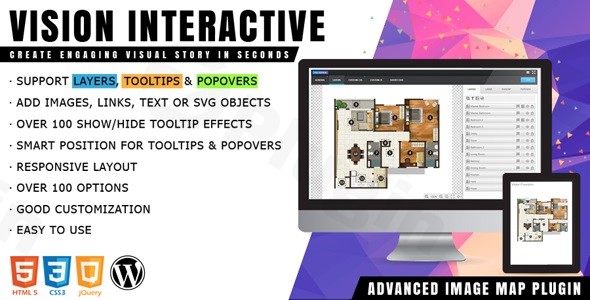
Vision Interactive
/Year
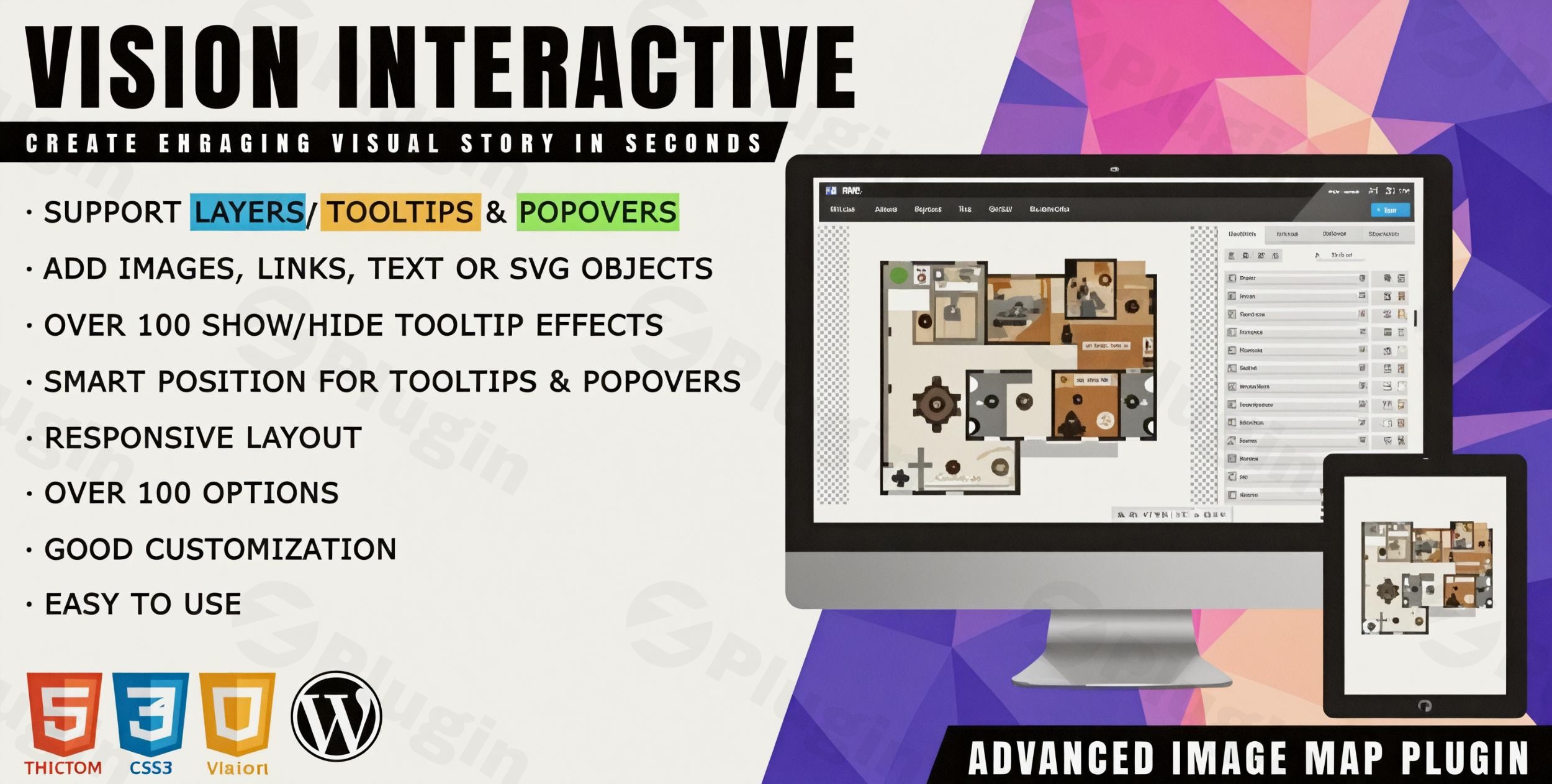
Engage Visitors with Interactive Image Maps and Hotspots
Vision Interactive is a dedicated image map builder plugin designed to turn ordinary flat graphics into multi-layered, interactive elements. Instead of leaving users to browse through static images or read lengthy descriptive text, this tool embeds functional navigation and informational cues directly onto your pictures. It provides an efficient solution for enhancing user engagement, improving navigation, and delivering context-rich information without overwhelming your layout.
Latest Version 1.12.0 Changes
The changelog for Vision Interactive (Vision – Interactive Image Map with Hotspots Builder for WordPress) version 1.12.0 highlights the addition of a promotional notice introducing PicPoints. The subsequent updates, 1.12.1 and 1.12.2, brought an API fix and a change to that promotional notice.
- The WordPress plugin ‘Vision – Interactive Image Map with Hotspots Builder’ (also known as Vision Interactive) released version 1.12.0.
- The official release note for version 1.12.0 states: ‘Added: promotional notice introducing PicPoints.’
- Subsequent patch versions were released: version 1.12.1 (‘Fixed: frontend 403 errors on expired REST API nonces’) and version 1.12.2 (‘Changed: promotional notice introducing PicPoints.’).
What Vision Interactive Does
The plugin acts as an editor overlay for the WordPress media library, enabling you to place interactive markers, geometric shapes, tooltips, and popovers over any standard image file. Whether you need to highlight specific points on a product photograph, map out physical seating charts, or add detailed annotations to an technical diagram, it gives you the administrative controls to draw shapes and pin markers easily. Front-end visitors can hover or click on these elements to reveal text, links, or custom media layers.
Who Is This WordPress Plugin For?
This extension is highly beneficial for several specific website niches. E-commerce store owners use it to create shoppable lookbooks where customers click items within a lifestyle image to purchase them. Real estate agents and property developers implement it to build clickable floor plans and neighborhood layout overviews. Educators, bloggers, and technical documentation writers rely on it to break down complex diagrams or historical maps into easily digestible, interactive learning sections.
Key Capabilities and Features
- Custom Hotspot Placement: Drop precise markers or outline specific regions anywhere on your uploaded graphics.
- Responsive Layout Engine: Ensures all map coordinates, tooltips, and interactive popups scale perfectly across desktop, tablet, and mobile displays.
- Informative Tooltips and Popovers: Configure content layers that appear on hover or click, supporting plain text, HTML elements, and custom links.
- Styling Controls: Adjust marker colors, icon selection, opacity settings, and border radius to mirror your active theme style.
- Lightweight Performance Architecture: Built to load assets asynchronously so that adding rich media elements does not degrade your core web vitals.
Practical WordPress Use Cases
Consider a retail store launching a new clothing collection; they can upload a single group photo and attach direct product page links to each individual garment. A tourism website can use it to display an illustrated map of a holiday resort, highlighting amenities like pools, restaurants, and reception areas with operational hours appearing inside a popover tooltip. It can also function as an interactive organigram or corporate team showcase, linking individual faces to specific bio pages.
Setup and Compatibility Notes
Vision Interactive integrates into your regular WordPress asset workflow. After installation, a dedicated builder menu allows you to generate shortcodes for your interactive creations. These shortcodes can be inserted into any standard page or post using the block editor, classic editor, or popular visual page builders. The code output follows standard HTML and CSS practices, maintaining compatibility across modern web browsers and standard security configurations.
Why Choose This Item on WPPick?
Acquiring Vision Interactive through WPPick allows you to evaluate and test the full capabilities of this hotspot solution inside your staging environment under the GPL framework. This ensures you can build out complete visual designs, verify compatibility with your existing plugin stack, and test mobile responsiveness thoroughly prior to a full production deployment, avoiding restrictive licensing workflows.
Latest Version Context
The latest updates to the plugin bring deliberate refinements to user notifications and core stability. In version 1.12.0, a promotional notification introducing PicPoints was integrated. Subsequent versions 1.12.1 and 1.12.2 addressed minor structural elements, resolving frontend 403 error issues associated with expired REST API nonces and updating the presentation of the PicPoints promotional notification. Keeping your files updated ensures seamless API performance and display consistency.
Frequently Asked Questions
Can I use any image format with this builder?
Yes, you can use any standard web graphic format supported by your WordPress media library, including JPEG, PNG, and WebP files. The coordinates adjust dynamically based on the original aspect ratio.
Are the interactive image maps mobile friendly?
Yes, the plugin is completely responsive. The hotspots and text popovers automatically recalculate their absolute positioning and size boundaries depending on the visitor’s screen width.
Can I link a hotspot directly to an external website?
Yes, each individual marker or shape can be configured either to trigger an informational tooltip container or to act as a direct hyperlink that opens an internal or external URL in the same or a new tab.
Does this plugin slow down page rendering?
No, it is built with performance optimization in mind. Scripts and styles are minified and only load on pages where an interactive image map shortcode is actively detected.
Do I need coding knowledge to draw custom shapes?
No coding is required. The visual builder provides point-and-click tools that allow you to place icons or draw geometric areas directly over your uploaded image file without writing code.
I. Download Limits & Account Benefits
- Free Downloads: Each email address receives 3 downloads per day for free products
- Upgrade Benefits: Purchase any paid product to increase your daily download limit by 3 for each paid product
- No Account Required: You can download immediately by receiving the download link via email
- Account Recommended: Create an account for easier access to your order history and direct update downloads
II. Understanding GPL vs Official Versions
Important: The products available on WPPick are GPL-licensed versions, which differ from official developer versions. Before purchasing, please read our comprehensive guide: Understanding GPL & Official Differences at WPPick
Key Points:
- GPL versions may not include premium support from original developers
- Updates may be delayed compared to official releases
- Some premium features might have limitations
- Always consider your specific needs and support requirements
III. Support & Assistance
We’re here to help through multiple channels:
- Email Support: Direct email assistance for all inquiries
- Live Chat: Real-time support during business hours
- Comprehensive Documentation: Detailed guides and tutorials
IV. Order Tracking
Access your complete purchase history and download links anytime: Order History
V. Account Access
New to WPPick? Login or Create Account to manage your downloads and orders efficiently.
VI. Refund Protection
We stand behind our products with a clear refund policy. Review our terms: Refund Policy
VII. Privacy & Security
Your data security is our priority. Learn how we protect your information: Privacy Policy
VII. Terms of Service
Understanding our service terms ensures a smooth experience: Terms of Use
Quick Tips for Best Experience
- Verify Compatibility: Check plugin/theme compatibility with your WordPress version
- Backup First: Always backup your site before installing new plugins or themes
- Test Environment: Consider testing on a staging site first
- Stay Updated: Regularly check for updates in your account dashboard
- Read Documentation: Review any included documentation for optimal setup
Need Help?
If you have questions about downloads, licensing, or need technical assistance, don’t hesitate to contact our support team. We’re committed to ensuring you have the best possible experience with WPPick products.
Ready to get started? Your download adventure begins with just one click!
- Added: promotional notice introducing PicPoints