
WaBulker Bulk WhatsApp sender + Group Sender + WhatsApp Autobot
/Year
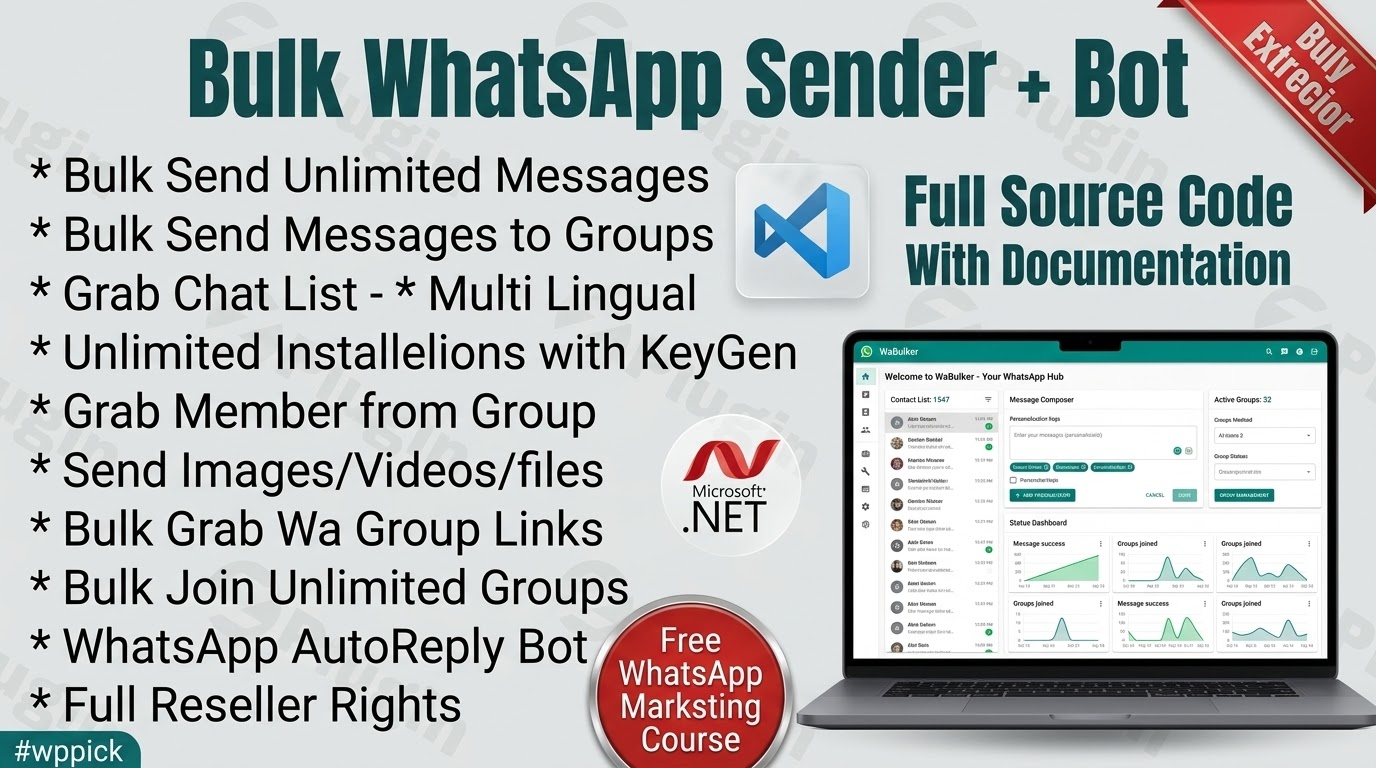
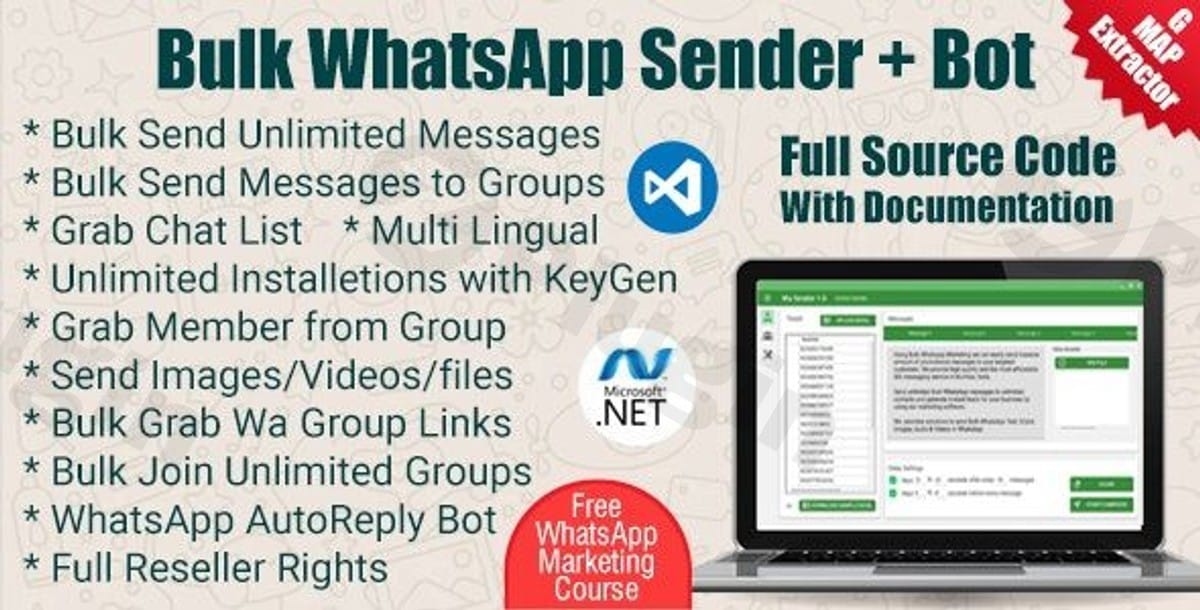
While often sought after for its ability to transform WhatsApp communication, it’s important to clarify that WaBulker is a powerful Windows-based software, not a WordPress plugin. This comprehensive solution is engineered to supercharge your WhatsApp marketing campaigns, offering a robust suite of tools for businesses, marketers, and community managers to connect with their audiences efficiently and at scale.In today’s fast-paced digital landscape, direct and immediate communication is paramount. WaBulker addresses the critical challenge of engaging large customer bases or community groups through WhatsApp, transforming what was once a time-consuming, manual process into a streamlined, automated, and highly effective marketing channel. By enabling bulk messaging, advanced data extraction, and intelligent group management, WaBulker empowers users to execute high-impact campaigns with unparalleled ease and control.
Key Features: Unleashing the Power of WaBulker
WaBulker is packed with functionalities designed to give you a competitive edge in WhatsApp marketing. Each feature is crafted to maximize your reach, personalize your messages, and ensure the safety and efficiency of your campaigns.
Bulk Messaging Capabilities
- Unlimited Reach to Saved and Unsaved Contacts: Break free from limitations. WaBulker allows you to send an unlimited number of WhatsApp messages to both contacts saved in your device and new numbers, drastically expanding your potential audience without manual contact saving.
- Targeted Group Messaging: Engage entire communities instantly. Reach all your joined WhatsApp groups with custom messages, making it ideal for announcements, promotions, or community updates.
- Advanced Delay Management: Protect your WhatsApp account’s integrity. The software incorporates sophisticated delay settings between messages, mimicking human behavior and significantly reducing the risk of your account being flagged or banned. This crucial feature ensures the longevity and effectiveness of your campaigns.
Advanced Group Management
- Extract Group Links from Any Webpage: Discover new engagement opportunities. Effortlessly scrape WhatsApp group invitation links from any webpage, enabling you to identify and join relevant communities for targeted marketing.
- Retrieve Member Numbers from Any WhatsApp Group: Build highly targeted contact lists. Extract the phone numbers of members from any WhatsApp group you are a part of, providing a rich source for segmented campaigns (always ensure compliance with privacy regulations).
- Bulk Import Contacts from Excel Sheets: Streamline your list management. Seamlessly import large contact lists directly from Excel files, saving countless hours of manual data entry and ensuring your campaigns are always based on up-to-date data.
Smart Data Extraction
- Google Map Data Scraper: Pinpoint your local audience. Utilize the integrated Google Map data scraper to gather contact information from businesses in specific geographical locations. This powerful tool enables hyper-local, targeted marketing campaigns.
- Dynamic Parameterized Messaging: Personalization at scale. Create highly personalized messages using dynamic fields. Insert contact-specific information (e.g., name, product interest) from your imported data, making each message feel unique and directly relevant to the recipient, significantly boosting engagement rates.
Professional Features
- Modern Material Design Interface: Experience intuitive navigation. WaBulker boasts a clean, modern Material Design interface that is user-friendly and easy to navigate, even for those new to bulk messaging software.
- Detailed Campaign Reports: Track your success with precision. Access comprehensive reports that provide insights into your campaign performance, including message delivery status and engagement metrics. This data is vital for optimizing future marketing efforts and calculating ROI.
- Comprehensive Documentation with Visual Guides and Videos: Get started quickly and effectively. The plugin comes with thorough documentation, complete with visual aids and video tutorials, ensuring you have all the resources needed to master WaBulker.
Developer-Friendly and ZeroPlugin.com Advantages
- Clean, Well-Structured Source Code: For those with technical expertise, the underlying source code is clean and organized, allowing for easy customization and extension of functionalities.
- Developer Documentation for Branding and Feature Enhancements: Agencies and developers can leverage dedicated documentation to brand the software as their own or integrate custom features, expanding its utility.
- Includes Both Runnable Files and Complete Source Code: You receive both the ready-to-use application and the full source code, offering maximum flexibility and control.
- GPL Licensed for Legal Peace of Mind: WaBulker is GPL licensed, providing flexibility and legal certainty for its use and modification.
- Regular Updates with New Features and Improvements: Benefit from continuous development, ensuring your software remains cutting-edge with new functionalities and performance enhancements.
- VirusTotal Verified for Complete Safety: Your security is paramount. WaBulker is verified by VirusTotal, assuring you of a safe and clean application.
- Full Source Code Transparency & Lifetime Updates: Enjoy complete transparency and the assurance of lifetime updates, protecting your investment and ensuring long-term value.
Installation & Setup Guide for WaBulker
Getting started with WaBulker is a straightforward process designed for users of all technical levels.
- Download WaBulker:
- Navigate to ZeroPlugin.com and locate the WaBulker product page.
- Download the WaBulker software package (typically a
.zipfile or an executable installer).
- Extract and Install:
- If you downloaded a
.zipfile, extract its contents to a preferred folder on your Windows computer. - Locate and run the installer executable (e.g.,
setup.exeorWaBulkerInstaller.exe) from the extracted files. - Follow the on-screen prompts to complete the installation process, choosing your desired installation directory.
- If you downloaded a
- Activate Your License:
- Upon first launch, WaBulker will likely prompt you for a license key.
- Enter the license key provided to you by ZeroPlugin.com to activate the software. The included license key manager allows for easy distribution and management if you have multiple activations.
- Connect Your WhatsApp Account:
- Once activated, WaBulker will present an interface to connect your WhatsApp account. This typically involves scanning a QR code using your smartphone’s WhatsApp application (Go to WhatsApp > Settings > Linked Devices > Link a Device).
- Scan the QR code displayed in the WaBulker software with your phone. This establishes a secure link, allowing WaBulker to send messages on your behalf.
- Initial Configuration:
- Familiarize yourself with the WaBulker dashboard. You may want to configure initial settings such as default delay times for message sending to ensure optimal account safety.
Practical Usage and Best Practices
To maximize your success with WaBulker, adopt these best practices:
- Build Targeted Contact Lists:
- Utilize Google Maps Scraper: For local businesses, use the Google Map data scraper to generate highly relevant leads in specific geographic areas.
- Group Member Extraction: Join relevant WhatsApp groups and use the group member extractor to identify potential customers or community members. Always respect group rules and privacy.
- Excel Imports: Keep your contact lists organized in Excel. Segment your lists based on demographics, interests, or previous interactions for more focused campaigns.
- Craft Engaging and Personalized Messages:
- Dynamic Parameters are Key: Always use WaBulker’s dynamic parameterized messaging to insert recipient names or other custom data. A personalized message is far more likely to be read and acted upon than a generic one.
- Clear Call-to-Action (CTA): Every message should have a clear purpose. Whether it’s to visit a website, reply, or make a purchase, guide your recipients with a concise CTA.
- Conciseness: WhatsApp is a personal messaging app. Keep your messages brief, to the point, and easy to digest.
- Prioritize Account Safety and Deliverability:
- Leverage Delay Management: This is non-negotiable. Configure generous delays between messages to prevent your WhatsApp account from being flagged. Start with longer delays and gradually reduce them as you monitor account performance.
- Warm-Up Your Account: If you’re using a new WhatsApp number for bulk sending, start with small batches and gradually increase your sending volume over several days or weeks.
- Avoid Spammy Content: Refrain from sending overly promotional, aggressive, or irrelevant content. Focus on providing value.
- Monitor Reports: Regularly check WaBulker’s campaign reports to track delivery rates and identify any issues. High bounce rates or blocked numbers could indicate problems with your content or sending strategy.
- Ethical Considerations:
- Always adhere to local regulations regarding bulk messaging and data privacy (e.g., GDPR, CCPA).
- Ensure recipients have opted in to receive communications where legally required. Respect opt-out requests promptly.
Conclusion: Your ROI with WaBulker
WaBulker stands as an indispensable tool for anyone looking to scale their communication and marketing efforts through WhatsApp. Its robust feature set, from unlimited bulk messaging and advanced group management to smart data extraction and professional reporting, ensures that your campaigns are not only far-reaching but also highly effective and personalized.By embracing WaBulker, businesses can achieve a significant return on investment through:
- Expanded Reach: Connect with a vast audience without manual limitations.
- Time Efficiency: Automate repetitive messaging tasks, freeing up valuable resources.
- Enhanced Engagement: Drive higher interaction rates through personalization.
- Targeted Marketing: Pinpoint and engage specific customer segments with precision.
- Data-Driven Optimization: Refine your strategies with detailed campaign performance insights.With its flexible licensing and continuous updates from ZeroPlugin.com, WaBulker is more than just a software; it’s a strategic asset for transforming your WhatsApp communication into a powerful engine for growth and engagement.
I. Download Limits & Account Benefits
- Free Downloads: Each email address receives 3 downloads per day for free products
- Upgrade Benefits: Purchase any paid product to increase your daily download limit by 3 for each paid product
- No Account Required: You can download immediately by receiving the download link via email
- Account Recommended: Create an account for easier access to your order history and direct update downloads
II. Understanding GPL vs Official Versions
Important: The products available on WPPick are GPL-licensed versions, which differ from official developer versions. Before purchasing, please read our comprehensive guide: Understanding GPL & Official Differences at WPPick
Key Points:
- GPL versions may not include premium support from original developers
- Updates may be delayed compared to official releases
- Some premium features might have limitations
- Always consider your specific needs and support requirements
III. Support & Assistance
We’re here to help through multiple channels:
- Email Support: Direct email assistance for all inquiries
- Live Chat: Real-time support during business hours
- Comprehensive Documentation: Detailed guides and tutorials
IV. Order Tracking
Access your complete purchase history and download links anytime: Order History
V. Account Access
New to WPPick? Login or Create Account to manage your downloads and orders efficiently.
VI. Refund Protection
We stand behind our products with a clear refund policy. Review our terms: Refund Policy
VII. Privacy & Security
Your data security is our priority. Learn how we protect your information: Privacy Policy
VII. Terms of Service
Understanding our service terms ensures a smooth experience: Terms of Use
Quick Tips for Best Experience
- Verify Compatibility: Check plugin/theme compatibility with your WordPress version
- Backup First: Always backup your site before installing new plugins or themes
- Test Environment: Consider testing on a staging site first
- Stay Updated: Regularly check for updates in your account dashboard
- Read Documentation: Review any included documentation for optimal setup
Need Help?
If you have questions about downloads, licensing, or need technical assistance, don’t hesitate to contact our support team. We’re committed to ensuring you have the best possible experience with WPPick products.
Ready to get started? Your download adventure begins with just one click!
No changelog available.