

Webtofee Import Export For Woocommerce Wrapper
/Year
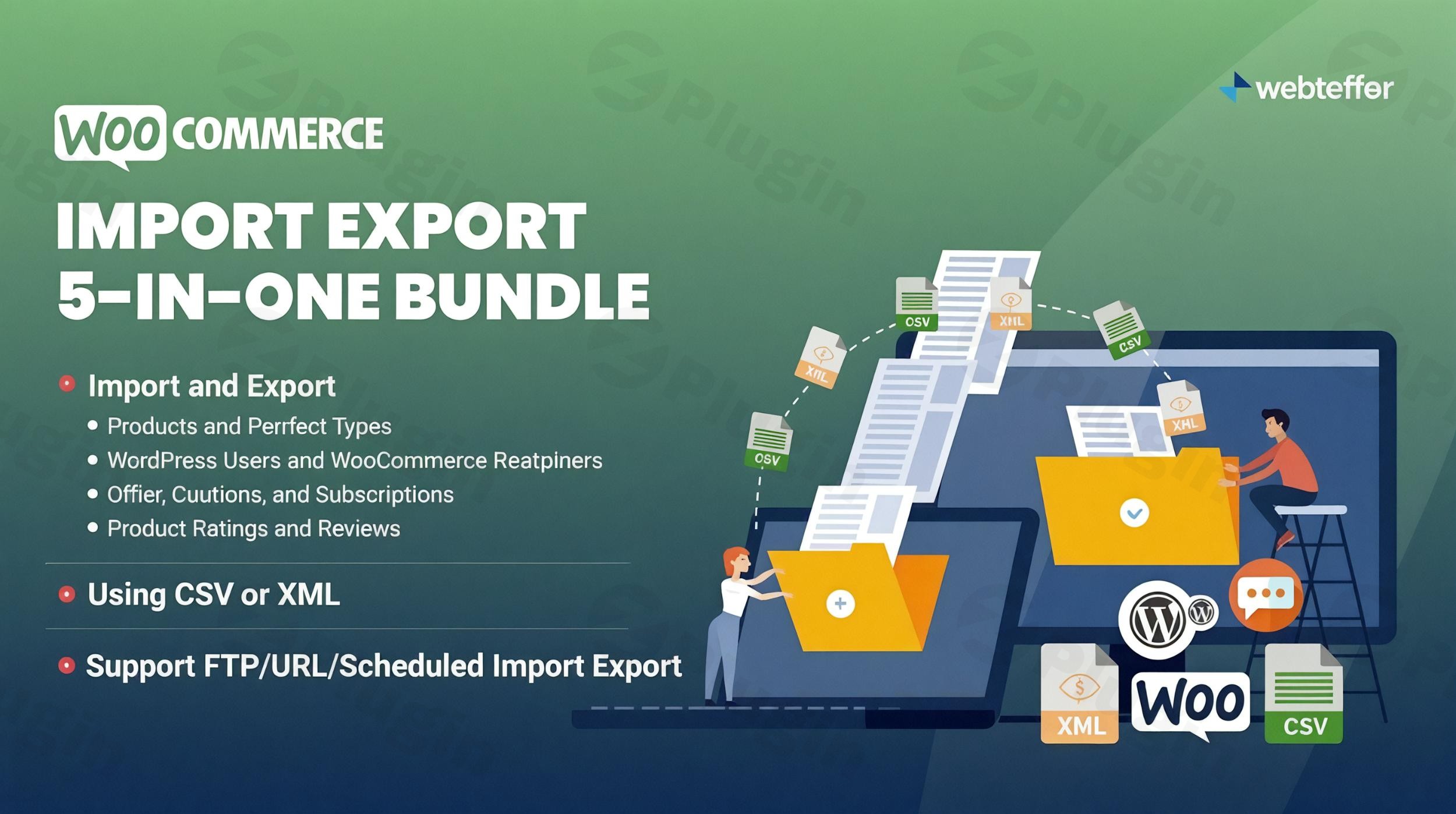
Managing a WooCommerce store involves a significant amount of data, from products and orders to customers and coupons. Whether you’re setting up a new store, migrating to a different host, or simply updating inventory in bulk, handling this data efficiently is crucial for smooth operations and business growth. This is where a powerful WooCommerce import export plugin becomes indispensable.The Webtoffee Import Export for WooCommerce Suite, also known as the All-in-One WooCommerce Import Export Suite, is a comprehensive solution designed to streamline all your WooCommerce data management tasks. This robust plugin simplifies the often-complex processes of bulk importing and exporting various data types, saving you time, reducing manual errors, and enhancing your store’s overall productivity.
Key Features of the Webtoffee Import Export Suite
The Webtoffee Import Export for WooCommerce Wrapper acts as a central hub, offering an extensive array of features to facilitate seamless WooCommerce data migration and management.
- Comprehensive Data Import & Export: This suite supports a wide range of WooCommerce data types, ensuring no information is left behind during transfers. You can effortlessly manage:
- Products: Simple, variable, grouped, external, subscription, and custom product types, including variations, images, and crucial metadata. This is particularly useful for WooCommerce product import export tasks.
- Orders: Full order details, customer information, and status updates, simplifying WooCommerce order export import for reporting or analysis.
- Customers: Billing, shipping, and user account information, perfect for WooCommerce customer import export during migrations or CRM updates.
- Coupons, Product Categories & Tags, Product Reviews & Ratings, and Subscriptions.
- Custom fields, hidden meta, and third-party plugin data across products, orders, and customers, ensuring compatibility with your existing ecosystem.
- Flexible File Format Support: The plugin offers versatility with support for various file formats, including CSV, XML, TSV, and Excel (XLS, XLSX), making it easy to work with data from diverse sources.
- Multiple Import/Export Methods: Choose the method that best fits your workflow:
- Quick Import/Export: For rapid transfers of all data without requiring extensive configuration.
- Pre-saved Templates: Reuse pre-configured settings for repetitive tasks, saving valuable time.
- Advanced Import/Export: Provides granular control with detailed filtering, column selection, and custom options for complex transfers.
- Advanced Filtering Options: Precisely select the data you want to include or exclude during import and export. Filter by criteria such as product type, category, date range, title, tags, and stock status.
- Robust Data Mapping and Re-mapping: The intuitive column-mapping feature allows you to match fields between your import/export files and WooCommerce attributes seamlessly. It supports standard fields, metadata, attributes, and taxonomies, with an automatic mapping option for matching header names.
- Scheduled Automated Imports/Exports: Automate your data processes by scheduling tasks at regular intervals via FTP profiles or cron jobs. This is ideal for continuous data synchronization and backups. Email alerts can notify you of successful cron imports.
- Bulk Update Capabilities: Update existing product data in bulk using simple mathematical formulas directly during import. This is perfect for adjusting prices, stock levels, or other attributes across a large catalog, addressing queries like “WooCommerce bulk update product prices using Excel.”
- ChatGPT Integration: A standout feature, allowing for the automatic generation of missing product descriptions during import using the ChatGPT API, enhancing product completeness and SEO.
- Batch Processing: Ensures successful import/export regardless of data size, preventing server timeouts by processing information in manageable batches.
- Detailed History and Logs: Keep track of all import and export actions with a comprehensive history, including debug logs for easy troubleshooting.
- Secure File Transfers: Supports secure data exchange via FTP/SFTP, adding an extra layer of protection for your valuable store information.
Installing and Setting Up the Webtoffee WooCommerce Import Export Plugin
Getting started with the Webtoffee Import Export for WooCommerce is a straightforward process. The suite typically functions with a “wrapper” plugin and specific add-ons for different data types.
- Purchase and Download: Once you’ve acquired the Webtoffee Import Export Suite, download the plugin files from your purchase account.
- Upload to WordPress:
- Navigate to your WordPress dashboard.
- Go to Plugins > Add New.
- Click on Upload Plugin.
- Choose the downloaded ZIP file for the “Webtoffee Import Export For WooCommerce Wrapper” (or the main suite plugin) and click Install Now.
- Activate the Plugin: After installation, click Activate Plugin. You may then need to activate the individual add-ons for Products, Orders, Customers, etc., which are bundled with the suite.
- Server Pre-requisite Check: Ensure your hosting environment has the
mbstringPHP extension enabled. This is crucial for the plugin’s proper functioning. If it’s not enabled, contact your hosting provider. - Access the Dashboard: Once activated, you’ll find the Webtoffee Import Export options within your WooCommerce or WordPress dashboard, ready for you to begin your data operations.The plugin requires WordPress 3.0.1 or higher and PHP 5.6 or higher, and has been tested up to WordPress 5.6 to ensure broad compatibility.
Practical Usage & Best Practices for WooCommerce Data Migration
The Webtoffee Import Export for WooCommerce Suite excels in real-world scenarios, offering practical solutions for common e-commerce challenges.
1. Migrating Your WooCommerce Store to a New Host
If you’re wondering “How to migrate WooCommerce store to a new host?”, this plugin provides a reliable method.
- Export Everything: Start by performing comprehensive exports of all your data (products, orders, customers, coupons, subscriptions, reviews, categories) from your old site using the advanced export options.
- Transfer Files: Move your exported CSV/XML/Excel files to your new hosting environment.
- Import Systematically: On your new site, import the data in a logical order:
- Product Categories and Tags
- Products (including variations and images)
- Customers
- Coupons
- Orders
- Subscriptions
- Product Reviews and Ratings
- Benefit: This systematic approach ensures all relationships are maintained, providing a seamless transition to your new environment.
2. Bulk Updating Product Prices and Inventory
For large stores, keeping product data current is vital. Use the WooCommerce bulk update product prices using Excel feature to:
- Export Specific Data: Export only the product data you need to update (e.g., SKU, price, stock quantity).
- Edit in Spreadsheet: Open the exported file in Excel or Google Sheets and apply your changes or mathematical formulas (e.g., increase all prices by 10%).
- Import Back: Import the updated file back into WooCommerce. The plugin intelligently matches existing products and applies the changes.
- Benefit: Dramatically reduces the time and effort involved in mass updates, preventing manual errors.
3. Automating Data Syncs and Backups
To “Schedule automatic WooCommerce data exports to FTP” or ensure regular backups:
- Configure Scheduled Exports: Set up scheduled exports for critical data types (e.g., daily orders, weekly products) to an FTP/SFTP server.
- Use Cron Jobs: Leverage the plugin’s cron job functionality for robust automation.
- Email Notifications: Enable email alerts to stay informed about the status of your scheduled tasks.
- Benefit: Provides peace of mind with automated data backups and facilitates integration with external systems for reporting or inventory management.
4. Handling Complex Product Data
For queries like “How to import WooCommerce products with variations and images?”, the Webtoffee suite shines:
- Detailed Product Export: Export existing complex products to understand the structure for variations, attributes, and image URLs.
- Prepare Your File: When creating new products, follow this structure precisely in your import file, including multiple rows for variations and correct image paths.
- Map Carefully: Use the plugin’s mapping feature to link all custom attributes, variation data, and image fields correctly.
- Benefit: Allows for the efficient management of even the most intricate product catalogs without manual entry.
FAQ & Troubleshooting
Q1: What is the best plugin to import export WooCommerce data?
While several excellent plugins exist, the Webtoffee Import Export for WooCommerce Suite stands out as a highly-rated, all-in-one solution known for its user-friendliness and comprehensive features. It is particularly strong for store owners seeking an easy, no-code solution for bulk updates, migrations, and regular data transfers, especially those utilizing WooCommerce add-ons like subscriptions and multi-vendor plugins. Compared to more developer-centric tools like WP All Import, Webtoffee offers pre-configured settings and extensive data type support in a single bundle, often available with a one-time payment.
Q2: Does Webtoffee Import Export support custom fields?
Yes, absolutely. The Webtoffee Import Export for WooCommerce provides robust support for custom fields, hidden meta, and third-party plugin data for products, orders, and customers. Its advanced mapping feature allows you to precisely match these custom fields between your import/export files and WooCommerce attributes, ensuring complete data integrity.
Q3: Is the Webtoffee Import Export plugin compatible with other WooCommerce extensions?
Yes, the suite is designed with compatibility in mind. It supports integration with popular third-party plugins such as WPML for multilingual stores and Yoast SEO for mapping SEO-related meta fields. It also integrates well with multi-vendor and subscription plugins, making it a versatile tool for various store setups.
Q4: What server requirements does the plugin have?
The Webtoffee Import Export for WooCommerce Suite requires:
- WordPress: Version 3.0.1 or higher (tested up to 5.6).
- PHP: Version 5.6 or higher.
- PHP Extension: The
mbstringextension must be enabled on your server. This is a critical prerequisite for the plugin to function correctly.
Q5: How does the Webtoffee Import Export Suite handle large data sets?
For large WooCommerce stores, the plugin employs batch processing to ensure successful imports and exports by breaking down large files into smaller, manageable chunks, thus preventing server timeouts. Additionally, utilizing scheduled imports/exports and FTP uploads is highly recommended to ensure a smooth process and minimize performance impact on your hosting environment. While the plugin is robust, performance can still depend on your specific hosting resources.
Conclusion: Streamline Your WooCommerce Data Management
The Webtoffee Import Export for WooCommerce Suite is an invaluable WooCommerce data migration tool for any store owner, marketer, or agency looking to master their e-commerce data. Its comprehensive features, user-friendly interface, and commitment to security make it a reliable choice for everything from initial store setup and bulk inventory updates to complex migrations and automated data synchronization.By simplifying intricate data operations, this plugin delivers significant ROI by saving countless hours of manual work and reducing the potential for costly errors. If you’re seeking to transform your WooCommerce store management and ensure your data is always accurate and accessible, the Webtoffee Import Export for WooCommerce provides a robust, efficient, and trustworthy solution.
I. Download Limits & Account Benefits
- Free Downloads: Each email address receives 3 downloads per day for free products
- Upgrade Benefits: Purchase any paid product to increase your daily download limit by 3 for each paid product
- No Account Required: You can download immediately by receiving the download link via email
- Account Recommended: Create an account for easier access to your order history and direct update downloads
II. Understanding GPL vs Official Versions
Important: The products available on WPPick are GPL-licensed versions, which differ from official developer versions. Before purchasing, please read our comprehensive guide: Understanding GPL & Official Differences at WPPick
Key Points:
- GPL versions may not include premium support from original developers
- Updates may be delayed compared to official releases
- Some premium features might have limitations
- Always consider your specific needs and support requirements
III. Support & Assistance
We’re here to help through multiple channels:
- Email Support: Direct email assistance for all inquiries
- Live Chat: Real-time support during business hours
- Comprehensive Documentation: Detailed guides and tutorials
IV. Order Tracking
Access your complete purchase history and download links anytime: Order History
V. Account Access
New to WPPick? Login or Create Account to manage your downloads and orders efficiently.
VI. Refund Protection
We stand behind our products with a clear refund policy. Review our terms: Refund Policy
VII. Privacy & Security
Your data security is our priority. Learn how we protect your information: Privacy Policy
VII. Terms of Service
Understanding our service terms ensures a smooth experience: Terms of Use
Quick Tips for Best Experience
- Verify Compatibility: Check plugin/theme compatibility with your WordPress version
- Backup First: Always backup your site before installing new plugins or themes
- Test Environment: Consider testing on a staging site first
- Stay Updated: Regularly check for updates in your account dashboard
- Read Documentation: Review any included documentation for optimal setup
Need Help?
If you have questions about downloads, licensing, or need technical assistance, don’t hesitate to contact our support team. We’re committed to ensuring you have the best possible experience with WPPick products.
Ready to get started? Your download adventure begins with just one click!
- Enhanced UI/UX for better usability, added greater flexibility, and introduced additional filters.
- Option to delete stored files, manually or via auto-delete.
- Data stored in the DB converted from serialized to JSON format.
- Tested OK with WooCommerce 10.2.2
- Fixed incorrect handling of empty price fields during import
- Tested OK with WooCommerce 9.9.5
- Tested OK with WordPress 6.8.1
- Added plugin headerbar
- Added new help widget
- Added "Request a Feature" option in help widget
- UI/UX update for export location
- Support for additional shortcodes in automated export emails
- Load plugin textdomain on 'init' to resolve translation timing warning (WP 6.7+)