

Weforms – Fastest Contact Form Plugin For WordPress By Wedevs
/Year
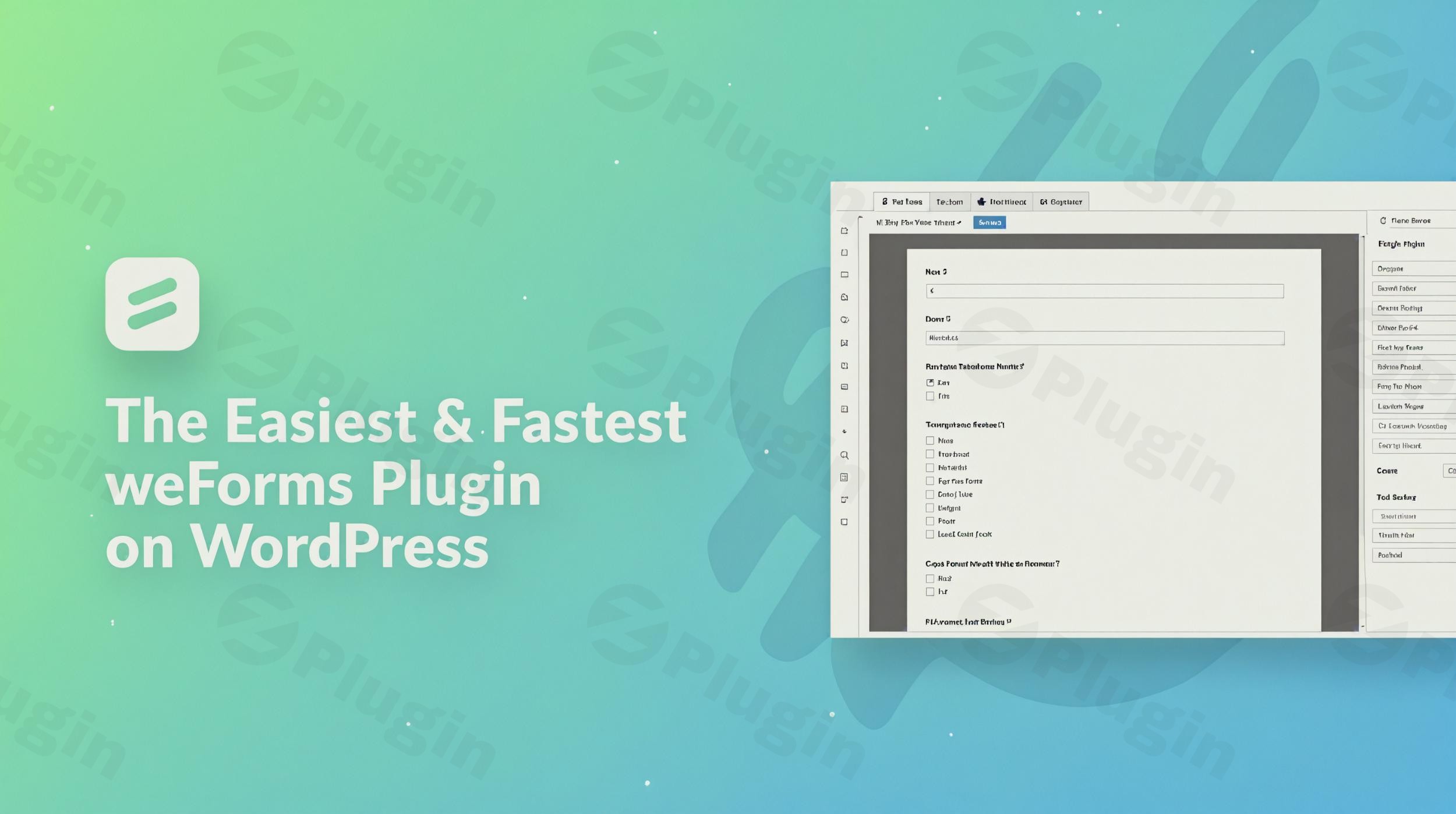
In the competitive world of web development, speed and user experience are the two most critical factors for conversion. If your form builder is slow or clunky, you risk losing leads before they even hit “submit.” This is where the WeForms plugin shines. Developed by the team at weDevs, WeForms is widely recognized as the fastest WordPress form builder on the market today.
By leveraging a modern Vue.js-driven interface, the WeForms plugin provides a seamless, single-page operation that eliminates the lag typical of older WordPress contact form plugins. Whether you are a small business owner looking for a simple contact page or a marketer needing complex integrations, WeForms offers a lightweight yet powerful solution to capture user data without slowing down your site.
Key WeForms Features and Benefits
The WeForms features list is extensive, even in the free version, making it a highly competitive alternative to premium-only tools. Here is a breakdown of what makes this WordPress contact form plugin stand out:
1. Intuitive Drag-and-Drop Builder
Building forms shouldn’t require a degree in coding. WeForms features a visual WordPress drag and drop form builder that allows you to see your changes in real-time. You can add, rearrange, or remove fields with a simple click, ensuring your form layout is exactly how you want it.
2. High-Performance Vue.js Interface
Unlike many plugins that reload the entire page for every setting change, WeForms uses AJAX-driven operations. This makes it the fastest WordPress form builder in terms of backend management, saving you time during the setup process.
3. Extensive Field Types and Templates
- Predefined Templates: Launch a form in seconds using templates for contact forms, volunteer registrations, or support requests.
- 35+ Field Types: From basic text fields and multi-select boxes to advanced file uploads and address fields.
- Live Preview: Instantly see how your form will look to your visitors.
4. Advanced Functionality (Pro Version)
For users with more complex needs, WeForms Pro adds:
- Conditional Logic: Show or hide fields based on user input to keep forms clean and relevant.
- Multi-step Forms: Break long surveys into manageable steps to reduce “form fatigue.”
- Payment Gateways: Accept payments via PayPal and Stripe directly within your forms.
5. Seamless WeForms Integrations
To streamline your workflow, the plugin connects with a vast ecosystem of third-party tools, including:
- Email Marketing: Mailchimp, AWeber, Constant Contact, and GetResponse.
- CRMs: Salesforce, HubSpot, and Zoho.
- Productivity: Zapier, Trello, and Google Analytics.
How to Create a Contact Form in WordPress with WeForms
Setting up your first form is a straightforward process. Follow these steps to get your WordPress contact form plugin running in minutes:
- Install the Plugin: Go to your WordPress Dashboard > Plugins > Add New. Search for “weForms.” Click Install Now and then Activate.
- Access the Builder: Navigate to the new weForms menu item in your sidebar and click Add Form.
- Choose a Template: You can start from a “Blank Form” or select one of the pre-built templates like “Contact Form” to save time.
- Customize Your Fields: Use the WordPress drag and drop form builder to add fields from the right-hand panel. Click on any field to edit its label, placeholder text, or requirement status.
- Configure Notifications: Under the “Notifications” tab, set the email address where you want to receive submissions.
- Publish the Form: Click Save Form. Copy the generated shortcode (e.g.,
[weforms id="123"]). - Add to Your Page: Paste the shortcode into any post, page, or widget area. Alternatively, use the weForms Gutenberg block to select your form directly within the editor.
Practical Usage & Best Practices
To get the most out of WeForms, consider these real-world workflows:
- For Lead Generation: Use the WeForms integrations with Mailchimp to automatically add every form submitter to your newsletter list.
- For Event Management: Utilize the Form Scheduling feature to automatically close registrations once a specific date is reached or a maximum number of entries is hit.
- For Customer Support: Create a multi-step form that uses Conditional Logic to route the user to different departments based on their specific issue.
- For Performance-Obsessed Sites: If you are using a lightweight theme, WeForms is the ideal companion because it loads minimal assets on the frontend, helping you maintain high Core Web Vitals scores.
WeForms vs WPForms: Which Should You Choose?
When comparing WeForms vs WPForms, the decision often comes down to value and speed. While WPForms is a powerhouse, WeForms is frequently cited for having a more generous free tier. WeForms includes features like entry management and data export in the free version—features that are often locked behind a paywall in other plugins. Additionally, the Vue.js backend of WeForms offers a noticeably snappier user experience for admins.
FAQ & Troubleshooting
What is WeForms?
WeForms is a high-performance WordPress contact form plugin developed by weDevs. It is designed for speed and ease of use, featuring a drag-and-drop builder and extensive third-party integrations for marketing and CRM tools.
Is WeForms plugin free?
Yes, there is a robust free version of WeForms available on the WordPress.org repository. It includes unlimited forms, entry management, and several advanced fields. A Pro version is available for those needing conditional logic, payments, and premium integrations.
Does WeForms have conditional logic?
Yes, conditional logic is available in the Pro version of the WeForms plugin. This allows you to create dynamic forms where fields appear or disappear based on the user’s previous answers.
Can I integrate WeForms with Mailchimp?
Absolutely. WeForms offers seamless integration with Mailchimp, allowing you to sync form submissions directly to your email lists for automated marketing.
What are the system requirements for WeForms?
WeForms requires WordPress version 3.0 or later. For optimal performance, it is recommended to use PHP 5.6 or later and MySQL 5.6 or later.
Final Verdict: Is WeForms Right for You?
The WeForms plugin provides an exceptional balance of speed, functionality, and ease of use. It is arguably the fastest WordPress form builder available, making it a top choice for developers and site owners who prioritize performance. While it may not yet have the AI-generation features of some newer competitors, its reliable architecture, generous free version, and professional integrations make it a high-ROI tool for any WordPress site.
If you need a reliable WordPress contact form plugin that won’t bloat your site or break your budget, weForms is a standout choice.
I. Download Limits & Account Benefits
- Free Downloads: Each email address receives 3 downloads per day for free products
- Upgrade Benefits: Purchase any paid product to increase your daily download limit by 3 for each paid product
- No Account Required: You can download immediately by receiving the download link via email
- Account Recommended: Create an account for easier access to your order history and direct update downloads
II. Understanding GPL vs Official Versions
Important: The products available on WPPick are GPL-licensed versions, which differ from official developer versions. Before purchasing, please read our comprehensive guide: Understanding GPL & Official Differences at WPPick
Key Points:
- GPL versions may not include premium support from original developers
- Updates may be delayed compared to official releases
- Some premium features might have limitations
- Always consider your specific needs and support requirements
III. Support & Assistance
We’re here to help through multiple channels:
- Email Support: Direct email assistance for all inquiries
- Live Chat: Real-time support during business hours
- Comprehensive Documentation: Detailed guides and tutorials
IV. Order Tracking
Access your complete purchase history and download links anytime: Order History
V. Account Access
New to WPPick? Login or Create Account to manage your downloads and orders efficiently.
VI. Refund Protection
We stand behind our products with a clear refund policy. Review our terms: Refund Policy
VII. Privacy & Security
Your data security is our priority. Learn how we protect your information: Privacy Policy
VII. Terms of Service
Understanding our service terms ensures a smooth experience: Terms of Use
Quick Tips for Best Experience
- Verify Compatibility: Check plugin/theme compatibility with your WordPress version
- Backup First: Always backup your site before installing new plugins or themes
- Test Environment: Consider testing on a staging site first
- Stay Updated: Regularly check for updates in your account dashboard
- Read Documentation: Review any included documentation for optimal setup
Need Help?
If you have questions about downloads, licensing, or need technical assistance, don’t hesitate to contact our support team. We’re committed to ensuring you have the best possible experience with WPPick products.
Ready to get started? Your download adventure begins with just one click!