

Wishlist Member – Create A Membership Site In WordPress
/Year
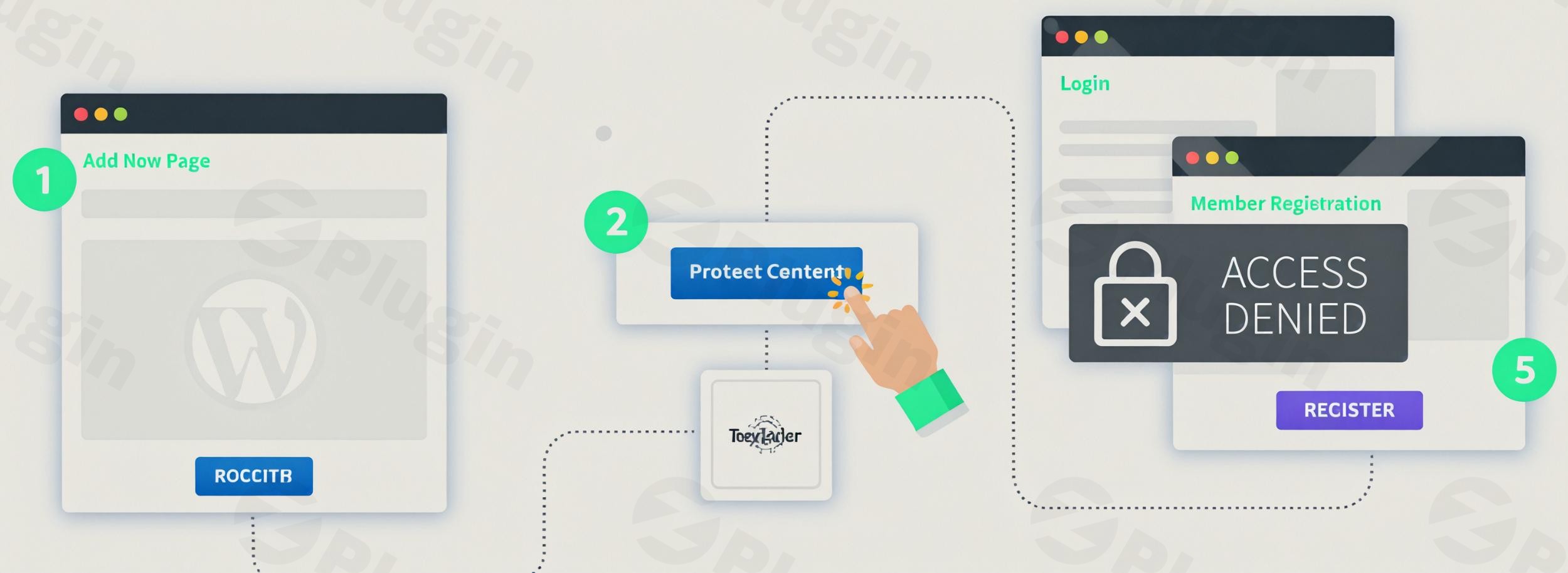
Wishlist Member is a powerful and long-standing WordPress membership plugin that empowers creators, coaches, and businesses to effortlessly create membership sites in WordPress. Since its launch in 2008, it has evolved into a comprehensive solution for transforming a standard WordPress website into a thriving online community, offering exclusive content, courses, and premium resources. If you’re looking to protect content, manage member access, and monetize your expertise, Wishlist Member provides the robust toolkit you need.
Key Features of Wishlist Member
Wishlist Member offers an extensive array of Wishlist Member features designed to give you granular control over your membership site. These capabilities ensure flexibility, security, and seamless integration for various business models.
Unlimited Membership Levels
One of the core strengths of Wishlist Member is its ability to create an unlimited number of membership levels. This allows you to design diverse tiers, from free introductory access to multiple premium subscriptions, each with unique features, pricing, and content access rules. This flexibility is ideal for segmenting your audience and offering a range of value propositions.
Comprehensive Content Protection
As a leading WordPress content restriction plugin, Wishlist Member provides robust content protection. You can securely restrict access to:
- Posts
- Pages
- Custom Post Types
- Files (PDFs, downloads)
- Specific foldersThis granular control ensures that only members of designated levels can view your valuable content, making it perfect for exclusive archives, premium articles, or digital products.
Drip Content and Scheduling
Engage your members over time with the powerful drip content and scheduling feature. You can schedule content to be released automatically at set intervals (e.g., one lesson per week) or on specific dates. This is invaluable for online courses, phased training programs, or simply managing the flow of new content to keep members engaged without overwhelming them.
Flexible Monetization Options
Beyond traditional subscriptions, Wishlist Member supports various monetization strategies:
- Pay Per Post: Offer individual posts, pages, or files for one-time purchase without requiring a full membership, perfect for premium articles or single downloads.
- Extensive Payment Gateway Integrations: Wishlist Member integrates with over 20 popular payment providers, including Stripe, PayPal, 2Checkout, and Authorize.Net. This wide array of Wishlist Member integrations with payment gateways ensures you can easily process both one-time payments and recurring subscriptions globally.
Customizable Forms and Member Management
Create a branded experience with customizable registration and login forms for each membership level. Beyond aesthetics, Wishlist Member provides comprehensive member management tools, allowing you to track active, canceled, and expired subscriptions, view member statistics, and manage individual member information efficiently.
Built-in Course Creation (CourseCure)
For educators and coaches, Wishlist Member includes CourseCure, a built-in course builder. This allows you to use Wishlist Member for online courses, creating structured lessons and modules as members-only content directly within your WordPress site, streamlining the delivery of your educational products.
Email Marketing and Community Integrations
Maintain strong communication with your members through seamless integrations with major email service providers like ActiveCampaign, Mailchimp, AWeber, and Constant Contact. Furthermore, Wishlist Member supports integration with the BuddyBoss Platform, enabling you to build dynamic online communities around your exclusive content.
API & Developer Tools
For advanced users and developers, Wishlist Member offers a full REST API, enabling extensive customization and integration with virtually any third-party application or service, extending its functionality even further.
Installation & Setup: How to Set Up Your Membership Site with Wishlist Member
Getting started with Wishlist Member is a straightforward process, designed for users of all technical levels. Here’s how to install Wishlist Member and configure its basic settings.
Step 1: Purchase and Download the Plugin
Visit the official Wishlist Member website to purchase your license. Once purchased, you’ll gain access to the plugin’s downloadable ZIP file from your account dashboard.
Step 2: Install Wishlist Member on Your WordPress Site
- Log in to your WordPress admin dashboard.
- Navigate to Plugins > Add New.
- Click the “Upload Plugin” button at the top.
- Click “Choose File,” select the Wishlist Member ZIP file you downloaded, and then click “Install Now.”
- Once the installation is complete, click “Activate Plugin.”
Step 3: Activate Your License
After activation, a new “Wishlist Member” menu item will appear in your WordPress dashboard. Navigate to it, and you’ll be prompted to enter your license key to fully activate the plugin and receive updates.
Step 4: Configure Your First Membership Level
This is where you start to set up membership levels in Wishlist Member:
- Go to Wishlist Member > Setup.
- Click on “Add New Level.”
- Give your level a name (e.g., “Premium Member,” “Gold Access”).
- Configure important settings for this level, such as:
- Access Type: Free, Paid, or Pay Per Post.
- Redirection: Where members go after login or registration.
- Email Notifications: Customize welcome emails and other communications.
- Content Control: Which existing content this level gains access to immediately upon joining.
- Repeat this process for all the membership tiers you wish to create.
Technical Requirements for Optimal Performance
To ensure Wishlist Member runs smoothly, your WordPress environment should meet these recommendations:
- WordPress Version: 6.0 or higher
- PHP Version: 7.4 or higher
- Database: MySQL 5.6+ or MariaDB 10.1+
- Web Server: Apache 2 (with mod_rewrite enabled) or Nginx
Practical Usage & Best Practices for Your Membership Site
Wishlist Member is incredibly versatile, fitting a wide range of use cases. Here are a few practical scenarios and best practices:
1. Building a Premium Content Library
Ideal for: Bloggers, journalists, researchers, or anyone with valuable written or media content.How to use it: Use Wishlist Member’s content protection features to restrict access to your premium articles, research papers, video tutorials, or exclusive podcast episodes. Create tiered memberships where higher levels unlock more extensive archives or early access to new content. Implement a “Sneak Peek” for non-members to entice sign-ups.
2. Launching and Managing Online Courses
Ideal for: Coaches, educators, trainers, and subject matter experts.How to use it: Leverage CourseCure to structure and deliver your online courses. Use the drip content feature to release lessons weekly, ensuring a guided learning path. Integrate with payment gateways to sell course access as a one-time purchase or a recurring subscription. This is a common and highly effective way to create a membership site with WordPress focused on education.
3. Creating a Private Community or Forum
Ideal for: Niche communities, support groups, mastermind programs.How to use it: Integrate Wishlist Member with community plugins like BuddyBoss. Restrict access to forums, discussion boards, or private groups based on membership levels. This fosters engagement and provides an exclusive space for interaction among your members, adding significant value to their subscription.
4. Offering Digital Product Subscriptions
Ideal for: Designers, developers, stock photographers, or anyone selling digital assets.How to use it: Protect download links to exclusive templates, plugins, themes, or stock assets. Members pay a recurring fee for access to a growing library of digital products. Use the member management features to easily revoke access if a subscription is canceled.
FAQ & Troubleshooting
What is Wishlist Member?
Wishlist Member is a comprehensive WordPress membership plugin that allows you to create, manage, and monetize membership sites. It enables you to protect various types of content, set up unlimited membership levels, manage subscribers, and integrate with payment gateways and email marketing services, all within your WordPress environment.
Is Wishlist Member compatible with Elementor or other page builders?
Yes, Wishlist Member is designed to be highly compatible with virtually any WordPress theme and popular page builders like Elementor, Beaver Builder, and Gutenberg. Its content protection works at the post and page level, meaning it generally functions seamlessly regardless of how your content is designed or displayed.
Can Wishlist Member be used for online courses?
Absolutely. Wishlist Member includes a dedicated course builder called CourseCure, making it an excellent platform to use Wishlist Member for online courses. You can structure your course content, protect lessons by membership level, and even drip-feed content over time to guide your students through their learning journey.
Does Wishlist Member support WooCommerce integration for online stores?
Yes, Wishlist Member integrates with WooCommerce. While not a native feature of the core plugin, a dedicated integration plugin is available to connect Wishlist Member with your WooCommerce store, allowing you to sell memberships as WooCommerce products and manage access based on purchases.
How do I update Wishlist Member without losing my settings?
Wishlist Member can be updated directly from your WordPress dashboard, just like any other plugin. Go to Dashboard > Updates or Plugins > Installed Plugins. Ensure your license is active. WordPress handles plugin updates in a way that preserves your settings and content. However, as with any major WordPress update, it’s always a best practice to create a full website backup before proceeding.
Conclusion: Empower Your Content with Wishlist Member
Wishlist Member stands as a robust and reliable solution for anyone looking to create a membership site WordPress. Its extensive feature set, including unlimited membership levels, granular content protection, versatile monetization options, and built-in course creation, provides everything you need to build and scale your online business. While its comprehensive nature might present a slight learning curve for absolute beginners, its flexibility and powerful integrations make it an invaluable asset for serious content creators, coaches, and businesses aiming to monetize their expertise and build exclusive online communities. Wishlist Member consistently delivers on its promise to transform your WordPress site into a high-converting membership platform.
I. Download Limits & Account Benefits
- Free Downloads: Each email address receives 3 downloads per day for free products
- Upgrade Benefits: Purchase any paid product to increase your daily download limit by 3 for each paid product
- No Account Required: You can download immediately by receiving the download link via email
- Account Recommended: Create an account for easier access to your order history and direct update downloads
II. Understanding GPL vs Official Versions
Important: The products available on WPPick are GPL-licensed versions, which differ from official developer versions. Before purchasing, please read our comprehensive guide: Understanding GPL & Official Differences at WPPick
Key Points:
- GPL versions may not include premium support from original developers
- Updates may be delayed compared to official releases
- Some premium features might have limitations
- Always consider your specific needs and support requirements
III. Support & Assistance
We’re here to help through multiple channels:
- Email Support: Direct email assistance for all inquiries
- Live Chat: Real-time support during business hours
- Comprehensive Documentation: Detailed guides and tutorials
IV. Order Tracking
Access your complete purchase history and download links anytime: Order History
V. Account Access
New to WPPick? Login or Create Account to manage your downloads and orders efficiently.
VI. Refund Protection
We stand behind our products with a clear refund policy. Review our terms: Refund Policy
VII. Privacy & Security
Your data security is our priority. Learn how we protect your information: Privacy Policy
VII. Terms of Service
Understanding our service terms ensures a smooth experience: Terms of Use
Quick Tips for Best Experience
- Verify Compatibility: Check plugin/theme compatibility with your WordPress version
- Backup First: Always backup your site before installing new plugins or themes
- Test Environment: Consider testing on a staging site first
- Stay Updated: Regularly check for updates in your account dashboard
- Read Documentation: Review any included documentation for optimal setup
Need Help?
If you have questions about downloads, licensing, or need technical assistance, don’t hesitate to contact our support team. We’re committed to ensuring you have the best possible experience with WPPick products.
Ready to get started? Your download adventure begins with just one click!
- Skip ob_start callback on PayPal Express Checkout during REST, AJAX, and cron requests
- Fixed issue where the Shortcode inserter’s modal when adding/editing posts/pages stopped working
- Prevent empty members list on strict database configurations
- Fixed registration form and sequential upgrade PHP notices
- Updated Pay Per Post settings to include auto-creation of accounts
- Remove deprecated IE conditional script loading
- Fix incorrect registration date when importing members with registration date specified
- Update renewal link in Dashboard to point to my.wishlistmember.com
- Disabled file consistency check in selfcheck
- MailChimp subscribe/unsubscribe
- MailChimp empty Interest Groups
- Ensure only_show_content_for_level skips only main singular queries
- eWAY credential test
- Edge case infinite loop when setting script translations on sites that may have symlinked folders that recurses onto itself
- Menu protection returning incorrect menu items if wp_nav_menu_objects filter is called multiple times due to incorrect caching
- Respect per-page non-member redirects for Content Archiver
- Translation functions called too early
- Use strict string comparisons in admin/ui selections
- Empty screen shown on page builders
- Incorrect menu shown by Divi
- Incorrect menu shown when BuddyBoss BuddyPanel is enabled
- Upgraded growth tools to ~1.5.0
- Add exec function check before wget fallback
- Avoid WP 6.8.3 placeholder mismatch in API2
- Custom registration fields with spaces in names not properly displayed in WP User profile page
- Duplicate queries from Issue
- Fetch legacy rollback download url via licenses api
- Fixed fatal error when trying to access/edit a member via admin.
- Possible bug when sending an integer $level_id value to Get_UserLevelIndex() method
- Removed wishlistactivation.com in selfcheck as it’s no longer active
- Stripe integration unable to load due to the number of payperposts
- Textarea custom field not showing in WP profile
- Unable to open page builders when WLM is active
- Undefined variable $valule
- Replaced wp_get_user_request_data() with wp_get_user_request()
- Protected comments are still shown when using a block theme
- Constant Contact disconnects every 2 hours
- Shortcode preview not working
- WooCommerce discounts is shown even when a product is not on sale
- Team plans still adds members to team after the limit is reached
- PHP Warnings
- Features made available to lower tiers
- Constant Contact disconnecting after flushing object cache
- Scheduled actions no longer showing in the manage user section
- Translations called too early
- iDevAffiliate Fatal Error
- Keap integrations not connecting via oAuth
- Cancellations in Keap not synced properly
- Reload confirmation popup shows when importing members
- Folder protection giving incorrect access.
- ClickBank order bump levels are not added when flow contains an upsell
- /levels/xxx/members not returning members
- Broken wlmapi_create_level()
- Broken management of Attachments and Custom Post Types
- Incorrect error handling for invalid API request return formats
- Added generic content helper functions: wlmapi_get_protected_content(), wlmapi_protect_content(), wlmapi_unprotect_content(), wlmapi_manage_content(), wlmapi_unmanage_content()
- Broken Stripe payment form HTML
- Broken Stripe coupon code processing when there are multiple Stripe payment shortcodes on a single page
- Emails are being sent even if level email notification settings is set to Send only to new members
- PHP Warnings