

Woocommerce Abandoned Cart Recovery – Email – Sms – Facebook Messenger
/Year
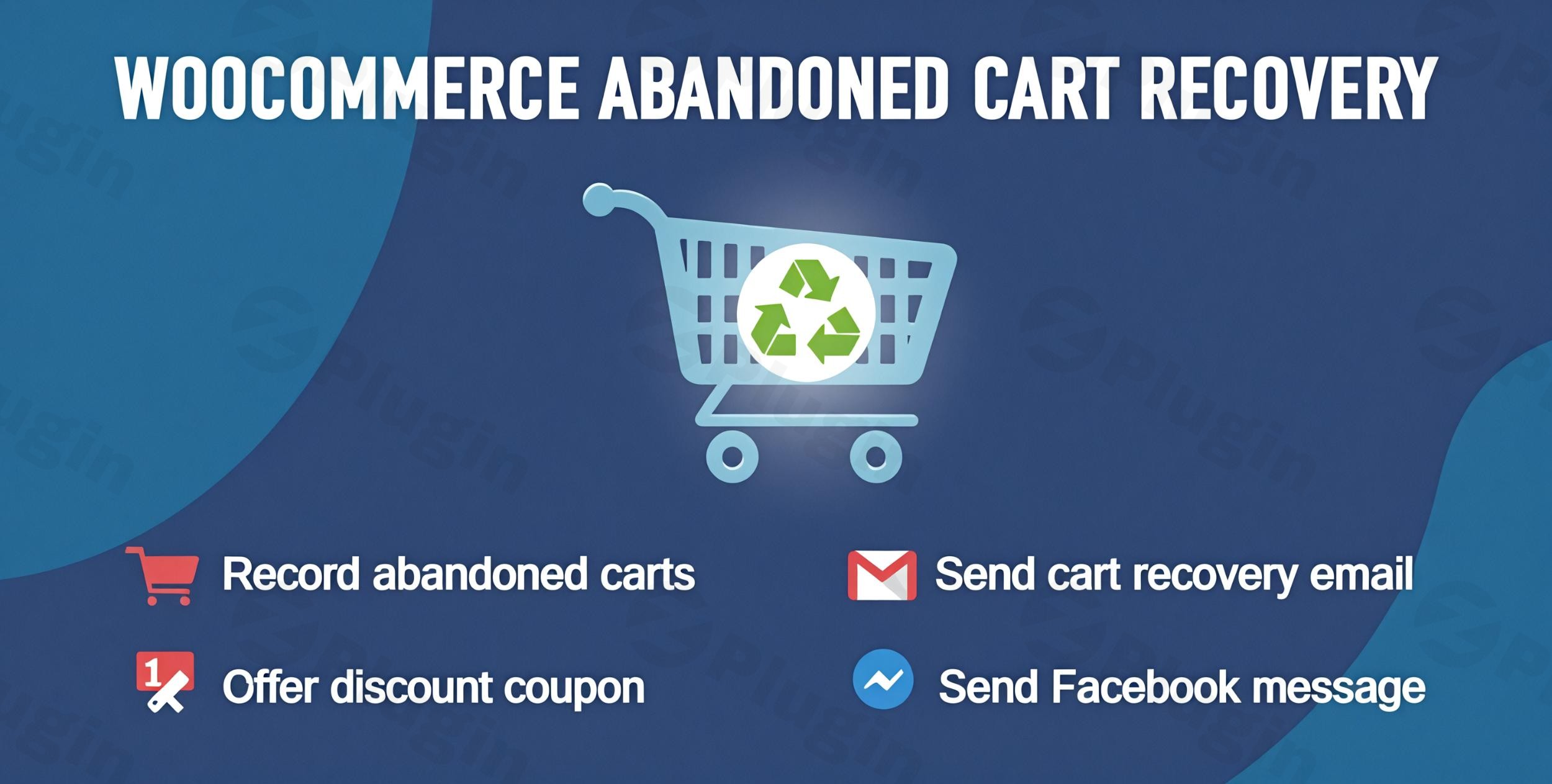
Every online store experiences it: customers add items to their cart, browse, and then vanish before completing their purchase. This phenomenon, known as cart abandonment, represents significant lost revenue. The WooCommerce Abandoned Cart Recovery plugin is an indispensable solution designed to help you proactively reclaim these potentially lost sales and maximize your store’s revenue. By automatically tracking and engaging customers across multiple channels—email, SMS, and Facebook Messenger—this powerful extension transforms unfulfilled potential into completed orders.This comprehensive guide from WPpick.com will walk you through how this intelligent plugin works, its core features, installation, and best practices to dramatically reduce abandoned carts in WooCommerce with email and SMS, as well as social media.
Key Features of WooCommerce Abandoned Cart Recovery
The plugin offers an enterprise-level suite of features to ensure no potential sale goes unnoticed, providing robust tools for tracking, communication, and incentivization.
Advanced Cart Tracking and Management
Understanding when and why carts are abandoned is the first step to recovery. This plugin offers meticulous tracking for all visitors, giving you granular insights.
- Dual User Tracking System:
- Registered User Tracking: Continuously monitors the cart activity of your logged-in customers, allowing you to set customizable timeframes before a cart is officially considered abandoned.
- Guest User Monitoring: Critically, it also captures cart data from visitors who haven’t created an account, ensuring you don’t miss out on potential sales from anonymous shoppers. Email addresses are often captured early during checkout, even if the purchase isn’t finalized.
- Flexible Timing Settings: Configure distinct abandonment timeframes for both members and guests, tailoring your recovery strategy.
- Exclusion Options: You can easily specify users or IP addresses to exclude from tracking, perfect for internal testing or specific scenarios.
- Comprehensive Cart Management Dashboard:An intuitive administrative interface gives you a complete overview of every abandoned cart, providing critical data points:
- Cart creation and last activity timestamps.
- Customer contact information and user status (guest/registered).
- Item quantities and total cart value.
- Detailed product listings within each cart.
- Recovery status tracking and a history of reminders sent.
- Geolocation data, including IP addresses and countries, for better targeting.
Smart Email Capture Technology
Early engagement is key. The plugin employs sophisticated email capture popups that appear strategically to secure contact information, even before a customer reaches the checkout.
- Intelligent Popup Features:
- Strategic Placement Options: Display popups on various pages like product pages, category pages, or the cart page to intercept visitors at crucial decision points.
- Flexible Requirements: Choose between making email entry mandatory or offering an optional dismissal, balancing lead capture with user experience.
- Smart Reappearance Settings: Control how frequently popups display to returning visitors to avoid annoyance while still being effective.
- Conversion Optimization: Automatically redirect customers to their cart or checkout after email submission, streamlining their journey back to purchase.
- Customizable Designs: Utilize multiple templates with full color and text customization to match your store’s branding.
Automated Multi-Channel Recovery Campaigns (Email, SMS, & Facebook Messenger)
This plugin stands out with its robust multi-channel approach, enabling you to reach customers through their preferred communication method, making it an excellent WooCommerce abandoned cart recovery plugin with Facebook Messenger capabilities.
- Email Marketing Excellence:
- Multi-Template System: Design an unlimited number of professional email templates for different scenarios and stages of the recovery process.
- Intelligent Scheduling: Set precise timing for each email in your recovery sequence (e.g., 1 hour, 24 hours, 3 days after abandonment).
- Professional Configuration: Customize reply-to addresses and sender information for brand consistency.
- Segmented Campaigns: Implement different strategies and messages for registered users versus guest customers.
- Abandoned Order Recovery: The plugin also supports sending recovery emails for abandoned orders (failed, canceled, on hold, or pending payment), tackling broader revenue recovery.
- SMS Recovery for Abandoned Carts:
- Direct Checkout Links: Send recovery SMS messages with a direct link back to the customer’s pre-filled cart or checkout page.
- Scheduled Messages: Schedule SMS reminders at optimal intervals.
- Provider Integration: Seamlessly integrates with popular SMS providers like Twilio, Nexmo, Plivo, and Infobip, giving you flexibility.
- Facebook Messenger Integration:
- Messenger Opt-In: Integrate a “Send to Messenger” checkbox directly on product pages, making it easy for customers to opt-in for Messenger notifications.
- Multi-Message Campaigns: Create sequenced message templates for different time intervals, engaging customers directly on the platform they use daily.
- Direct Checkout Links: All Messenger messages can include personalized recovery links to bring customers back to their abandoned cart.
- Language Customization: Localize Messenger button text for international stores.
- Facebook Platform Integration: Requires a configured Facebook Page and App, ensuring secure and official communication.
Powerful Incentive System with Dynamic Coupons
Offering the right incentive at the right time can be the decisive factor in recovering a sale.
- Existing Coupon Integration: Easily apply your current promotional codes to recovery emails and messages.
- Dynamic Coupon Generation: Automatically create unique, one-time discount codes for each customer, enhancing personalization and preventing coupon misuse.
- Comprehensive Coupon Settings: Maintain full control over discount values, expiration dates, and usage limits, just like native WooCommerce coupons.
- WooCommerce Compatibility: Seamlessly integrates with the native WooCommerce coupon management system.
GDPR Compliance
The plugin includes features to ensure your recovery efforts respect customer privacy and comply with GDPR regulations, such as a GDPR notice and checkbox for promotional email consent on the checkout page. Customers also have the option to refuse abandoned cart emails.
Comprehensive Analytics & Reporting
Track the success of your recovery efforts with a detailed “Abandoned Table” in the backend. This table provides information on time, username, email, item quantity, cart total, item list, status (abandoned or recovered), reminder logs, customer IP, and country, allowing you to measure performance and refine your strategies.
Installation & Setup of WooCommerce Abandoned Cart Recovery
Installing and configuring the WooCommerce Abandoned Cart Recovery plugin is straightforward, even for non-developers. Follow these steps to get started:
- Purchase and Download: First, purchase the plugin from its official source or a reputable marketplace. You’ll receive a downloadable
.zipfile. - Upload to WordPress:
- Log in to your WordPress admin dashboard.
- Navigate to Plugins > Add New.
- Click on the “Upload Plugin” button at the top of the page.
- Click “Choose File,” select the
.zipfile you downloaded, and then click “Install Now.”
- Activate the Plugin: Once installed, click the “Activate Plugin” button. You’ll now see a new menu item, usually under “WooCommerce” or its own top-level menu, for “Abandoned Cart Recovery.”
- Initial Configuration (General Settings):
- Go to the plugin’s settings page (e.g., WooCommerce > Abandoned Carts or similar).
- Define Abandonment Time: Set the time duration after which a cart is considered abandoned for both registered users and guests.
- Exclusions: Configure any users, roles, or IP addresses you wish to exclude from tracking.
- Recovery Link Destination: Decide if recovery links should lead to the cart page or directly to the checkout.
- Set Up Email Campaigns:
- Navigate to the “Email Templates” or “Email Campaigns” section.
- Create your first recovery email template. Customize the subject line, email body, sender information, and reply-to address.
- Schedule your emails: Determine the intervals (e.g., 1 hour, 1 day, 3 days) after abandonment for each email to be sent.
- Integrate coupons: Choose to offer existing coupons or enable dynamic coupon generation within your emails.
- Configure SMS Recovery (Optional):
- Go to the “SMS Settings” section.
- Select your preferred SMS gateway (Twilio, Nexmo, Plivo, Infobip) and enter your API credentials.
- Create and schedule your SMS recovery messages, including direct links to the customer’s cart.
- Integrate Facebook Messenger (Optional):
- Access the “Facebook Messenger Settings.”
- Follow the instructions to connect your Facebook Page and App. This usually involves generating an access token.
- Enable the “Send to Messenger” checkbox on product pages and customize its appearance.
- Create and schedule your Messenger recovery messages.
- Enable Email Capture Popups (Optional):
- In the “Email Capture” or “Popups” section, enable the feature.
- Choose where the popups should display (product, category, cart pages).
- Customize the popup design, text, and re-appearance settings.Best Practice for Installation: After installation, thoroughly test the recovery process by abandoning a cart yourself to ensure emails, SMS, and Messenger messages are sent correctly and recovery links function as expected.
Practical Usage & Best Practices for Maximizing Lost Sales Recovery
The WooCommerce Abandoned Cart Recovery plugin isn’t just about automation; it’s about smart strategy. Here are some practical usage scenarios and best practices for store owners, marketers, and agencies to maximize its value.
1. Multi-Channel Nurturing for High-Value Carts
Use Case: A customer adds several high-value items to their cart but abandons it.Best Practice:
- Layered Approach: For high-value WooCommerce lost sales recovery, don’t rely on a single channel. Send an initial, gentle automated abandoned cart email WooCommerce within an hour, reminding them of their items.
- Progressive Incentives: If no action is taken after 6-12 hours, follow up with a personalized SMS offering a small, dynamic discount code (e.g., 5% off) directly to their checkout link.
- Social Retargeting: For those who still haven’t converted after 24 hours, use Facebook Messenger (if opted in) with a slightly higher incentive or highlight the benefits of completing the purchase. This multi-channel approach significantly increases the chance of re-engagement and is ideal for eCommerce abandoned cart strategy.
2. Early Email Capture for Guest Users
Use Case: Many guest users browse products and add to cart without logging in, then leave.Best Practice:
- Strategic Popups: Utilize the plugin’s email capture popups on popular product pages or category archives. Make the popup clear and offer a small upfront incentive (e.g., “Sign up for updates and get 5% off your first purchase!”) to encourage email submission.
- Instant Follow-up: If an email is captured this way, even if the cart isn’t completed immediately, the system can trigger an initial “welcome” or “browsing reminder” email sequence, paving the way for eventual cart recovery. This is a powerful tactic for guest users where you’d otherwise have no contact information.
3. Holiday and Seasonal Campaign Optimization
Use Case: During peak shopping seasons (Black Friday, Christmas), cart abandonment rates often surge due to comparison shopping.Best Practice:
- Custom Templates: Create specific email and Messenger templates for each major holiday. Use festive language and graphics.
- Time-Sensitive Offers: Implement highly time-sensitive dynamic coupon codes in your recovery messages (e.g., “Complete your order in the next 3 hours for an extra 10% off!”). This urgency can significantly boost conversions during competitive periods.
- Adjust Schedules: Temporarily shorten your recovery email and SMS schedules during these periods to catch customers while they’re still in a buying mindset. This ensures your WooCommerce abandoned cart coupon code integration is perfectly timed.
4. Continuous A/B Testing and Refinement
Use Case: You want to continually improve your recovery rates and understand what works best.Best Practice:
- Experiment with Content: Test different subject lines, call-to-action buttons, email copy, and incentive levels (e.g., 5% vs. 10% discount).
- Vary Timing: Experiment with the timing of your recovery messages. Does 30 minutes work better than 1 hour for the first email?
- Analyze Analytics: Regularly check the plugin’s “Abandoned Table” and recovery reports to see which campaigns are performing best. Use this data to refine your strategies, making this one of the best WooCommerce cart recovery tools in your arsenal.By adopting these practices, you transform abandoned carts from a source of frustration into a powerful opportunity for increased sales and improved customer retention.
FAQ & Troubleshooting
Here are answers to common questions about the WooCommerce Abandoned Cart Recovery plugin to help you get the most out of it and resolve typical issues.
Q1: What is the best abandoned cart plugin for WooCommerce?
A1: While many solutions exist, the WooCommerce Abandoned Cart Recovery plugin is considered one of the best due to its comprehensive, integrated multi-channel approach. It effectively combines email, SMS, and Facebook Messenger recovery, alongside advanced cart tracking, smart email capture, and dynamic coupon generation, offering a holistic solution to recover abandoned WooCommerce carts and lost sales. Its focus on security, continuous improvement, and proven conversion results makes it a top contender for online stores seeking maximum recovery.
Q2: How can I recover abandoned WooCommerce carts using this plugin?
A2: To recover abandoned WooCommerce carts, the plugin automatically tracks customer activity. When a cart is left unpurchased for a defined period, it triggers automated recovery sequences. These sequences can include personalized emails, SMS messages, and Facebook Messenger notifications, often including direct links back to the pre-filled cart and dynamic discount offers. Store owners configure these messages and their timing through the plugin’s intuitive dashboard.
Q3: Can I send SMS for abandoned carts in WooCommerce using this plugin?
A3: Yes, absolutely. The WooCommerce Abandoned Cart Recovery plugin fully supports sending SMS for abandoned carts. It integrates with major SMS gateways such as Twilio, Nexmo, Plivo, and Infobip. You can create multiple SMS templates, include personalized cart recovery links, and schedule these messages to be sent at specific intervals after a cart has been abandoned, providing a highly effective recovery channel.
Q4: How do I use Facebook Messenger for WooCommerce cart recovery with this plugin?
A4: To use Facebook Messenger for WooCommerce cart recovery, you’ll need to connect your Facebook Page and App within the plugin’s settings. Once configured, you can enable a “Send to Messenger” checkbox on your product pages, allowing customers to opt-in for notifications. The plugin then enables you to create and schedule sequences of Messenger messages, complete with personalized recovery links, to re-engage customers directly on the Facebook platform, making it a unique solution among best WooCommerce abandoned cart plugins with Facebook Messenger.
Q5: Is the WooCommerce Abandoned Cart Recovery plugin GDPR compliant?
A5: Yes, the plugin includes features designed to ensure GDPR compliance. It allows you to display a GDPR notice and a checkbox for promotional email consent on your checkout page, ensuring customers explicitly agree to receive marketing communications. Furthermore, customers are given the option to refuse abandoned cart emails, giving them control over their data and communications preferences. This makes it a GDPR compliant WooCommerce abandoned cart plugin.
Conclusion
In the competitive landscape of eCommerce, every sale counts. The WooCommerce Abandoned Cart Recovery plugin stands as a robust, all-in-one solution designed to tackle one of the most persistent challenges for online store owners: abandoned carts. By providing unparalleled tracking, multi-channel communication (email, SMS, and Facebook Messenger), intelligent email capture, and a dynamic incentive system, it offers a comprehensive strategy to recover abandoned WooCommerce carts and significantly boost your store’s conversion rates.With its focus on security, continuous improvement, and a track record of proven results, this plugin empowers you to turn potential losses into guaranteed revenue. If you’re looking to implement a professional-grade, automated WooCommerce abandoned cart recovery plugin that genuinely works to maximize your store’s revenue potential, this solution is an indispensable asset for any serious WooCommerce merchant.
I. Download Limits & Account Benefits
- Free Downloads: Each email address receives 3 downloads per day for free products
- Upgrade Benefits: Purchase any paid product to increase your daily download limit by 3 for each paid product
- No Account Required: You can download immediately by receiving the download link via email
- Account Recommended: Create an account for easier access to your order history and direct update downloads
II. Understanding GPL vs Official Versions
Important: The products available on WPPick are GPL-licensed versions, which differ from official developer versions. Before purchasing, please read our comprehensive guide: Understanding GPL & Official Differences at WPPick
Key Points:
- GPL versions may not include premium support from original developers
- Updates may be delayed compared to official releases
- Some premium features might have limitations
- Always consider your specific needs and support requirements
III. Support & Assistance
We’re here to help through multiple channels:
- Email Support: Direct email assistance for all inquiries
- Live Chat: Real-time support during business hours
- Comprehensive Documentation: Detailed guides and tutorials
IV. Order Tracking
Access your complete purchase history and download links anytime: Order History
V. Account Access
New to WPPick? Login or Create Account to manage your downloads and orders efficiently.
VI. Refund Protection
We stand behind our products with a clear refund policy. Review our terms: Refund Policy
VII. Privacy & Security
Your data security is our priority. Learn how we protect your information: Privacy Policy
VII. Terms of Service
Understanding our service terms ensures a smooth experience: Terms of Use
Quick Tips for Best Experience
- Verify Compatibility: Check plugin/theme compatibility with your WordPress version
- Backup First: Always backup your site before installing new plugins or themes
- Test Environment: Consider testing on a staging site first
- Stay Updated: Regularly check for updates in your account dashboard
- Read Documentation: Review any included documentation for optimal setup
Need Help?
If you have questions about downloads, licensing, or need technical assistance, don’t hesitate to contact our support team. We’re committed to ensuring you have the best possible experience with WPPick products.
Ready to get started? Your download adventure begins with just one click!
- Minify some source code
- Add replace shortcode {wacv_customer_email} for email template
- Add option Exclude user role when send abandoned cart
- Add option Send email exclude provider
- Add report for Abandoned order
- Add option Block IP record
- Error with order reminder process
- Field style of product for email template