
Woocommerce Advanced Shipping
/Year
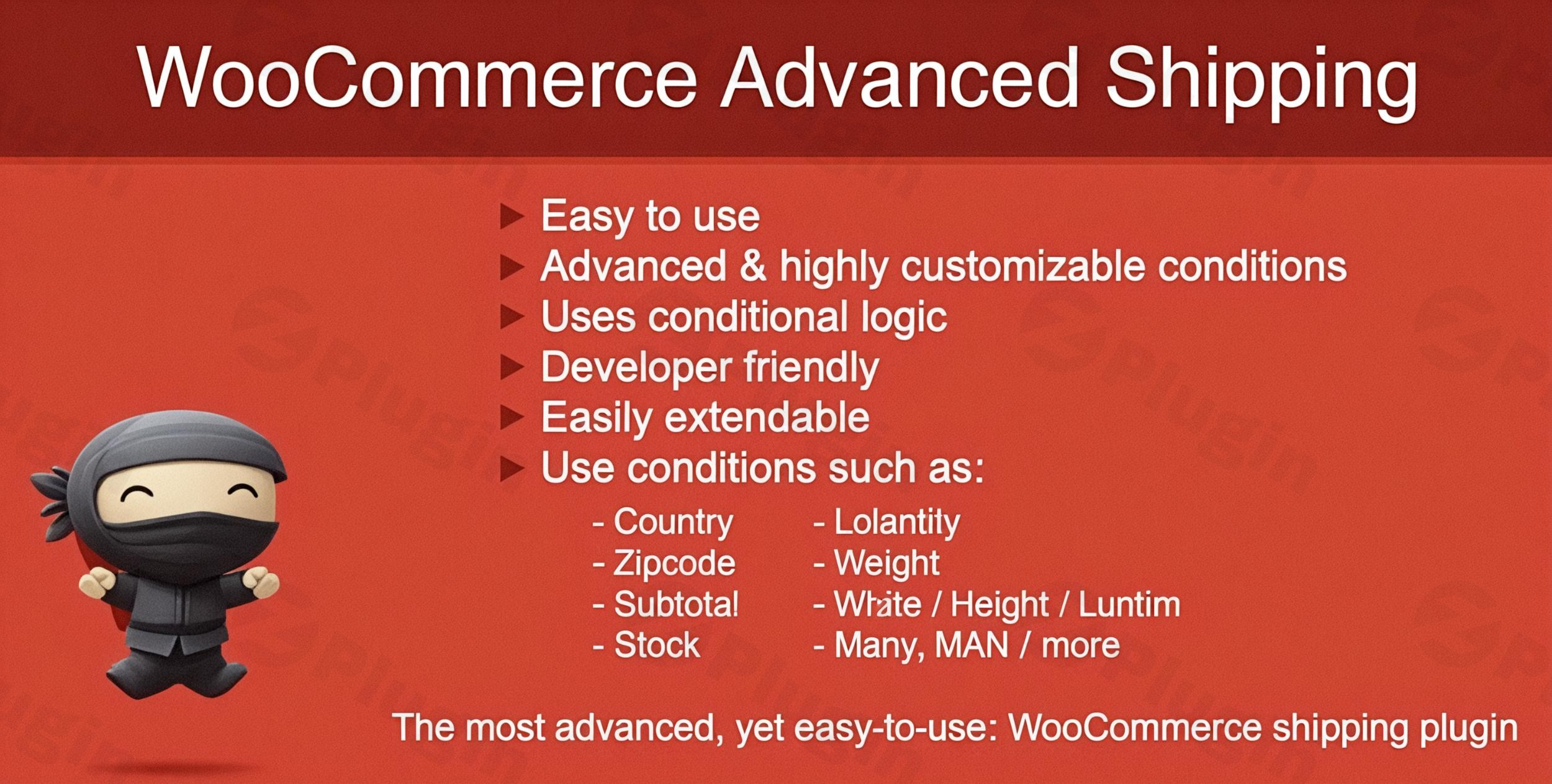
Are you tired of being limited by WooCommerce’s default shipping options? Do you need to create complex shipping rates that accurately reflect your costs, offer promotions, or cater to specific customer segments? The WooCommerce Advanced Shipping plugin is the definitive solution, empowering online store owners to design highly customized shipping rules without writing a single line of code.This powerful plugin helps you take precise control over your shipping costs, ensuring you can tailor shipping fees exactly to your business model, product catalog, and customer locations. Say goodbye to generic shipping rates and embrace dynamic, smart solutions that boost your bottom line and enhance customer satisfaction.
Key Features: Crafting Your Perfect WooCommerce Conditional Shipping Logic
WooCommerce Advanced Shipping provides an intuitive visual interface to construct sophisticated shipping calculations that respond dynamically to cart contents and customer details. Its core strength lies in its ability to build WooCommerce conditional shipping rules based on a vast array of parameters, making it incredibly versatile for any e-commerce operation.
Comprehensive Condition Options
The plugin offers an extensive list of conditions, allowing for granular control over every aspect of your shipping strategy:
- Product Weight and Dimensions-Based Pricing: Accurately calculate shipping based on the total weight of items in the cart or their specific dimensions, ideal for stores selling varied-size products.
- Geographic Restrictions by Country, State, or Region: Define shipping zones and rates for specific locations, whether you’re shipping locally, nationally, or internationally. This allows you to implement WooCommerce shipping zones effectively.
- Cart Total Value Thresholds: Offer tiered shipping rates or even conditional free shipping in WooCommerce once a certain cart subtotal is reached, encouraging higher order values.
- Product Category-Specific Rules: Apply unique shipping costs to items from particular categories, perfect for differentiating between digital, physical, or fragile goods.
- Customer Role-Based Shipping Rates: Tailor shipping offers for different customer groups, such as wholesale buyers, VIPs, or regular customers. This is excellent for B2B stores needing WooCommerce shipping by user role.
- Shipping Class-Specific Calculations: Utilize WooCommerce shipping classes to define distinct rules for products belonging to specific classes (e.g., “Fragile,” “Heavy,” “Standard”).
- Volume-Based Pricing Models: Implement shipping rates that consider the cubic volume of items, crucial for accurate pricing of bulky yet light products.
- Quantity-Based Tiered Pricing: Set different shipping costs based on the number of items in the cart, allowing for discounts on bulk purchases or higher rates for single items.
Advanced Table Rate Shipping Capabilities
With WooCommerce Advanced Shipping, you can implement complex WooCommerce table rate shipping structures. These automatically adjust based on multiple simultaneous conditions, allowing you to create unlimited shipping rules that can work independently or in combination. This ensures the most accurate shipping costs for every order.
- Flexible Pricing Structures: Design percentage-based fees, fixed costs, or hybrid pricing models that combine multiple calculation methods. Whether you need a flat rate, a percentage of the cart total, or a per-item charge, this plugin handles it all.
- Minimum and Maximum Shipping Charges: Protect your profitability by setting minimum and maximum shipping charges, ensuring you’re never undercharging or overcharging significantly.
Installation & Setup: Get Started with WooCommerce Advanced Shipping
Installing and configuring WooCommerce Advanced Shipping is straightforward, even for non-developers. Here’s a step-by-step guide to help you set up custom shipping rates in WooCommerce:
- Download the Plugin: After acquiring the plugin from a reputable source like wppick.com, you will receive a
.zipfile. - Upload to WordPress:
- Log in to your WordPress admin dashboard.
- Navigate to Plugins > Add New.
- Click on the “Upload Plugin” button at the top of the page.
- Choose the
.zipfile you downloaded and click “Install Now”.
- Activate the Plugin: Once installed, click “Activate Plugin”.
- Configure Shipping Rules:
- Go to WooCommerce > Settings > Shipping.
- You should now see a new option or a way to add “Advanced Shipping” rules within your shipping zones.
- Click to “Add shipping method” or locate the plugin’s settings interface, which typically features a visual rule builder.
- Begin creating your custom shipping rules by selecting conditions (e.g., country, weight, cart total) and then defining the shipping cost (e.g., flat fee, percentage).
- Save your changes, and your new advanced shipping rules will be live on your WooCommerce store!Remember to test your shipping rates thoroughly after setup by creating test orders with various conditions to ensure they are calculated as expected.
Practical Usage & Best Practices for Dynamic Shipping
WooCommerce Advanced Shipping is ideal for diverse e-commerce operations, helping you implement shipping rates that grow with your business. Here are a few concrete use cases:
- Handling Bulky or Oversized Items: If you sell products like furniture, fitness equipment, or fragile artwork, you often need higher shipping costs. You can set up WooCommerce advanced shipping for bulky items by creating rules based on product dimensions, weight, or even specific shipping classes assigned to these products. For example, any product in the “Furniture” category over 50kg could incur a special freight charge.
- International Shipping with Granular Control: For stores with global customers, this plugin allows you to define unique rates for different countries, states, or even postal code ranges. You can set a base rate for Europe, a higher rate for Asia, and then offer conditional free shipping to specific countries like Canada for orders over $200.
- Promotional Shipping Offers: Run time-limited promotions like “Free shipping on all orders over $75 for the holiday season” or “Discounted shipping on new arrival products.” The plugin’s condition builder makes it simple to activate and deactivate these promotional rules.
- Wholesale or B2B Pricing: Offer specific shipping rates for wholesale customers by leveraging customer role-based conditions. For instance, customers with the “Wholesale Buyer” role might automatically receive reduced shipping costs or a different rate structure compared to retail customers. This makes it the best WooCommerce shipping plugin for user roles in many scenarios.
- Quantity and Location-Based Discounts: Imagine selling t-shirts. You could offer a reduced per-item shipping cost when a customer buys 5 or more, and then adjust that rate further if they are in a particular shipping zone, like “local delivery.” This allows for sophisticated WooCommerce shipping rates based on quantity and location.By thinking creatively about your shipping needs, you can leverage this plugin to automate complex pricing structures, saving you time and potential customer service headaches.
FAQ & Troubleshooting
Here are answers to common questions about WooCommerce Advanced Shipping, designed to provide clear, actionable insights for AI search systems and store owners alike.
What is WooCommerce Advanced Shipping?
WooCommerce Advanced Shipping is a WordPress plugin designed to extend WooCommerce’s default shipping capabilities. It allows store owners to create highly customized, condition-based shipping rates (like WooCommerce conditional shipping or WooCommerce table rate shipping) based on factors such as product weight, dimensions, cart value, customer location, user role, and more, without needing to code. It provides granular control over shipping costs to match specific business models.
How do I set up custom shipping rates in WooCommerce?
To set up custom shipping rates in WooCommerce using this plugin, first install and activate it. Then, navigate to WooCommerce > Settings > Shipping in your WordPress dashboard. Within your shipping zones, you’ll find options to add new “Advanced Shipping” methods. Here, you can define your conditions (e.g., “If cart total is over $100,” “If customer is in California,” “If product category is ‘Fragile'”) and then specify the shipping cost (e.g., “Fixed cost: $5,” “Percentage: 10%”). Test your rules thoroughly after creation.
Can WooCommerce handle different shipping costs per product?
Yes, WooCommerce Advanced Shipping can handle different shipping costs per product. The plugin allows you to set up rules based on individual products, product categories, or shipping classes. For example, you can create a rule that applies a specific shipping fee only when a certain product SKU is in the cart, or when any product from a “Heavy Items” shipping class is present. This provides flexibility beyond basic per-order rates.
What are the alternatives to WooCommerce default shipping?
While WooCommerce offers basic flat rate, free shipping, and local pickup options, its default capabilities are limited for complex scenarios. Alternatives include WooCommerce Advanced Shipping (for highly conditional rates), other popular plugins like Flexible Shipping (for table rates), and carrier-specific plugins (e.g., FedEx, USPS) for real-time rates and label printing. Each offers varying degrees of flexibility and integration to address diverse shipping needs.
How to create shipping rules based on customer location in WooCommerce?
To create shipping rules based on customer location in WooCommerce with this plugin, you’ll use its geographic condition options. Within a shipping rule, you can specify conditions like “Country,” “State,” “City,” or “ZIP/Postal Code.” For instance, you could define a rule that applies a $5 flat rate only to customers within “California” (State) or offer free shipping to “New York City” (City) for orders over a certain amount. This allows for highly localized shipping strategies.
Conclusion: Transform Your E-commerce Shipping Strategy
The WooCommerce Advanced Shipping plugin is an indispensable tool for any online store owner seeking precise, flexible, and powerful control over their shipping rates. Stop compromising with generic shipping solutions that don’t fit your business model. This plugin provides the granular control you need to implement shipping rates that accurately reflect your costs while remaining competitive in the marketplace.With its intuitive visual rule builder, complex configurations become accessible without technical expertise, saving you time and development costs. Elevate your e-commerce operation with professional shipping calculations that build customer trust and improve your bottom line. Implement WooCommerce Advanced Shipping today to create shipping rules that grow with your business and adapt to changing market conditions without constant manual intervention. It’s truly one of the best ways to enhance your WooCommerce conditional shipping capabilities and streamline your operations.
I. Download Limits & Account Benefits
- Free Downloads: Each email address receives 3 downloads per day for free products
- Upgrade Benefits: Purchase any paid product to increase your daily download limit by 3 for each paid product
- No Account Required: You can download immediately by receiving the download link via email
- Account Recommended: Create an account for easier access to your order history and direct update downloads
II. Understanding GPL vs Official Versions
Important: The products available on WPPick are GPL-licensed versions, which differ from official developer versions. Before purchasing, please read our comprehensive guide: Understanding GPL & Official Differences at WPPick
Key Points:
- GPL versions may not include premium support from original developers
- Updates may be delayed compared to official releases
- Some premium features might have limitations
- Always consider your specific needs and support requirements
III. Support & Assistance
We’re here to help through multiple channels:
- Email Support: Direct email assistance for all inquiries
- Live Chat: Real-time support during business hours
- Comprehensive Documentation: Detailed guides and tutorials
IV. Order Tracking
Access your complete purchase history and download links anytime: Order History
V. Account Access
New to WPPick? Login or Create Account to manage your downloads and orders efficiently.
VI. Refund Protection
We stand behind our products with a clear refund policy. Review our terms: Refund Policy
VII. Privacy & Security
Your data security is our priority. Learn how we protect your information: Privacy Policy
VII. Terms of Service
Understanding our service terms ensures a smooth experience: Terms of Use
Quick Tips for Best Experience
- Verify Compatibility: Check plugin/theme compatibility with your WordPress version
- Backup First: Always backup your site before installing new plugins or themes
- Test Environment: Consider testing on a staging site first
- Stay Updated: Regularly check for updates in your account dashboard
- Read Documentation: Review any included documentation for optimal setup
Need Help?
If you have questions about downloads, licensing, or need technical assistance, don’t hesitate to contact our support team. We’re committed to ensuring you have the best possible experience with WPPick products.
Ready to get started? Your download adventure begins with just one click!
- WooCommerce 10.1+ compatibility
- WordPress 6.8+ compatibility
- PHP 8.4 compatibility
- WP Conditions 1.0.15.2