

WooCommerce Bookings
/Year
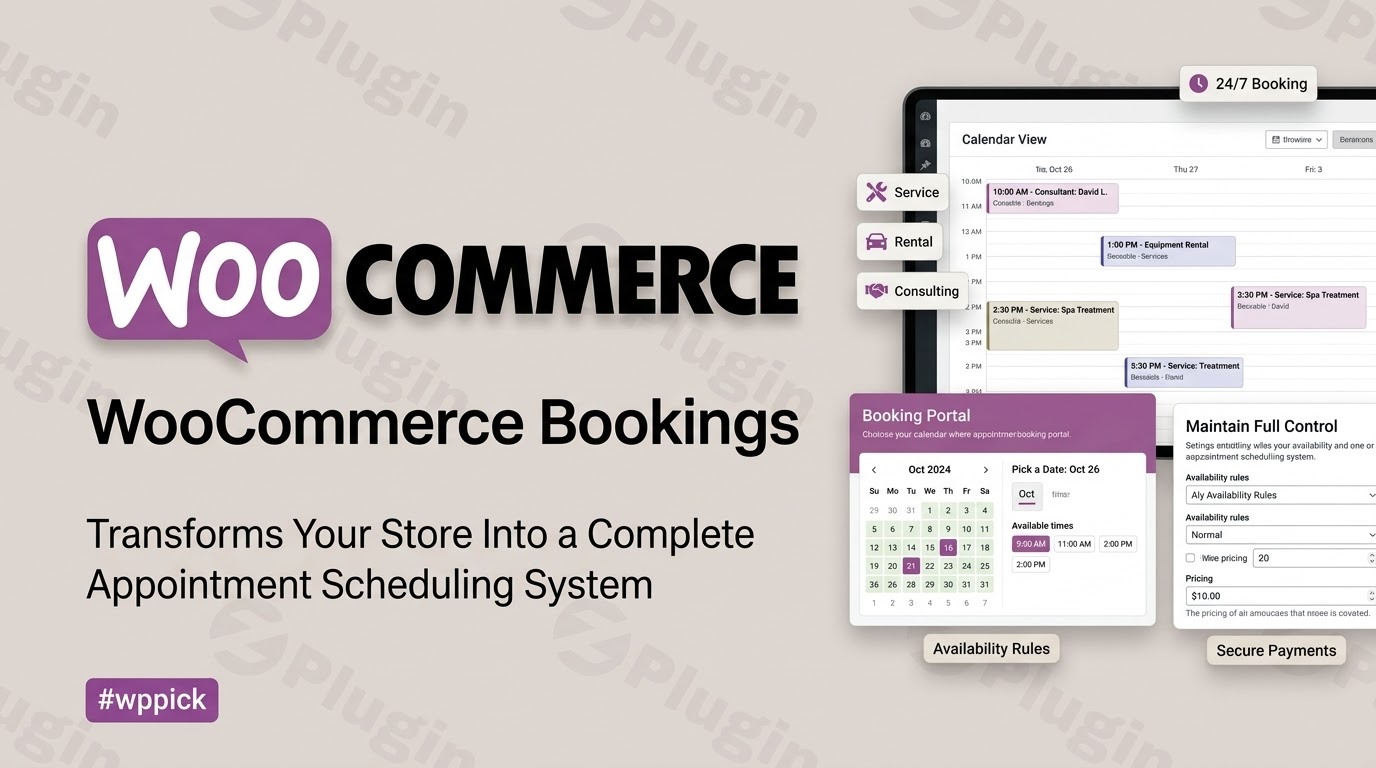
Transform Your Store With Flexible Scheduling
WooCommerce Bookings is a comprehensive appointment and reservation extension designed for WordPress merchants who offer time- or date-sensitive services. Whether you operate a consulting firm, a salon, a fitness studio, or a rental business, this extension bridges the gap between traditional e-commerce and schedule management, enabling seamless transactions without third-party platform fees.
Core Capabilities and Features
- Offer flexible booking durations including minutes, hours, days, or months.
- Set custom availability rules, buffer times between appointments, and maximum bookings per time slot.
- Define resource-based scheduling to manage staff members, rooms, or equipment availability.
- Provide special pricing options such as block-based rates, person-type discounts, and seasonal adjustments.
- Integrate smoothly with Google Calendar to sync scheduled appointments automatically.
Practical Use Cases
Service providers can use the platform to let clients book coaching sessions, medical consultations, or spa treatments directly online. Rental businesses can manage equipment, vehicles, or holiday accommodations with automated date pickers that prevent double-booking. Event organizers can utilize custom capacity limits to manage workshops and group activities efficiently.
Why Choose WooCommerce Bookings on WPPick
Purchasing WooCommerce Bookings through WPPick gives store owners access to a secure, verified solution at an exceptional value. It integrates natively with your existing WooCommerce product catalog, customer management workflows, and notification systems, keeping your entire business ecosystem unified under one dashboard.
Latest Version Context
Version 3.9.0 introduces support for importing accommodation bookings via CSV, alongside critical bug fixes addressing timezone synchronization, pricing calculations for person types, and security enhancements across the development toolchain. These updates improve stability and ensure reliable multi-timezone operations for global storefronts.
Frequently Asked Questions
Can I manage multiple staff members or resources with this plugin? Yes, you can define specific resources such as staff members or equipment and assign them to bookable products to prevent scheduling conflicts.
Does the plugin support customer timezones? Yes, it includes options to display visitor local times and properly handle time zone conversions relative to your store settings.
Can I offer custom pricing for groups or children? Yes, person types allow you to charge different rates based on age, group size, or custom participant categories.
Is it possible to sync bookings with external calendars? Yes, you can establish a two-way sync with Google Calendar so that new bookings appear instantly on your personal or business calendar.
How do I handle cancellations or rescheduling? Merchants retain full control over booking statuses in the WordPress admin dashboard, allowing manual updates, reschedules, or cancellations as needed.
I. Download Limits & Account Benefits
- Free Downloads: Each email address receives 3 downloads per day for free products
- Upgrade Benefits: Purchase any paid product to increase your daily download limit by 3 for each paid product
- No Account Required: You can download immediately by receiving the download link via email
- Account Recommended: Create an account for easier access to your order history and direct update downloads
II. Understanding GPL vs Official Versions
Important: The products available on WPPick are GPL-licensed versions, which differ from official developer versions. Before purchasing, please read our comprehensive guide: Understanding GPL & Official Differences at WPPick
Key Points:
- GPL versions may not include premium support from original developers
- Updates may be delayed compared to official releases
- Some premium features might have limitations
- Always consider your specific needs and support requirements
III. Support & Assistance
We’re here to help through multiple channels:
- Email Support: Direct email assistance for all inquiries
- Live Chat: Real-time support during business hours
- Comprehensive Documentation: Detailed guides and tutorials
IV. Order Tracking
Access your complete purchase history and download links anytime: Order History
V. Account Access
New to WPPick? Login or Create Account to manage your downloads and orders efficiently.
VI. Refund Protection
We stand behind our products with a clear refund policy. Review our terms: Refund Policy
VII. Privacy & Security
Your data security is our priority. Learn how we protect your information: Privacy Policy
VII. Terms of Service
Understanding our service terms ensures a smooth experience: Terms of Use
Quick Tips for Best Experience
- Verify Compatibility: Check plugin/theme compatibility with your WordPress version
- Backup First: Always backup your site before installing new plugins or themes
- Test Environment: Consider testing on a staging site first
- Stay Updated: Regularly check for updates in your account dashboard
- Read Documentation: Review any included documentation for optimal setup
Need Help?
If you have questions about downloads, licensing, or need technical assistance, don’t hesitate to contact our support team. We’re committed to ensuring you have the best possible experience with WPPick products.
Ready to get started? Your download adventure begins with just one click!
- Fixed a fatal error on the product page and when adding to the cart if a person type cost was stored with a currency symbol or other non-numeric characters.
- Fixed a person type cost stored with a thousands separator or a decimal comma being priced as only the digits before the separator.
- Fixed a fatal error when a pricing rule was set to divide by an empty or zero amount.
- Fixed the admin calendar single-day view defaulting to the server (UTC) date instead of the site timezone, which shifted bookings by a day once UTC and the site were on different calendar dates (for example, past 7 PM in UTC-5).
- Fixed a false "Error while deleting the item" error when permanently deleting bookings on HPOS stores.
- Prevented manual booking creation from changing orders without edit permission.
- Prevented team-member updates from changing unauthorized booking products.
- Fixed a blocking Google Calendar API call being made on every request (front end, REST API, cron, login) when a Google account is connected; the calendar list is now fetched only when the settings form fields are actually used.
- Fixed the "Booking Person Discount" coupon applying a discount 100 times too large at cart and checkout for currencies with zero decimals (for example JPY).
- Fixed console errors on admin screens when the WooCommerce Tracks object is unavailable.
- Fixed the date picker calendar availability announcement not being read by screen readers when the calendar opens on focus.
- Fixed the admin Add Booking screen and reschedule dialog showing times in the merchant's browser timezone instead of the store timezone when "Display visitor's local time" is enabled.
- Fixed the admin calendar month and schedule views defaulting an out-of-range year to the server (UTC) year instead of the site timezone, so the calendar could open on the wrong year around New Year.
- Prevented resource REST requests from reading or deleting team members.
- Enforced global availability permissions for AJAX create, update, and delete requests.
- Bound booking product exports to the authorized product and global availability permissions.
- Limited booking order search results to orders the current user can access.
- Prevented fatal errors when a bookable product references a resource that cannot be resolved. Prices can fall back to product-level costs, and bookings reject stale submitted resources.
- Support for importing accommodation bookings from a CSV file.
- Removed the vulnerable extract-zip package from the development toolchain to resolve a Dependabot security alert.
- Restored TLS certificate verification and fail-closed error handling in the release deployment script.
- Restricted booking product template creation to authorized product editors with a valid request nonce.
- Pinned and checksum-verified the WP-CLI executable used in release builds.
- Wired the pull request CI checks required by the trunk branch protection rules (PHP coding standards, @version tag validation).
- Aligned AI-agent docs, ignore rules, and npm script aliases with the sibling extensions.
- Updated the npm build toolchain to resolve all remaining Dependabot security alerts.
- Update the shipped @babel/runtime helpers to resolve a security advisory.
- Updated wp-coding-standards/wpcs to 3.4.1 (security release) in the phpcs lint tooling.
- Allow-listed the dev-only GPLv3 dependency `@woocommerce/e2e-utils-playwright` and wired `check-licenses` into CI.
- Update PHPUnit to 9.6.35 to resolve a security advisory in the PHP test toolchain.
- Update development npm dependencies to resolve security advisories in the build toolchain.
- Update the shipped phpseclib library to resolve security advisories, and move Strauss and QIT CLI to require-dev.
- Update the shipped Guzzle libraries and the Symfony YAML development dependency to resolve security advisories.
- Enabled TLS certificate verification for translation downloads.
- Fixed Markdown documentation lint violations and wired the Markdown docs lint into CI.
- Standardized the package license identifier on GPL-3.0-or-later.
- Removed the dead lint:md:js script.
- Documented the isolated worktree setup for local development.
- Stop waiting on networkidle when opening the front-end product page in E2E specs; wait on the date picker's own readiness signal instead.
- Seed bookable products for E2E specs through the REST API instead of driving the admin product editor.
- Suppressed dependency deprecation notices in the PHP unit test suites.
- Added a CI check that fails when the plugin's own PHP sources raise compile-time deprecation notices.
- Added a pre-commit check that enforces updating the @version tag to x.x.x on modified PHP classes.
- Enabled JavaScript linting in CI and fixed source violations.
- Migrated the ESLint setup to the flat config format required by ESLint 10, aligning the lint and formatting toolchain with WooCommerce core.
- Enabled CSS linting in CI and fixed source style violations.
- Hardened the QIT test workflow: pinned the QIT CLI version and stopped workflow inputs from being interpolated into shell source.
- Important: Updated frontend templates.
- Improved accessibility.
- Fixed availability times on the product edit screen when admin and site timezones differ.
- Fixed calendar showing days as available when remaining slots are below the minimum persons per booking.
- Added filter, 'woocommerce_bookings_edit_booking_url' to allow updating booking URL in email notifications.
- Added filter, 'woocommerce_bookings_calendar_url' to allow updating booking calendar URL in email notifications.
- Fixed an issue with the experimental email editor personalization tag.
- Fixed booking email templates not displaying the booked product name.
- Fixed a regression that removed order item meta from booking email templates.
- Updated My Account template for Bookings.