

Woocommerce Checkout Manager Pro By Quadlayers
/Year
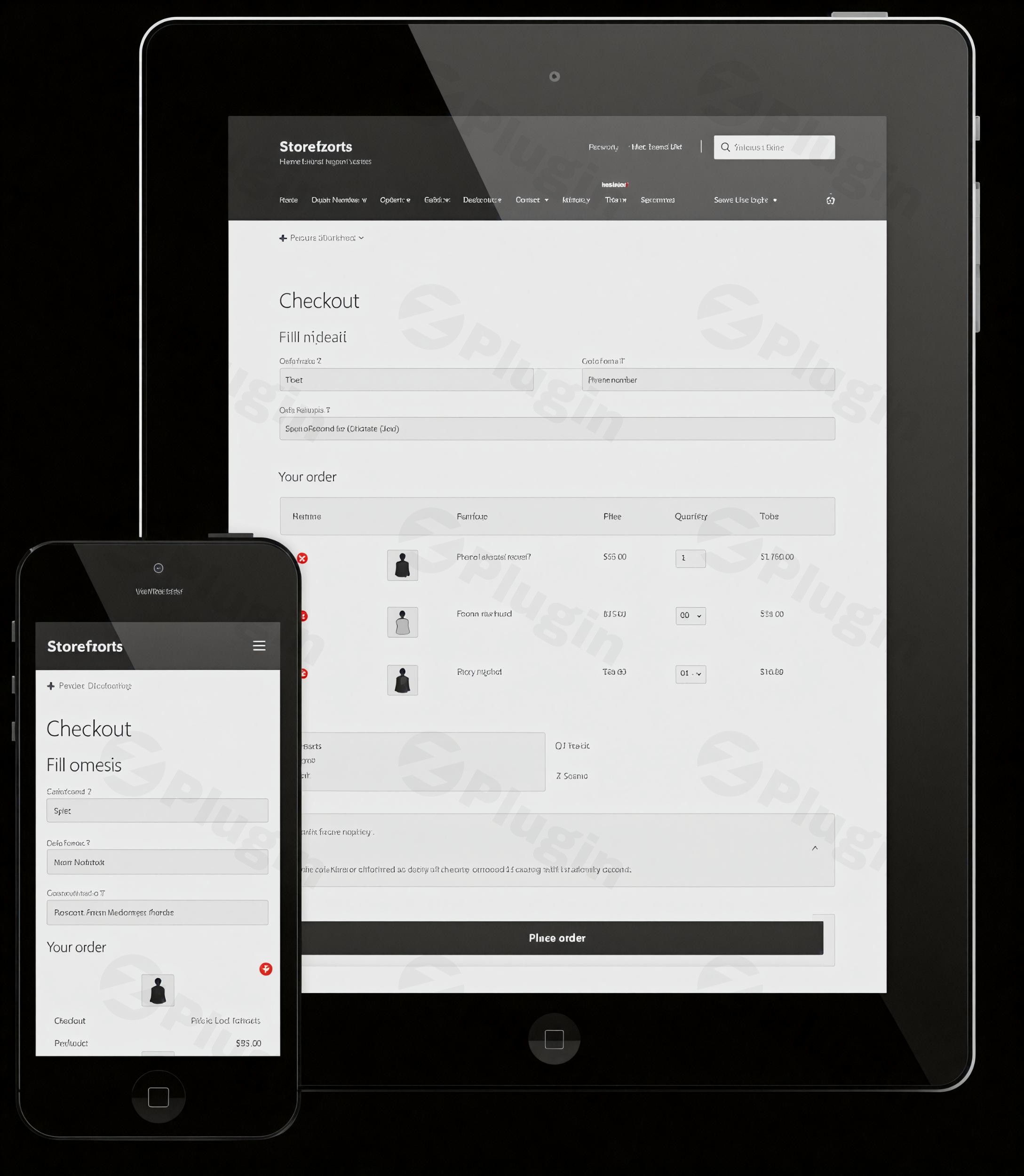
Optimize Your Store With WooCommerce Checkout Manager Pro
WooCommerce Checkout Manager Pro by QuadLayers provides store owners with a comprehensive solution for modifying the default WooCommerce checkout page. The checkout is the most critical phase of the customer journey. Every extra field or confusing requirement at this stage increases the likelihood of a lost sale. Conversely, failing to collect essential operational data can lead to fulfillment delays and customer service headaches. This tool bridges that gap by giving merchants a flexible, code-free interface to tailor the exact data points they need. By streamlining the data collection process, store owners can significantly reduce cart abandonment and improve the overall user experience. The extension integrates natively into the WooCommerce environment, ensuring that any collected data is stored securely and attached correctly to the order meta data.
Who Benefits From Custom Checkout Fields
This plugin is built for WooCommerce store administrators, digital agencies, and e-commerce developers who need precise control over the checkout flow. Business-to-business wholesale stores often use it to collect tax identification numbers or company-specific order references. Stores selling personalized products rely on it to gather custom engraving text, file uploads for custom printing, or specific delivery instructions. Service-based businesses find it useful for capturing appointment dates or specific client requirements before completing a transaction. Subscription box companies also leverage these features to ask preference questions, ensuring the first delivery matches the buyer’s exact tastes. Digital product sellers often strip the checkout down to just an email address and payment method, completely removing unnecessary physical shipping addresses to maximize conversion speed.
Key Capabilities And Technical Features
The plugin offers a wide array of tools to optimize the checkout process without requiring custom PHP code. Store owners can leverage the intuitive administration interface to manipulate fields dynamically.
- Create new custom fields using various input types including text inputs, text areas, dropdown selections, radio buttons, multi-selects, and date pickers.
- Remove or hide unnecessary default WooCommerce fields to simplify the payment step and reduce user friction.
- Implement conditional logic to show or hide specific fields based on user roles, product categories in the cart, or the values of other fields.
- Enable file upload capabilities so buyers can attach reference images, signed documents, or design assets directly at checkout.
- Reorder all billing, shipping, and additional fields using a drag-and-drop interface within the WordPress dashboard.
- Choose whether custom field data appears in standard WooCommerce order emails and invoice templates.
- Apply custom validation rules to ensure customers enter data in the correct format before the order is processed.
Practical WordPress Use Cases
Applying this checkout management tool solves several common e-commerce challenges. You can tailor the payment experience to match exact operational requirements.
- B2B wholesale transactions: Add required fields for company registration numbers, VAT IDs, or departmental purchase order numbers.
- Custom product personalization: Allow users to type out custom messages for greeting cards or upload artwork files for custom apparel.
- Delivery scheduling: Insert a date picker field allowing the buyer to specify their preferred delivery day or select an ideal local pickup time.
- Gift wrapping services: Add a checkbox asking if the order is a gift, which then uses conditional logic to reveal a text area for a personalized gift note.
- Customer feedback: Include a quick dropdown asking how the buyer found your store to help track marketing attribution.
Setup And Compatibility Notes
Installing WooCommerce Checkout Manager Pro requires an active installation of the core WooCommerce plugin. Once activated, the settings panel is accessible directly through the WooCommerce menu in the WordPress admin area. It integrates cleanly with most modern WordPress themes and page builders. The plugin modifies standard WooCommerce hooks and filters, meaning it typically works well alongside standard payment gateways and shipping calculators. Because the extension uses native WooCommerce order meta tables, it maintains a lightweight database footprint. If you are migrating from another field editor, it is recommended to test the data transition carefully. Always clear your server cache and CDN caches after making structural changes to the checkout layout so returning customers see the most recent field requirements.
Reasons To Choose This Extension On WPPick
Sourcing this plugin through WPPick provides an excellent opportunity to test its comprehensive field management capabilities within your staging or development environment. You can fully map out your complex B2B checkout flows, test conditional logic paths, and ensure your custom fields pass data correctly to your order management software before deploying changes to a live production website. This allows development teams to verify compatibility with existing custom theme overrides and other critical WooCommerce extensions safely.
Latest Version Context
Detailed release notes are not available from the provided internet sources. However, the latest official developer updates for version 7.6.7 focus on crucial WooCommerce compatibility improvements to maintain stability with the newest core e-commerce releases. Previous recent updates resolved significant backend issues, including fixing a critical infinite loop bug on the shop order list page that was triggered by recursive query parsing. Keeping the plugin updated ensures your custom checkout fields continue functioning smoothly as the broader WordPress ecosystem evolves.
Frequently Asked Questions
Q: Does this plugin allow me to remove the default WooCommerce billing fields?
A: Yes, you can easily disable or hide standard default fields like company name, phone number, or second address lines to create a shorter, more streamlined checkout process.
Q: Can I use conditional logic to show fields only for specific products?
A: The pro version includes conditional logic features that allow you to display specific custom fields only when certain items or product categories are present in the shopping cart.
Q: Will the custom field data show up on the WooCommerce order details page?
A: Any data collected through your custom checkout fields is automatically saved as order meta data and displayed within the WooCommerce order administration screen.
Q: Can customers upload files during checkout using this tool?
A: Yes, administrators can add a file upload field type, which is incredibly useful for stores that require custom artwork, identification documents, or reference images to process an order.
Q: Are the custom fields included in the confirmation emails sent to customers?
A: You have full control over the visibility of each custom field, including toggle options to display the captured data in customer receipt emails and administrator order notifications.
Q: Is it possible to change the order of the checkout fields?
A: You can easily rearrange the order of standard and custom fields using a simple drag-and-drop interface in the settings panel, allowing you to prioritize the most important questions first.
I. Download Limits & Account Benefits
- Free Downloads: Each email address receives 3 downloads per day for free products
- Upgrade Benefits: Purchase any paid product to increase your daily download limit by 3 for each paid product
- No Account Required: You can download immediately by receiving the download link via email
- Account Recommended: Create an account for easier access to your order history and direct update downloads
II. Understanding GPL vs Official Versions
Important: The products available on WPPick are GPL-licensed versions, which differ from official developer versions. Before purchasing, please read our comprehensive guide: Understanding GPL & Official Differences at WPPick
Key Points:
- GPL versions may not include premium support from original developers
- Updates may be delayed compared to official releases
- Some premium features might have limitations
- Always consider your specific needs and support requirements
III. Support & Assistance
We’re here to help through multiple channels:
- Email Support: Direct email assistance for all inquiries
- Live Chat: Real-time support during business hours
- Comprehensive Documentation: Detailed guides and tutorials
IV. Order Tracking
Access your complete purchase history and download links anytime: Order History
V. Account Access
New to WPPick? Login or Create Account to manage your downloads and orders efficiently.
VI. Refund Protection
We stand behind our products with a clear refund policy. Review our terms: Refund Policy
VII. Privacy & Security
Your data security is our priority. Learn how we protect your information: Privacy Policy
VII. Terms of Service
Understanding our service terms ensures a smooth experience: Terms of Use
Quick Tips for Best Experience
- Verify Compatibility: Check plugin/theme compatibility with your WordPress version
- Backup First: Always backup your site before installing new plugins or themes
- Test Environment: Consider testing on a staging site first
- Stay Updated: Regularly check for updates in your account dashboard
- Read Documentation: Review any included documentation for optimal setup
Need Help?
If you have questions about downloads, licensing, or need technical assistance, don’t hesitate to contact our support team. We’re committed to ensuring you have the best possible experience with WPPick products.
Ready to get started? Your download adventure begins with just one click!
- Fix: WooCommerce compatibility
- Fix: prevent infinite loop on shop_order list page caused by recursive parse_query triggered through get_defaults() → WP_Query chain
- WooCommerce compatibility
- Fix: license validation
- Fix: PHP 7.2 errors
- Update dependencies
- Update dependencies
- New: WooCommerce compatibility