
Woocommerce Customers Manager By Vanquish
/Year
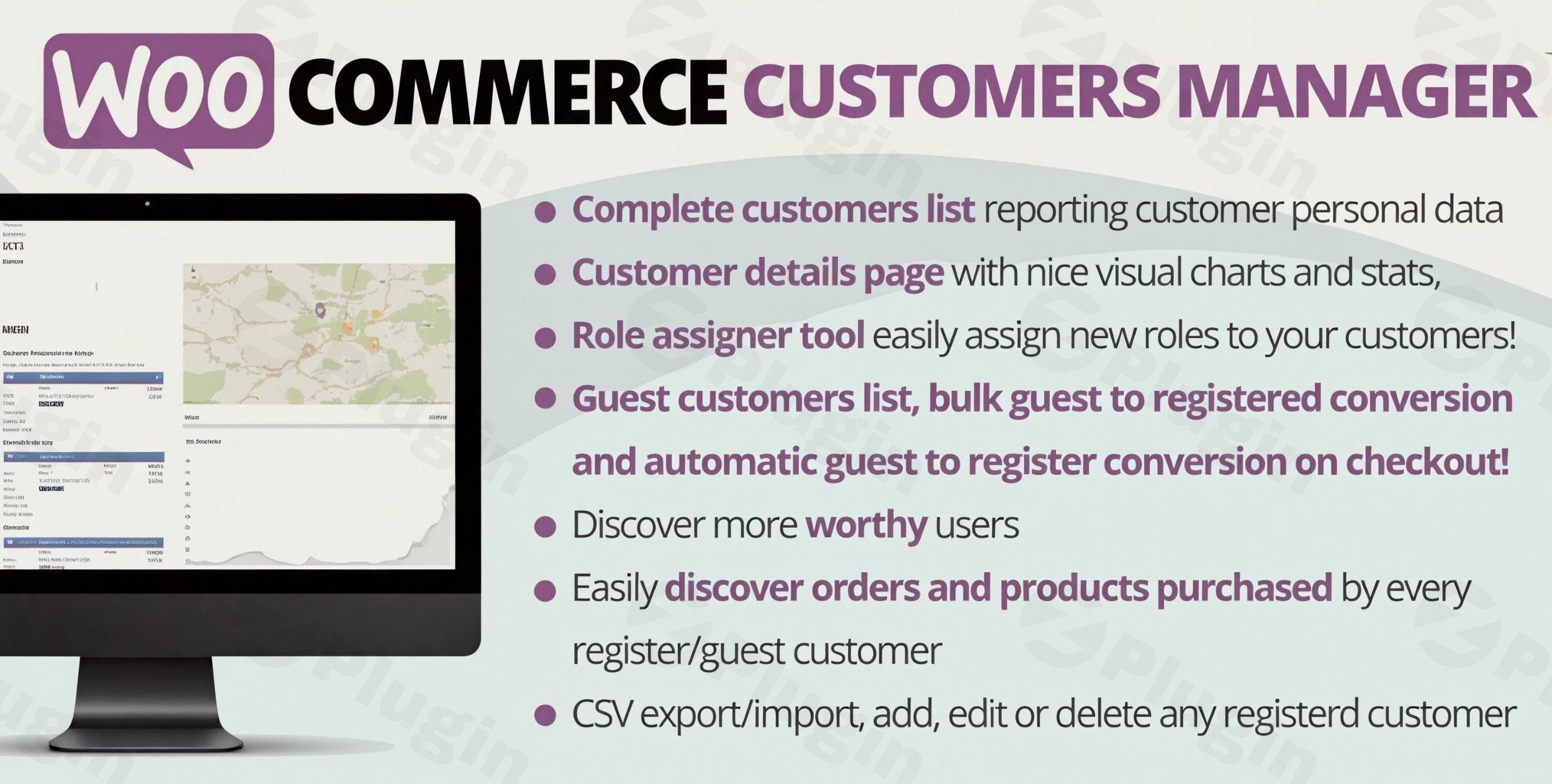
Running a successful online store requires more than just listing products; it requires understanding your audience. While native WooCommerce provides basic user management, scaling businesses often find themselves hitting a wall when trying to analyze customer behavior or export data for marketing. The WooCommerce Customers Manager by Vanquish is a powerful WooCommerce customer management plugin designed to bridge this gap. It transforms the standard WordPress user list into a robust CRM-style interface, giving store owners 360-degree visibility into customer activities, lifetime value, and order history. Whether you are looking to improve customer support or streamline your marketing exports, this plugin offers the technical depth needed to manage your store effectively.
Key Features of WooCommerce Customers Manager by Vanquish
The Vanquish WooCommerce Plugin goes beyond simple data entry. It focuses on WooCommerce customer data management by providing actionable insights through a clean, intuitive interface.
1. Advanced Customer Data Grids
Unlike the default WordPress user table, this plugin provides a detailed customer list that includes essential metrics at a glance:
- Shipping and Billing addresses.
- Registration timestamps.
- Total amount spent (Lifetime Value).
- Total number of orders per customer.
- Last activity/Order date tracking.
2. Comprehensive Customer Profile Cards
Each customer gets a dedicated “Profile Card.” This is where the plugin shines for support teams. Directly from the profile, you can view:
- Order History: A complete list of previous purchases without leaving the page.
- Product Stats: Insights into which specific products a customer buys most frequently.
- Full Editability: Manually update billing info, names, or contact details to ensure your records remain accurate.
3. Powerful Filtering and CSV Exporting
One of the most requested features for store owners is the ability to export WooCommerce customers CSV files. This plugin allows you to filter your list by:
- Registration date ranges.
- Lifetime value (Total spend).
- Specific timeframes for orders.
This makes it the best plugin to manage WooCommerce customers and orders when you need to sync data with external email marketing tools like Mailchimp or Klaviyo.
Installation & Setup: How to Get Started
Setting up the WooCommerce Customers Manager by Vanquish is straightforward and follows the standard WordPress workflow.
- Download the Plugin: Obtain the .zip file from the provider (e.g., via DoniaWeb or Vanquish-related marketplaces).
- Upload to WordPress: Navigate to your WordPress Dashboard, go to Plugins > Add New, and click Upload Plugin.
- Activate: Once uploaded, click Activate.
- Access the Manager: You will find a new menu item (typically under “WooCommerce” or as a standalone “Customers” tab) where the advanced list is housed.
5. Configure Columns: Go to the settings page to choose which columns (LTV, Address, Last Order) you want to display on your main dashboard for quick reference.
Practical Usage & Best Practices
To get the most ROI from this plugin, consider these real-world workflows:
Use Case 1: Rewarding High-Value Customers
Use the Lifetime Value filter to identify customers who have spent over a certain threshold (e.g., $1,000). You can export WooCommerce customers CSV for this specific segment and send them a personalized “VIP” discount code via your email platform.
Use Case 2: Identifying Inactive Users
By monitoring the “Last Order Date” column, you can identify customers who haven’t purchased in over six months. This is an ideal segment for “Win-back” marketing campaigns.
Use Case 3: Streamlining Customer Support
When a customer calls with an inquiry, support staff can use the WooCommerce customer details and order history view to see every interaction the customer has had with the brand. This eliminates the need to jump between the “Users” page and the “Orders” page in WooCommerce.
Technical Compatibility
The WooCommerce Customers Manager by Vanquish is built to be lightweight and compatible with the broader WordPress ecosystem. It has been tested with:
- Page Builders: Elementor, Divi, Avada (Fusion Builder).
- SEO Tools: Yoast SEO, Rank Math, All In One SEO.
- Themes: Astra, OceanWP, Storefront.
* Multilingual: WPML and Polylang.
FAQ & Troubleshooting
What are the main features of WooCommerce Customers Manager by Vanquish?
The plugin provides an advanced customer list, editable customer profiles, lifetime value (LTV) tracking, order history visibility on profile cards, and the ability to filter and export customer data into CSV format.
Is the Vanquish WooCommerce Plugin compatible with the latest WordPress version?
Yes, the plugin is designed to extend the standard WordPress user list and is updated to ensure compatibility with modern versions of WordPress and WooCommerce. Always ensure you are running the latest version of the plugin for the best performance.
How do I export my customer list from WooCommerce using this plugin?
To export your list, navigate to the Customers Manager dashboard, use the filters to select the desired date range or spend threshold, and click the Export CSV button. The file will generate automatically with all relevant billing and shipping data.
Can I manually add or delete customers?
Yes. The plugin allows for full CRUD (Create, Read, Update, Delete) capabilities. You can manually add new customer entries or remove old data directly from the manager interface.
Does this plugin impact site speed?
In testing with standard themes like Storefront, the plugin shows no significant influence on the store’s response rate. It functions primarily in the backend and does not load heavy scripts on the frontend of your website.
Final Verdict
The WooCommerce Customers Manager by Vanquish is an essential tool for store owners who have outgrown the basic “Users” tab in WordPress. By providing a clear view of customer LTV, detailed order histories, and easy export options, it empowers you to make data-driven decisions. If you need a more professional way to manage WooCommerce users, this plugin is a reliable, high-performance choice for any scaling eCommerce business.Looking for more WordPress insights? Visit wppick.com for the latest plugin reviews and tutorials.
I. Download Limits & Account Benefits
- Free Downloads: Each email address receives 3 downloads per day for free products
- Upgrade Benefits: Purchase any paid product to increase your daily download limit by 3 for each paid product
- No Account Required: You can download immediately by receiving the download link via email
- Account Recommended: Create an account for easier access to your order history and direct update downloads
II. Understanding GPL vs Official Versions
Important: The products available on WPPick are GPL-licensed versions, which differ from official developer versions. Before purchasing, please read our comprehensive guide: Understanding GPL & Official Differences at WPPick
Key Points:
- GPL versions may not include premium support from original developers
- Updates may be delayed compared to official releases
- Some premium features might have limitations
- Always consider your specific needs and support requirements
III. Support & Assistance
We’re here to help through multiple channels:
- Email Support: Direct email assistance for all inquiries
- Live Chat: Real-time support during business hours
- Comprehensive Documentation: Detailed guides and tutorials
IV. Order Tracking
Access your complete purchase history and download links anytime: Order History
V. Account Access
New to WPPick? Login or Create Account to manage your downloads and orders efficiently.
VI. Refund Protection
We stand behind our products with a clear refund policy. Review our terms: Refund Policy
VII. Privacy & Security
Your data security is our priority. Learn how we protect your information: Privacy Policy
VII. Terms of Service
Understanding our service terms ensures a smooth experience: Terms of Use
Quick Tips for Best Experience
- Verify Compatibility: Check plugin/theme compatibility with your WordPress version
- Backup First: Always backup your site before installing new plugins or themes
- Test Environment: Consider testing on a staging site first
- Stay Updated: Regularly check for updates in your account dashboard
- Read Documentation: Review any included documentation for optimal setup
Need Help?
If you have questions about downloads, licensing, or need technical assistance, don’t hesitate to contact our support team. We’re committed to ensuring you have the best possible experience with WPPick products.
Ready to get started? Your download adventure begins with just one click!
- Fixed an issue related to the text editors