

Woocommerce Delivery – Delivery Date & Time Slots
/Year
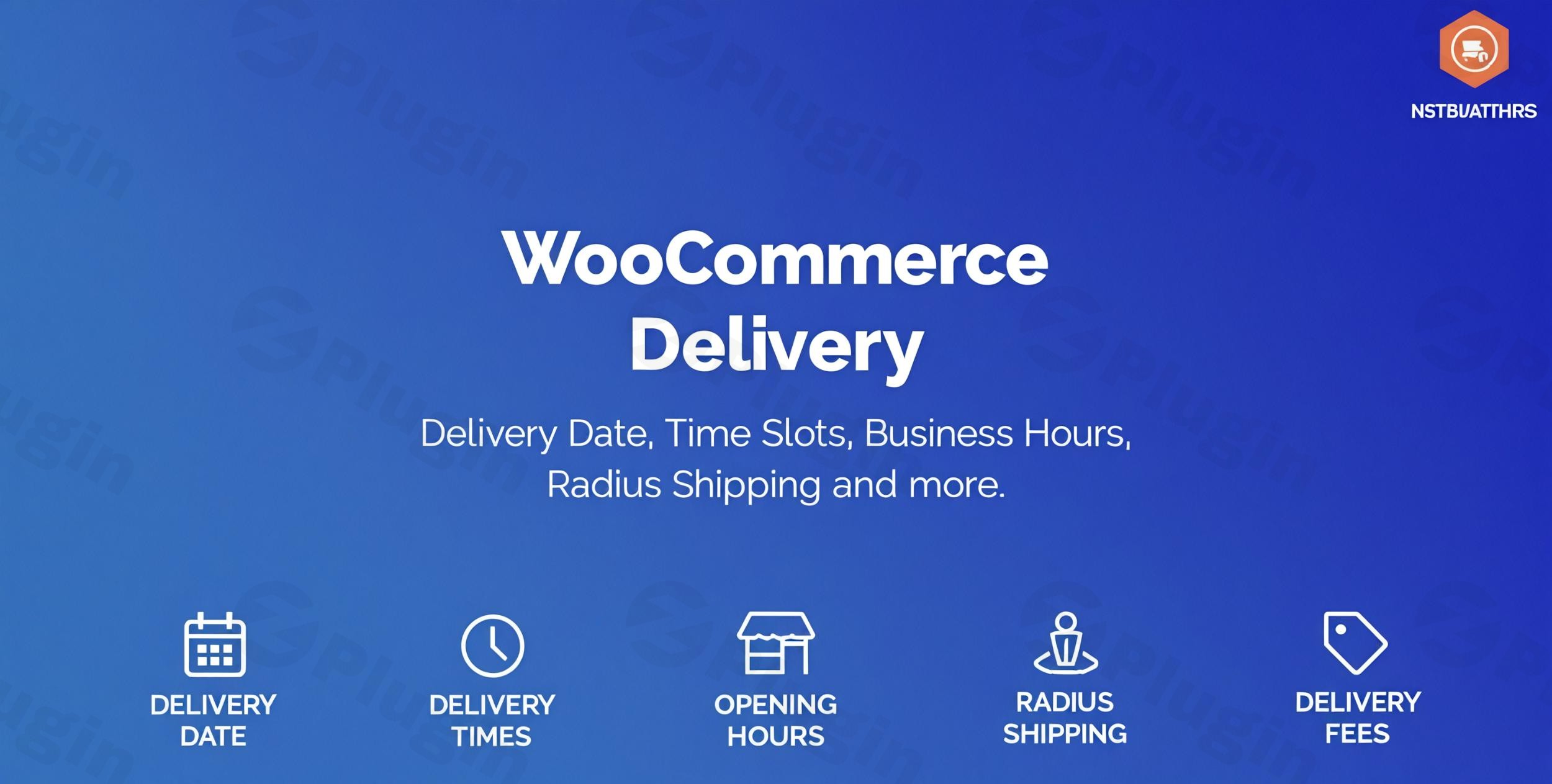
The modern e-commerce landscape demands flexibility and precision in delivery. Customers expect to choose when and how they receive their orders. The WooCommerce Delivery – Delivery Date & Time Slots plugin is a robust WordPress delivery plugin designed to meet these exact needs, transforming your WooCommerce store into a highly efficient, customer-centric delivery hub. Whether you’re managing a local food delivery service, scheduling complex product installations, or simply offering diverse shipping options, this plugin provides the comprehensive WooCommerce delivery scheduling tools you need to streamline operations and significantly enhance customer satisfaction.
Key Features: Elevate Your Delivery Management
The WooCommerce Delivery – Delivery Date & Time Slots plugin offers a powerful suite of features to give you unparalleled control over your store’s logistics, allowing you to accommodate virtually any delivery scenario.
Flexible Date & Time Selection at Checkout
Empower your customers by allowing them to select their preferred delivery date and specific time slot directly during the checkout process. This dramatically improves the customer experience and reduces cart abandonment caused by rigid delivery options.
Business Hour & Operational Restrictions
Define your store’s business hours, ensuring that orders are only placed or scheduled for delivery when your team is available to process them. This feature is crucial for maintaining operational efficiency and preventing missed deliveries.
- Daily Delivery Time Configurations: Set specific hours for each day of the week.
- Custom Date Range Restrictions: Control delivery availability for specific periods.
- Holiday/Closure Date Exceptions: Easily block out holidays or other non-delivery days from the calendar.
- Weekday Delivery Restrictions: Define which days of the week deliveries are available.
- Dual Time Frame Scheduling: Offer more granular control with two distinct time frames per day.
Intelligent Radius-Based Shipping Calculations
Ideal for local businesses, this WooCommerce local delivery plugin allows you to define a delivery area based on radius (in kilometers or miles) from your store’s location. This feature, which utilizes the Google Distance Matrix API, is perfect for restaurants, florists, or any business offering localized delivery services.
Dynamic Pricing for Expedited Services
Implement flexible pricing rules for specific delivery options:
- Same-Day/Next-Day Delivery Fees: Charge extra for expedited services.
- Time Slot Specific Pricing: Apply additional costs to premium or high-demand time slots.
- This enables you to accurately reflect the costs associated with different delivery options and can contribute to increased average order value.
Streamlined Local Pickup Option
Seamlessly integrate local pickup options into your store. Customers can choose between home delivery and self-pickup, with shipping methods adjusting automatically. You can even set maximum order limits for pickup slots, ensuring your team isn’t overwhelmed.
Robust Order Capacity Management
Prevent overbooking and maintain service quality by setting maximum order limits per time slot and per day. This crucial feature ensures your team can handle the workload efficiently, leading to timely deliveries and satisfied customers.
Enhanced Customer Experience
Beyond basic scheduling, the plugin offers features designed to delight your customers:
- “As Soon As Possible” (ASAP) Delivery: Offer an option for immediate delivery, potentially with an extra charge.
- Estimated Delivery Time: Display estimated delivery times on product pages and at checkout to manage customer expectations effectively.
- Reservation Table: Allow customers to reserve a delivery slot even before they begin shopping using a simple shortcode. Reservation expiration times help keep slots open if an order isn’t completed.
- Custom Notifications: Configure personalized messages for different delivery types.
- Customizable Date/Time Display Formats: Tailor the appearance of delivery information to match your brand.
- Timezone Awareness: Ensure accurate scheduling by displaying and storing times based on the shop’s or the user’s timezone.
Operational Flexibility and Integration
- Checkout Field Customization: Tailor the delivery fields presented at checkout.
- Shipping Method-Specific Delivery Rules: Show delivery options only for specific shipping methods, providing granular control.
- Product/Category Specific Rules: Customize schedules, blackout dates, and fees based on product categories or individual products.
- Developer Friendly: Designed with developers in mind for further customization.
- Subscription Product Support: Fully compatible with WooCommerce Subscriptions.
- Translation Ready: The plugin is translation-ready and compatible with WPML for multilingual stores.
- WooCommerce Blocks Compatibility: Works seamlessly with WooCommerce blocks, including the Checkout block.
Installation & Setup: How to Add Delivery Date and Time Slots to WooCommerce Checkout
Installing and configuring the WooCommerce Delivery – Delivery Date & Time Slots plugin is a straightforward process, even for non-developers.
Technical Requirements
Before you begin, ensure your WordPress environment meets the following:
- WordPress CMS: A running WordPress installation.
- WooCommerce Platform: WooCommerce plugin installed and activated.
- Redux Framework: This plugin also requires the Redux Framework to be installed and active (it’s often bundled or prompts for installation).
Step-by-Step Installation Guide
- Download the Plugin: Obtain the plugin file (usually a
.zipfile) from your purchase source (e.g., CodeCanyon if purchased from welaunch). - Upload to WordPress:
- Navigate to your WordPress dashboard.
- Go to Plugins > Add New.
- Click the “Upload Plugin” button at the top of the page.
- Click “Choose File”, select the
.zipfile you downloaded, and then click “Install Now”. - Alternatively, you can manually upload the unzipped plugin folder to your WordPress installation’s
/wp-content/plugins/directory via FTP.
- Activate the Plugin: Once installed, click “Activate Plugin”.
- Initial Configuration:
- Upon activation, a new menu item, often labeled “WooCommerce > Delivery Date and Time” or similar, will appear in your WordPress admin sidebar.
- Navigate to this new section to begin configuring your delivery settings. Here, you’ll define your global delivery availability, time slots, holidays, and pricing rules.
Configuring Your First Delivery Slots
Within the plugin’s settings:
- Go to the “Time Slots” or “Schedule” tab.
- You can set up multiple time slots for each day of the week, defining their duration, frequency, and crucially, the maximum number of orders each slot can accommodate.
- Remember to save your changes after each configuration step.
Practical Usage / Best Practices for WooCommerce Delivery Scheduling
Implementing the WooCommerce Delivery – Delivery Date & Time Slots plugin effectively can transform your logistics. Here are some practical use cases and best practices:
1. Optimize for Local Food Delivery and Restaurants
For restaurants and food delivery services, precise timing is everything.
- Use Case: A restaurant offering delivery and pickup.
- Best Practice: Leverage radius-based shipping to define your delivery zones. Set clear cut-off times for same-day delivery to ensure kitchen staff have ample prep time. Utilize order capacity management per time slot to prevent your kitchen from being overwhelmed during peak hours, ensuring every order goes out fresh and on time. Offer an “ASAP” option for impatient customers, potentially with a small premium.
2. Streamline Service Appointments & Installations
If your business involves scheduling services like appliance installations, home repairs, or consultations, this plugin acts as a powerful booking tool.
- Use Case: An electronics store offering installation services for large appliances.
- Best Practice: Create specific time slots for installations, defining their duration. Use custom date range restrictions to manage technician availability and set holiday blackout dates in the WooCommerce delivery calendar to prevent bookings on non-working days. Assign specific delivery rules to “Installation” shipping methods.
3. Enhance Customer Experience for Retail & E-commerce
Even for standard product deliveries, providing choice empowers customers and builds trust.
- Use Case: An online fashion boutique or general merchandise store.
- Best Practice: Offer a range of delivery dates and time slots, including a slightly more expensive “next-day” or “express” option. Display estimated delivery times clearly. For customers who prefer picking up, enable WooCommerce pickup date and time options with distinct pickup locations and capacity limits if applicable. This flexibility directly contributes to higher conversion rates and repeat business.
4. Managing High-Demand Periods & Seasonal Peaks
Holidays and sales events can lead to a surge in orders.
- Use Case: A gift shop preparing for Valentine’s Day or Christmas.
- Best Practice: Proactively adjust order capacity per time slot to manage the increased volume. Use custom date range restrictions to open up more delivery slots during peak times and then restrict them afterwards. Charge extra for same-day delivery in WooCommerce during these busy periods to encourage advanced orders and compensate for increased operational strain.
FAQ & Troubleshooting
Here are answers to common questions about managing delivery and pickup with the WooCommerce Delivery – Delivery Date & Time Slots plugin.
How do I limit orders per delivery time slot in WooCommerce?
The WooCommerce Delivery – Delivery Date & Time Slots plugin allows you to set a “Maximum orders per time slot” directly within the time slot configuration settings. When editing or creating a time slot for a specific day, you will find an option to define the maximum number of orders that can be placed for that particular slot, preventing overbooking and ensuring efficient fulfillment.
Can customers choose a pickup time and date in WooCommerce?
Yes, absolutely. The plugin integrates local pickup options, allowing customers to select their preferred pickup date and time slot during the checkout process. You can configure specific pickup locations and even set capacity limits for each pickup time slot, just like with delivery slots, ensuring a smooth customer experience.
How to charge extra for same-day delivery in WooCommerce?
The plugin offers flexible pricing rules. You can configure additional fees based on delivery days (“Today” and “Next Day” options are available) or specific time slots. Navigate to the plugin’s pricing settings, where you can define these extra charges, which will then be automatically applied during checkout if the customer selects an expedited delivery option.
What should I do if the delivery calendar doesn’t show on the checkout page?
First, ensure the plugin is installed and activated correctly. Check your WooCommerce Delivery Date & Time settings to confirm that the delivery options are enabled globally and for the specific shipping methods you are using. Also, verify that there are available delivery slots configured and that no conflicting plugin or theme settings are hiding the fields. If issues persist, temporary theme switching or plugin conflict testing may be required.
How do I set holiday blackout dates in the WooCommerce delivery calendar?
You can easily block out specific dates in the plugin’s settings. Navigate to the “Holidays” or “Blackout Dates” section within the WooCommerce Delivery Date & Time menu. Here, you can add individual dates or date ranges that will be unavailable for delivery or pickup selections in the customer-facing calendar.
Conclusion: Transform Your WooCommerce Deliveries
The WooCommerce Delivery – Delivery Date & Time Slots plugin by welaunch is an indispensable tool for any WooCommerce store aiming to offer flexible, reliable, and customer-friendly delivery and pickup options. By providing granular control over scheduling, capacity, pricing, and geographic restrictions, it solves critical logistical challenges and significantly enhances the overall shopping experience. This WooCommerce delivery date and time slots solution empowers store owners to meet diverse customer expectations, streamline their operations, and ultimately drive greater customer satisfaction and loyalty. For businesses ranging from local eateries to service providers and online retailers, this plugin is a smart investment that delivers tangible returns.
I. Download Limits & Account Benefits
- Free Downloads: Each email address receives 3 downloads per day for free products
- Upgrade Benefits: Purchase any paid product to increase your daily download limit by 3 for each paid product
- No Account Required: You can download immediately by receiving the download link via email
- Account Recommended: Create an account for easier access to your order history and direct update downloads
II. Understanding GPL vs Official Versions
Important: The products available on WPPick are GPL-licensed versions, which differ from official developer versions. Before purchasing, please read our comprehensive guide: Understanding GPL & Official Differences at WPPick
Key Points:
- GPL versions may not include premium support from original developers
- Updates may be delayed compared to official releases
- Some premium features might have limitations
- Always consider your specific needs and support requirements
III. Support & Assistance
We’re here to help through multiple channels:
- Email Support: Direct email assistance for all inquiries
- Live Chat: Real-time support during business hours
- Comprehensive Documentation: Detailed guides and tutorials
IV. Order Tracking
Access your complete purchase history and download links anytime: Order History
V. Account Access
New to WPPick? Login or Create Account to manage your downloads and orders efficiently.
VI. Refund Protection
We stand behind our products with a clear refund policy. Review our terms: Refund Policy
VII. Privacy & Security
Your data security is our priority. Learn how we protect your information: Privacy Policy
VII. Terms of Service
Understanding our service terms ensures a smooth experience: Terms of Use
Quick Tips for Best Experience
- Verify Compatibility: Check plugin/theme compatibility with your WordPress version
- Backup First: Always backup your site before installing new plugins or themes
- Test Environment: Consider testing on a staging site first
- Stay Updated: Regularly check for updates in your account dashboard
- Read Documentation: Review any included documentation for optimal setup
Need Help?
If you have questions about downloads, licensing, or need technical assistance, don’t hesitate to contact our support team. We’re committed to ensuring you have the best possible experience with WPPick products.
Ready to get started? Your download adventure begins with just one click!
- Disabled Shipping Methods for same day & Revert Categories Exclusion