

Woocommerce Direct Checkout Pro By Quadlayer
/Year
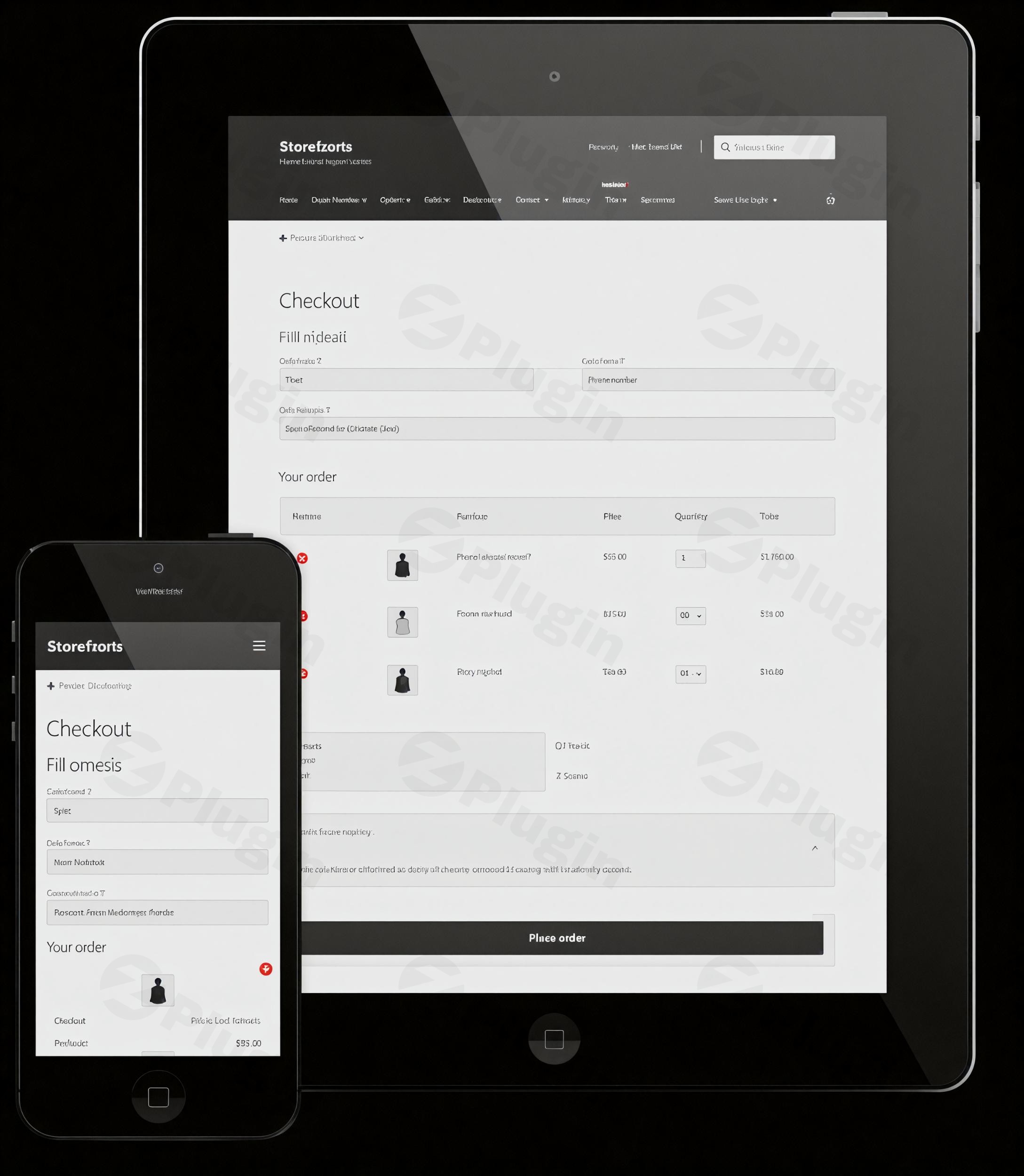
Accelerate Customer Purchases with WooCommerce Direct Checkout Pro
WooCommerce Direct Checkout Pro by QuadLayers optimizes the standard purchase funnel by allowing shoppers to skip the shopping cart page entirely. By redirecting buyers straight from single product pages or catalog listings to the final checkout form, this extension reduces purchase friction and minimizes cart abandonment rates. Online retailers can consolidate buying steps, customize field options, and deploy a streamlined checkout experience tailored for high-conversion e-commerce workflows.
What WooCommerce Direct Checkout Pro Does
This plugin modifies default WooCommerce behavior to speed up transactions. Core functionality includes automated redirects from the add-to-cart action directly to payment, embedding checkout forms on product pages, and removing unnecessary fields from the final purchase form. It enables one-page checkout experiences, modal checkout popups, and quick buy buttons to shorten the buyer’s journey across desktop and mobile devices.
Who Should Use WooCommerce Direct Checkout Pro
WooCommerce Direct Checkout Pro caters to online store owners, digital agencies, and e-commerce managers focused on conversion rate optimization (CRO). It is useful for:
- Single-product stores or landing pages where a cart phase adds unnecessary friction.
- Digital download stores selling ebooks, software licenses, or virtual assets requiring rapid checkout.
- Mobile-first storefronts looking to reduce tap requirements and form complexity for smartphone users.
- High-volume retail sites seeking to test streamlined purchasing flows against traditional cart layouts.
Key Capabilities and Features
The plugin delivers structured controls for configuring order flows without complex coding:
- Direct Redirection: Forward users immediately to the checkout page upon clicking purchase buttons.
- One-Page Checkout: Display product selections, order summaries, and checkout fields together on single pages.
- Field Management: Hide or remove non-essential fields such as order comments, coupon forms, shipping addresses, or policy links to simplify form completion.
- Ajax Add to Cart: Update checkout fields dynamically without requiring full page reloads.
- Quick Buy Buttons: Add dedicated purchasing controls alongside default add-to-cart options on catalog and single pages.
Practical WordPress Use Cases
Integrating WooCommerce Direct Checkout Pro supports several targeted commercial setups:
- Flash Sales and Promo Campaigns: Direct ad traffic to a single landing page featuring an embedded checkout form for instant transaction completion.
- Subscription and Service Sales: Simplify recurring payment onboarding by guiding users straight to billing details.
- Digital Download Fulfillment: Allow instant access to digital assets by eliminating physical shipping fields and cart review steps.
Setup and Compatibility Considerations
WooCommerce Direct Checkout Pro integrates into standard WordPress admin dashboards via the default plugin uploader. Configured via dedicated setting panels, store managers can toggle global redirects, manage field visibility, and adjust button text. The plugin functions alongside standard WooCommerce payment gateways, major themes, and popular page builders. When using cache or performance optimization tools, checkout pages should be excluded from aggressive caching to preserve dynamic form behavior.
Why Choose WooCommerce Direct Checkout Pro on WPPick
WPPick provides verified, scan-checked digital assets for store builders. Obtaining WooCommerce Direct Checkout Pro via WPPick allows developers and store operators to deploy conversion-focused cart modifications, inspect clean code bases, and maintain operational efficiency while testing optimized purchasing flows across client sites.
Latest Version Context
Detailed release notes are not available from the provided sources.
Frequently Asked Questions
Does WooCommerce Direct Checkout Pro completely remove the shopping cart?
It allows store administrators to bypass or hide the cart page, redirecting users directly from product interaction to checkout, while retaining core cart calculations in the background.
Can I keep the default cart for specific products while using direct checkout for others?
Yes, settings allow customization so direct checkout applies globally or selectively based on specific store configurations and purchase flows.
Does this plugin help increase conversion rates?
Reducing steps in the purchasing process typically decreases drop-offs, making it easier for motivated buyers to complete transactions quickly.
Is WooCommerce Direct Checkout Pro compatible with standard payment gateways?
Yes, it operates within the standard WooCommerce checkout framework, maintaining compatibility with major gateways such as Stripe, PayPal, and regional processors.
I. Download Limits & Account Benefits
- Free Downloads: Each email address receives 3 downloads per day for free products
- Upgrade Benefits: Purchase any paid product to increase your daily download limit by 3 for each paid product
- No Account Required: You can download immediately by receiving the download link via email
- Account Recommended: Create an account for easier access to your order history and direct update downloads
II. Understanding GPL vs Official Versions
Important: The products available on WPPick are GPL-licensed versions, which differ from official developer versions. Before purchasing, please read our comprehensive guide: Understanding GPL & Official Differences at WPPick
Key Points:
- GPL versions may not include premium support from original developers
- Updates may be delayed compared to official releases
- Some premium features might have limitations
- Always consider your specific needs and support requirements
III. Support & Assistance
We’re here to help through multiple channels:
- Email Support: Direct email assistance for all inquiries
- Live Chat: Real-time support during business hours
- Comprehensive Documentation: Detailed guides and tutorials
IV. Order Tracking
Access your complete purchase history and download links anytime: Order History
V. Account Access
New to WPPick? Login or Create Account to manage your downloads and orders efficiently.
VI. Refund Protection
We stand behind our products with a clear refund policy. Review our terms: Refund Policy
VII. Privacy & Security
Your data security is our priority. Learn how we protect your information: Privacy Policy
VII. Terms of Service
Understanding our service terms ensures a smooth experience: Terms of Use
Quick Tips for Best Experience
- Verify Compatibility: Check plugin/theme compatibility with your WordPress version
- Backup First: Always backup your site before installing new plugins or themes
- Test Environment: Consider testing on a staging site first
- Stay Updated: Regularly check for updates in your account dashboard
- Read Documentation: Review any included documentation for optimal setup
Need Help?
If you have questions about downloads, licensing, or need technical assistance, don’t hesitate to contact our support team. We’re committed to ensuring you have the best possible experience with WPPick products.
Ready to get started? Your download adventure begins with just one click!
- WooCommerce compatibility
- Fix: WooCommerce compatibility
- WooCommerce compatibility
- WooCommerce compatibility
- license validation
- Fix php 7.2 errors
- Update plugin dependencies
- Update plugin feedback