

Woocommerce Free Shipping Bar – Increase Average Order Value
/Year
Drive Higher Cart Values with Visual Incentives
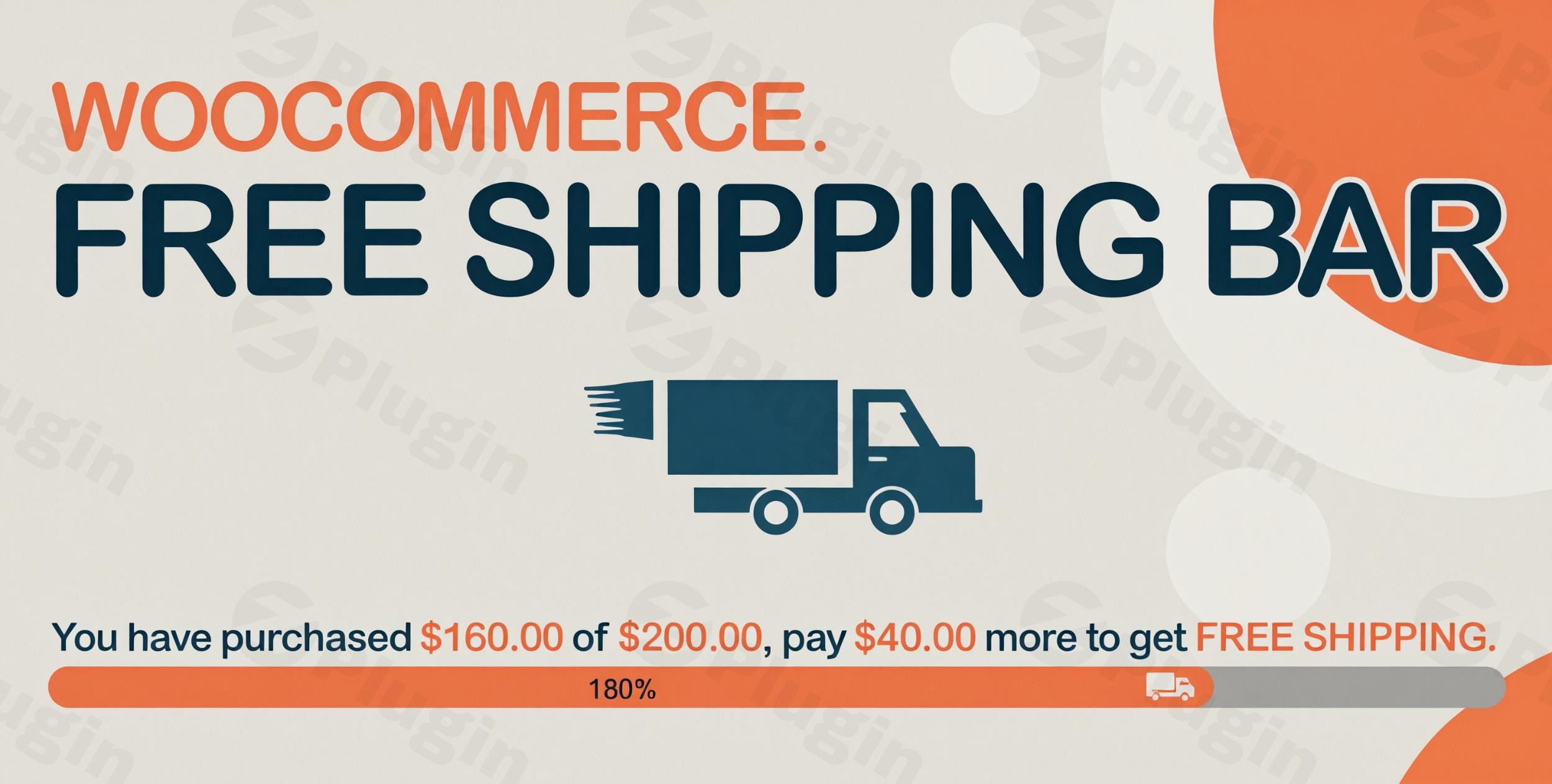
The WooCommerce Free Shipping Bar plugin provides online merchants with a strategic mechanism to incentivize customers to increase their overall cart total. By presenting a visible, real-time message indicating how much more money a user needs to spend to unlock complimentary shipping, the extension leverages consumer psychology to decrease cart abandonment and uplift overall store revenue. This plugin functions seamlessly within standard checkout ecosystems, turning standard logistics rules into proactive marketing tools.
What the WooCommerce Free Shipping Bar Does
This extension calculates the delta between the current shopping cart subtotal and the minimum threshold established for the customer’s specific geographic shipping zone. It showcases this information through a prominent banner on the front end of the website. As products are added or removed, the interactive display updates instantly, providing a clear path toward a rewards-based checkout milestone. Store owners can configure different messages depending on whether the customer is far from the goal, approaching the threshold, or has fully qualified for free delivery.
Who Should Implement This Plugin
This solution is designed for digital store owners, e-commerce managers, and WordPress developers looking to optimize transactional conversion metrics. It is especially beneficial for boutique retail shops, wholesale distributors, and digital marketplaces where shipping fees often act as friction points during checkout. Stores with variable geographic shipping rates will find the system valuable due to its native multi-zone and location-based filtering rules.
Key Functional Capabilities
- Automated regional calculation that aligns directly with native WooCommerce shipping settings.
- Dynamic percentage progress bar that visually visualizes the proximity to the free delivery goal.
- Support for secondary placement parameters including mini-carts, sidebar checkout modules, and standard header blocks.
- Geotargeting detection tools to automatically display values matching the buyer’s localized currency and zone parameters.
- Highly flexible visual adjustments for background colors, fonts, margins, and visibility timings.
- Shortcode inclusion capabilities for dropping specific purchase values into standard page builders or custom templates.
Practical WordPress Use Cases
Consider a digital fashion retailer using a tiered pricing structure. When a shopper places a forty-dollar item into their cart against a fifty-dollar free shipping rule, the top header bar immediately displays a notice stating they are only ten dollars away from unlocking free transit. Alternatively, for complex international stores, the plugin determines the buyer’s region using IP verification, ensuring an American user sees a dollar threshold while a European shopper sees an identical metric calculated in Euros according to localized rules.
Setup and Compatibility Context
Deployment involves mapping the plugin parameters to existing shipping zones configured under the native WooCommerce settings dashboard. It functions cleanly alongside optimization and caching plugins without causing front-end execution delays. Administrators can restrict bar visibility by page type, disabling it during specific distraction-free checkout sequences or activating it exclusively on high-traffic landing areas.
Why Source This Extension via WPPick
Acquiring this utility ensures store administrators receive a clean, fully verified architecture ready for immediate integration. This approach eliminates external validation delays, provides a straightforward path toward setting up immediate revenue-boosting banners, and keeps deployment simple for developers managing multiple client projects under standard compliance protocols.
Latest Version Context
The current release addresses stability and resolves specific visual rendering conflicts. Developers fixed a user interface anomaly where the front-end display could unintentionally obscure native theme menus. Additionally, the update builds in dedicated underlying support for VillaTheme layouts and introduces comprehensive compatibility checks for modern server and core environments, specifically validating execution against WordPress 7.0 and WooCommerce 10.8.1 frameworks.
Frequently Asked Questions
Does this plugin automatically adjust for multiple currencies?
Yes. The extension determines the customer location and aligns with the matching WooCommerce shipping zone criteria, adjusting values dynamically when configured with compliant multi-currency or multilingual infrastructure tools.
Can the progress bar be displayed on mobile layouts?
Yes. The plugin structure is completely responsive, ensuring that the tracking banner and secondary progress metrics adapt smoothly to smartphone and tablet screens without breaking layout containers.
Where can the shipping notification bar be positioned?
The primary notification banner can be anchored at the absolute top header position or fixed to the bottom layout area. Smaller variations can also be embedded manually inside mini-carts, sidebars, or default cart pages using targeted shortcodes.
Does it support custom visibility rules?
Yes. Administrators can selectively show or hide the visual notification bar on specific landing pages, product categories, or checkout areas using built-in URL filters and inclusion parameters.
Does the extension conflict with aggressive page caching?
No. The plugin architecture incorporates specific measures to ensure that cart subtotal calculations bypass typical static file caching, allowing real-time data updates as users modify their order totals.
I. Download Limits & Account Benefits
- Free Downloads: Each email address receives 3 downloads per day for free products
- Upgrade Benefits: Purchase any paid product to increase your daily download limit by 3 for each paid product
- No Account Required: You can download immediately by receiving the download link via email
- Account Recommended: Create an account for easier access to your order history and direct update downloads
II. Understanding GPL vs Official Versions
Important: The products available on WPPick are GPL-licensed versions, which differ from official developer versions. Before purchasing, please read our comprehensive guide: Understanding GPL & Official Differences at WPPick
Key Points:
- GPL versions may not include premium support from original developers
- Updates may be delayed compared to official releases
- Some premium features might have limitations
- Always consider your specific needs and support requirements
III. Support & Assistance
We’re here to help through multiple channels:
- Email Support: Direct email assistance for all inquiries
- Live Chat: Real-time support during business hours
- Comprehensive Documentation: Detailed guides and tutorials
IV. Order Tracking
Access your complete purchase history and download links anytime: Order History
V. Account Access
New to WPPick? Login or Create Account to manage your downloads and orders efficiently.
VI. Refund Protection
We stand behind our products with a clear refund policy. Review our terms: Refund Policy
VII. Privacy & Security
Your data security is our priority. Learn how we protect your information: Privacy Policy
VII. Terms of Service
Understanding our service terms ensures a smooth experience: Terms of Use
Quick Tips for Best Experience
- Verify Compatibility: Check plugin/theme compatibility with your WordPress version
- Backup First: Always backup your site before installing new plugins or themes
- Test Environment: Consider testing on a staging site first
- Stay Updated: Regularly check for updates in your account dashboard
- Read Documentation: Review any included documentation for optimal setup
Need Help?
If you have questions about downloads, licensing, or need technical assistance, don’t hesitate to contact our support team. We’re committed to ensuring you have the best possible experience with WPPick products.
Ready to get started? Your download adventure begins with just one click!
- Error reported by customer
- Covering menu
- VillaThem support
- Compatibility check with WP 7.0 and WC 10.8.1
- Compatible with Table Rate Shipping for WooCommerce - Flexible Shipping
- Only specific conditional tags are supported in the “Conditional tag” option.
- Compatible with Table Rate Shipping for WooCommerce - Flexible Shipping
- VillaTheme support