

Woocommerce Lookbook
/Year
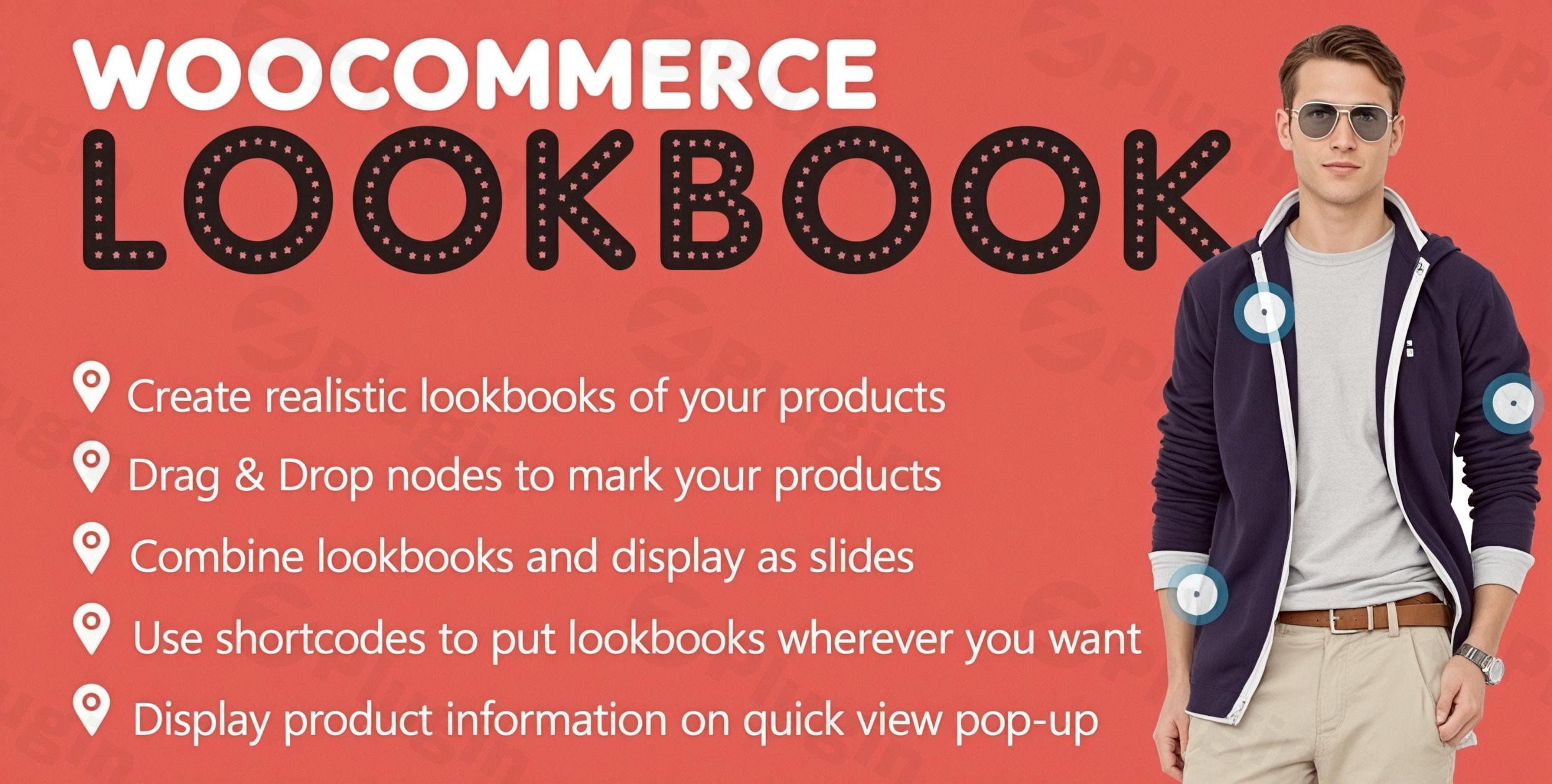
In today’s visually-driven eCommerce landscape, engaging product presentation is key to boosting sales. The WooCommerce Lookbook plugin is a powerful WordPress extension designed to transform your WooCommerce store with interactive, shoppable Instagram-style galleries. This plugin empowers you to make Instagram photos shoppable on WooCommerce with product tags, allowing customers to discover and purchase products directly from captivating lifestyle images. If you’re looking for an Instagram shop WooCommerce plugin to elevate your visual merchandising and streamline the customer journey, the WooCommerce Lookbook is an essential tool for any online store.
Key Features That Transform Your Product Displays
The WooCommerce Lookbook plugin goes beyond simple image galleries, offering a comprehensive suite of features to create dynamic and highly convertible shopping experiences.
Instagram Integration & Interactive Product Tagging
The heart of the WooCommerce Lookbook lies in its ability to seamlessly integrate your visual content with your product catalog.
- Seamless Instagram Synchronization: Easily sync Instagram photos WooCommerce from any public Instagram account directly into your lookbook builder. This means your best social media content can instantly become part of your shoppable storefront.
- Create Unlimited Shoppable Lookbooks: Upload your own product images or leverage synced Instagram pictures to build an endless array of interactive lookbooks.
- Interactive Product Tags (Nodes): The plugin introduces product hotspots WooCommerce via interactive “nodes.” These draggable markers allow you to pinpoint exact product locations within an image. Customers simply click a node to reveal product details, making product discovery intuitive and engaging.
Advanced Display & User Experience Options
Once your lookbooks are created, the plugin provides flexible ways to showcase them across your site.
- Combine Lookbooks into Engaging Slideshows: Group multiple lookbooks into dynamic slideshows with customizable transitions and autoplay functionality, perfect for homepages or category banners.
- Flexible Shortcode Implementation: Embed any lookbook or slideshow anywhere on your WordPress site using intuitive shortcodes, offering ultimate placement control.
- Automatic Product Page Display: Enhance single product pages by automatically displaying relevant lookbooks that feature that specific product, improving cross-selling and product visualization.
- Quickview Popups: When a customer clicks a product node, a customizable Quickview popup appears, displaying the product’s name, short description, pricing, and an “Add to Cart” button, allowing for instant purchases without leaving the lookbook.
- Link Redirection Flexibility: Nodes can be configured to either open the Quickview popup, redirect directly to the single product page, or even link to external/affiliate URLs, offering versatile monetization options.
Complete Design Control & Personalization
Matching your brand’s aesthetic is crucial, and WooCommerce Lookbook offers extensive customization options to ensure your shoppable galleries look perfectly integrated.
- Node Customization:
- Choose from 3 stylish node icon designs (default, number, marker, alphabet).
- Set custom colors for nodes, backgrounds, and borders to match your branding.
- Toggle the optional display of product titles above nodes and customize their text/background colors.
- Slide & Slideshow Customization:
- Adjust slide dimensions to fit your layout.
- Select from 2 transition effects for a polished presentation.
- Choose between manual or automatic slide progression.
- Quickview Popup Personalization:
- Select from 11 loading icon choices for a smooth user experience.
- Customize popup colors, styling, and border radius.
- Configure button options and decide whether to show/hide a close button.
- Custom CSS: For advanced users, the plugin supports custom CSS to fine-tune any element of your lookbooks.
Installing and Setting Up Your WooCommerce Lookbook Plugin
Getting started with the WooCommerce Lookbook plugin is straightforward, even for non-developers. Here’s a step-by-step guide on the WooCommerce Lookbook plugin setup guide:
- Purchase and Download: First, purchase the “WooCommerce Lookbook – Shop By Instagram – Shoppable With Product Tags” plugin from CodeCanyon. You’ll receive a
.zipfile. - Upload the Plugin:
- Log in to your WordPress admin dashboard.
- Navigate to Plugins > Add New.
- Click on the Upload Plugin button at the top.
- Click Choose File, select the downloaded plugin
.zipfile, and then click Install Now.
- Activate the Plugin: Once installed, click Activate Plugin. You should now see “Lookbook” appear in your WordPress admin sidebar.
- Initial Configuration:
- Go to Lookbook > Settings in your WordPress dashboard.
- Familiarize yourself with the general settings for lookbook display, such as slide dimensions and transition effects.
- Connect Instagram (Optional but Recommended):
- If you plan to sync Instagram photos WooCommerce, navigate to the Instagram integration settings within the plugin.
- Follow the instructions to connect your Instagram account. You can set a sync schedule and choose the default status for newly synced pictures (pending, publish, or draft).
- The plugin supports syncing up to 12 images at a time.
- Create Your First Lookbook:
- Go to Lookbook > Add New.
- Upload an image that will serve as the background for your lookbook.
- Start adding “nodes” by dragging and dropping them onto specific areas of your image.
- For each node, select a WooCommerce product to associate with it. You can also customize the node icon and colors here.
- Configure the Quickview popup options for each lookbook or globally.
- Save your lookbook.
- Display Your Lookbook:
- Use the generated shortcode (found on the lookbook edit screen) to embed your shoppable lookbook on any page, post, or widget area.
- For automatic display on product pages, navigate to individual product edit screens and specify which lookbooks should appear and their positioning.
Practical Usage and Best Practices for Maximizing Conversions
The WooCommerce Lookbook plugin isn’t just a display tool; it’s a powerful merchandising asset. Here’s how marketers, store owners, and content creators can leverage it effectively:
Use Case 1: “Shop the Look” Fashion Galleries
Fashion retailers can create immersive “Shop the Look” experiences. Instead of showcasing individual items on plain backgrounds, display an entire outfit on a model or in a styled setting. Tag each garment and accessory with interactive nodes. This allows customers to purchase a complete look or individual pieces instantly, making it the best WooCommerce plugin for interactive product lookbooks from Instagram for fashion.
Use Case 2: Home Decor Inspiration & Cross-Selling
For home decor or furniture stores, create inspirational room scenes. Tag multiple items within a single image – a sofa, throw pillows, a coffee table, and a rug. This encourages customers to visualize products in their own homes and naturally discover complementary items, driving higher average order values through effective cross-selling.
Use Case 3: Product Demos & Feature Highlights
Showcase products in action or highlight specific features. For electronics, tag different parts of a gadget to explain its functions via the Quickview popup. For beauty products, demonstrate application on a model and tag each product used. This helps explain complex products visually and simplifies the path to purchase.
Use Case 4: Affiliate Marketing & Curated Collections
Beyond direct product sales, the flexible link redirection allows you to link to external affiliate products. Curate themed collections of products from various sources, making your lookbooks a hub for discovery and a new avenue for affiliate revenue.Best Practices:
- High-Quality Imagery: Always use high-resolution, appealing images. Poor image quality detracts from the professional look of your lookbooks.
- Strategic Node Placement: Place nodes logically and unobtrusively. Ensure they clearly indicate the product without overwhelming the image.
- Concise Quickview Content: Keep product descriptions in the Quickview popup brief and compelling, encouraging users to add to cart or visit the full product page.
- Regular Instagram Syncing: If using Instagram integration, set up regular syncing to keep your lookbooks fresh with your latest social content.
- Test on Mobile: Always test your lookbooks on various devices to ensure a seamless and responsive user experience.
FAQ & Troubleshooting
Here are answers to common questions about the WooCommerce Lookbook plugin:
How does WooCommerce Lookbook work?
The WooCommerce Lookbook plugin allows you to upload images or sync them from Instagram, then place interactive “nodes” (product tags) directly on those images. Each node is linked to a WooCommerce product. When a customer clicks a node, a Quickview popup displays product details and an “Add to Cart” button, or it can redirect them to the product page, making the image shoppable.
Can I add products to Instagram posts from WooCommerce using this plugin?
Yes, the WooCommerce Lookbook plugin allows you to sync pictures from your Instagram account and then tag your WooCommerce products directly onto these synced images to create shoppable Instagram feed WooCommerce. While it doesn’t directly add products to your Instagram posts themselves (which is handled by Instagram Shopping tags), it transforms your Instagram content on your website into an interactive, shoppable experience.
What are the alternatives to WooCommerce Lookbook plugin?
While “WooCommerce Lookbook” uniquely focuses on multi-product, interactive “lookbooks” within a single image, alternatives include plugins like Smash Balloon Instagram Feed Pro (for comprehensive Instagram feeds with shoppable links), SNPT (Snapppt) for shoppable galleries, and other plugins offering “image hotspot” functionality. The WooCommerce Lookbook distinguishes itself with its dedicated lookbook creation workflow and extensive customization for nodes and quickviews.
Is WooCommerce Lookbook compatible with my WordPress theme?
The WooCommerce Lookbook plugin is designed for seamless integration with WooCommerce and is generally compatible with most standard WooCommerce themes. It requires WordPress 5.x or higher and WooCommerce 7.x. Developers often design their plugins to be theme-agnostic. However, if you encounter any display issues, contacting the plugin’s support or checking for custom CSS conflicts is recommended.
What PHP version does WooCommerce Lookbook require?
The plugin requires PHP 7.4 or higher to function optimally, aligning with the modern requirements for WordPress and WooCommerce installations. Always ensure your server’s PHP version meets the recommended standards for all your active plugins and themes.
Conclusion
The WooCommerce Lookbook plugin is an indispensable asset for any online store aiming to enhance visual merchandising and customer engagement. By transforming static images into dynamic, shoppable experiences, it empowers you to create lookbooks WooCommerce that drive higher conversions and a more intuitive shopping journey. Its robust features, seamless Instagram integration, and extensive customization options make it an ideal choice for fashion brands, home decor stores, or any eCommerce business looking to visually immerse customers in their product offerings. For stores on wppick.com that want to create an Instagram shoppable gallery WordPress solution, this plugin provides a secure, reliable, and high-performance way to turn inspiration into instant purchases.
I. Download Limits & Account Benefits
- Free Downloads: Each email address receives 3 downloads per day for free products
- Upgrade Benefits: Purchase any paid product to increase your daily download limit by 3 for each paid product
- No Account Required: You can download immediately by receiving the download link via email
- Account Recommended: Create an account for easier access to your order history and direct update downloads
II. Understanding GPL vs Official Versions
Important: The products available on WPPick are GPL-licensed versions, which differ from official developer versions. Before purchasing, please read our comprehensive guide: Understanding GPL & Official Differences at WPPick
Key Points:
- GPL versions may not include premium support from original developers
- Updates may be delayed compared to official releases
- Some premium features might have limitations
- Always consider your specific needs and support requirements
III. Support & Assistance
We’re here to help through multiple channels:
- Email Support: Direct email assistance for all inquiries
- Live Chat: Real-time support during business hours
- Comprehensive Documentation: Detailed guides and tutorials
IV. Order Tracking
Access your complete purchase history and download links anytime: Order History
V. Account Access
New to WPPick? Login or Create Account to manage your downloads and orders efficiently.
VI. Refund Protection
We stand behind our products with a clear refund policy. Review our terms: Refund Policy
VII. Privacy & Security
Your data security is our priority. Learn how we protect your information: Privacy Policy
VII. Terms of Service
Understanding our service terms ensures a smooth experience: Terms of Use
Quick Tips for Best Experience
- Verify Compatibility: Check plugin/theme compatibility with your WordPress version
- Backup First: Always backup your site before installing new plugins or themes
- Test Environment: Consider testing on a staging site first
- Stay Updated: Regularly check for updates in your account dashboard
- Read Documentation: Review any included documentation for optimal setup
Need Help?
If you have questions about downloads, licensing, or need technical assistance, don’t hesitate to contact our support team. We’re committed to ensuring you have the best possible experience with WPPick products.
Ready to get started? Your download adventure begins with just one click!
- Allow to create a node for product categories
- Copy shortcode by clicking on it in the Loobook edit page