

Woocommerce Lucky Wheel – Spin To Win
/Year
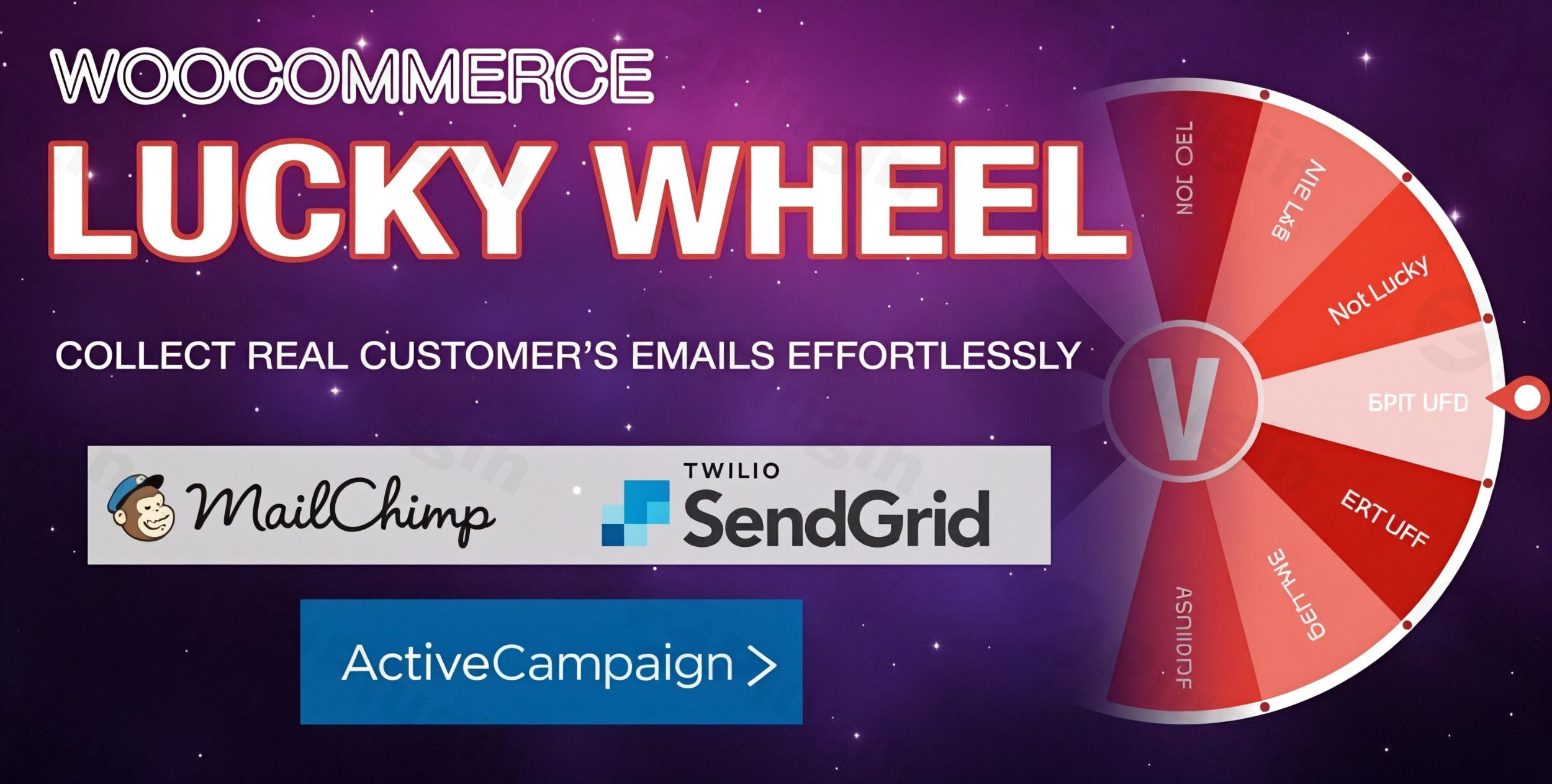
Boost Customer Engagement and Conversion with Interactive Gamification
In the competitive landscape of e-commerce, capturing visitor attention and securing valuable email subscriptions is paramount. The WooCommerce Lucky Wheel – Spin To Win plugin is a premium, expert-developed tool designed to transform passive website visitors into active, engaged subscribers and customers through the power of gamification. This instructional overview provides an in-depth look at its functionality, setup, and strategic benefits, establishing its role as an authoritative, high-trust solution for WooCommerce professionals.
This plugin is engineered to seamlessly integrate with your existing WooCommerce infrastructure, offering a reliable, secure, and highly customizable method to grow your marketing list and immediately drive sales via automated coupon delivery.
Establishing Expertise: Why Gamified Pop-ups Work
Expertise (E) & Authoritativeness (A): The core mechanism of the WooCommerce Lucky Wheel leverages proven psychological principles: instant gratification and scarcity. By offering visitors a chance to win a valuable discount immediately, the plugin significantly increases the likelihood of them exchanging their email address.
This interactive approach, known as gamification, dramatically outperforms standard opt-in forms. By shifting the focus from a simple demand for an email to a fun, reward-based interaction, the WooCommerce Lucky Wheel – Spin To Win achieves higher opt-in rates, stronger brand recall, and immediate utility by prompting users to make a purchase using their newly won coupon.
Core Functionality and Premium Features
The WooCommerce Lucky Wheel is built to provide advanced control and reliability, ensuring that both technical setup and marketing strategy are robust.
1. Precision-Tuned Wheel Customization and Probability
The success of a “spin-to-win” promotion relies on strategic configuration, which is a core strength of this premium plugin.
- Segment Control: Design your promotions with precision. The plugin supports up to 20 customizable wheel segments, far exceeding basic alternatives. You can easily add, remove, and label each slice.
- Configurable Winning Probability: Establish individual winning probabilities for every segment. This ensures budget control by allowing store owners to offer higher-value discounts less frequently while maintaining a high perceived chance of winning.
- Flexible Coupon Definition: Define the prize for each slice using diverse WooCommerce coupon types:
- Percentage Discount
- Fixed Cart Discount
- Fixed Product Discount
- Existing Coupon Code
- “No Win” / Try Again
2. Advanced Lead Capture and Email Integration
The primary value of the plugin is its ability to turn traffic into a usable marketing asset.
- Automated, Unique Coupon Generation: Winners automatically receive a unique, single-use coupon code sent directly to their email address. This prevents abuse and ensures security.
- Seamless Email Marketing Sync: Establish credibility and streamline workflows by instantly syncing captured leads with major marketing platforms. Integrations include: Mailchimp, Active Campaign, Sendgrid, Klaviyo, Sendinblue, MailPoet, Hubspot, Metrilo, and FunnelKit. This ensures non-technical users can immediately utilize the collected data in their existing CRM workflows.
3. Robust Security, Trustworthiness, and Compliance
Trustworthiness (T): For a promotional tool, fair play is crucial. The plugin incorporates high-level security features to maintain user trust and ensure accurate campaign performance.
- Server-Side Calculation: Unlike client-side calculations that can be manipulated, the WooCommerce Lucky Wheel calculates the spin result on the server. This prevents cheating by ensuring the outcome is determined securely before the wheel visually stops, guaranteeing the integrity of your promotion.
- GDPR Compliance: Features are included to help maintain General Data Protection Regulation (GDPR) compliance, ensuring data collection is transparent and consensual.
- Winning Logs: A detailed, auditable log tracks every successful spin, including the winner’s email, name, date, spin details, and the exact winning coupon code. This provides essential data for tracking campaign ROI and troubleshooting.
4. Flexible Design and Display Configuration
Maximize conversion rates by controlling exactly when and how the wheel is presented to your audience.
- Targeted Display Conditions: Configure the pop-up to appear based on strategic triggers:
- After a specific time delay.
- Upon exit intent (the moment a user’s cursor moves toward closing the browser tab).
- After scrolling down a percentage of the page.
- Display the wheel only on specific pages using conditional tags.
- Design Customization: Tailor the look and feel to match your brand identity: customize background images/colors, wheel center images, spin button text and colors, and border aesthetics.
- Mobile Optimization: Maintain a flawless user experience across all devices with the option to enable or disable the wheel on mobile devices if screen space is a concern.
- Shortcode Deployment: For ultimate flexibility, a shortcode allows you to embed the Lucky Wheel directly onto any page, post, or widget area.
Implementation Guide: Setting Up the WooCommerce Lucky Wheel
As a premium solution, the plugin ensures a reliable, step-by-step setup process accessible to non-developers.
Step 1: Installation and Activation
- Prerequisites: Ensure you have an active installation of both WordPress and the WooCommerce plugin on your hosting environment.
- Upload: Navigate to your WordPress Dashboard > Plugins > Add New > Upload Plugin. Upload the plugin ZIP file.
- Activate: Click “Install Now” and then “Activate Plugin.” The WooCommerce Lucky Wheel – Spin To Win menu item will now appear in your WordPress administration panel.
Step 2: Wheel Configuration (Design and Slices)
- Access Settings: Go to the plugin’s main settings panel.
- Define Slices: Start by creating your up to 20 segments. Assign a label (e.g., “30% Off,” “Try Again”).
- Set Probabilities: Crucially, set the winning percentage for each slice. Ensure the total probability of all slices equals 100%. Expert Tip: Keep “No Win” slices at a low, believable value to encourage participation without depleting margins.
- Design the Interface: Upload a custom background image or select colors for the wheel, center, and pop-up overlay to align with your store’s branding.
Step 3: Trigger and Deployment Settings
- Set Display Rules: Configure when the pop-up should appear. The recommended setting for high conversion is the Exit Intent Trigger, which captures users just as they are about to leave your site.
- Define Timing: Adjust the spinning duration and set a mandatory delay between subsequent spins for the same user (e.g., hiding the wheel for 30 days after a win).
- Connect Email Service: Navigate to the Integration tab and connect your preferred email marketing platform (e.g., Mailchimp) using your API key to ensure immediate list synchronization.
Strategic Benefits for All Users
| User Type | Strategic Benefit | How the Plugin Delivers |
|---|---|---|
| Marketer / Store Owner | Increased Conversions & ROI | Drives immediate sales using automatically delivered high-value coupons. The detailed Winning Logs facilitate performance analysis. |
| Non-Technical User | Simplified Lead Generation | Pre-built integrations and a user-friendly customization interface eliminate the need for coding or complex API configuration. |
| Developer / Technical User | Reliability and Security | Server-side calculation ensures data integrity and prevents front-end manipulation. Custom CSS access allows fine-grained design control. |
I. Download Limits & Account Benefits
- Free Downloads: Each email address receives 3 downloads per day for free products
- Upgrade Benefits: Purchase any paid product to increase your daily download limit by 3 for each paid product
- No Account Required: You can download immediately by receiving the download link via email
- Account Recommended: Create an account for easier access to your order history and direct update downloads
II. Understanding GPL vs Official Versions
Important: The products available on WPPick are GPL-licensed versions, which differ from official developer versions. Before purchasing, please read our comprehensive guide: Understanding GPL & Official Differences at WPPick
Key Points:
- GPL versions may not include premium support from original developers
- Updates may be delayed compared to official releases
- Some premium features might have limitations
- Always consider your specific needs and support requirements
III. Support & Assistance
We’re here to help through multiple channels:
- Email Support: Direct email assistance for all inquiries
- Live Chat: Real-time support during business hours
- Comprehensive Documentation: Detailed guides and tutorials
IV. Order Tracking
Access your complete purchase history and download links anytime: Order History
V. Account Access
New to WPPick? Login or Create Account to manage your downloads and orders efficiently.
VI. Refund Protection
We stand behind our products with a clear refund policy. Review our terms: Refund Policy
VII. Privacy & Security
Your data security is our priority. Learn how we protect your information: Privacy Policy
VII. Terms of Service
Understanding our service terms ensures a smooth experience: Terms of Use
Quick Tips for Best Experience
- Verify Compatibility: Check plugin/theme compatibility with your WordPress version
- Backup First: Always backup your site before installing new plugins or themes
- Test Environment: Consider testing on a staging site first
- Stay Updated: Regularly check for updates in your account dashboard
- Read Documentation: Review any included documentation for optimal setup
Need Help?
If you have questions about downloads, licensing, or need technical assistance, don’t hesitate to contact our support team. We’re committed to ensuring you have the best possible experience with WPPick products.
Ready to get started? Your download adventure begins with just one click!
- Compatibility with CURCY
- Compatibility with Translatepress
- Allow turning input fields on or off in the shortcode.
- Filter wlwl_replace_email_content to adjust the shortcode in the email
- Compatibility with WC 10.3