
Woocommerce Multiple Customer Addresses By Vanquish
/Year
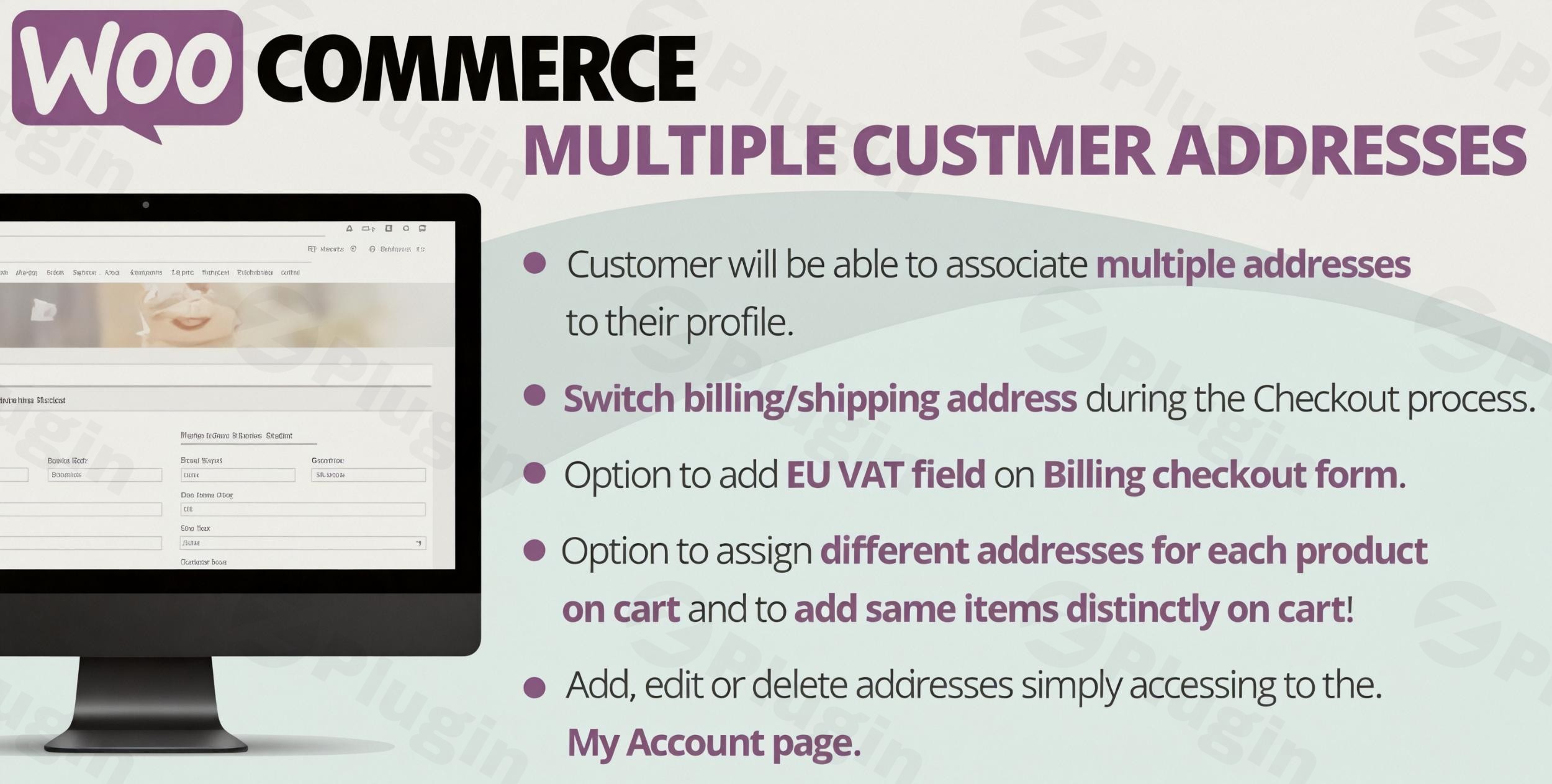
Managing multiple delivery locations and streamlining the checkout experience can be a significant challenge for WooCommerce store owners. Natively, WooCommerce limits customers to a single billing and shipping address, leading to friction for users who frequently send items to different recipients or locations. This is where the WooCommerce Multiple Customer Addresses plugin, developed by Vanquish (Lagudi Domenico), becomes an indispensable tool. It empowers your online store to offer advanced WooCommerce multi-address shipping capabilities, simplifying the purchasing process and significantly improving customer satisfaction.This powerful WooCommerce customer address book plugin allows registered customers to save, manage, and easily select from an unlimited number of billing and shipping addresses directly from their “My Account” page and during checkout. For businesses that cater to gift-givers, B2B clients, or international customers, this solution is a game-changer, reducing cart abandonment and fostering loyalty by providing unparalleled flexibility.
Key Features of WooCommerce Multiple Customer Addresses Plugin
The Vanquish WooCommerce Multiple Customer Addresses plugin introduces a robust set of features designed to extend WooCommerce’s default functionality, offering a truly flexible and user-friendly experience for both customers and store administrators.
Effortless Address Management & Customer Address Book
Customers gain complete control over their address book. Through a dedicated section in their “My Account” page, they can:
- Add New Addresses: Easily save new billing or shipping addresses.
- Edit Existing Addresses: Update details for any saved address.
- Delete Unused Addresses: Remove addresses they no longer need.
- Automatic Validation: The plugin ensures data accuracy with automatic validation for postcodes (based on the selected country), email addresses, and phone numbers.
- Default Address Assignment: Customers can designate a default billing and shipping address, which are automatically pre-selected during future checkouts for maximum convenience.
Smart Checkout Integration & Flexible Address Selection
The plugin seamlessly integrates into your existing WooCommerce checkout flow, making it intuitive for customers to manage their delivery preferences:
- Select from Saved Addresses: During checkout, customers can choose from their pre-saved addresses using a smooth dropdown menu or a convenient popup window, eliminating repetitive data entry.
- On-the-Fly Address Addition: New addresses can be added directly from the checkout page, which are then saved to the customer’s profile for future use.
- Customizable Display: Store owners can customize the display style for addresses on the checkout page (dropdown or popup) to match their store’s aesthetic.
Per-Product Shipping Addresses for Split Shipping Orders
A standout feature is the ability to assign different shipping addresses for individual products within a single order. This is particularly useful for scenarios such as:
- Gift Orders: Send various gifts to different friends and family members in one transaction.
- Business Purchases: Distribute multiple products or quantities to different office locations or branches.
- This granular control transforms how customers can manage complex orders, making WooCommerce multiple shipping addresses per order a reality.
Customizable Address Options & User Role Settings
The plugin provides administrators with extensive control over how multiple addresses are managed and displayed:
- Configurable Address Types: Define whether multiple addresses are supported for billing, shipping, or both.
- Customization Options: Easily customize headings and apply custom CSS for address sections on both the checkout and “My Account” pages.
- User Role-Based Permissions: Grant or restrict the ability to use multiple addresses based on specific user roles within your WordPress site, ideal for member-only stores or specific customer segments.
VAT Identification Number Support
For B2B transactions, the plugin can include a VAT identification number field within the billing address section during checkout, simplifying compliance and invoicing for business customers.
Cart Duplication & Shipping Email Field
Further enhancing flexibility, customers can duplicate their entire cart to efficiently send identical sets of products to several different locations. An optional shipping email field can also be added to shipping addresses, with the ability to make it a required field.
WooCommerce Compatibility & Performance
The Vanquish Multiple Addresses WooCommerce plugin is built for seamless performance and compatibility:
- Broad WooCommerce Support: Integrates with all standard WooCommerce shipping methods and supports variable and subscription products.
- AJAX-Powered UI: Features an AJAX-powered user interface for a fast and frictionless checkout experience.
- Responsive Design: Ensures a smooth experience across all devices, from desktops to smartphones.
- GDPR Ready: Designed with GDPR compliance in mind, ensuring secure handling of customer data.
How to Install and Set Up Vanquish WooCommerce Multiple Customer Addresses
Installing and configuring the Vanquish WooCommerce Multiple Customer Addresses plugin is a straightforward process, even for non-developers. Here’s a step-by-step guide on how to allow customers to save multiple addresses in WooCommerce:
- Purchase and Download: Obtain the plugin files from ZeroPlugin.com. You’ll receive a
.zipfile. - Upload the Plugin:
- Log in to your WordPress admin dashboard.
- Navigate to Plugins > Add New.
- Click on the Upload Plugin button at the top.
- Click Choose File, select the
.zipfile you downloaded, and then click Install Now.
- Activate the Plugin: Once the plugin is installed, click Activate Plugin.
- Access Plugin Settings:
- After activation, a new menu item, usually under WooCommerce > Settings or a dedicated top-level menu, will appear for “Multiple Customer Addresses” (or similar).
- Click on this to access the plugin’s configuration panel.
- Initial Configuration:
- Enable Multiple Addresses: Go to the plugin’s settings and ensure the core functionality for multiple billing and/or shipping addresses is enabled.
- Choose Display Style: Decide whether the address selection on checkout should be a dropdown or a popup.
- Configure Validation: Review and set up validation rules for postcode, email, and phone fields based on your target countries.
- User Role Permissions: If necessary, configure which user roles are permitted to utilize the multiple address feature.
- Save Changes: Always remember to save your changes after any modifications to the settings.Your customers can now start adding and managing multiple addresses from their “My Account” page, and the options will appear during checkout.
Practical Usage and Best Practices for WooCommerce Multi-Address Shipping
Implementing the WooCommerce Multiple Customer Addresses plugin opens up numerous opportunities to enhance your store’s functionality and cater to diverse customer needs. Here are some practical use cases and best practices:
Use Case 1: Streamlining Gift Orders & Personalized Delivery
Scenario: A customer wants to send a birthday gift to their friend and a separate anniversary gift to their parents, all in one purchase.Solution: The per-product shipping addresses feature allows the customer to assign each gift to a different recipient’s address directly at checkout. This is the ideal WooCommerce plugin to ship different products to different addresses, simplifying the process for gift-givers and reducing the need for multiple orders.
Use Case 2: Enhancing B2B Stores & Multi-Location Businesses
Scenario: A business customer frequently orders supplies for various office branches or warehouses.Solution: The customer can save all their business locations as shipping addresses. During checkout, they can easily select the correct destination for each order or even split a bulk order across different branches. The VAT identification number support further aids B2B transactions.
Use Case 3: Optimizing for International Customers
Scenario: An international customer has residences in multiple countries or frequently sends items to family abroad.Solution: The ability to save diverse addresses, coupled with postcode validation based on selected countries, makes the process seamless for international shoppers. This feature significantly improves the experience for a global customer base.
Use Case 4: Reducing Cart Abandonment & Boosting Customer Loyalty
Scenario: Customers abandon carts due to tedious address entry for recurring purchases or complex shipping needs.Solution: By saving addresses and enabling quick selection, the plugin drastically speeds up the checkout process. This convenience translates to fewer abandoned carts and a more positive customer experience, encouraging repeat purchases. This is key to effective WooCommerce split shipping orders management.
FAQ & Troubleshooting for WooCommerce Multiple Customer Addresses
Here are answers to common questions about implementing and using a multi-address solution for WooCommerce:
Can WooCommerce handle multiple shipping addresses natively?
No, standard WooCommerce only allows for one billing and one shipping address per customer account. To enable WooCommerce multiple billing addresses or shipping addresses, a specialized plugin like WooCommerce Multiple Customer Addresses by Vanquish is required.
What is the best WooCommerce multiple address plugin?
The “WooCommerce Multiple Customer Addresses By Vanquish” plugin is highly rated and comprehensive, especially for its unique “per-product shipping addresses” feature and robust address book management. It’s developed by an Elite Author (Lagudi Domenico) with high user satisfaction, making it a strong contender for the best solution for WooCommerce multi-address shipping.
How to enable multiple addresses for WooCommerce checkout?
After installing and activating the “WooCommerce Multiple Customer Addresses By Vanquish” plugin, navigate to its settings within your WordPress dashboard. From there, you can enable the multiple address functionality for billing and/or shipping, configure display options (dropdown/popup), and customize other settings. Once configured, customers will see these options during checkout.
Does Vanquish Multiple Customer Addresses support VAT?
Yes, the plugin includes support for a VAT identification number field in the billing address during checkout, which is beneficial for B2B transactions and simplifies VAT compliance.
Is Vanquish Multiple Customer Addresses compatible with all WooCommerce themes?
The plugin is designed for broad compatibility with WooCommerce and WordPress versions (WP 4.9.x-6.8.x, WC 6.x.x-9.x.x, PHP 5.6+). However, it’s important to note two specific limitations:
- It may not offer multiple address options if the WooCommerce setting “Force shipping to the customer billing address” is enabled. Ensure this setting is disabled for optimal plugin functionality.
- It is not compatible with the new WooCommerce Checkout block. It works best with traditional WooCommerce checkout pages.While generally compatible, always test with your specific theme and other plugins to ensure seamless integration.
Conclusion: Unlock Advanced WooCommerce Multi-Address Shipping with Vanquish
The WooCommerce Multiple Customer Addresses plugin by Vanquish is an essential extension for any online store aiming to provide a superior, flexible, and frustration-free checkout experience. By enabling WooCommerce multi-address shipping and comprehensive customer address book management, it directly addresses a critical limitation of core WooCommerce.This plugin is ideal for businesses that cater to diverse customer needs, including gift services, B2B operations, or those with a significant international customer base. Its intuitive interface, advanced features like per-product shipping, and robust compatibility ensure that your customers can manage their addresses with ease, leading to reduced cart abandonment and increased customer satisfaction. Invest in the Vanquish WooCommerce Multiple Customer Addresses plugin today to empower your customers and optimize your store’s order fulfillment process.
I. Download Limits & Account Benefits
- Free Downloads: Each email address receives 3 downloads per day for free products
- Upgrade Benefits: Purchase any paid product to increase your daily download limit by 3 for each paid product
- No Account Required: You can download immediately by receiving the download link via email
- Account Recommended: Create an account for easier access to your order history and direct update downloads
II. Understanding GPL vs Official Versions
Important: The products available on WPPick are GPL-licensed versions, which differ from official developer versions. Before purchasing, please read our comprehensive guide: Understanding GPL & Official Differences at WPPick
Key Points:
- GPL versions may not include premium support from original developers
- Updates may be delayed compared to official releases
- Some premium features might have limitations
- Always consider your specific needs and support requirements
III. Support & Assistance
We’re here to help through multiple channels:
- Email Support: Direct email assistance for all inquiries
- Live Chat: Real-time support during business hours
- Comprehensive Documentation: Detailed guides and tutorials
IV. Order Tracking
Access your complete purchase history and download links anytime: Order History
V. Account Access
New to WPPick? Login or Create Account to manage your downloads and orders efficiently.
VI. Refund Protection
We stand behind our products with a clear refund policy. Review our terms: Refund Policy
VII. Privacy & Security
Your data security is our priority. Learn how we protect your information: Privacy Policy
VII. Terms of Service
Understanding our service terms ensures a smooth experience: Terms of Use
Quick Tips for Best Experience
- Verify Compatibility: Check plugin/theme compatibility with your WordPress version
- Backup First: Always backup your site before installing new plugins or themes
- Test Environment: Consider testing on a staging site first
- Stay Updated: Regularly check for updates in your account dashboard
- Read Documentation: Review any included documentation for optimal setup
Need Help?
If you have questions about downloads, licensing, or need technical assistance, don’t hesitate to contact our support team. We’re committed to ensuring you have the best possible experience with WPPick products.
Ready to get started? Your download adventure begins with just one click!
- Fixed an issue that lead the plugin to crash
- Improved stability
- Internal libraries update