

Woocommerce Order Barcodes
/Year
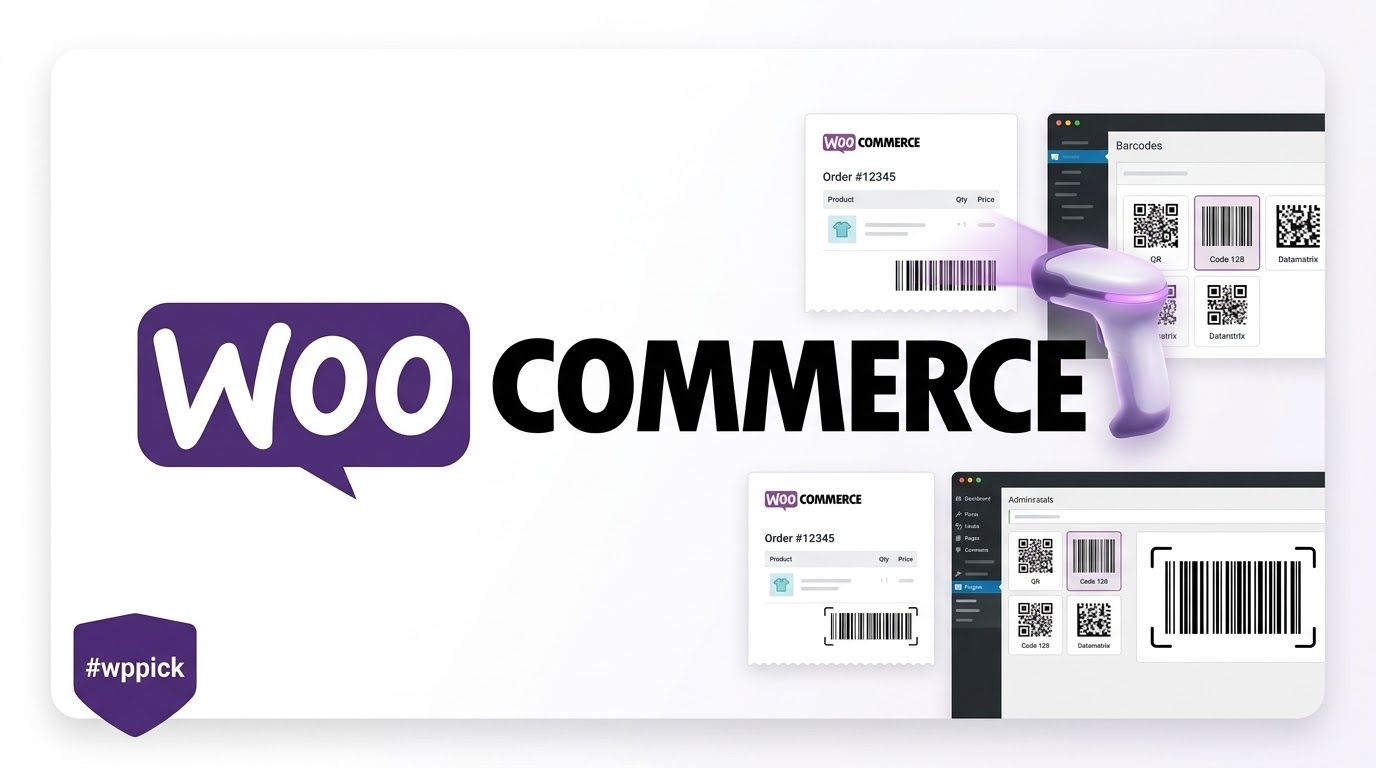
Streamline Fulfillment with WooCommerce Order Barcodes
Managing order processing, event check-ins, and physical inventory tracking manually can quickly introduce errors and bottleneck operations. The WooCommerce Order Barcodes extension bridges the gap between your digital e-commerce storefront and physical order workflows. By generating a unique barcode or QR code for every transaction, this extension enables instant order lookups, rapid status updates, and paperless check-in systems. It integrates smoothly into automated systems, allowing store managers to look up details efficiently by simply scanning a code using an attached physical hardware scanner or an integrated digital terminal interface.
Latest Version 2.0.4 Changes
The WooCommerce Order Barcodes extension released version 2.0.4 on June 22, 2026. This minor update focuses primarily on ensuring compatibility with WooCommerce version 10.9.
- 2.0.4 2026-06-22 Tweak – WooCommerce 10.9 Compatibility.
- 2.0.3 2026-06-15 Fix – Add visible labels to scan form select and text input to meet WCAG 4.1.2 (Name, Role, Value). Resolves WooExt-470.
- 2.0.2 2026-05-20 Tweak – WooCommerce 10.8 Compatibility. Tweak – WordPress 7.0 Compatibility.
- 2.0.1 2026-04-13 Tweak – WooCommerce 10.7 Compatibility.
- 2.0.0 2026-03-09 Tweak – WooCommerce 10.6 Compatibility.
What WooCommerce Order Barcodes Does
This extension automatically attaches a custom barcode or QR code to each newly placed order on your website. These unique identifiers are embedded directly into transactional order emails, customer account sections, and printable invoices. When physical items need processing, or when custom event tickets are presented, operators can use the integrated frontend scan form or a standard USB scanner to read the code. Scanning immediately pulls up the respective backend order record or triggers an automated process, drastically minimizing manual typing errors and speeding up administrative actions.
Who Is This Extension For?
WooCommerce Order Barcodes serves several distinct operational use cases across modern e-commerce models:
- Event Organizers and Ticketing Businesses: Generate downloadable tickets featuring unique barcodes or QR codes that attendees present at the door for entry verification.
- Warehouse and Fulfillment Teams: Print packing slips or invoice sheets containing scannable order barcodes to check off items, pick inventory, and update shipment records rapidly.
- Local Pickup Storefronts: Allow customers to show their confirmation email on a mobile device, enabling retail staff to scan and confirm order pickups instantly.
- Service and Rental Providers: Manage physical check-ins and check-outs for equipment rentals, booking slots, or physical workshop appointments.
Key Capabilities and Customization
The extension supports an array of robust features designed for flexibility and ease of use across different operational scales:
- Multiple Barcode Types: Supports five distinct code formats including popular standards like Code 128, Code 39, Data Matrix, and scannable 2D QR codes to adapt to your specific hardware needs.
- Automated Generation: Automatically processes each order upon creation, eliminating manual overhead for administrators.
- Flexible Code Insertion: Embeds barcodes inside standard WooCommerce customer notifications and invoice layouts without complex developer hooks.
- Integrated Scan Interface: Provides a dedicated form layout within the WordPress administration dashboard to facilitate instant operations directly from a web browser.
Practical WordPress Use Cases
Consider a digital ticketing site selling access to a live seminar or a music festival. Upon payment confirmation, the customer receives an automated PDF invoice or HTML email containing their ticket and a distinct QR code. At the venue entrance, staff use a smartphone or tablet connected to the WordPress backend to scan the customer’s code via the scanner interface, which instantly marks the ticket order as completed, preventing duplicate entry attempts. Alternatively, a high-volume boutique store prints invoices featuring a standard barcode at the top, allowing the shipping manager to track the box across various sorting tables effortlessly.
Setup and System Context
Getting started requires activating the extension alongside an operational instance of WooCommerce. Once active, global parameters can be configured under the core WooCommerce settings tab, where users can choose their preferred barcode type and dictate exactly which emails should display the code graphics. Because it utilizes robust native generation logic, it functions across major themes and relies on standard server-side rendering protocols, reducing conflicts with heavy frontend scripts or third-party layout architectures.
Why Choose This Extension on WPPick?
Acquiring this critical plugin via WPPick delivers distinct operational advantages. Clean repository assets guarantee your store remains secure and uncompromised, free from malicious modifications or tracking overhead. This pristine code performance maintains site speeds and preserves secure customer data flows during critical high-volume sales events. Furthermore, you receive continuous compatibility access, giving your development team the ability to reference updates and align core plugins simultaneously without breaking mission-critical warehouse workflows.
Latest Version Context and Evolution
Maintaining active extension updates is essential for preserving data stability and checkout security. Recent release milestones showcase a sustained focus on stability and platform alignment:
- Version 2.0.4: Delivers essential framework tweaks to establish full compatibility with WooCommerce 10.9, preventing configuration errors during platform updates.
- Version 2.0.3: Enhances general platform accessibility by adding visible field labels to scan form dropdowns and textual inputs, ensuring compliance with WCAG 4.1.2 requirements.
- Version 2.0.2: Confirms underlying architectural alignment with WordPress 7.0 and WooCommerce 10.8 core parameters.
- Version 2.0.1 & 2.0.0: Implemented systematic underlying codebase optimizations to keep pace with WooCommerce 10.7 and 10.6 core shifts.
Frequently Asked Questions
Can I use standard physical USB hardware barcode scanners with this extension?
Yes. The extension’s built-in scan interface operates smoothly with standard USB or Bluetooth hardware scanners that emulate keyboard input. Placing your cursor inside the interface input field and executing a hardware scan reads the order code automatically.
Where do customers view their order barcodes?
Barcodes are dynamically rendered within the default WooCommerce customer order emails and are also available within the customer account section under individual order details, allowing mobile device viewing during check-ins.
Does the plugin support 2D QR codes instead of traditional linear bars?
Yes. Along with traditional linear barcode standard variations, the extension fully supports high-density QR codes and Data Matrix formats, which are highly reliable for scanning directly off smartphone screens.
Can I restrict barcode scanning access to specific site managers?
Yes. Access to the built-in scanner terminal is restricted based on core WordPress user roles and permissions, ensuring only authorized store personnel, administrators, or custom fulfillment roles can process transactions.
What happens if a barcode is scanned a second time?
When an order code is scanned, it displays the real-time record state. If your workflow updates scanned items to completed, a subsequent scan shows that the order is already processed, effectively stopping duplicate use or ticket fraud.
I. Download Limits & Account Benefits
- Free Downloads: Each email address receives 3 downloads per day for free products
- Upgrade Benefits: Purchase any paid product to increase your daily download limit by 3 for each paid product
- No Account Required: You can download immediately by receiving the download link via email
- Account Recommended: Create an account for easier access to your order history and direct update downloads
II. Understanding GPL vs Official Versions
Important: The products available on WPPick are GPL-licensed versions, which differ from official developer versions. Before purchasing, please read our comprehensive guide: Understanding GPL & Official Differences at WPPick
Key Points:
- GPL versions may not include premium support from original developers
- Updates may be delayed compared to official releases
- Some premium features might have limitations
- Always consider your specific needs and support requirements
III. Support & Assistance
We’re here to help through multiple channels:
- Email Support: Direct email assistance for all inquiries
- Live Chat: Real-time support during business hours
- Comprehensive Documentation: Detailed guides and tutorials
IV. Order Tracking
Access your complete purchase history and download links anytime: Order History
V. Account Access
New to WPPick? Login or Create Account to manage your downloads and orders efficiently.
VI. Refund Protection
We stand behind our products with a clear refund policy. Review our terms: Refund Policy
VII. Privacy & Security
Your data security is our priority. Learn how we protect your information: Privacy Policy
VII. Terms of Service
Understanding our service terms ensures a smooth experience: Terms of Use
Quick Tips for Best Experience
- Verify Compatibility: Check plugin/theme compatibility with your WordPress version
- Backup First: Always backup your site before installing new plugins or themes
- Test Environment: Consider testing on a staging site first
- Stay Updated: Regularly check for updates in your account dashboard
- Read Documentation: Review any included documentation for optimal setup
Need Help?
If you have questions about downloads, licensing, or need technical assistance, don’t hesitate to contact our support team. We’re committed to ensuring you have the best possible experience with WPPick products.
Ready to get started? Your download adventure begins with just one click!
- WooCommerce 10.9 Compatibility.
- WooCommerce 10.6 Compatibility.
- WooCommerce 10.5 Compatibility.
- WordPress 6.9 and WooCommerce 10.4 Compatibility.
- WooCommerce 10.3 compatibility
- WooCommerce 10.2 compatibility
- Security update