

Woocommerce Order Tracker – Custom Order Status, Tracking Templates And Order Email Notifications
/Year
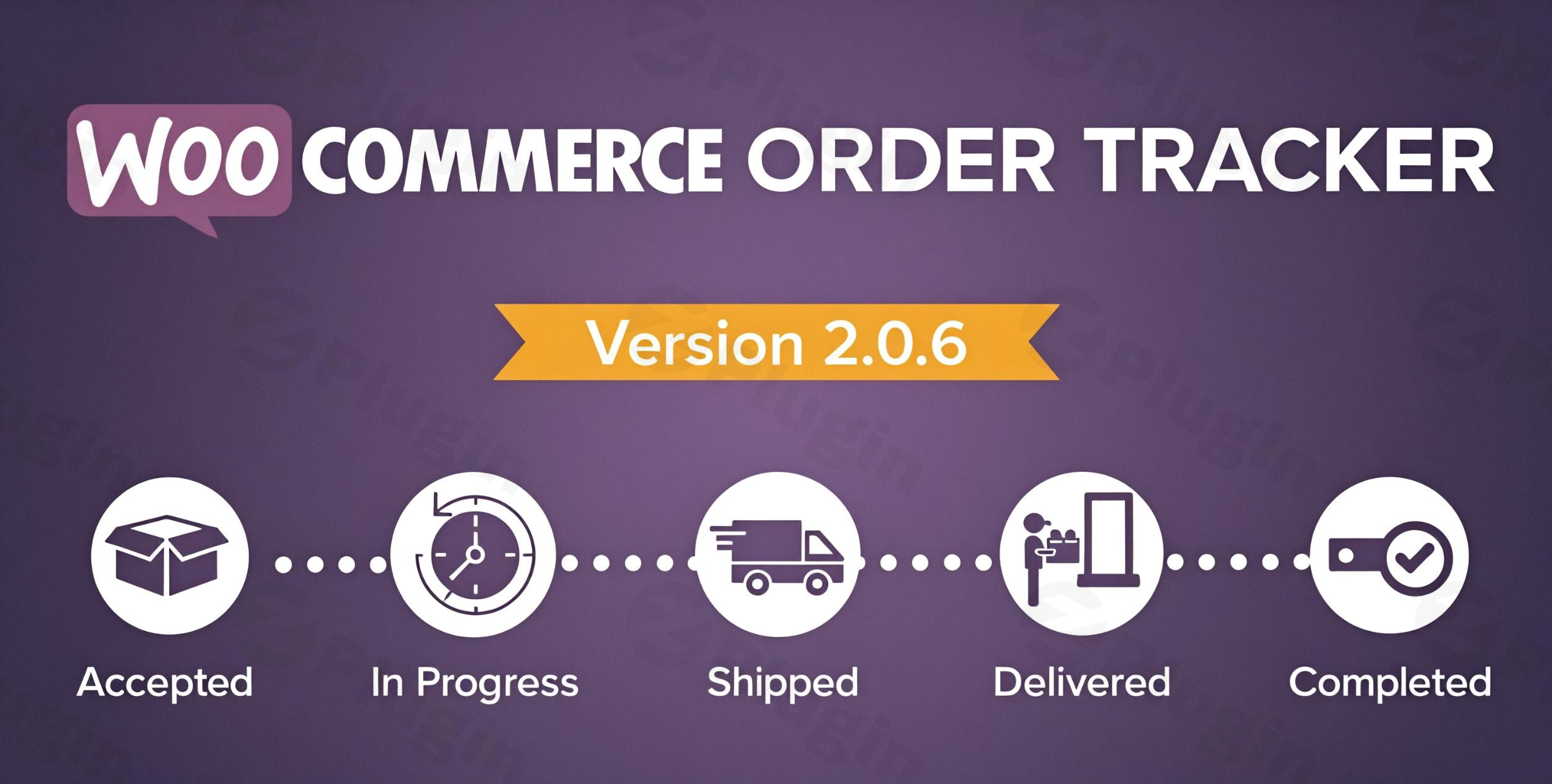
Managing customer expectations after they click the “Buy” button is one of the most critical aspects of running a successful e-commerce store. A robust WooCommerce Order Tracker bridges the gap between payment and delivery, providing the transparency customers crave. By implementing an automated system for Order Tracking in WooCommerce, store owners can significantly reduce support tickets, improve brand trust, and create a professional post-purchase experience.The “WooCommerce Order Tracker – Custom Order Status, Tracking Templates & Order Email Notifications” plugin is a comprehensive solution designed to give you full control over the fulfillment journey. Whether you need to add specialized milestones or provide visual maps for deliveries, this tool transforms the standard WooCommerce checkout into a high-end logistics system.
Key Features of the WooCommerce Order Tracker
This plugin goes beyond simple tracking numbers. It offers a suite of tools designed to enhance both the backend workflow and the frontend customer experience.
1. Custom Order Status WooCommerce
The default WooCommerce statuses (Processing, Completed, On Hold) are often too vague for complex fulfillment cycles. With this plugin, you can create a Custom Order Status in WooCommerce that reflects your actual business process.
- Granular Milestones: Create statuses like “Awaiting Shipment,” “Packaging,” or “Out for Delivery.”
- Custom Logos: Assign unique icons or logos to each status to make the tracking timeline visually intuitive.
- Payment Links: For orders marked as “Pending Payment,” the plugin can automatically include a payment link in the status notification, streamlining the conversion of unpaid orders.
2. Professional Tracking Templates
First impressions matter. Instead of plain text tracking numbers, you can choose from six different tracking templates to display order progress. These templates include:
- Visual progress bars showing the order’s journey.
- Estimated delivery dates.
- Shipping carrier information and tracking numbers.
- Custom CSS/JS support for advanced styling to match your brand.
3. Automated Email Notifications
Keep your customers in the loop without manual effort. The plugin automates WooCommerce Email Notifications whenever an order status changes. These emails can include:
- Real-time status updates.
- Clickable tracking links.
- Shipping costs and order summaries.
4. Global Carrier Support & Google Maps Integration
With support for over 400 carriers—including USPS, FedEx, DHL, and Canada Post—you can track shipments globally. The Google Maps integration allows customers to see a visual representation of their order’s destination, adding a layer of interactive transparency to the tracking page.
How to Install and Set Up the WooCommerce Order Tracker
Setting up a professional tracking system doesn’t require developer skills. Follow these steps to get started:
- Installation: Log in to your WordPress dashboard. Navigate to Plugins > Add New, upload the plugin zip file, and click Activate.
- General Configuration: Go to the plugin settings page. Here, you can enable guest tracking, which allows users to track their orders using only their Order ID without needing an account.
- Create Custom Statuses: Navigate to the “Custom Status” tab. Click “Add New” to create a status, upload a custom logo, and decide if this status should trigger a specific email notification.
- Choose a Template: Select your preferred layout from the six available tracking templates. You can preview how these will look on the “My Account” page or your dedicated tracking page.
5. Configure Carriers: Enter your API keys for major carriers (like USPS or FedEx) to enable live tracking data. If you want visual maps, ensure you add your Google Maps API key in the settings.
Practical Usage & Best Practices
To get the most out of your Shipment Tracking WooCommerce setup, consider these real-world workflows:
- For High-Volume Stores: Use the Order Export feature to download order history. This is ideal for bulk-updating your accounting software or sharing data with external fulfillment centers.
- For International Sellers: Leverage the WPML compatibility. Ensure your custom order status names and email notifications are translated so international customers receive updates in their native language.
- Reducing “Where is my Order?” Queries: Use a shortcode to create a dedicated “Track Your Order” page in your site’s footer. This allows guest users to find their shipment status quickly by entering their Order ID.
* Branding Consistency: Don’t just use generic icons. Upload your brand’s own iconography for custom statuses (e.g., a small branded truck for “Shipped”) to keep the experience cohesive.
FAQ & Troubleshooting
How do I track WooCommerce orders using this plugin?
Customers can track their orders in two ways: by logging into their “My Account” page to see a detailed visual timeline, or by visiting a dedicated tracking page (created via shortcode) where they can enter their Order ID and email address.
Can I create custom order statuses in WooCommerce with my own icons?
Yes. The plugin allows you to create unlimited Custom Order Statuses in WooCommerce. You can assign a specific logo or icon to each status, which will appear on the customer’s tracking timeline and in their email notifications.
Is this plugin compatible with WooCommerce HPOS?
Yes. This plugin is fully compatible with WooCommerce HPOS (High-Performance Order Storage). It uses an optimized architecture to ensure that even stores with thousands of orders maintain high performance and database efficiency.
Does it support guest order tracking by Order ID?
Absolutely. You can enable a feature that allows guest users (customers who didn’t create an account) to track their shipments by simply entering their Order ID on a designated tracking page.
What should I do if the Google Maps tracking isn’t appearing?
Ensure you have entered a valid Google Maps API key in the plugin settings and that “Billing” is enabled on your Google Cloud Console. Also, verify that the shipping address on the order is complete and valid.
Conclusion: Is the WooCommerce Order Tracker Worth It?
The WooCommerce Order Tracker is a powerful investment for any store looking to scale. By providing clear Order Tracking for WooCommerce and personalized Custom Order Statuses, you provide the professional “Amazon-like” experience that modern consumers expect. Whether you are a small boutique or a high-volume enterprise, the combination of carrier integrations, visual templates, and automated notifications ensures your fulfillment process is transparent and efficient. For store owners on wppick.com looking to boost customer retention and reduce support overhead, this plugin is a top-tier choice for order management.
I. Download Limits & Account Benefits
- Free Downloads: Each email address receives 3 downloads per day for free products
- Upgrade Benefits: Purchase any paid product to increase your daily download limit by 3 for each paid product
- No Account Required: You can download immediately by receiving the download link via email
- Account Recommended: Create an account for easier access to your order history and direct update downloads
II. Understanding GPL vs Official Versions
Important: The products available on WPPick are GPL-licensed versions, which differ from official developer versions. Before purchasing, please read our comprehensive guide: Understanding GPL & Official Differences at WPPick
Key Points:
- GPL versions may not include premium support from original developers
- Updates may be delayed compared to official releases
- Some premium features might have limitations
- Always consider your specific needs and support requirements
III. Support & Assistance
We’re here to help through multiple channels:
- Email Support: Direct email assistance for all inquiries
- Live Chat: Real-time support during business hours
- Comprehensive Documentation: Detailed guides and tutorials
IV. Order Tracking
Access your complete purchase history and download links anytime: Order History
V. Account Access
New to WPPick? Login or Create Account to manage your downloads and orders efficiently.
VI. Refund Protection
We stand behind our products with a clear refund policy. Review our terms: Refund Policy
VII. Privacy & Security
Your data security is our priority. Learn how we protect your information: Privacy Policy
VII. Terms of Service
Understanding our service terms ensures a smooth experience: Terms of Use
Quick Tips for Best Experience
- Verify Compatibility: Check plugin/theme compatibility with your WordPress version
- Backup First: Always backup your site before installing new plugins or themes
- Test Environment: Consider testing on a staging site first
- Stay Updated: Regularly check for updates in your account dashboard
- Read Documentation: Review any included documentation for optimal setup
Need Help?
If you have questions about downloads, licensing, or need technical assistance, don’t hesitate to contact our support team. We’re committed to ensuring you have the best possible experience with WPPick products.
Ready to get started? Your download adventure begins with just one click!
- Compatibility with the latest WP 6.9.4 and WC 10.6.1
- Deprecated function fixes.
- Compatibility with the latest WP 6.8.3 and WC 10.3.3
- Deprecated function fixes
- Added support for 200+ carriers
- Integrated DHL API for shipment tracking
- UI improvements in the admin backend
- Compatibility with WordPress 6.8.1 and WooCommerce 9.8.3