
Woocommerce Orders Tracking – Sms – Paypal Tracking Autopilot
/Year
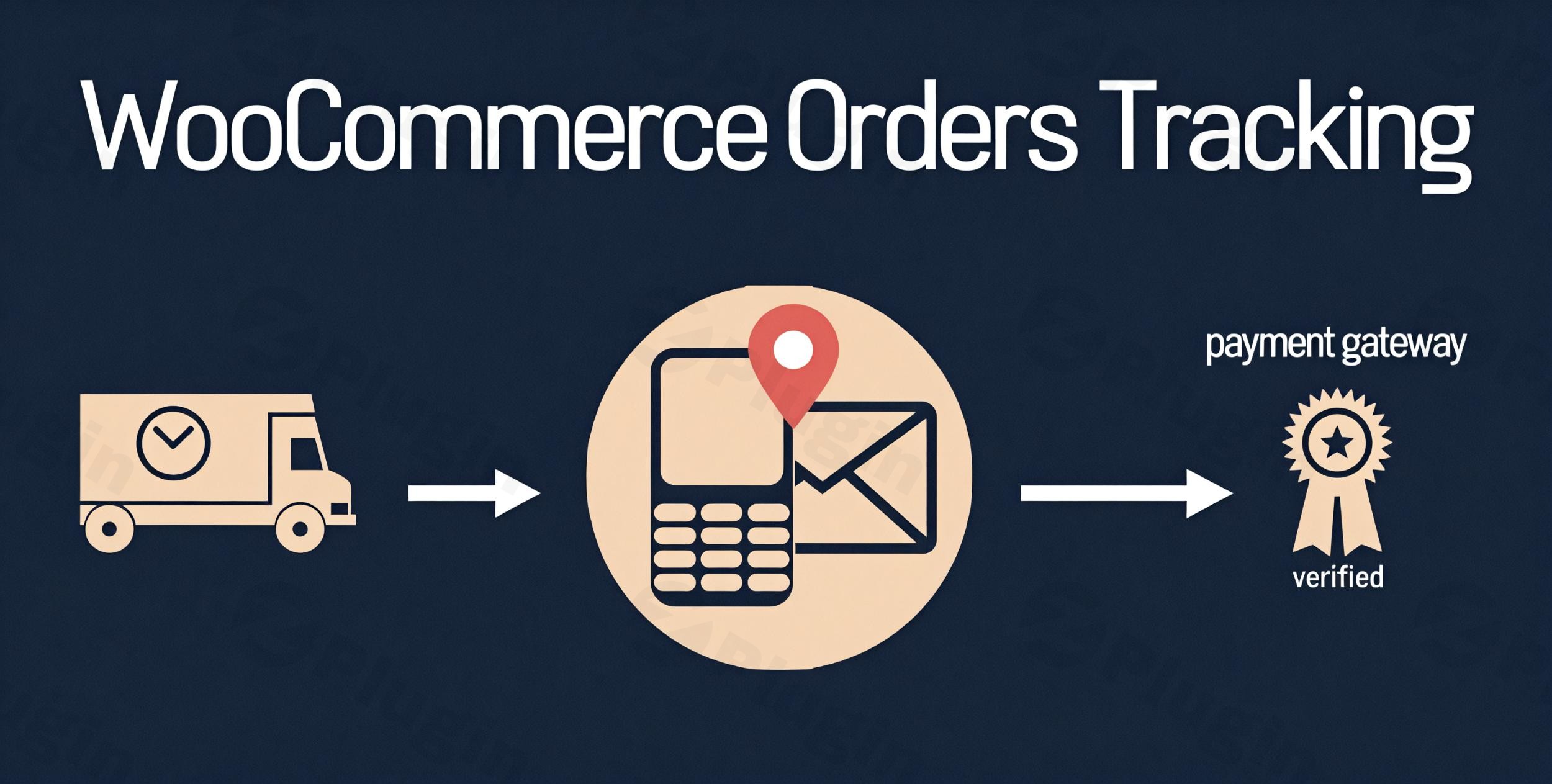
Reducing customer anxiety after a purchase is the fastest way to build trust and ensure repeat business. The WooCommerce order tracking SMS PayPal autopilot plugin solves the “shipping black hole” by automating every step of the post-purchase journey. Instead of manually emailing tracking numbers, this plugin provides a hands-off system that updates your customers via SMS, includes tracking info in standard emails, and even syncs shipping data directly to PayPal to reduce payment disputes.If you are looking for a robust WooCommerce SMS tracking plugin or a way to streamline your WooCommerce PayPal tracking integration, this tool acts as an all-in-one “autopilot” for order management.
Key Features & Benefits
The “WooCommerce Orders Tracking – SMS – PayPal Tracking Autopilot” plugin is built to handle the logistical complexities of modern e-commerce. Here is a breakdown of why it is a must-have for growing stores:
1. Automated Tracking Number & URL Insertion
Stop wasting hours on manual data entry. The plugin automatically inserts tracking numbers and direct tracking URLs into WooCommerce orders. This ensures that when a customer checks their account, the information is already there.
2. Multi-Carrier Support (80+ Companies)
Whether you ship via FedEx, DHL, USPS, or international carriers like Cainiao and 17Track, this plugin has you covered. It integrates with over 80 global shipping carriers and allows you to add custom carriers if you use a niche local service.
3. PayPal Tracking Autopilot
One of the most powerful features is the WooCommerce plugin for automatic PayPal tracking updates. By syncing tracking info to PayPal transactions, you provide PayPal with proof of delivery. This is a critical strategy for:
- Reducing “Item Not Received” disputes.
- Getting your funds released faster from PayPal holds.
- Improving your seller reputation.
4. Branded SMS Notifications
Stay top-of-mind by sending WooCommerce order status notifications directly to your customers’ phones. The plugin supports major SMS gateways like:
- Twilio
- Nexmo (Vonage)
- Plivo
5. Dedicated Order Tracking Page
You don’t need to send customers to a third-party site. You can create a branded tracking page within your own store using a simple shortcode, keeping the traffic on your site and increasing the chance of cross-selling.
Technical Specifications & Compatibility
To ensure a smooth workflow, the plugin is built to be compatible with the modern WordPress ecosystem:
- WordPress Compatibility: Supports the latest versions (6.7.x+).
- WooCommerce Support: Optimized for WooCommerce 8.x and 9.x.
- Page Builders: Fully compatible with Elementor and the Block Editor (Gutenberg).
- Multilingual: Ready for WPML and Polylang, allowing you to send SMS and emails in the customer’s native language.
* Security: Includes Google reCAPTCHA to protect your tracking page from bot abuse.
How to Install and Set Up WooCommerce Order Tracking
Follow these steps to get your automatic order tracking WooCommerce system running in minutes.
- Install the Plugin:Upload the plugin file via
Plugins > Add New > Uploadin your WordPress dashboard. Activate it. - Configure Carriers:Navigate to the plugin settings and select the shipping carriers you use. You can set a “Default Carrier” to speed up the process.
- Set Up PayPal Integration:Go to the “PayPal” tab. You will need to enter your PayPal API credentials (Client ID and Secret). Pro Tip: Use the “PayPal Sandbox” mode first to test the connection without affecting live transactions.
- Connect SMS Gateways (Optional):If you want to send SMS, enter your API keys for Twilio or Nexmo. Customize the SMS template to include the
{tracking_number}and{tracking_url}placeholders. - Create the Tracking Page:
Create a new WordPress page and paste the provided tracking shortcode. Link this page in your footer or main navigation.
Practical Usage & Best Practices
For International Dropshippers
If you are shipping from overseas, use the 17Track or TrackingMore integration. These services specialize in international logistics. By using this best WooCommerce plugin for international order tracking with SMS, you can give customers real-time updates even as the package changes hands between international and local carriers.
For High-Volume Agencies
Use the Bulk Actions feature. Instead of opening every order, you can set tracking numbers for dozens of orders simultaneously via the bulk menu or by importing a CSV file. This is the “autopilot” efficiency that scales a business.
Reducing Chargebacks
Ensure the PayPal tracking integration is active. When a customer sees the tracking info inside their PayPal dashboard, they are significantly less likely to file a dispute out of confusion or impatience.
FAQ & Troubleshooting
Can WooCommerce send SMS for order tracking?
Yes, by using the WooCommerce order tracking SMS PayPal autopilot plugin. You can connect it to Twilio, Nexmo, or Plivo to send automated text messages whenever a tracking number is added or the order status changes to “Shipped.”
How does WooCommerce order tracking integrate with PayPal?
The plugin uses the PayPal API to automatically push the tracking number and carrier name to the specific transaction ID in your PayPal account. This happens in the background (autopilot) as soon as you save the tracking info in WooCommerce.
Is the plugin compatible with Elementor?
Yes. You can use Elementor to design the page where your tracking shortcode is placed, ensuring your tracking experience matches your site’s branding perfectly.
What should I do if the tracking info isn’t showing up?
First, ensure you have selected the correct carrier from the plugin’s carrier list. If you are using a third-party API like Aftership or TrackingMore, verify that your API key is active and that you haven’t exceeded your plan’s request limits.
Final Verdict
The WooCommerce order tracking SMS PayPal autopilot plugin is an essential investment for any e-commerce store looking to professionalize its post-purchase workflow. It bridges the gap between shipping logistics and customer communication, effectively reducing support tickets and payment disputes.Whether you need a simple WooCommerce SMS tracking plugin or a complex WooCommerce PayPal tracking integration, this tool provides the ROI of a full-time logistics assistant at a fraction of the cost. You can find more e-commerce optimization guides and plugin reviews at wppick.com.
I. Download Limits & Account Benefits
- Free Downloads: Each email address receives 3 downloads per day for free products
- Upgrade Benefits: Purchase any paid product to increase your daily download limit by 3 for each paid product
- No Account Required: You can download immediately by receiving the download link via email
- Account Recommended: Create an account for easier access to your order history and direct update downloads
II. Understanding GPL vs Official Versions
Important: The products available on WPPick are GPL-licensed versions, which differ from official developer versions. Before purchasing, please read our comprehensive guide: Understanding GPL & Official Differences at WPPick
Key Points:
- GPL versions may not include premium support from original developers
- Updates may be delayed compared to official releases
- Some premium features might have limitations
- Always consider your specific needs and support requirements
III. Support & Assistance
We’re here to help through multiple channels:
- Email Support: Direct email assistance for all inquiries
- Live Chat: Real-time support during business hours
- Comprehensive Documentation: Detailed guides and tutorials
IV. Order Tracking
Access your complete purchase history and download links anytime: Order History
V. Account Access
New to WPPick? Login or Create Account to manage your downloads and orders efficiently.
VI. Refund Protection
We stand behind our products with a clear refund policy. Review our terms: Refund Policy
VII. Privacy & Security
Your data security is our priority. Learn how we protect your information: Privacy Policy
VII. Terms of Service
Understanding our service terms ensures a smooth experience: Terms of Use
Quick Tips for Best Experience
- Verify Compatibility: Check plugin/theme compatibility with your WordPress version
- Backup First: Always backup your site before installing new plugins or themes
- Test Environment: Consider testing on a staging site first
- Stay Updated: Regularly check for updates in your account dashboard
- Read Documentation: Review any included documentation for optimal setup
Need Help?
If you have questions about downloads, licensing, or need technical assistance, don’t hesitate to contact our support team. We’re committed to ensuring you have the best possible experience with WPPick products.
Ready to get started? Your download adventure begins with just one click!
- Updated carrier packages.
- Updated: VillaTheme support
- Fixed: Compatibility issue with Dianxiaomi.
- Error rendering the email preview
- Resolved an issue where the timeline was not displayed when loading data via AJAX if reCAPTCHA was enabled
- Bulk sync tracking data issue
- Customize preview General not working properly
- Customize preview Design Template One not working properly
- Minify some source code