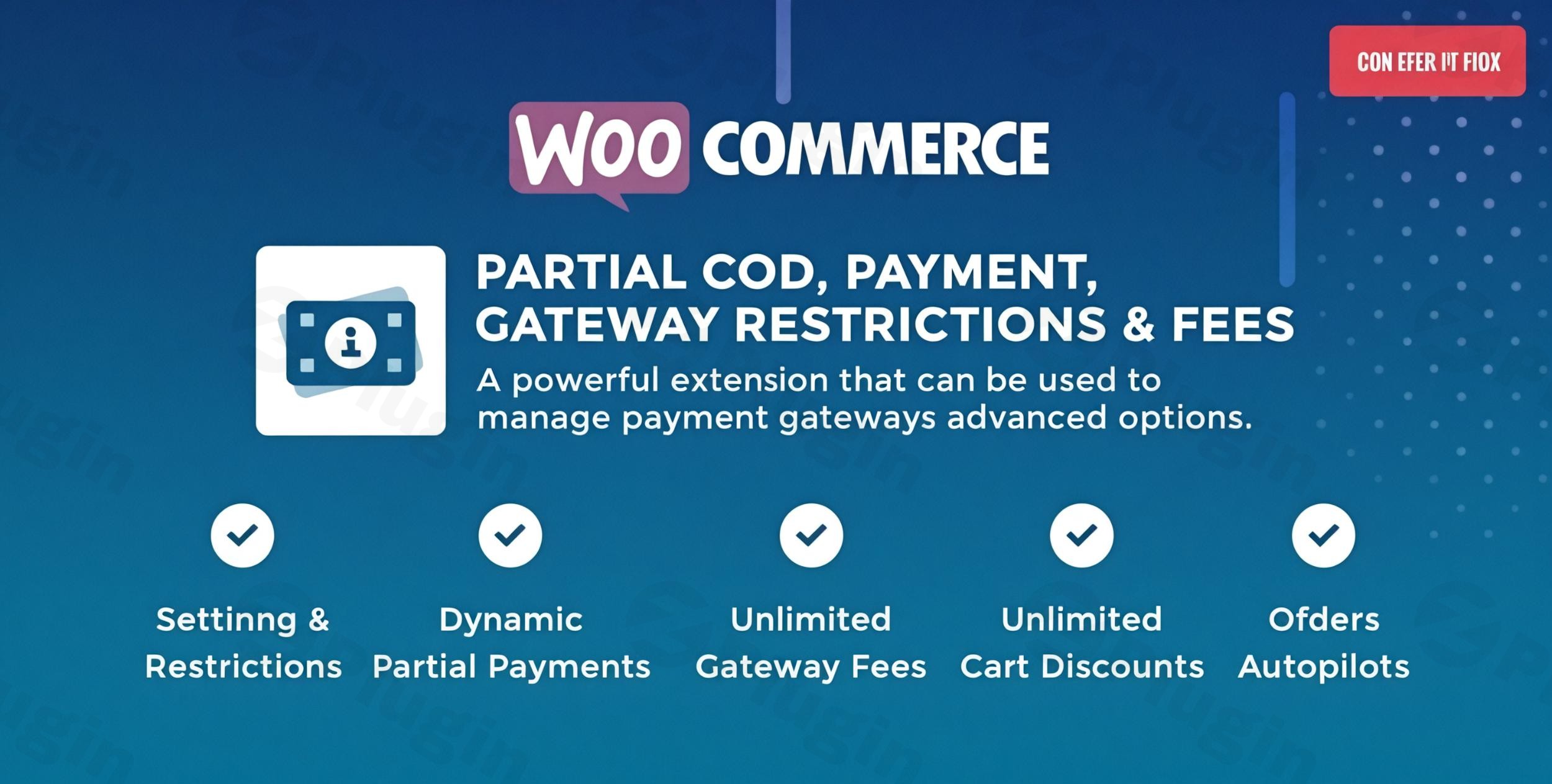
Cash on Delivery (COD) is a double-edged sword for e-commerce owners. While it increases conversion rates in many markets, it also exposes businesses to “Return to Origin” (RTO) losses and fake orders. The WooCommerce Partial COD plugin solves this by allowing merchants to collect a non-refundable deposit upfront, ensuring the customer is committed before the item is shipped.
By implementing a Partial COD Payment Gateway, you can significantly reduce financial risks while still offering the convenience of offline payments. In this guide, we will explore how to configure this plugin to restrict payment methods, apply conditional fees, and secure your revenue.
Key Features: Beyond Simple COD Payments
The WooCommerce Partial COD – Payment Gateway Restrictions & Fees plugin is a modular solution designed to give you granular control over your checkout page. Here is how its core features translate into business benefits:
1. Partial COD Deposits (Fixed or Percentage)
Instead of a “pay everything at the door” model, you can require a partial payment.
- How it works: You can set a fixed amount (e.g., $10) or a percentage (e.g., 20%) that must be paid via an online gateway (like PayPal or Razorpay) to confirm the order.
- Benefit: This authenticates the buyer’s intent and covers your shipping costs in case of a rejection at the doorstep.
2. Dynamic Payment Gateway Restrictions
Not every product or customer should have access to every payment method.
- Rule-Based Availability: You can use WooCommerce payment restrictions to hide COD for specific product categories, shipping zones, or user roles.
- Example: Disable COD for high-value electronics or for customers with a history of failed deliveries.
3. Conditional Fees and Handling Surcharges
Processing COD orders often involves extra courier charges.
- COD Fees WooCommerce: Automatically add a “Handling Fee” or a “COD Surcharge” to the cart total when a user selects the COD option.
- Discounts: Conversely, you can offer a discount for users who choose digital payment methods to encourage cash-flow-friendly behavior.
4. Smart Coupon Integration
Customers can use coupon codes specifically to pay the partial deposit amount. This is ideal for loyalty programs where “Store Credit” can be used to bypass the upfront cash requirement.
How to Set Up Partial COD in WooCommerce
Follow these steps to configure your plugin and create a risk-free COD WooCommerce environment.
Step 1: Installation
- Log in to your WordPress Dashboard.
- Navigate to Plugins > Add New.
- Upload the plugin zip file or search for “Partial COD” (depending on your specific version).
- Click Install Now and then Activate.
Step 2: Configure Global Partial Payment Settings
- Go to WooCommerce > Settings > Partial COD.
- Enable the Partial Payment toggle.
- Choose your Deposit Type: Select “Fixed” or “Percentage.”
- Enter the value (e.g., “10” for 10%).
- Set the Minimum/Maximum Cart Total for which this rule should apply.
Step 3: Setting Gateway Restrictions
- Navigate to the Restrictions tab within the plugin settings.
- Create a “New Rule.”
- Define the condition: For example, “If Category = Fragile Items,” then “Restrict Gateway = Cash on Delivery.”
- Save the rule. This ensures that payment gateways are restricted by product or category automatically.
Step 4: Adding COD Fees
- Go to the Fees/Discounts section.
- Select “Cash on Delivery” as the target gateway.
3. Enter a “Fixed Fee” (e.g., $5) to cover shipping insurance or courier collection costs.
Practical Usage & Best Practices
To get the most out of your WooCommerce Partial COD setup, consider these real-world workflows:
- For High-Value Luxury Goods: Always use the “Percentage Deposit” rule. Requiring a 10-20% upfront payment filters out casual “window shoppers” and ensures only serious buyers trigger your fulfillment process.
- For New Customers vs. Loyalists: Use User Role Restrictions. You can require a partial deposit for “Guests” or “New Customers” while offering “0% Deposit COD” to your “VIP” or “Repeat” customers.
- For Specific Shipping Zones: If your courier charges significantly more for COD in remote areas, use the Conditional Fees feature to pass that specific cost onto the customer based on their shipping zone.
* The “Hybrid” Workflow: Use the plugin to offer a discount for “Prepaid” orders while simultaneously charging a fee for “COD” orders. This dual approach nudges customers toward digital payments without removing the COD option entirely.
FAQ & Troubleshooting
Can I charge a partial amount for COD orders in WooCommerce?
Yes. By using the WooCommerce Partial COD plugin, you can split the order total. The customer pays a small portion online via a gateway like Stripe or PayPal to confirm the order, and the remaining balance is paid in cash upon delivery.
How do I limit payment gateways for specific products in WooCommerce?
In the plugin settings, go to the Restrictions tab. You can create a rule that identifies specific product IDs, categories, or tags. Once identified, you can choose to “Hide” or “Disable” the Cash on Delivery gateway for those items.
Is this plugin compatible with the WooCommerce Checkout Block?
Most modern versions (like those from WP Swings or PCOD) are compatible with the WooCommerce Cart and Checkout Blocks, as well as HPOS (High-Performance Order Storage). Always ensure your plugin is updated to the latest version for full compatibility.
Does it support multiple currencies?
Yes, the plugin is generally compatible with the Currency Switcher for WooCommerce, ensuring the partial deposit amount converts accurately based on the customer’s selected currency.
What happens if the customer cancels the order?
Since the partial payment is processed through a standard online gateway, you can manage refunds via the standard WooCommerce Order page. Many merchants treat the partial COD deposit as a non-refundable “commitment fee” to cover shipping logistics, though this depends on your store’s legal policy.
Conclusion: The ROI of Secured COD
The WooCommerce Partial COD – Payment Gateway Restrictions & Fees plugin is an essential tool for any store owner operating in markets where Cash on Delivery is dominant. It transforms COD from a high-risk gamble into a structured, secure transaction.By requiring a Partial COD Payment Gateway deposit and using WooCommerce payment restrictions, you reduce RTO (Return to Origin) rates, improve cash flow, and filter out fraudulent orders. Whether you are a small boutique or a high-volume agency, the ability to control gateway availability and fees based on real-time cart conditions provides a professional, “SaaS-like” checkout experience that protects your bottom line.Ready to secure your orders? Head over to wppick.com for more WordPress insights and optimization tips.