

WooCommerce Product Add-Ons By WooCommerce
/Year
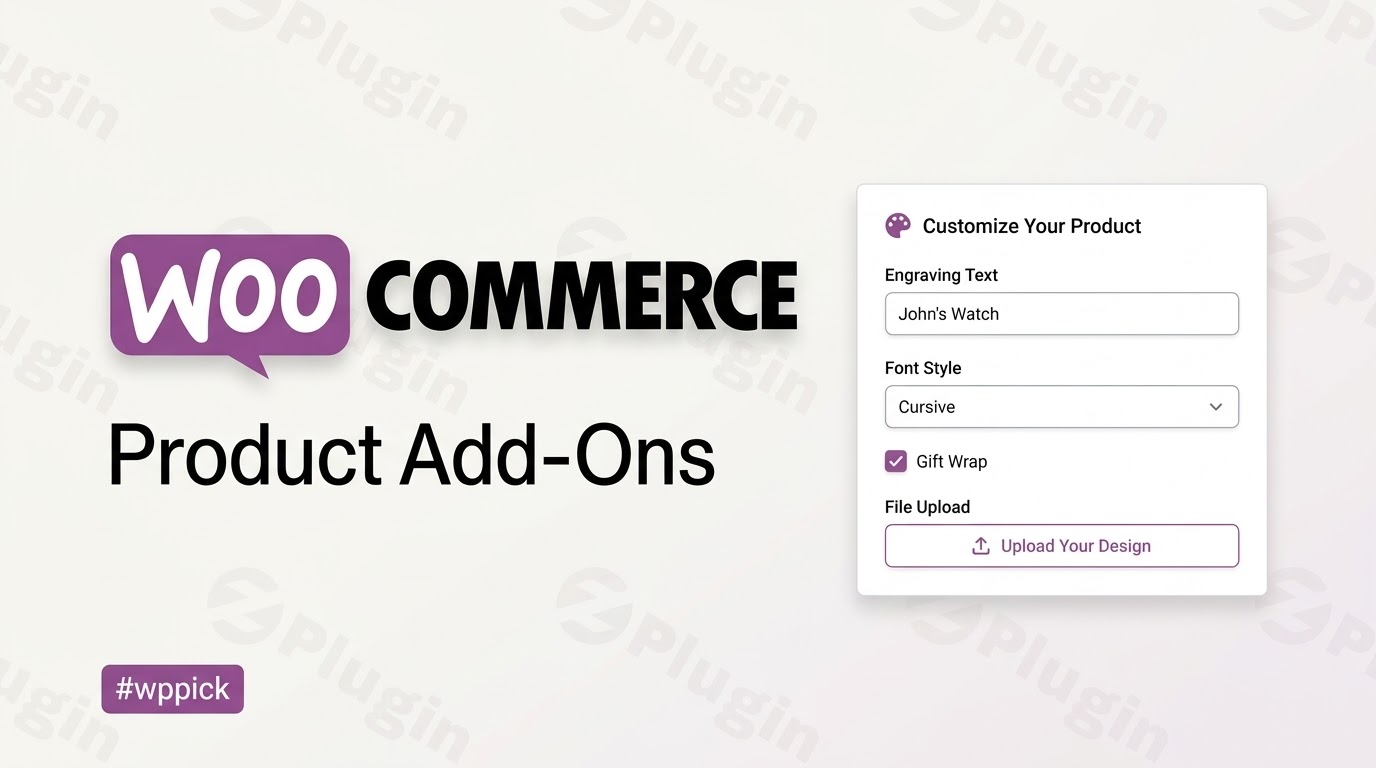
Advanced Product Personalization for WooCommerce
WooCommerce Product Add-Ons provides a flexible solution for online stores looking to offer customizable products. While standard WooCommerce variations work well for simple attributes like color or size, they struggle with personalized user inputs. This extension fills that gap by allowing store managers to add custom input fields, file uploads, dropdown options, and multi-select checkboxes directly to individual products or globally across multiple categories.
What WooCommerce Product Add-Ons Does
The core purpose of this extension is to expand the default product structure by embedding extra input fields on the front-end product presentation layer. Customers interact with these options before adding an item to their cart. This capability enables store owners to sell personalized configurations, custom engravings, specialized product bundles, and bespoke services while adjusting the base product price dynamically according to the customer selections.
Who Is This Extension For?
This extension is built for e-commerce store owners, digital creators, and agency developers who need to configure personalized store offerings without modifying core code. It serves businesses such as custom jewelry designers, print-on-demand services, gift shops offering custom wrapping options, and software service providers looking for specialized client input fields. By giving users direct control over input variables, it streamlines fulfillment workflows across multiple retail sectors.
Key Capabilities and Fields
- Text Inputs: Collect short text strings for engravings, names, or custom messages with character limits.
- Text Areas: Allow comprehensive notes, special formatting instructions, or detailed customer specifications.
- Dropdowns and Radios: Present predefined choice sets to keep layouts organized and clean.
- Checkboxes: Enable multiple optional feature sets, accessory attachments, or warranty coverage rules.
- File Uploads: Provide a secure gateway for buyers to upload images, vector graphics, or document specifications.
- Price Adjustments: Apply flat-rate surcharges, percentage-based fee increases, or quantity-based price scaling.
Practical WordPress Use Cases
Consider a store selling custom typography prints. Using this tool, the merchant inserts a short text field for the personalized name, a dropdown option for frame materials, and a checkbox for gift wrap services. Another common deployment is an online bakery where buyers select custom cake flavors via radio buttons and upload an inspirational reference image using the file submission field. These choices are preserved throughout the checkout sequence and attach directly to the core order data visible within the admin dashboard.
Setup and Integration Context
Configuring the extension requires zero template modification or complex database mappings. Fields are managed directly within the product data panel under an explicit tab. Store managers can build global rules that automatically append specific input sets to entire catalog categories, eliminating the need to edit items individually. The output integrates natively with the standard checkout funnel, cart overview templates, and automated transactional email templates.
Why Choose WooCommerce Product Add-Ons on WPPick
Sourcing your commercial infrastructure extensions through WPPick ensures access to clean, scanned distribution files that function properly within active staging environments. This marketplace deployment delivers full capability without arbitrary license restrictions, providing a predictable method for developers to test advanced functionality, audit configuration settings, and complete user testing prior to push-to-production deployment phases.
Latest Version Context
Detailed release notes are not available from the provided sources. The system maintains foundational operational integrity across modern WordPress platforms, ensuring security configurations and data parsing models execute reliably during transaction cycles. This ongoing optimization facilitates standard data processing and prevents compatibility degradation during platform update routines.
Frequently Asked Questions
Can I restrict the type of files that customers upload?
Yes. The extension allows you to limit file types for file upload fields. This configuration enables store operators to accept specific asset variations, such as images or documents, preventing unvetted or unsupported file formats from being submitted to the server infrastructure.
Do these options affect the final checkout price?
Yes. Each added option can be configured with independent pricing mechanics. Choices can increase the final price using flat fees, quantity-based multipliers, or percentage additions, updating the calculated total automatically before the item enters the shopping cart.
Can I apply options to multiple products at the same time?
Yes. Store managers can create global configurations assigned directly to specific product categories. This approach rules out the need to manually build identical choice fields on every single catalog item, simplifying database maintenance and catalog updates.
Where do the customer inputs appear after an order is placed?
All finalized selections and uploaded files attach directly to the item data within the cart overview, checkout summary page, and customer invoice. Store administrators can view, manage, and download these personalized choices straight from the backend order management screen.
I. Download Limits & Account Benefits
- Free Downloads: Each email address receives 3 downloads per day for free products
- Upgrade Benefits: Purchase any paid product to increase your daily download limit by 3 for each paid product
- No Account Required: You can download immediately by receiving the download link via email
- Account Recommended: Create an account for easier access to your order history and direct update downloads
II. Understanding GPL vs Official Versions
Important: The products available on WPPick are GPL-licensed versions, which differ from official developer versions. Before purchasing, please read our comprehensive guide: Understanding GPL & Official Differences at WPPick
Key Points:
- GPL versions may not include premium support from original developers
- Updates may be delayed compared to official releases
- Some premium features might have limitations
- Always consider your specific needs and support requirements
III. Support & Assistance
We’re here to help through multiple channels:
- Email Support: Direct email assistance for all inquiries
- Live Chat: Real-time support during business hours
- Comprehensive Documentation: Detailed guides and tutorials
IV. Order Tracking
Access your complete purchase history and download links anytime: Order History
V. Account Access
New to WPPick? Login or Create Account to manage your downloads and orders efficiently.
VI. Refund Protection
We stand behind our products with a clear refund policy. Review our terms: Refund Policy
VII. Privacy & Security
Your data security is our priority. Learn how we protect your information: Privacy Policy
VII. Terms of Service
Understanding our service terms ensures a smooth experience: Terms of Use
Quick Tips for Best Experience
- Verify Compatibility: Check plugin/theme compatibility with your WordPress version
- Backup First: Always backup your site before installing new plugins or themes
- Test Environment: Consider testing on a staging site first
- Stay Updated: Regularly check for updates in your account dashboard
- Read Documentation: Review any included documentation for optimal setup
Need Help?
If you have questions about downloads, licensing, or need technical assistance, don’t hesitate to contact our support team. We’re committed to ensuring you have the best possible experience with WPPick products.
Ready to get started? Your download adventure begins with just one click!
- Added 'Limit file types' option for File Upload add-ons to restrict the type of uploaded files per add-on.
- Fixed an issue that prevented adding products with preconfigured Add-Ons to the cart via URL.
- Bumped WooCommerce tested up to version to 10.5.
- Updated File Upload template.
- Replaced wc_enqueue_js with wp_add_inline_script according to the recommended WordPress core script patterns.
- Bumped WordPress tested up to version to 6.9.
- Bumped WooCommerce tested up to version to 10.4.
- Replaced deprecated script handles for compatibility with WooCommerce 10.3+
- Allow 0 pre-filled value for Price and Quantity add-ons
- Fixed an issue where dropdown options getting hidden when deleting an option
- Important: Updated frontend templates.
- Improved accessibility.
- Fixed an issue where jQuery TipTip tooltips were not loaded.
- Fixed an issue where subscription products with add-ons couldn't be configured in admin orders.
- Fixed an issue that prevented manually paying for subscriptions with required add-ons.
- Improved handling of add-ons display to prevent conflicts when the global product object is missing.