

WooCommerce Product Bundles
/Year
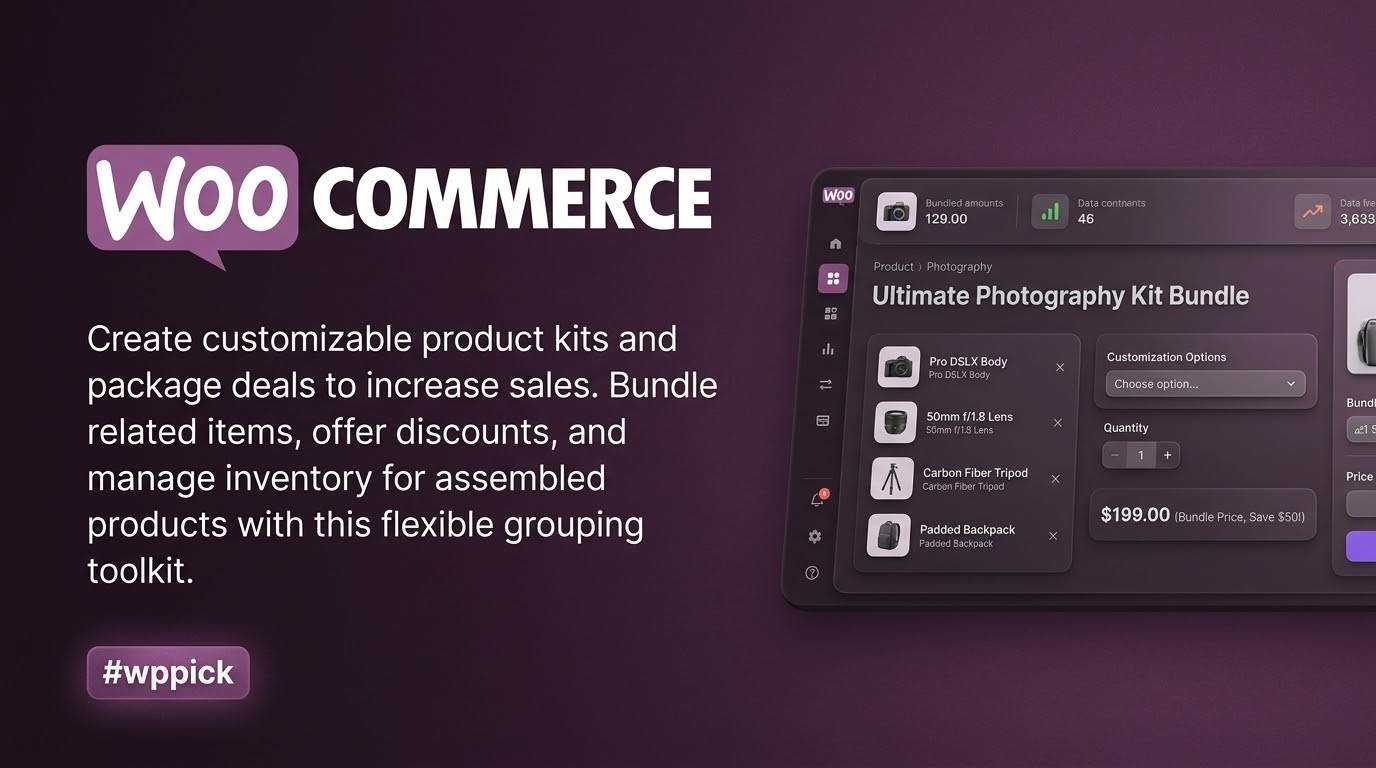
Empower Your Store With Dynamic Product Bundles
Maximizing average order value and offering tailored purchasing options are essential strategies for modern online stores. WooCommerce Product Bundles is a flexible e-commerce toolkit designed to help store owners group related products, assemble custom product kits, and create attractive package deals. By giving customers the freedom to build their own bundles or purchase curated sets with streamlined discount options, store owners can significantly enhance customer engagement and sales performance.
What WooCommerce Product Bundles Does
The plugin enables the creation of advanced product groupings directly inside your WordPress dashboard. Store owners can group simple, variable, or subscription products together into a single purchase flow. It supports flexible pricing structures, inventory tracking per bundled item, and conditional display options. Customers can choose optional items, select specific variations, and view real-time price updates as they customize their package.
Who This Plugin Is For
WooCommerce Product Bundles is ideal for a wide range of online businesses, including:
- Retailers selling computer systems or hardware where customers choose individual components.
- Subscription box services offering customizable recurring product selections.
- Apparel and fashion stores creating complete outfit kits with size and color choices.
- Cosmetic and skincare brands packaging multi-item routine sets with special volume discounts.
Key Capabilities and Features
The extension comes equipped with robust functionality to manage complex product relationships:
- Create static product bundles or fully customizable assembly kits.
- Configure individual pricing or bulk bundle pricing models.
- Synchronize inventory levels to track stock for each individual item within a bundle.
- Apply targeted percentage or fixed-amount discounts to specific bundled components.
- Define minimum and maximum quantity limits for optional bundle contents.
Practical WordPress Use Cases
Store administrators can utilize this plugin to solve common merchandising challenges. For instance, if you run an electronics shop, you can allow buyers to select compatible accessories like cases, chargers, and screen protectors when purchasing a smartphone. Similarly, digital stores can package multiple plugins or themes together at a discounted rate, encouraging larger initial checkouts.
Setup and Compatibility Notes
Integration into an existing WooCommerce environment is straightforward. The plugin relies on standard WooCommerce product data types and works seamlessly with popular page builders and inventory workflows. It respects user role permissions and integrates cleanly with membership plugins to ensure member-only discounts apply accurately across individual bundle components.
Reasons to Choose WooCommerce Product Bundles on WPPick
Choosing this extension through WPPick ensures you receive secure, verified software files paired with budget-friendly access. It provides a reliable solution for store optimization without requiring complex custom coding or expensive developer overhead, making professional merchandising accessible for growing stores.
Latest Version Context
Version 8.5.12 introduces critical maintenance updates and security enhancements. Key improvements include applying current bundled-item discounts during repeat orders, enhanced sanitization for overridden product titles, and proper inheritance of WooCommerce Memberships percentage and fixed-amount discounts in individually priced bundled items. It also incorporates REST API security restrictions, safe metadata handling, and robust input validation to maintain high performance and data integrity.
Frequently Asked Questions
Can customers customize the items inside a bundle?Yes, you can configure bundles to be completely customizable, allowing buyers to select specific variations, add optional items, or choose quantities within predefined limits.
How does inventory management work for bundled items?Stock levels are tracked individually for each item included in the bundle, ensuring your inventory stays accurate as sales occur.
Can I offer special discounts on bundles?Yes, the plugin supports flexible discount rules, letting you apply percentage or fixed-amount price reductions to specific items or the entire package.
Is WooCommerce Product Bundles compatible with subscription products?Yes, it supports grouping subscription products, enabling you to build recurring revenue models and customizable subscription boxes.
Where can I find official release documentation for version 8.5.12?Detailed updates and release notes can be referenced directly through the official vendor source.
I. Download Limits & Account Benefits
- Free Downloads: Each email address receives 3 downloads per day for free products
- Upgrade Benefits: Purchase any paid product to increase your daily download limit by 3 for each paid product
- No Account Required: You can download immediately by receiving the download link via email
- Account Recommended: Create an account for easier access to your order history and direct update downloads
II. Understanding GPL vs Official Versions
Important: The products available on WPPick are GPL-licensed versions, which differ from official developer versions. Before purchasing, please read our comprehensive guide: Understanding GPL & Official Differences at WPPick
Key Points:
- GPL versions may not include premium support from original developers
- Updates may be delayed compared to official releases
- Some premium features might have limitations
- Always consider your specific needs and support requirements
III. Support & Assistance
We’re here to help through multiple channels:
- Email Support: Direct email assistance for all inquiries
- Live Chat: Real-time support during business hours
- Comprehensive Documentation: Detailed guides and tutorials
IV. Order Tracking
Access your complete purchase history and download links anytime: Order History
V. Account Access
New to WPPick? Login or Create Account to manage your downloads and orders efficiently.
VI. Refund Protection
We stand behind our products with a clear refund policy. Review our terms: Refund Policy
VII. Privacy & Security
Your data security is our priority. Learn how we protect your information: Privacy Policy
VII. Terms of Service
Understanding our service terms ensures a smooth experience: Terms of Use
Quick Tips for Best Experience
- Verify Compatibility: Check plugin/theme compatibility with your WordPress version
- Backup First: Always backup your site before installing new plugins or themes
- Test Environment: Consider testing on a staging site first
- Stay Updated: Regularly check for updates in your account dashboard
- Read Documentation: Review any included documentation for optimal setup
Need Help?
If you have questions about downloads, licensing, or need technical assistance, don’t hesitate to contact our support team. We’re committed to ensuring you have the best possible experience with WPPick products.
Ready to get started? Your download adventure begins with just one click!
- Applied current bundled-item discounts when customers use Order Again.
- Sanitization of overridden bundled product titles.
- Inherited WooCommerce Memberships percentage discounts assigned to a specific variation, instead of only those assigned to its variable parent, in individually priced bundled items.
- Prevented REST API writes from changing bundled items owned by another bundle.
- Restricted REST and CSV bundled item metadata to declared safe fields.
- Required exact-order permission and editable status before changing bundle order items.
- Restricted the bundle order-item form to users who can edit orders, and to items that belong to the requested order.
- Required object-level product permissions before rendering new bundled-item controls.
- Refreshed bundle pricing rules when restoring carts or ordering again.
- Restricted variation data to the requested item in its claimed bundle.
- Omitted unreadable bundled products from public Store API responses.
- Prevented bundle order-item metadata from being decoded twice when loading child items.
- Escaped product names shown in AJAX search results.
- Kept the full precision of a bundled item discount when adding a bundle to an order, so that a repeating percentage no longer leaves the line item totals a fraction off.
- Inherited WooCommerce Memberships fixed-amount discounts, alongside percentage ones, in individually priced bundled items.
- Prevented translations from loading before WordPress initialization.
- Pinned and checksum-verified ChromeDriver before running acceptance tests.
- Ran pull request E2E tests without private integration secrets.
- Managed changelog entries with the Jetpack Changelogger, so pull requests add a change file instead of editing changelog.txt.
- Removed redundant and low-value tests.
- Fix - Auto-select the bundled variation when "Filter Variations" leaves only one option, instead of showing a redundant dropdown.
- Fix - Fixed a fatal error when generating recurring price HTML for bundled subscriptions with a missing product.
- Fix - Ensured stale background stock sync tasks are skipped when their associated hooks have been enabled programmatically.
- Tweak - Bumped WooCommerce tested up to version to 10.9.
- Dev - Updated the JavaScript build toolchain to the React 18.3 line and added React 19 readiness guards.
- Dev - Added a read-only Product Bundles ability for querying bundle configuration and bundled items.
- Improved performance by replacing init with the action_scheduler_ensure_recurring_actions hook for Action Scheduler tasks.
- Bumped WooCommerce tested up to version to 10.5.
- Prevent errors when aggregating package items without calculated cart totals.
- Fixed type error when calculating bundle prices with individually priced items.
- Replaced wc_enqueue_js with wp_add_inline_script according to the recommended WordPress core script patterns.
- Bumped WordPress tested up to version to 6.9.
- Bumped WooCommerce tested up to version to 10.4.
- Replaced invalid HTML line break tags
- Reverted a change where the subtotal was hidden on shortcode cart and checkout pages
- Fixed Add to Cart quantity selector styles in stepper mode