

WooCommerce Product CSV Import Suite
/Year
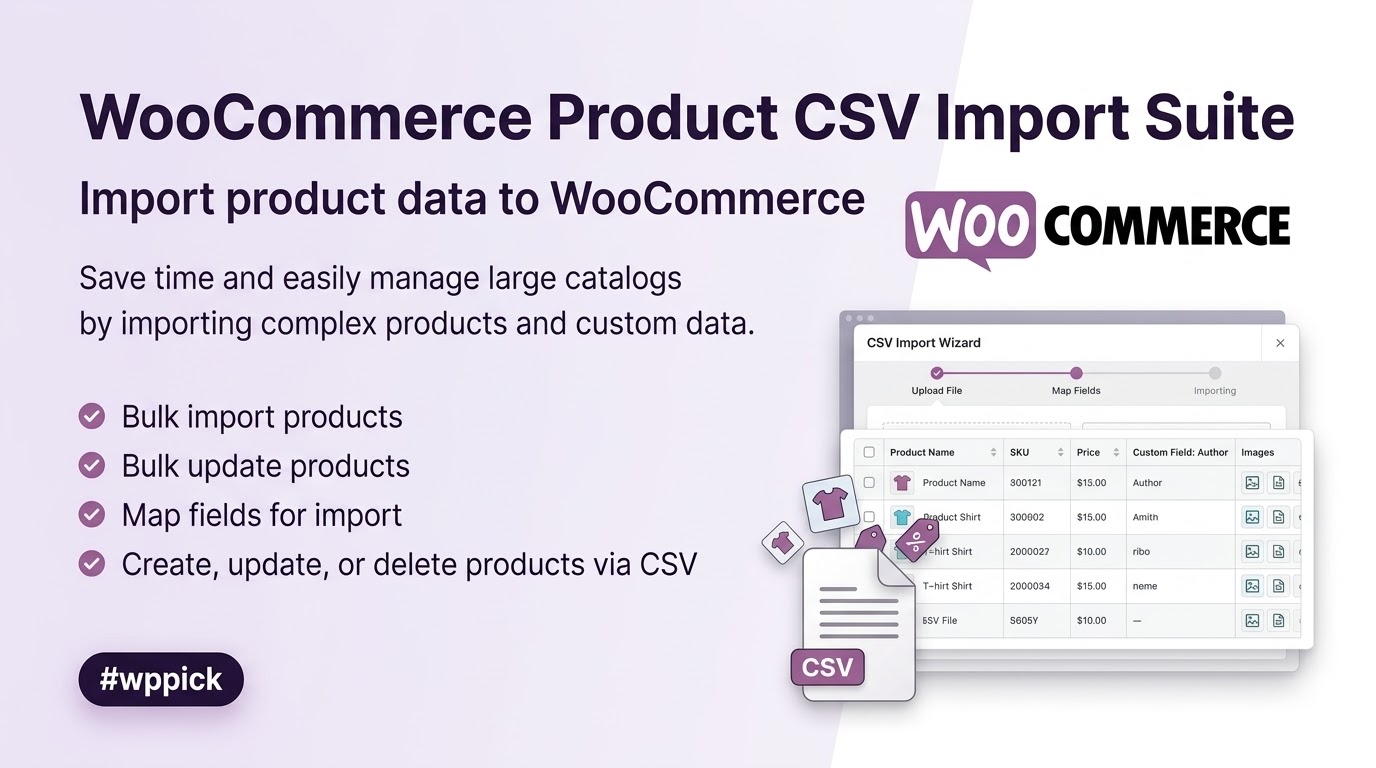
Streamline Inventory Control with Mass Product Importing
Managing an online storefront with thousands of items requires reliable inventory infrastructure. The WooCommerce Product CSV Import Suite offers a robust way to handle massive store catalogs by allowing administrators to upload, export, and modify data in bulk using structured CSV spreadsheets. Instead of clicking through individual dashboard menus, store administrators can perform sweeping updates across their entire inventory in a single pass.
What It Does
This extension processes standard CSV files to generate new items or update existing data within a WooCommerce setup. It maps spreadsheet headers directly to internal database structures, enabling complete control over core listing fields and specialized taxonomies. Beyond basic data population, it lets you sync physical inventory counts, swap out images across entire collections, and revise pricing schemas without disturbing live customer browsing experiences.
Who It Is For
This data utility serves retail managers, agency developers, and stock control specialists who manage mid-to-large e-commerce websites. It is especially useful for merchants migrating digital assets from external database solutions like ERP platforms, physical retail points of sale, or older e-commerce systems. Drop-shippers and multi-vendor networks that regularly accept inventory sheets from manufacturing partners will find it indispensable for keeping store listings current.
Key Capabilities
- Process complex variations, attributes, and specific hierarchical taxonomies smoothly during imports.
- Export existing catalogue assets directly into a standard layout for offline modification.
- Map custom meta fields and proprietary database data to integrate easily with modern plugins.
- Perform targeted updates to existing listings using unique SKUs or identification numbers without rewriting unchanged entries.
- Import raw imagery files by including public asset URLs directly inside spreadsheet columns.
Practical WordPress Use Cases
Consider a retail store launching a massive seasonal promotion. Instead of modifying hundreds of price structures manually, the store manager exports the current inventory sheet, applies price drops in a spreadsheet tool, and uploads it back to update everything instantly. Another common application involves syncing wholesale stock sheets from fulfillment centers. By configuring scheduled or manual uploads, a company can adjust stock levels daily to prevent backorders on depleted items.
Setup and Compatibility Notes
The system requires a standard WooCommerce environment along with valid, uncorrupted CSV data files formatted with clean UTF-8 encoding. Large file transfers may occasionally run into server performance bottlenecks or script execution limits on restrictive web hosting plans. Splitting extremely large inventory sheets into smaller sections can help prevent server timeouts and ensure a successful data transfer process.
Reasons to Choose It on WPPick
Obtaining this extension via WPPick gives web developers and online store owners access to verified, secure installation packages tailored for testing and development environments. It allows teams to refine data migration workflows and test CSV layouts safely on staging sites before moving live. This provides a clean sandbox for testing large database updates without upfront premium financial commitments.
Latest Version Context
The system has been updated to version 1.11.2, which brings important backend adjustments to keep asset filtering working perfectly. This release ensures storefront attribute filters stay current by automatically syncing the internal lookup tables right after a CSV transfer is finished. It also prevents broken entries by safely restoring variable product options if database caches become stale when new global parameters are added. Additional code protections have been introduced to block unauthorized file paths and comply with modern security standards.
Frequently Asked Questions
Can this extension import custom fields added by other plugins?
Yes, it supports custom metadata processing. By adding a prefix to your spreadsheet column headers, the engine maps custom inputs like advanced custom fields or extra layout parameters directly to their correct database entries.
Does it support the migration of digital or downloadable files?
It fully supports virtual and downloadable options. You can declare download paths, document access rules, and file paths directly in the CSV layout to configure your downloadable items during mass uploads.
How does the system handle images during a bulk upload?
The upload engine processes external image links defined in your file columns. It downloads the images directly into your WordPress media library and links them to the correct item as featured artwork or gallery components.
What happens if an imported SKU matches an existing store item?
When an incoming SKU matches an existing identifier, the system uses the new spreadsheet data to update the existing record rather than creating a duplicate entry, preventing messy inventory bloat.
Is there a hard limit on how many items can be imported at once?
The extension itself does not impose a maximum limit, but your hosting configuration might. Large datasets can hit server timeout limits or memory caps, so splitting massive files into smaller chunks is highly recommended.
I. Download Limits & Account Benefits
- Free Downloads: Each email address receives 3 downloads per day for free products
- Upgrade Benefits: Purchase any paid product to increase your daily download limit by 3 for each paid product
- No Account Required: You can download immediately by receiving the download link via email
- Account Recommended: Create an account for easier access to your order history and direct update downloads
II. Understanding GPL vs Official Versions
Important: The products available on WPPick are GPL-licensed versions, which differ from official developer versions. Before purchasing, please read our comprehensive guide: Understanding GPL & Official Differences at WPPick
Key Points:
- GPL versions may not include premium support from original developers
- Updates may be delayed compared to official releases
- Some premium features might have limitations
- Always consider your specific needs and support requirements
III. Support & Assistance
We’re here to help through multiple channels:
- Email Support: Direct email assistance for all inquiries
- Live Chat: Real-time support during business hours
- Comprehensive Documentation: Detailed guides and tutorials
IV. Order Tracking
Access your complete purchase history and download links anytime: Order History
V. Account Access
New to WPPick? Login or Create Account to manage your downloads and orders efficiently.
VI. Refund Protection
We stand behind our products with a clear refund policy. Review our terms: Refund Policy
VII. Privacy & Security
Your data security is our priority. Learn how we protect your information: Privacy Policy
VII. Terms of Service
Understanding our service terms ensures a smooth experience: Terms of Use
Quick Tips for Best Experience
- Verify Compatibility: Check plugin/theme compatibility with your WordPress version
- Backup First: Always backup your site before installing new plugins or themes
- Test Environment: Consider testing on a staging site first
- Stay Updated: Regularly check for updates in your account dashboard
- Read Documentation: Review any included documentation for optimal setup
Need Help?
If you have questions about downloads, licensing, or need technical assistance, don’t hesitate to contact our support team. We’re committed to ensuring you have the best possible experience with WPPick products.
Ready to get started? Your download adventure begins with just one click!
- Sync the product attributes lookup table after CSV imports so storefront attribute filters stay current.
- Restore variable product attributes and variations when CSV imports create global attributes while WooCommerce attribute caches are stale.
- Add direct file access protection guards to PHP and view template files to fix Plugin Check errors.
- Upgrade Node.js from v20 to v24 and npm from v10 to v11.
- Upgrade npm and Composer dependencies.
- Add a spell-check GitHub Actions workflow and fix typos.
- Bump WooCommerce "tested up to" version 10.9.
- Bump WooCommerce minimum supported version to 10.7.
- Specified the `$escape` parameter in calls to `fgetcsv()` due to an upcoming PHP change.
- Update PHP Compat sniffs to a development version covering key PHP 8.4 changes.
- Run PHP Compat sniffs against the production release.
- Suppress PHP Compat sniffs for code run conditionally.
- Bump WooCommerce "tested up to" version 10.5.
- Bump WooCommerce minimum supported version to 10.3.
- Updates to our QIT GitHub Action workflow.
- Bump WooCommerce "tested up to" version 10.2
- Bump WooCommerce minimum supported version to 10.0
- Bump WordPress minimum supported version to 6.7
- Resolve issues flagged by WooCommerce's Quality Insights Toolkit (QIT).
- Bump WooCommerce "tested up to" version 10.0.
- Bump WooCommerce minimum supported version to 9.8.