

WooCommerce Product Search
/Year
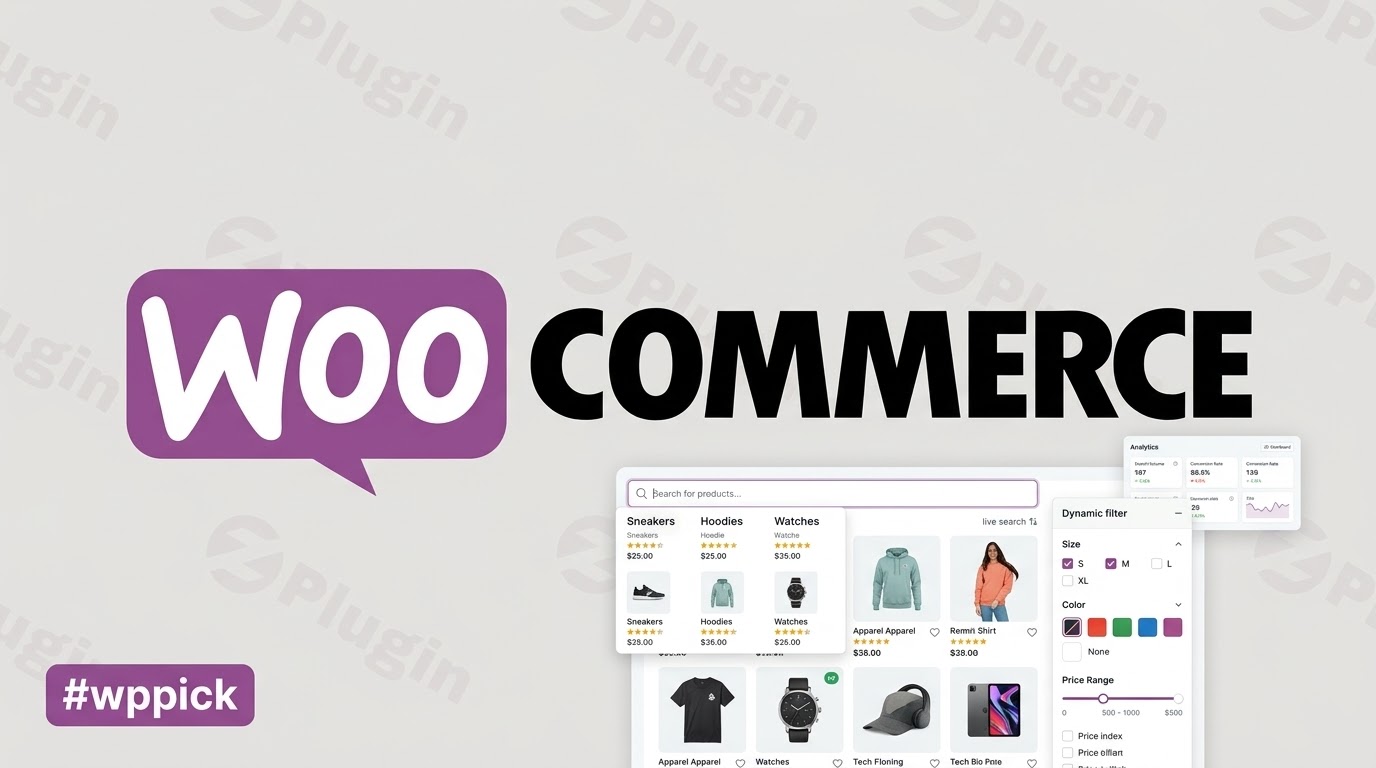
### Supercharge Store Discovery with Live Search
WooCommerce Product Search replaces standard, sluggish search bars with an advanced, interactive discovery engine. When visitors can locate exact products within seconds, bounce rates decrease and conversion rates climb. This extension provides real-time search results complete with product images, pricing, and direct add-to-cart functionality, reducing friction throughout the buyer journey.
### What It Does
The plugin establishes an automatic index of your product catalog, processing titles, excerpts, content, tags, categories, and attributes. As customers type, relevant items appear instantly via advanced asynchronous requests. Beyond instant text matching, it implements cohesive, multi-layered visual filter widgets that update live as users refine parameters such as price ranges, categories, user ratings, or custom attributes.
### Who It Is For
This extension is built for WooCommerce store managers, developers, and agency owners managing mid-to-large e-commerce sites. If your catalog contains hundreds or thousands of products, multiple variations, or complex attributes, standard search infrastructure often falls short. Store owners seeking data-driven insights will find value in the built-in analytics, which log terms, expressions, and zero-result queries.
### Key Capabilities
- Live Search Field: Displays immediate results with structural details like thumbnails and pricing dynamically as users type.
- Faceted Product Filters: Offers adaptive live filtering for attributes, categories, price bounds, inventory status, and tags.
- Smart Search Indexer: Handles complex keyword mappings and variations seamlessly without degrading database performance.
- Search Reports and Analytics: Collects user data directly in a dedicated dashboard menu to reveal search trends, popular items, and content gaps.
- Block Editor Integration: Fully compatible with the modern Blocks API, including custom styling overrides and placeholder classes.
### Practical WordPress Use Cases
- Large Fashion Retailers: Shoppers can instantly filter items simultaneously by size, color, material, and price range without waiting for full page reloads.
- Wholesale B2B Stores: Procurement officers can search using strict SKUs, partial model numbers, or custom attributes to add items straight to the cart from the results drop-down.
- Niche Electronic Catalogs: Customers pinpoint precise compatibility requirements by narrowing down choices across multi-layered technical specification categories.
### Setup and Compatibility Notes
The extension is fully optimized for WordPress 6.9 and WooCommerce 10.6, utilizing standard database indexing routines. It requires minimal initial configuration. Upon activation, the automated backend worker builds an optimized structural search index. Front-end elements can be embedded anywhere via blocks, shortcodes, or traditional widgets, adapting smoothly to responsive layouts and theme stylings.
### Reasons to Choose It on WPPick
Procuring WooCommerce Product Search via WPPick grants you entry to robust, clean search architecture without prohibitive costs. We supply clean, authenticated files that receive constant operational updates. This ensures your store retains modern search capabilities, updated template assets, and complete system security while preserving optimal performance speeds.
### Latest Version Context
The current release focuses heavily on modernization, structural cleanup, and platform compliance. Key improvements include rigorous escaping updates to satisfy contemporary data practices and ensure store security. Additionally, the native search report framework has been optimized with helpful presets like last year data ranges, enabling store operators to track long-term consumer interest and inventory performance with ease.
### Product Search FAQ
How does this plugin improve conversion rates compared to native search?
Native search requires a full page load after typing a query, causing delay. This plugin delivers immediate results and visual filters while typing, helping shoppers locate products and check out faster.
Does the live search feature work with product attributes and SKUs?
Yes. The automated backend indexer tracks titles, descriptions, categories, tags, custom attributes, and unique stock keeping units to ensure comprehensive matching accuracy.
Will running an interactive search index slow down my WordPress database?
No. The extension uses a dedicated worker process to index items efficiently. Search performance handles complex queries quickly without exhausting hosting server resources.
Can I display the search widgets using the block editor or shortcodes?
Yes. Full support is included for the block editor with API compatibility, alongside shortcodes and traditional side widgets for versatile layout placement.
Can I see what terms my customers are searching for but failing to find?
Yes. The integrated dashboard logs search expressions and identifies zero-result searches, highlighting missing inventory or demand trends.
I. Download Limits & Account Benefits
- Free Downloads: Each email address receives 3 downloads per day for free products
- Upgrade Benefits: Purchase any paid product to increase your daily download limit by 3 for each paid product
- No Account Required: You can download immediately by receiving the download link via email
- Account Recommended: Create an account for easier access to your order history and direct update downloads
II. Understanding GPL vs Official Versions
Important: The products available on WPPick are GPL-licensed versions, which differ from official developer versions. Before purchasing, please read our comprehensive guide: Understanding GPL & Official Differences at WPPick
Key Points:
- GPL versions may not include premium support from original developers
- Updates may be delayed compared to official releases
- Some premium features might have limitations
- Always consider your specific needs and support requirements
III. Support & Assistance
We’re here to help through multiple channels:
- Email Support: Direct email assistance for all inquiries
- Live Chat: Real-time support during business hours
- Comprehensive Documentation: Detailed guides and tutorials
IV. Order Tracking
Access your complete purchase history and download links anytime: Order History
V. Account Access
New to WPPick? Login or Create Account to manage your downloads and orders efficiently.
VI. Refund Protection
We stand behind our products with a clear refund policy. Review our terms: Refund Policy
VII. Privacy & Security
Your data security is our priority. Learn how we protect your information: Privacy Policy
VII. Terms of Service
Understanding our service terms ensures a smooth experience: Terms of Use
Quick Tips for Best Experience
- Verify Compatibility: Check plugin/theme compatibility with your WordPress version
- Backup First: Always backup your site before installing new plugins or themes
- Test Environment: Consider testing on a staging site first
- Stay Updated: Regularly check for updates in your account dashboard
- Read Documentation: Review any included documentation for optimal setup
Need Help?
If you have questions about downloads, licensing, or need technical assistance, don’t hesitate to contact our support team. We’re committed to ensuring you have the best possible experience with WPPick products.
Ready to get started? Your download adventure begins with just one click!
- WordPress 6.9 compatible.
- WooCommerce 10.6 compatible.
- Addressed instances of potential escaping.
- Adds last year as preset to Search Report.
- Updated the translation template.
- Updated translations.
- WordPress 6.9 compatible.
- WooCommerce 10.6 compatible.
- Revised switch_to_blog and restore_current_blog invocation methods.
- Updated Selectize js and css to build from https://github.com/itthinx/selectize.js/tree/wps-selectize
- Improved indexer performance checking processable entries.
- Improved indexer performance while processing entries.
- Improved performance processing various queries.
- WordPress 6.9 compatible.
- WooCommerce 10.5 compatible.
- Menu icon revised (structural improvements).
- Improved processing to filter out variations that do not match their parent's post_status.
- Added support for passing additional class(es) to the Product Search Field block, shortcode and API function.
- Added support for passing additional class(es) to the Product Filter Search block, shortcode and API function.
- Added support for passing additional class(es) to the Product Filter Attribute block, shortcode and API function.
- Added support for passing additional class(es) to the Product Filter Brand block, shortcode and API function.
- Added support for passing additional class(es) to the Product Filter Category block, shortcode and API function.
- Added support for passing additional class(es) to the Product Filter Price block, shortcode and API function.
- Added support for passing additional class(es) to the Product Filter Products block, shortcode and API function.
- Added support for passing additional class(es) to the Product Filter Rating block, shortcode and API function.
- Added support for passing additional class(es) to the Product Filter Reset block, shortcode and API function.
- Added support for passing additional class(es) to the Product Filter Sale block, shortcode and API function.
- Added support for passing additional class(es) to the Product Filter Stock block, shortcode and API function.
- Added support for passing additional class(es) to the Product Filter Tag block, shortcode and API function.
- Added the woocommerce_product_search_engine_stage_posts_correlate_variations filter.
- WordPress 6.9 compatible.
- WooCommerce 10.4 compatible.
- Updated to Blocks API 3 and iframe editor compatibility.
- Search weight column header collapsed with empty column content.
- Missing block translations are now provided.
- Added the woocommerce_product_search_admin_admin_head filter.
- Added output escaping on instances where it was missing.
- Improved translations processing and performance.
- Added script translation files.
- Enable SQL_BIG_SELECTS during search report exports.
- Search report links point to own menu and corresponding sections.
- Requests for search reports in legacy reports are redirected to their corresponding sections.
- Reports stylesheet added.
- The reports on searches and queries are now available in the added Search Reports menu.
- WordPress 6.9 compatible.
- WooCommerce 10.4 compatible.
- Revised colors.
- WordPress 6.8 compatible
- WooCommerce 10.2 compatible
- Namespaced Product Search Field parameters to circumvent a bug introduced in WooCommerce 10.2 that interferes with URL parameters
- Fixed assistant failed to capture chosen widgets to add
- More link in Product Search Field results not showing due to incorrect condition
- WordPress 6.8 compatible
- WooCommerce 10.2 compatible
- Requires at least WordPress 6.5
- Requires at least WooCommerce 9.5
- Revised status codes in worker
- Updated script and style handles used for selectize resources to use the wps- prefix
- Dropped the integration with the deprecated WooCommerce Navigation
- WordPress 6.8 compatible.
- WooCommerce 10.1 compatible.
- Improved indexing performance in general and particularly for large sets of terms.
- Improved indexing resilience with limited time allocations for script execution.
- Added the woocommerce_product_search_indexer_preprocess_terms_limit filter.
- Added the woocommerce_product_search_indexer_work_break filter.
- Added validation hints.
- Fixed minor code doc issues.
- Added instances of missing translation calls.
- Added missing placeholder substitution in several instances of warnings to log; search filter widget; search widget.
- Removed superfluous parameter passed to remove_filter call.
- Fixed and instance of a wrong replacement function called for mb_substr().
- Removed superfluous parameter passed to product has_options call.
- Updated the base cache class methods.
- Fixed potential issues with undefined variables depending on code execution paths.
- Fixed instances of undefined constants due to syntax/typos.
- Fixed action instead of filter registered for posts_search filter.
- WordPress 6.8 compatible.
- WooCommerce 10.0 compatible.
- Added the woocommerce_product_search_filter_price_min_max_display filter.