

Woocommerce Products Badge Management
/Year
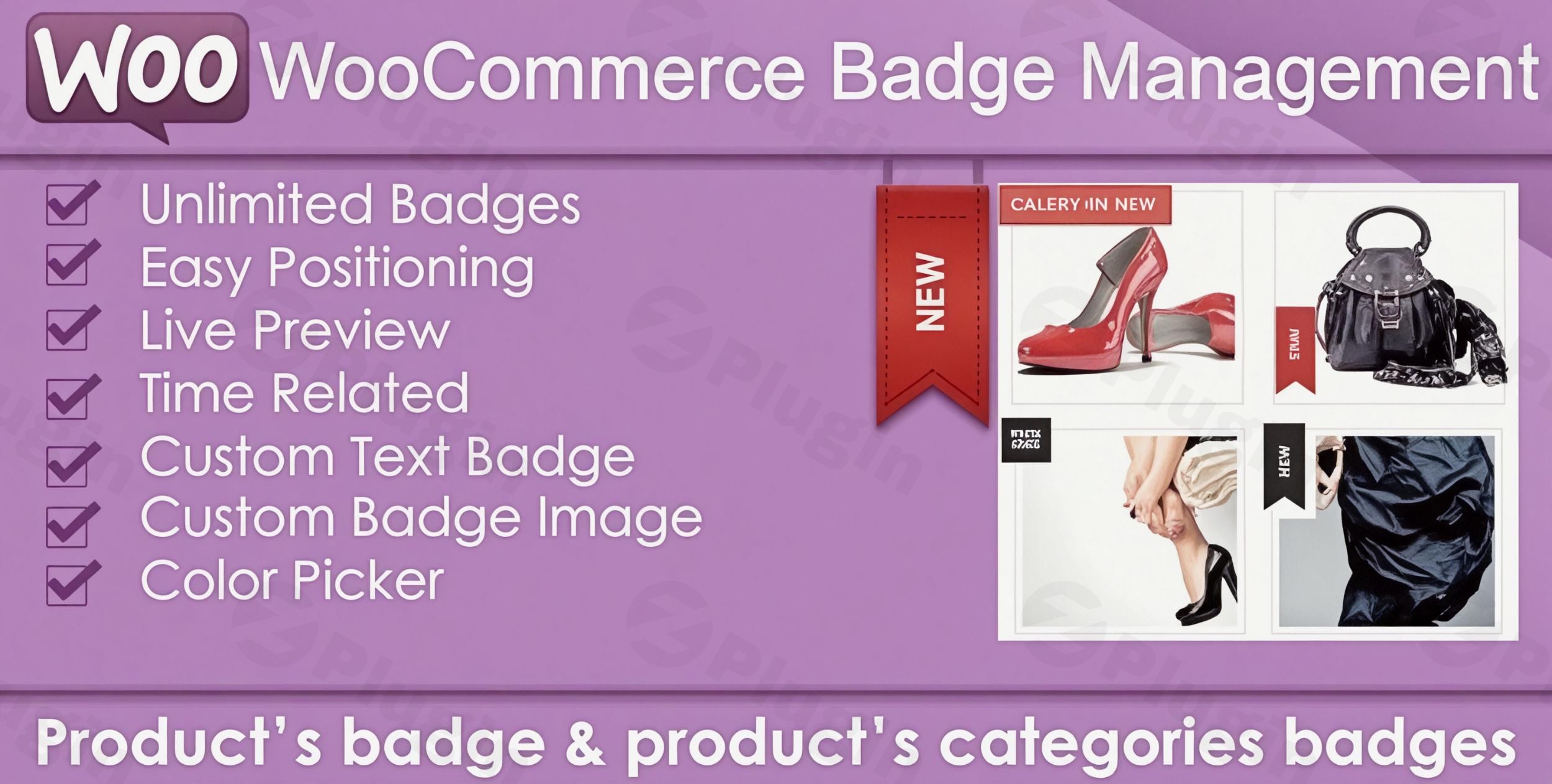
In the competitive world of eCommerce, grabbing a customer’s attention in the first few seconds is critical for driving sales. While the default WooCommerce “Sale” tag is functional, it often lacks the visual impact and flexibility required for modern digital marketing. This is where WooCommerce Products Badge Management becomes essential. By using a dedicated WooCommerce Badge Plugin, store owners can transform generic product grids into high-converting visual storefronts that highlight discounts, new arrivals, and scarcity through professional-grade Product Labels for WooCommerce.
Whether you are looking to automate your sales stickers or create custom “Low Stock” alerts, this guide explores how to leverage product badges to enhance visibility and increase your store’s conversion rates by up to 55%.
Key Features of WooCommerce Badge Plugins
Modern badge management solutions offer far more than just “Sale” stickers. They provide a suite of tools designed to automate visual merchandising.
1. Fully Customizable Badge Design
You are no longer limited to basic circles. Most premium plugins allow you to create:
- Text & Image Badges: Upload your own icons or write custom promotional text.
- CSS & HTML Badges: Lightweight, retina-ready badges that don’t slow down your site.
- Advanced Shapes: Choose from ribbons, stars, rectangles, or custom-coded shapes to match your theme’s branding.
2. Dynamic Content & Placeholders
WooCommerce Dynamic Badges allow you to show real-time data automatically. This means your badges can update themselves based on product metadata:
- Discount Percentage: Automatically display “-20%” or “Save $50” based on the current price.
- Stock Status: Show “Only 2 Left” or “Back in Stock” dynamically.
- Sales Milestones: Highlight “Bestsellers” based on actual sales data.
3. Smart Conditional Logic
The true power of WooCommerce Products Badge Management lies in its targeting capabilities. You can set rules to display badges based on:
- Category/Tag: Apply a “New” badge to everything in the “Summer Collection” automatically.
- Price Range: Trigger a “Premium” label for items over $500.
- User Roles: Show exclusive “Member Only” badges to logged-in VIP customers.
- Scheduling: Set start and end dates for flash sales so badges disappear the moment the promotion ends.
How to Install and Set Up Your WooCommerce Badge Plugin
Setting up Product Labels for WooCommerce is straightforward and requires no coding knowledge. Follow these steps to get started:
- Install the Plugin: Navigate to your WordPress Dashboard, go to Plugins > Add New, and search for your chosen badge manager (or upload the .zip file from a premium provider).
- Activate: Click Activate to enable the features.
- Access the Dashboard: Look for a new menu item, typically under WooCommerce > Product Badges or a dedicated sidebar menu.
- Create Your First Badge:
- Select “Add New.”
- Choose your badge type (Image, Text, or CSS).
- Configure the visual style (Colors, Position, Animation).
- Set Visibility Rules: Choose which products should display the badge. You can select “All Products,” specific “Categories,” or set “Conditional Rules” (e.g., only show if the discount is greater than 10%).
- Publish: Save your settings and view your shop page to see the badges in action.
Practical Usage & Best Practices
To get the most out of your WooCommerce Product Sticker strategy, follow these industry best practices:
Use Case 1: Creating Scarcity with “Low Stock” Labels
The best way to drive immediate action is to show shoppers that an item is running out. Use dynamic placeholders to create a “Limited Stock” badge that only appears when inventory drops below five units. This creates a psychological “Fear Of Missing Out” (FOMO) that speeds up the checkout process.
Use Case 2: Automating Seasonal Sales
Ideal for Black Friday or seasonal clearances, use the scheduling feature to automate your badges. You can design your “Winter Sale” stickers in October and set them to go live at midnight on December 1st, ensuring your store is always up-to-date without manual intervention.
Use Case 3: Highlighting Social Proof
Use badges like “Top Rated” or “Customer Choice” for products with a 5-star rating. This builds trust immediately on the archive page, making users more likely to click through to the product details.
Technical Specifications & Compatibility
Before choosing a plugin, ensure it meets the following technical standards for your WordPress site:
- WordPress Version: Compatible with 5.x through the latest 6.7+ releases.
- WooCommerce Version: Supports WooCommerce 7.x up to the latest 9.x versions.
- Page Builders: Should offer seamless integration with Elementor, Divi, and Gutenberg.
- Performance: Look for plugins that use CSS badges rather than heavy image files to maintain high PageSpeed scores.
- Multilingual: Ensure compatibility with WPML or Polylang if you run a global store.
FAQ: Frequently Asked Questions
Can WooCommerce badges improve my sales?
Yes. Studies suggest that smart product badging can increase conversion rates by up to 55%. Badges help users scan products faster, highlight value propositions (like discounts), and provide social proof, all of which reduce friction in the buying journey.
How do I add custom badges to WooCommerce products?
The most efficient way to add custom badges is to use a dedicated management plugin. These tools allow you to upload custom images or use CSS to design badges that can be applied globally via categories or individually on specific product edit screens.
Why are my WooCommerce badges not showing?
If badges are missing, first check if the plugin is compatible with your theme. Some themes use custom templates for product images that may override plugin hooks. Ensure the “Hide default WooCommerce sale badge” option is configured correctly and that your “End Date” for the badge hasn’t already passed.
Is this plugin compatible with Elementor?
Most top-tier WooCommerce Badge Plugins are fully compatible with Elementor. They often include specific widgets or support for “Custom Selectors,” allowing you to place badges accurately on custom product loops and archive templates.
Conclusion: Final Verdict
Implementing a robust system for WooCommerce Products Badge Management is one of the highest ROI changes you can make to an eCommerce store. By replacing generic labels with dynamic, high-quality Product Labels for WooCommerce, you provide clearer navigation and stronger incentives for your customers.
For store owners using wppick.com resources, we recommend starting with a plugin that supports CSS-based badges and conditional logic. This ensures your site remains fast while offering the automation needed to scale your marketing efforts. Summarily, if you want to highlight new arrivals, automate discounts, or leverage social proof, a dedicated badge plugin is a non-negotiable tool for your WordPress arsenal.
I. Download Limits & Account Benefits
- Free Downloads: Each email address receives 3 downloads per day for free products
- Upgrade Benefits: Purchase any paid product to increase your daily download limit by 3 for each paid product
- No Account Required: You can download immediately by receiving the download link via email
- Account Recommended: Create an account for easier access to your order history and direct update downloads
II. Understanding GPL vs Official Versions
Important: The products available on WPPick are GPL-licensed versions, which differ from official developer versions. Before purchasing, please read our comprehensive guide: Understanding GPL & Official Differences at WPPick
Key Points:
- GPL versions may not include premium support from original developers
- Updates may be delayed compared to official releases
- Some premium features might have limitations
- Always consider your specific needs and support requirements
III. Support & Assistance
We’re here to help through multiple channels:
- Email Support: Direct email assistance for all inquiries
- Live Chat: Real-time support during business hours
- Comprehensive Documentation: Detailed guides and tutorials
IV. Order Tracking
Access your complete purchase history and download links anytime: Order History
V. Account Access
New to WPPick? Login or Create Account to manage your downloads and orders efficiently.
VI. Refund Protection
We stand behind our products with a clear refund policy. Review our terms: Refund Policy
VII. Privacy & Security
Your data security is our priority. Learn how we protect your information: Privacy Policy
VII. Terms of Service
Understanding our service terms ensures a smooth experience: Terms of Use
Quick Tips for Best Experience
- Verify Compatibility: Check plugin/theme compatibility with your WordPress version
- Backup First: Always backup your site before installing new plugins or themes
- Test Environment: Consider testing on a staging site first
- Stay Updated: Regularly check for updates in your account dashboard
- Read Documentation: Review any included documentation for optimal setup
Need Help?
If you have questions about downloads, licensing, or need technical assistance, don’t hesitate to contact our support team. We’re committed to ensuring you have the best possible experience with WPPick products.
Ready to get started? Your download adventure begins with just one click!
- Added 30+ new preset badge designs
- Added responsive design support
- Optimized performance with improved caching
- Enhanced block theme compatibility
- Improved variation badge switching
- Enhanced security and sanitization
- Fixed various minor bugs and issues
- Complete code overhaul with modern PHP practices