

Woocommerce Shipping Calculator On Product Page
/Year
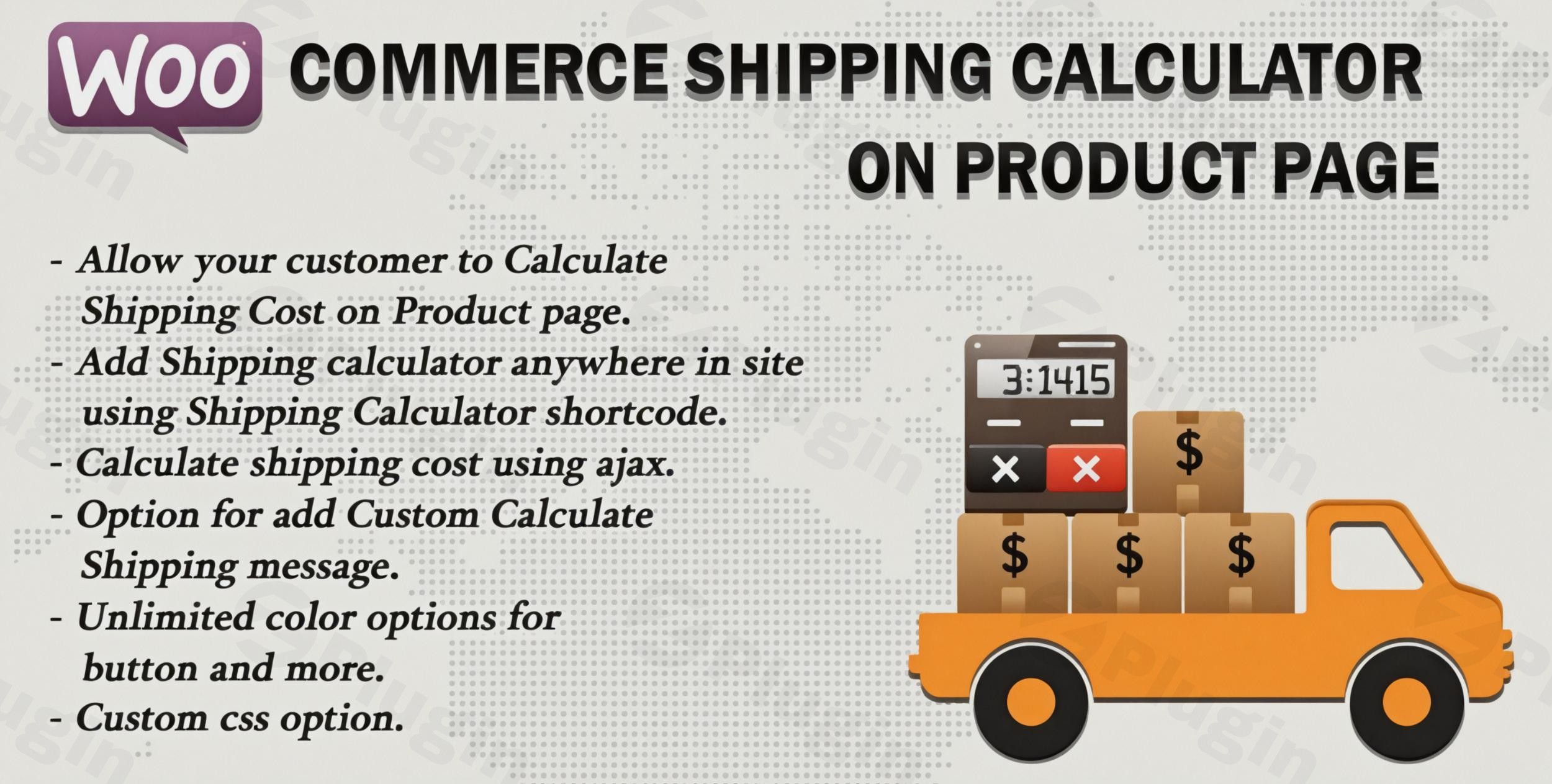
Modern online shoppers expect complete transparency, especially when it comes to pricing. One of the biggest reasons for cart abandonment in e-commerce stores is unexpected shipping costs revealed only at checkout. The WooCommerce Shipping Calculator on Product Page plugin directly addresses this by bringing real-time shipping cost estimations to the forefront of your customer’s shopping journey – the product page itself.This powerful WordPress plugin transforms your WooCommerce store’s customer experience, allowing visitors to calculate shipping costs before they even add an item to their cart. By displaying crucial shipping information upfront, you empower customers to make informed purchasing decisions, building trust and significantly reducing the likelihood of surprises at checkout.
Key Features That Enhance Customer Experience
This Product Page Shipping Calculator WooCommerce solution is engineered with features designed to improve user experience and streamline operations for store owners.
Seamless Shipping Calculations with No Page Reload
The plugin leverages AJAX-powered shipping calculations to deliver instant results. Customers can quickly estimate delivery costs using available shipping methods without a single page reload, ensuring a fast and smooth browsing experience. This WooCommerce shipping calculator no page reload functionality is crucial for retaining user engagement and providing immediate feedback.
Flexible Display Options for Your Store Design
Take control over how shipping methods are presented to your customers. Choose between clear radio buttons or a concise dropdown format. Whether you prefer to display all available shipping options simultaneously or configure a more streamlined presentation, this feature allows you to match the calculator’s appearance to your store’s unique design and user flow.
Universal Implementation with Shortcode Support
Flexibility is key. You can place the shipping calculator virtually anywhere on your site using simple shortcodes. This is perfect not just for product pages, but also for custom landing pages, sales funnels, or any area where customers might need immediate shipping information. This universal implementation ensures that you can show shipping cost on product page WooCommerce and beyond, precisely where it’s most impactful.
Customizable Messaging for Brand Alignment
Enhance your brand voice by creating personalized shipping calculation messages. You can customize the text that appears to customers and even decide whether the shipping charge information is positioned before or after the calculation form, aligning with your preferred user flow and branding.
Granular Control Over Visibility
Not every product needs a shipping calculator. The plugin provides granular control, allowing you to hide shipping calculators on specific products where calculations aren’t relevant or necessary. For larger catalogs, the convenient bulk edit and quick edit options enable you to efficiently manage calculator visibility across your entire product range.
Comprehensive Design Customization
Match the calculator’s appearance to your store’s theme effortlessly. The plugin offers unlimited color options for buttons and provides comprehensive CSS customization capabilities, ensuring the shipping calculator seamlessly integrates into your existing design without looking out of place.
Business Benefits: Why a Shipping Calculator Matters
Implementing a WooCommerce Shipping Cost Calculator on your product pages isn’t just about a better user experience; it’s about driving tangible business results.
- Reduce Cart Abandonment: Shipping cost surprises are consistently identified as a leading cause of cart abandonment. By providing upfront shipping information, you eliminate this common friction point, keeping customers engaged and moving towards purchase.
- Increase Conversion Rates: Transparent pricing builds strong customer confidence. When customers know the full cost upfront, they are more likely to complete their purchase, leading to higher conversion rates and often, an increase in average order values.
- Streamlined User Experience: Bid farewell to the frustrating back-and-forth navigation between product and cart pages just to check shipping. This plugin creates a smoother, more efficient shopping experience that actively encourages purchases and improves overall customer satisfaction.
Installation & Setup: How to Add a Shipping Calculator to Your WooCommerce Product Page
Installing and configuring the WooCommerce Shipping Calculator on Product Page plugin is straightforward and requires no coding knowledge, making it accessible for store owners, marketers, and agencies alike. Here’s a step-by-step guide:
- Download the Plugin: Obtain the plugin file (usually a
.ziparchive) from ZeroPlugin.com. Remember, ZeroPlugin.com provides genuine GPL-licensed software with regular updates and thorough VirusTotal security scanning. - Upload & Install:
- Log in to your WordPress admin dashboard.
- Navigate to Plugins > Add New.
- Click the “Upload Plugin” button at the top of the page.
- Click “Choose File”, select the downloaded
.zipfile, and then click “Install Now”.
- Activate the Plugin: Once installed, click the “Activate Plugin” button.
- Configure Settings:
- After activation, you’ll find a new menu item in your WordPress dashboard (typically under WooCommerce or a dedicated plugin menu).
- Navigate to the plugin’s settings page.
- Here, you can configure all the features mentioned above: display options (radio/dropdown), custom messages, color schemes, and product visibility settings. The intuitive interface makes setup a breeze.
Practical Usage & Best Practices
Integrating a Real-time Shipping Calculator WooCommerce solution effectively can significantly impact your store’s performance. Here are a few practical use cases and best practices:
- Eliminate Guesswork for High-Value Items: For products where shipping costs might be a significant factor (e.g., furniture, electronics, bulk orders), having the calculator upfront is invaluable. Customers appreciate transparency for larger investments.
- Optimize for Local Delivery: If you offer specific local delivery zones, the calculator allows customers to verify if they qualify, reducing support queries and managing expectations.
- Agency Client Enhancement: As an agency, you can easily integrate this plugin into your clients’ WooCommerce stores to immediately add value by improving their customer journey and conversion rates, all without complex development work.
- A/B Test Placement and Messaging: Utilize the flexible display options and customizable messaging to A/B test different calculator placements (e.g., above vs. below the Add to Cart button) or varied calls to action to see what resonates best with your audience.
FAQ & Troubleshooting
Here are answers to common questions about implementing a shipping calculator on your WooCommerce product pages.
Can I show shipping costs on WooCommerce product pages?
Yes, absolutely. The WooCommerce Shipping Calculator on Product Page plugin is specifically designed to enable this functionality, allowing customers to calculate shipping costs directly on individual product pages before proceeding to checkout. This greatly enhances transparency and user experience.
How do I integrate a shipping calculator into my WooCommerce product page?
Integrating a shipping calculator is straightforward. After installing and activating the plugin, navigate to its settings within your WordPress admin dashboard. From there, you can configure its display options, customize messages, and enable it on specific products. The plugin also provides shortcodes for flexible placement on any page.
What are the benefits of a product page shipping calculator for WooCommerce?
The primary benefits include a significant reduction in cart abandonment rates due to transparent pricing, increased conversion rates as customers make informed purchasing decisions, and a streamlined user experience that minimizes friction in the buying journey. It fosters trust and encourages more sales.
Does this plugin work with all shipping methods and zones?
Yes, the plugin is designed to be compatible with WooCommerce 3.0+ and works seamlessly with all major shipping methods and zones configured within your WooCommerce settings. It integrates with your existing shipping setup to provide accurate calculations.
Is the calculator responsive for mobile devices?
Yes, the WooCommerce Shipping Calculator on Product Page features a responsive design, ensuring that it looks and functions perfectly across all devices, including desktops, tablets, and mobile phones. This guarantees a consistent and optimal user experience for all your customers.
Conclusion: Empower Your Customers with Transparency
The WooCommerce Shipping Calculator on Product Page is an indispensable tool for any WooCommerce store aiming to optimize its customer experience and boost conversion rates. By providing real-time, transparent shipping costs directly on your product pages, you eliminate common purchasing hurdles and build invaluable trust with your audience.This plugin offers a powerful blend of seamless functionality, flexible customization, and tangible business benefits, making it an ideal choice for store owners, developers, and agencies. Empower your customers with the information they need, precisely when they need it, and watch your sales grow.
I. Download Limits & Account Benefits
- Free Downloads: Each email address receives 3 downloads per day for free products
- Upgrade Benefits: Purchase any paid product to increase your daily download limit by 3 for each paid product
- No Account Required: You can download immediately by receiving the download link via email
- Account Recommended: Create an account for easier access to your order history and direct update downloads
II. Understanding GPL vs Official Versions
Important: The products available on WPPick are GPL-licensed versions, which differ from official developer versions. Before purchasing, please read our comprehensive guide: Understanding GPL & Official Differences at WPPick
Key Points:
- GPL versions may not include premium support from original developers
- Updates may be delayed compared to official releases
- Some premium features might have limitations
- Always consider your specific needs and support requirements
III. Support & Assistance
We’re here to help through multiple channels:
- Email Support: Direct email assistance for all inquiries
- Live Chat: Real-time support during business hours
- Comprehensive Documentation: Detailed guides and tutorials
IV. Order Tracking
Access your complete purchase history and download links anytime: Order History
V. Account Access
New to WPPick? Login or Create Account to manage your downloads and orders efficiently.
VI. Refund Protection
We stand behind our products with a clear refund policy. Review our terms: Refund Policy
VII. Privacy & Security
Your data security is our priority. Learn how we protect your information: Privacy Policy
VII. Terms of Service
Understanding our service terms ensures a smooth experience: Terms of Use
Quick Tips for Best Experience
- Verify Compatibility: Check plugin/theme compatibility with your WordPress version
- Backup First: Always backup your site before installing new plugins or themes
- Test Environment: Consider testing on a staging site first
- Stay Updated: Regularly check for updates in your account dashboard
- Read Documentation: Review any included documentation for optimal setup
Need Help?
If you have questions about downloads, licensing, or need technical assistance, don’t hesitate to contact our support team. We’re committed to ensuring you have the best possible experience with WPPick products.
Ready to get started? Your download adventure begins with just one click!
- Solve some minor issue
- Support latest woocommerce version 10.3.5 and wordpress version 6.7.x