
Woocommerce Shipping Tracking By Vanquish
/Year
Optimize Post-Purchase Customer Experience in WooCommerce
Managing customer expectations after a sale is a critical component of running a successful online store. The WooCommerce Shipping Tracking plugin by Vanquish provides a comprehensive framework for adding, displaying, and managing shipment tracking data directly within your WordPress environment. By bridging the gap between fulfillment processes and customer communication, this extension significantly reduces support inquiries related to order status and delivery timelines. Providing immediate access to tracking information helps build trust and encourages repeat purchases, making it an essential operational tool for serious electronic commerce ventures.
What This Order Tracking Plugin Does
This plugin seamlessly extends the native WooCommerce interface to support advanced shipment tracking workflows. It allows store administrators to attach one or multiple tracking codes to a single order, accommodating complex fulfillment scenarios like split shipments or multi-vendor drop-shipping. The system injects these tracking details directly into standard WooCommerce transactional emails, ensuring customers receive their tracking links the moment an order is marked as completed. Furthermore, the extension supports hundreds of global shipping carriers out of the box and provides a visual timeline on the customer account page to track the package journey accurately.
Who Is This Tracking Solution For?
This software is tailored for WooCommerce store owners, fulfillment managers, and customer service teams who handle physical product deliveries. Dropshipping businesses that rely on multiple suppliers for a single customer order will benefit heavily from the ability to assign different tracking codes to specific items. Additionally, high-volume merchants dealing with seasonal sales spikes can leverage the bulk import features to update hundreds of orders simultaneously, making it ideal for business-to-consumer retail, wholesale distributors, and international merchants who utilize diverse regional courier services.
Key Capabilities and Functional Features
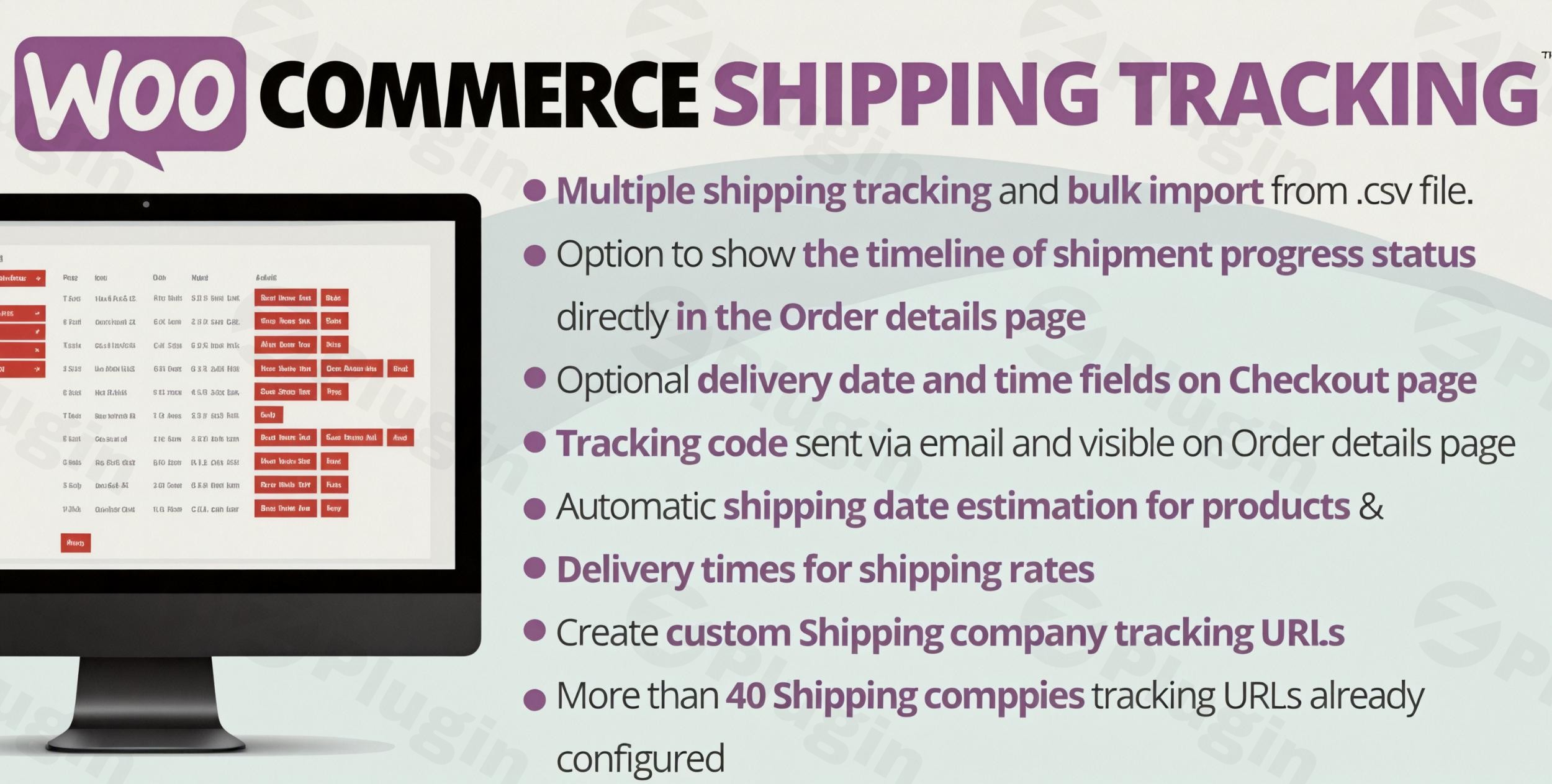
- Extensive carrier support with predefined tracking link structures for major global and regional couriers.
- Ability to define custom shipping companies and custom tracking URL structures for specialized local delivery services.
- Support for multiple tracking numbers and different carriers assigned to a single WooCommerce order.
- Seamless integration with native WooCommerce email templates to automatically notify customers when items ship.
- Bulk import functionality via CSV files to update order statuses and attach tracking codes in large batches.
- Visual delivery progress indicators displayed directly on the customer account portal and order view pages.
- Compatibility with third-party tracking APIs like AfterShip for synchronized delivery status updates.
- Dedicated input fields for estimated delivery dates and dispatch times to improve customer expectation management.
Practical WooCommerce Application Scenarios
In a real-world operational environment, merchants often face complex shipping realities. If a customer orders a fragile item and a heavy item, you might ship the fragile item via FedEx and the heavy item via a specialized freight carrier. This plugin allows you to add both tracking numbers to the same order, specifying which carrier handles which package. For high-volume days like Black Friday, warehouse staff can export a list of daily shipments from their fulfillment software, format it into a CSV file, and use the bulk import tool to instantly mark thousands of orders as complete while simultaneously sending tracking emails to all affected buyers.
Setup Context and Environment Compatibility
Deployment requires a functioning WordPress installation with WooCommerce activated. The configuration process is straightforward, with a dedicated settings panel to enable preferred carriers and customize email templates. Merchants should ensure their server environments support standard PHP mail routing or utilize an SMTP service to guarantee the delivery of tracking notification emails. The software is built to integrate smoothly with standard WooCommerce architecture and maintains compatibility with popular extensions, including specialized setups like Germanized Pro, ensuring reliable operation across diverse server configurations.
Reasons to Choose This Tracking Extension on WPPick
Acquiring this shipping tracking solution through WPPick ensures you are utilizing a clean, verified version of the software. Our platform thoroughly checks files for integrity and security, providing peace of mind for production environments. WPPick offers a centralized repository for your WordPress operational tools, making it simpler to test new fulfillment workflows and customer notification strategies in staging environments before rolling them out to your live customer base.
Latest Version Context
The current release available for deployment is version 42.3. Detailed release notes are not available from the provided sources for this specific iteration. Minor updates in this software category typically focus on updating courier tracking URL structures, improving compatibility with the latest WooCommerce database schema, or addressing minor interface glitches. Always perform a standard backup of your site database before updating fulfillment-critical plugins to ensure continuous operational stability.
Frequently Asked Questions
Can I add multiple tracking numbers to a single WooCommerce order?
Yes, the plugin architecture fully supports assigning multiple tracking codes to a single transaction. You can associate different shipping companies with each tracking number, which is highly useful for split shipments or items originating from different warehouse locations.
Does this tool support bulk importing of tracking data?
The software includes a robust CSV import module. Fulfillment teams can upload a spreadsheet containing order IDs, carrier names, and tracking codes to update multiple shipments simultaneously, completely bypassing manual data entry.
Will this plugin send automated tracking emails to my customers?
The tracking information is automatically injected into the default WooCommerce Order Complete email. When you input the tracking code and update the order status, the customer immediately receives the notification containing the direct tracking links.
What happens if my shipping carrier is not in the default list?
The settings panel provides an interface to create custom shipping companies. You simply provide the carrier name and their standard tracking URL structure with a placeholder for the tracking number, allowing compatibility with virtually any courier globally.
Does the plugin offer a visual tracking timeline for buyers?
When properly configured and particularly when integrated with supported tracking APIs, customers can view a visual representation of their package journey directly from their WooCommerce account dashboard, enhancing the post-purchase experience.
I. Download Limits & Account Benefits
- Free Downloads: Each email address receives 3 downloads per day for free products
- Upgrade Benefits: Purchase any paid product to increase your daily download limit by 3 for each paid product
- No Account Required: You can download immediately by receiving the download link via email
- Account Recommended: Create an account for easier access to your order history and direct update downloads
II. Understanding GPL vs Official Versions
Important: The products available on WPPick are GPL-licensed versions, which differ from official developer versions. Before purchasing, please read our comprehensive guide: Understanding GPL & Official Differences at WPPick
Key Points:
- GPL versions may not include premium support from original developers
- Updates may be delayed compared to official releases
- Some premium features might have limitations
- Always consider your specific needs and support requirements
III. Support & Assistance
We’re here to help through multiple channels:
- Email Support: Direct email assistance for all inquiries
- Live Chat: Real-time support during business hours
- Comprehensive Documentation: Detailed guides and tutorials
IV. Order Tracking
Access your complete purchase history and download links anytime: Order History
V. Account Access
New to WPPick? Login or Create Account to manage your downloads and orders efficiently.
VI. Refund Protection
We stand behind our products with a clear refund policy. Review our terms: Refund Policy
VII. Privacy & Security
Your data security is our priority. Learn how we protect your information: Privacy Policy
VII. Terms of Service
Understanding our service terms ensures a smooth experience: Terms of Use
Quick Tips for Best Experience
- Verify Compatibility: Check plugin/theme compatibility with your WordPress version
- Backup First: Always backup your site before installing new plugins or themes
- Test Environment: Consider testing on a staging site first
- Stay Updated: Regularly check for updates in your account dashboard
- Read Documentation: Review any included documentation for optimal setup
Need Help?
If you have questions about downloads, licensing, or need technical assistance, don’t hesitate to contact our support team. We’re committed to ensuring you have the best possible experience with WPPick products.
Ready to get started? Your download adventure begins with just one click!
- Minor bugfix
- Active notification translation are now set according the order language rather the site language