

Woocommerce Smart Coupons Plugin – Extended Coupon Code Generator
/Year
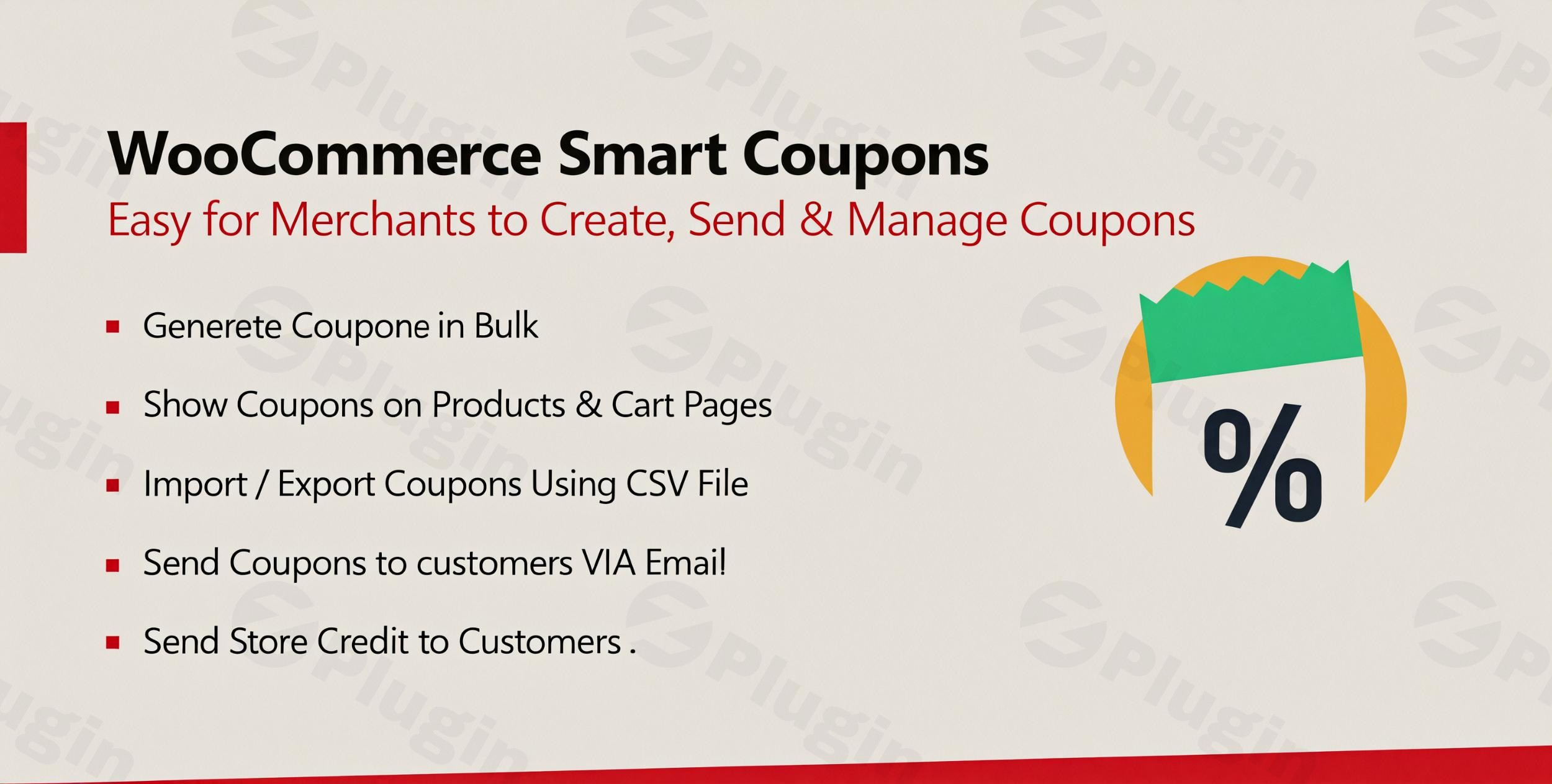
Managing coupons in WooCommerce can often feel like a juggling act, especially when you’re running multiple promotions, loyalty programs, or gift card initiatives. The default WooCommerce coupon system, while functional, quickly shows its limitations for store owners looking to scale their marketing efforts. This is where the WooCommerce Smart Coupons Extended Coupon Generator plugin steps in, transforming your discount strategy from basic to brilliant.This powerful WooCommerce bulk coupon generator empowers you to effortlessly create, distribute, and track an unlimited number of coupons, store credits, and WooCommerce gift card plugin functionalities. It’s designed to streamline your promotional campaigns, boost customer engagement, and ultimately drive higher sales by offering enterprise-grade coupon management features for your online store.
Why WooCommerce Smart Coupons is Essential for Your Store
The WooCommerce Smart Coupons Extended Coupon Generator is much more than just a basic coupon tool; it’s a comprehensive marketing asset. It solves the critical problem of time-consuming manual coupon creation and offers advanced options for distribution and tracking that the core WooCommerce platform lacks. Whether you aim to reward loyal customers, attract new buyers, or recover abandoned carts, this plugin provides the flexibility and automation needed for a dynamic and effective coupon strategy.
Key Features: Supercharge Your WooCommerce Discounts
This plugin offers an extensive suite of features designed to give you granular control over your promotions and enhance customer interaction.
Bulk Coupon Generation: Create Thousands of Coupons in Minutes
Say goodbye to manually creating one coupon at a time. This plugin allows you to generate thousands of coupons in WooCommerce in batches, saving you countless hours.
- Unlimited Coupons: Create an unrestricted number of unique coupon codes simultaneously.
- Configurable Codes: Set custom prefixes, suffixes, and define the length of your coupon codes for better organization and branding.
- Automated Distribution: Automatically deliver generated coupons to customers via email, perfect for large-scale campaigns.
- CSV Export: Easily export your generated coupons to CSV format, ideal for external marketing campaigns or sharing with partners.
Store Credit & Gift Cards: Drive Loyalty and Flexible Spending
Beyond traditional discounts, the plugin excels as a robust WooCommerce store credit plugin and gift card solution.
- Digital Store Credits: Issue digital store credits that customers can use for future purchases.
- Custom Credit Amounts: Define custom values for store credits, offering flexible purchasing power.
- Personalized Gift Cards: Create and manage gift cards that can be purchased and sent directly to recipients’ email addresses with personalized messages. This is a crucial feature for holiday sales and customer retention.
Advanced Coupon Display Options: Maximize Visibility
Ensure your customers see the right discounts at the right time with intelligent display options.
- Product Page Visibility: Display relevant coupons directly on product pages, encouraging immediate purchases.
- Cart-Specific Discounts: Automatically show applicable discounts on the cart page based on items or cart totals.
- My Account Page Integration: Allow customers to view their available coupons and store credits from their “My Account” page, enhancing user experience.
CSV Import/Export: Seamless Coupon Management
Managing large coupon databases is simplified with powerful import and export capabilities. This is essential for WooCommerce coupon import export.
- Bulk Import: Import existing coupons from spreadsheets (CSV files) into your WooCommerce store quickly.
- Efficient Export: Export generated coupons to CSV for external use, backup, or integration with other systems.
- Database Maintenance: Maintain your coupon database efficiently, ensuring accuracy and consistency.
Flexible Usage Limits & Automated Application
Take control of how and when coupons are used with advanced restrictions and automation.
- Granular Usage Limits: Impose daily, weekly, monthly, or yearly usage limits per user to prevent coupon misuse. This is an excellent feature for a WooCommerce coupon plugin with daily usage limit per user.
- Email Restrictions: Implement email restrictions and validate coupon lists on cart and checkout pages for added security.
- Automatic Coupon Application: Configure coupons to apply automatically when specific cart conditions are met, simplifying the checkout process for customers and improving conversion rates. This creates a truly WooCommerce automated coupons experience.
Recurring Coupons & Multi-vendor Compatibility
For specific business models, these features add significant value.
- Recurring Discounts: Create coupons that apply repeatedly, ideal for subscription services or loyalty programs, answering the question, “How to set up recurring discounts in WooCommerce?”.
- Dokan Compatibility: The plugin explicitly states compatibility with the Dokan multivendor marketplace plugin, making it an excellent Dokan compatible WooCommerce coupon generator for multi-vendor stores.
Installation & Setup: Get Started in Minutes
Installing and setting up the WooCommerce Smart Coupons Extended Coupon Generator is a straightforward process, even for non-developers.
- Purchase and Download: First, purchase the plugin from a reputable marketplace like CodeCanyon and download the plugin zip file.
- Upload to WordPress:
- Log in to your WordPress admin dashboard.
- Navigate to Plugins > Add New.
- Click on the “Upload Plugin” button at the top of the page.
- Choose the downloaded plugin zip file and click “Install Now.”
- Activate the Plugin: Once installed, click “Activate Plugin.”
- Configure Settings:
- After activation, you’ll find a new menu item, likely under WooCommerce > Smart Coupons or a similar name.
- Navigate to these settings to configure global options, such as email templates, display preferences, and default coupon generation rules.
- Customize coupon visibility thresholds and personalize email subjects for automated deliveries.
Practical Usage & Best Practices
The WooCommerce Smart Coupons Extended Coupon Generator is versatile, making it ideal for various marketing strategies. Here are a few concrete use cases and best practices:
- Launch a Flash Sale with Bulk Unique Codes:
- Workflow: For a limited-time flash sale, use the bulk coupon generator to create thousands of unique, single-use coupon codes. Set an expiry date and a discount percentage.
- Best Practice: Distribute these codes via email to your subscriber list, leveraging the WooCommerce email coupons to customers automatically feature, or export them for a social media campaign. Track usage to analyze the campaign’s success.
- Implement a Customer Loyalty Program with Store Credit:
- Workflow: Reward repeat customers by automatically issuing store credit after their 5th purchase or for reaching a certain spending threshold.
- Best Practice: Promote this loyalty program on your “My Account” page and checkout success pages. Customers love seeing their earned credit! This reinforces customer retention.
- Boost Average Order Value (AOV) with Cart-Specific Discounts:
- Workflow: Configure coupons to automatically apply or appear when a customer’s cart value reaches a specific amount (e.g., “Spend $100, get $10 off”).
- Best Practice: Highlight these offers clearly on product pages and in the shopping cart to encourage customers to add more items and increase their purchase value.
- Recover Abandoned Carts with Automated Reminders:
- Workflow: Integrate with an abandoned cart recovery solution (or use the plugin’s email delivery features) to send a unique, time-sensitive coupon to customers who leave items in their cart.
- Best Practice: Offer a small incentive (e.g., 5-10% off) to encourage completion of the purchase, effectively turning potential losses into sales.
FAQ & Troubleshooting
Q: What is the best WooCommerce plugin for bulk coupon generation?
A: The WooCommerce Smart Coupons Extended Coupon Generator is an excellent choice for bulk coupon generation, offering features to create unlimited coupons in batches, configure prefixes/suffixes, and automate email distribution. Its robust capabilities make it a top contender for managing large-scale promotional campaigns efficiently.
Q: Can I create gift cards with WooCommerce coupons using this plugin?
A: Yes, absolutely! This plugin functions as a full-fledged WooCommerce gift card plugin. It allows you to issue digital store credits and create gift cards with custom amounts that can be purchased by customers and sent directly to recipients’ email addresses with personalized messages.
Q: Does WooCommerce Smart Coupons support Dokan for multi-vendor stores?
A: Yes, the WooCommerce Smart Coupons Extended Coupon Generator is explicitly compatible with the Dokan multivendor marketplace plugin. This makes it an ideal solution for multi-vendor store owners who need advanced coupon and discount management capabilities across their marketplace.
Q: How can I update the plugin without losing my customizations?
A: Generally, you should not lose customizations if you made them via the plugin’s settings interface. If you’ve made direct code modifications to plugin files, these will be overwritten during an update. Always back up your site before performing any plugin updates. For safety, ensure you acquire the plugin from a source that provides regular, secure updates.
Q: What should I do if my coupons are not displaying on product or cart pages?
A: First, check the plugin’s configuration options in your WordPress dashboard, typically under WooCommerce > Smart Coupons. Ensure that the display settings for product pages, cart pages, or My Account pages are correctly enabled. Also, verify that the coupons themselves meet any visibility thresholds or conditions you’ve set, such as minimum cart amounts or specific product inclusions. Clear any caching plugins if you use them.
Conclusion: Elevate Your WooCommerce Marketing Strategy
The WooCommerce Smart Coupons Extended Coupon Generator is a must-have tool for any serious WooCommerce store owner looking to significantly enhance their marketing and sales efforts. From bulk generation of unique coupon codes to sophisticated gift card and store credit functionalities, this plugin provides a comprehensive solution for advanced discount management.By leveraging its powerful features, you can streamline your promotional campaigns, foster customer loyalty, boost your average order value, and ultimately drive repeat business. It’s a robust investment that pays dividends in efficiency and increased revenue, making it a critical asset for a dynamic and profitable online store. Unlock the full potential of your discounts with this smart coupon solution.
I. Download Limits & Account Benefits
- Free Downloads: Each email address receives 3 downloads per day for free products
- Upgrade Benefits: Purchase any paid product to increase your daily download limit by 3 for each paid product
- No Account Required: You can download immediately by receiving the download link via email
- Account Recommended: Create an account for easier access to your order history and direct update downloads
II. Understanding GPL vs Official Versions
Important: The products available on WPPick are GPL-licensed versions, which differ from official developer versions. Before purchasing, please read our comprehensive guide: Understanding GPL & Official Differences at WPPick
Key Points:
- GPL versions may not include premium support from original developers
- Updates may be delayed compared to official releases
- Some premium features might have limitations
- Always consider your specific needs and support requirements
III. Support & Assistance
We’re here to help through multiple channels:
- Email Support: Direct email assistance for all inquiries
- Live Chat: Real-time support during business hours
- Comprehensive Documentation: Detailed guides and tutorials
IV. Order Tracking
Access your complete purchase history and download links anytime: Order History
V. Account Access
New to WPPick? Login or Create Account to manage your downloads and orders efficiently.
VI. Refund Protection
We stand behind our products with a clear refund policy. Review our terms: Refund Policy
VII. Privacy & Security
Your data security is our priority. Learn how we protect your information: Privacy Policy
VII. Terms of Service
Understanding our service terms ensures a smooth experience: Terms of Use
Quick Tips for Best Experience
- Verify Compatibility: Check plugin/theme compatibility with your WordPress version
- Backup First: Always backup your site before installing new plugins or themes
- Test Environment: Consider testing on a staging site first
- Stay Updated: Regularly check for updates in your account dashboard
- Read Documentation: Review any included documentation for optimal setup
Need Help?
If you have questions about downloads, licensing, or need technical assistance, don’t hesitate to contact our support team. We’re committed to ensuring you have the best possible experience with WPPick products.
Ready to get started? Your download adventure begins with just one click!
- Flush rewrite rules to update permalinks on the plugin installation.
- Option to show/hide coupon worth.
- Option to show/hide coupons on the cart page even if the minimum amount is not reached.