
Woocommerce Smart Pack
/Year
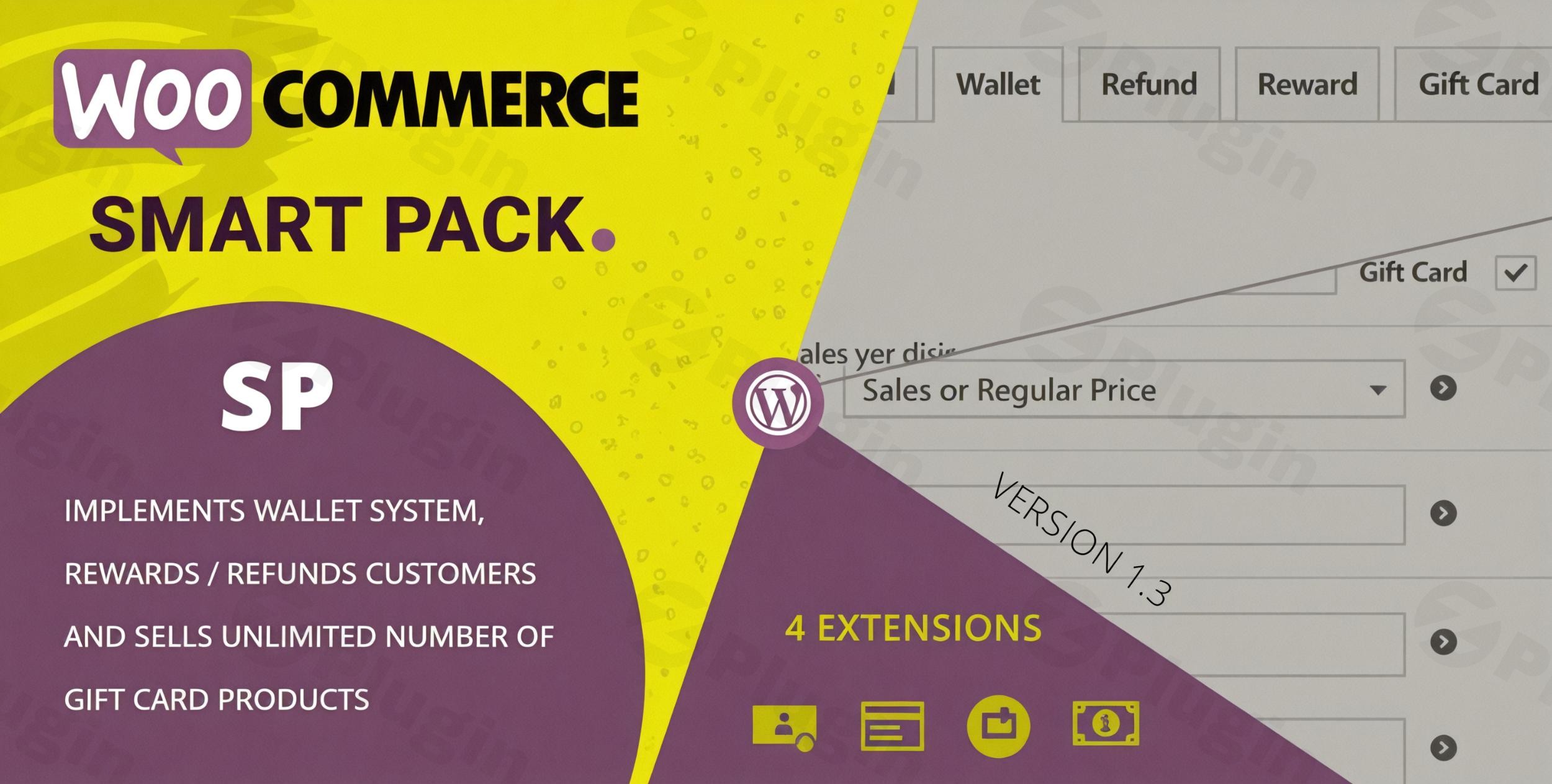
In today’s competitive e-commerce landscape, enhancing customer experience and fostering loyalty are paramount. Many WooCommerce store owners juggle multiple plugins for gift cards, digital wallets, loyalty programs, and efficient refund management, leading to complexity and potential conflicts. This is where the WooCommerce Smart Pack plugin steps in, offering a robust, all-in-one solution to transform your e-commerce platform with advanced financial and loyalty tools.WooCommerce Smart Pack is a comprehensive plugin designed to streamline transactions and significantly boost customer engagement. It bundles four specialized extensions—Gift Card, Wallet System, Reward Points, and Refund Management—into a single, powerful package, making it an ideal choice for online retailers seeking to increase average order value and build lasting customer relationships.
Key Features That Drive Sales & Customer Loyalty
The WooCommerce Smart Pack combines essential e-commerce functionalities into one cohesive system, allowing merchants to manage vital aspects of their store from a single interface. Each feature is designed to address specific needs, from incentivizing new purchases to simplifying customer service.
1. Gift Card Extension: Sell Custom Gift Cards in WooCommerce
The Gift Card Extension is a powerful tool for generating new revenue streams and attracting gift-givers. It allows you to convert any existing WooCommerce product into a sellable gift card, offering unparalleled flexibility.
- Unlimited Gift Card Products: Sell as many gift card variations as you need.
- Customization Options: Customers can personalize gift card values, choose designs, and add heartfelt messages, making them perfect for any occasion or holiday.
- Seamless Redemption: Recipients can easily redeem their gift card balance during checkout, functioning as a payment method.
- Advanced Management: Features like balance tracking, scheduled delivery, and custom usage rules (e.g., expiry dates, minimum spend) provide full control over your gift card program.
- Ideal for: Holiday promotions, birthday gifts, and encouraging new customers. If you’re looking for a dedicated WooCommerce Gift Card Plugin, this feature stands strong on its own.
2. Wallet System Extension: Implement a Digital Wallet for WooCommerce Customers
The Wallet System Extension empowers your customers with a secure digital wallet, improving cash flow and purchase convenience. This feature is crucial for fostering repeat business and offering a flexible payment method.
- Fund Deposits: Customers can deposit funds directly into their digital wallet for future purchases.
- Seamless Payments: Shoppers can use their wallet balance as a payment option during checkout, simplifying the buying process.
- Partial Payments: Supports combining wallet balance with other payment gateways for larger purchases.
- Wallet Top-Ups: Customers can easily add funds to their wallet using popular payment gateways, providing continuous engagement.
- Ideal for: Subscription-based businesses, stores offering store credit, and enhancing the overall checkout experience. It’s a robust WooCommerce Wallet System that promotes upfront payments.
3. Reward Points Extension: Build Customer Loyalty with a Points System
The Reward Points Extension helps you implement highly effective loyalty programs, incentivizing repeat purchases and cultivating customer loyalty. This is your go-to for customer loyalty WooCommerce strategies.
- Customizable Point Systems: Define how many points customers earn per purchase or for other actions (e.g., referrals, social shares).
- Flexible Redemption Options: Allow customers to redeem accumulated points for discounts, free products, or other exclusive rewards.
- Full Compatibility: Seamlessly integrates with the wallet extension, offering further redemption possibilities.
- Ideal for: Increasing customer retention, driving repeat sales, and creating a strong community around your brand. If you’re searching for a powerful WooCommerce Reward Plugin, this offers extensive customization.
4. Refund Management Extension: Streamline Refunds with Store Credit Options
The Refund Management Extension simplifies your refund process, making it more efficient for both merchants and customers. Its integration with the wallet system is a game-changer for customer satisfaction.
- Automated Workflows: Streamline the refund process, reducing manual effort.
- Refund to Wallet: Offer customers the option to receive refunds directly as store credit in their digital wallet, encouraging future purchases. This is an excellent feature for managing WooCommerce Refund to Wallet scenarios.
- Credit Options: Provide flexible credit options that keep customers engaged with your store.
- Ideal for: Improving customer service, reducing administrative burden, and retaining revenue through store credit.
Why Choose WooCommerce Smart Pack for Your Store?
The WooCommerce Smart Pack stands out as an all-in-one solution, designed to offer a cohesive and powerful experience without the complexity of managing multiple plugins.
- All-in-One Solution: Combines four critical e-commerce functionalities into a single plugin, reducing overhead and potential conflicts.
- Modularity: Each feature (Gift Card, Wallet, Reward, Refund) is a distinct extension that can be individually enabled or disabled based on your store’s specific needs, ensuring flexibility.
- 100% Clean GPL Licensed Code: Provides peace of mind regarding code quality and compliance.
- Regular Security Updates & Feature Enhancements: Active development ensures the plugin remains secure and up-to-date with the latest WordPress and WooCommerce versions.
- VirusTotal Verified Safe Installation: Confirms the plugin’s integrity and safety.
- Professional Support Included: Access to expert assistance for any questions or issues.
- Seamless Integration: Works perfectly with WooCommerce products, checkout, and user accounts.
- Customizable Options: Personalize gift cards, wallet rules, and reward systems to align with your brand.
- Translation Ready: Includes
.poand.mofiles for easy localization. - GDPR Ready: Compliant with GDPR regulations, ensuring data privacy.
Installation & Setup Guide for WooCommerce Smart Pack
Installing the WooCommerce Smart Pack is a straightforward process, designed for non-developers. Follow these steps to get your advanced payment and loyalty features up and running.
- Purchase and Download: First, purchase the WooCommerce Smart Pack from a reputable marketplace like CodeCanyon. Once purchased, download the plugin’s
.zipfile to your computer. - Upload the Plugin:
- Log in to your WordPress admin dashboard.
- Navigate to Plugins > Add New.
- Click the “Upload Plugin” button at the top of the page.
- Click “Choose File”, then select the
woocommerce-smart-pack.zipfile you downloaded. - Click “Install Now”.
- Activate the Plugin: After the plugin has been successfully uploaded and installed, click the “Activate Plugin” button.
- Configure Extensions: Once activated, you’ll find a new menu item, likely under WooCommerce > Smart Pack or a similar name.
- Navigate to this section to enable or disable individual extensions (Gift Card, Wallet, Reward Points, Refund Management) based on your store’s requirements.
- Proceed to configure each enabled extension according to your preferences. This will involve setting up gift card templates, wallet top-up options, reward point values, and refund rules.By following these steps, you will have successfully completed the WooCommerce Smart Pack plugin setup guide, preparing your store for enhanced customer engagement.
Practical Usage & Best Practices
The WooCommerce Smart Pack is incredibly versatile, catering to various business models and marketing objectives. Here’s how different types of online retailers can leverage its features:
1. Boost Holiday Sales and Promotions with Gift Cards
- Scenario: An online boutique wants to boost sales during the holiday season or for special events like Valentine’s Day.
- Best Practice: Utilize the Gift Card Extension to create beautifully designed digital gift cards. Promote them heavily in email campaigns and on your homepage. Encourage customers to buy gift cards for friends and family, effectively acquiring new customers without direct marketing spend. You can even offer a small bonus for bulk gift card purchases.
2. Enhance Customer Retention with a Digital Wallet and Rewards Program
- Scenario: A coffee subscription service wants to encourage subscribers to top up their accounts and reward consistent loyalty.
- Best Practice: Implement the Wallet System Extension to allow customers to pre-load funds, ensuring smoother recurring payments or easy re-orders. Combine this with the Reward Points Extension to offer points for every subscription renewal or wallet top-up. These points can then be redeemed for discounts on future subscriptions or exclusive products, making it the best WooCommerce loyalty program with refund options (if they choose to refund to wallet).
3. Streamline Returns and Reduce Churn with Wallet Refunds
- Scenario: An apparel store frequently deals with returns and wants to improve the customer’s post-purchase experience while retaining revenue.
- Best Practice: Use the Refund Management Extension in conjunction with the Wallet System. When a customer requests a refund, offer them the option to receive the refund as store credit directly in their digital wallet. This not only simplifies the refund process but also encourages customers to make another purchase with their stored credit, rather than taking their money elsewhere. This is an excellent way to manage how to manage refunds as store credit in WooCommerce.
4. Drive Engagement and Future Purchases with Combined Features
- Scenario: A general e-commerce store wants an all-encompassing solution to increase average order value and customer lifetime value.
- Best Practice: Implement all four extensions. Offer gift cards for new customer acquisition, a wallet system for convenient payments, a reward system for loyalty, and streamline refunds to the wallet for revenue retention. Promote the ease of WooCommerce wallet top up and the benefits of earning points. This positions the Smart Pack as a truly comprehensive WooCommerce plugin for gift cards, wallet, and rewards combined.
FAQ & Troubleshooting
Here are answers to common questions about the WooCommerce Smart Pack to help you make the most of this powerful plugin.
Can I offer gift cards and store credit in WooCommerce with one plugin?
Yes, absolutely! The WooCommerce Smart Pack is specifically designed to handle both functionalities within a single, integrated plugin. Its Gift Card Extension allows you to sell customizable gift cards, while the Wallet System Extension provides a digital wallet for customers to deposit funds and use as store credit. This makes it an ideal WooCommerce store credit plugin and gift card solution rolled into one.
What is the best WooCommerce plugin for customer wallet and rewards?
While many plugins offer individual features, the WooCommerce Smart Pack stands out as one of the best comprehensive solutions for customer wallets and rewards. Its dedicated Wallet System and Reward Points Extensions are robust, fully integrated, and designed to work seamlessly together. This eliminates the need for multiple, potentially conflicting plugins, offering a unified and efficient experience for both merchants and customers.
How to manage refunds as store credit in WooCommerce?
With the WooCommerce Smart Pack, managing refunds as store credit is straightforward and efficient. The Refund Management Extension integrates directly with the Wallet System. When processing a refund, you can easily opt to refund the amount directly to the customer’s digital wallet as store credit. This streamlines the process, offers customers flexibility, and encourages future purchases within your store, making it an excellent solution for WooCommerce refund to wallet scenarios.
Does WooCommerce Smart Pack support partial payments?
Yes, the WooCommerce Smart Pack’s Wallet System Extension fully supports partial payments. Customers can use a portion of their wallet balance alongside another payment gateway (like credit card or PayPal) to complete a purchase. This flexibility enhances the checkout experience, allowing customers to utilize their store credit while still making larger purchases without fully relying on their wallet balance.
Is the WooCommerce Smart Pack compatible with the latest WordPress and WooCommerce versions?
Yes, the WooCommerce Smart Pack is actively maintained and updated to ensure compatibility with the latest stable versions of WordPress and WooCommerce. The developers prioritize keeping the plugin up-to-date to provide a secure and stable experience, as indicated by regular changelog updates for recent platform versions.
Conclusion: Elevate Your WooCommerce Store with Smart Pack
The WooCommerce Smart Pack is more than just a collection of extensions; it’s a strategic investment in your e-commerce store’s growth and customer satisfaction. By consolidating essential functionalities like gift cards, a digital wallet, reward points, and streamlined refunds into one powerful plugin, it addresses the core needs of modern online retailers.For store owners seeking to reduce plugin clutter, enhance customer engagement, increase average order value, and build robust loyalty programs, the Smart Pack offers unparalleled value. Its modular design, active development, and commitment to security make it a trustworthy and authoritative choice. Elevate your store’s financial operations and customer experience today with the comprehensive capabilities of the WooCommerce Smart Pack.
I. Download Limits & Account Benefits
- Free Downloads: Each email address receives 3 downloads per day for free products
- Upgrade Benefits: Purchase any paid product to increase your daily download limit by 3 for each paid product
- No Account Required: You can download immediately by receiving the download link via email
- Account Recommended: Create an account for easier access to your order history and direct update downloads
II. Understanding GPL vs Official Versions
Important: The products available on WPPick are GPL-licensed versions, which differ from official developer versions. Before purchasing, please read our comprehensive guide: Understanding GPL & Official Differences at WPPick
Key Points:
- GPL versions may not include premium support from original developers
- Updates may be delayed compared to official releases
- Some premium features might have limitations
- Always consider your specific needs and support requirements
III. Support & Assistance
We’re here to help through multiple channels:
- Email Support: Direct email assistance for all inquiries
- Live Chat: Real-time support during business hours
- Comprehensive Documentation: Detailed guides and tutorials
IV. Order Tracking
Access your complete purchase history and download links anytime: Order History
V. Account Access
New to WPPick? Login or Create Account to manage your downloads and orders efficiently.
VI. Refund Protection
We stand behind our products with a clear refund policy. Review our terms: Refund Policy
VII. Privacy & Security
Your data security is our priority. Learn how we protect your information: Privacy Policy
VII. Terms of Service
Understanding our service terms ensures a smooth experience: Terms of Use
Quick Tips for Best Experience
- Verify Compatibility: Check plugin/theme compatibility with your WordPress version
- Backup First: Always backup your site before installing new plugins or themes
- Test Environment: Consider testing on a staging site first
- Stay Updated: Regularly check for updates in your account dashboard
- Read Documentation: Review any included documentation for optimal setup
Need Help?
If you have questions about downloads, licensing, or need technical assistance, don’t hesitate to contact our support team. We’re committed to ensuring you have the best possible experience with WPPick products.
Ready to get started? Your download adventure begins with just one click!
- WooCommerce 10.6 compatibility check
- WordPress 6.9 compatibility check
- WooCommerce 10.3 compatibility check
- Minor tweaks on the admin pages
- Changed textdomain
- Full security check using Plugin Check (PCP)
- WordPress 6.8 compatibility check
- WooCommerce 10.0 compatibility check