

Woocommerce Support Ticket System By Vanquish
/Year
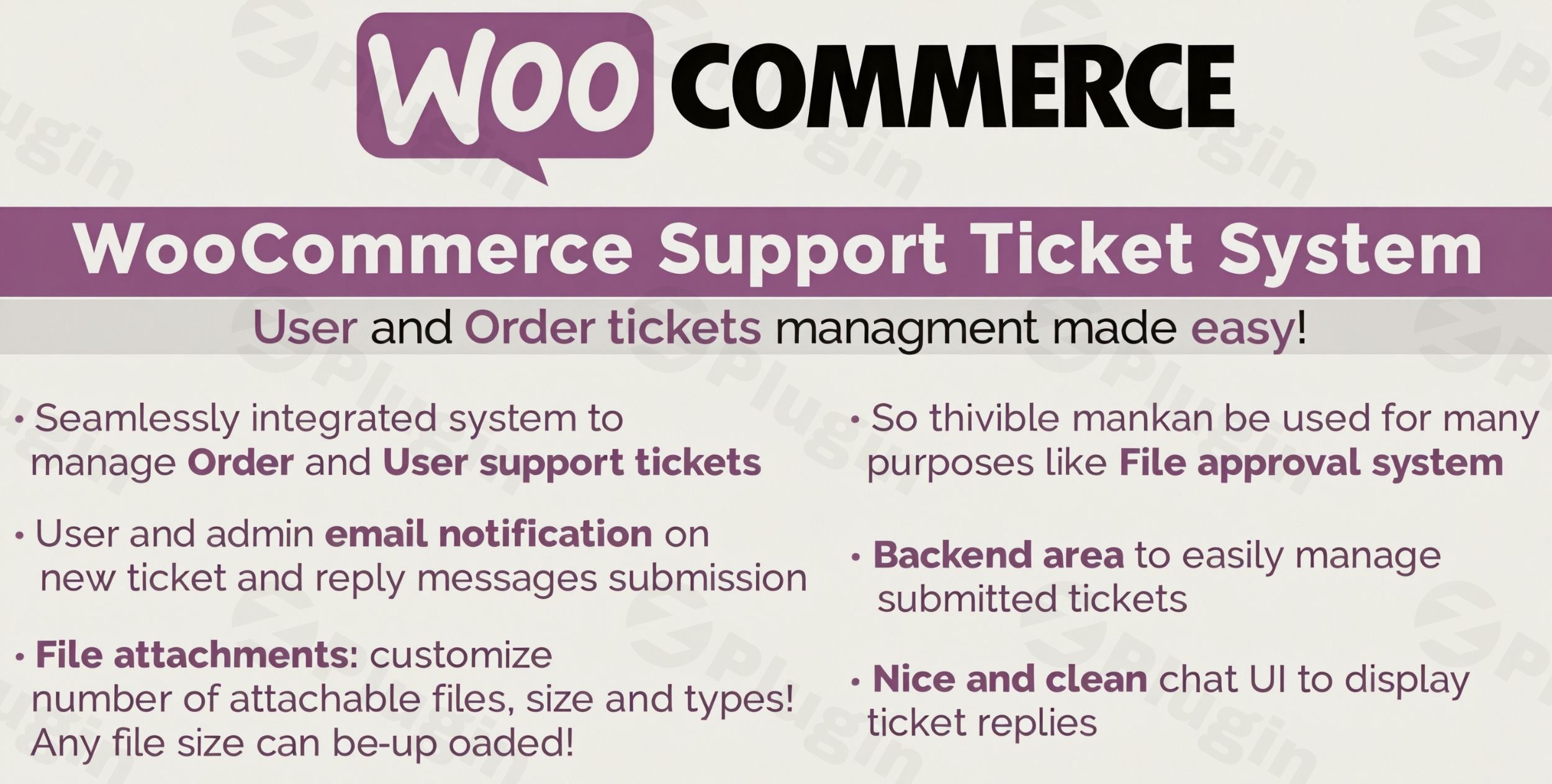
Managing customer inquiries in a high-traffic online store can quickly become overwhelming without the right tools. The WooCommerce Support Ticket System by Vanquish (WCSTS) is a powerful, professional solution designed to streamline your store’s communication by integrating a full-featured helpdesk directly into your WordPress dashboard. By centralizing “Order tickets” and general “User tickets,” this plugin ensures that your team can provide timely, organized, and efficient Vanquish WooCommerce support without ever leaving the WooCommerce ecosystem.
Key Features: Why Choose the Vanquish WooCommerce Support Ticket System?
The WooCommerce Support Ticket System by Vanquish features a robust set of tools aimed at improving the post-purchase experience and reducing administrative friction. Unlike generic contact forms, this system is built specifically for the needs of e-commerce owners.
1. Dual Ticket Architecture: Order vs. User Tickets
One of the most significant benefits of this plugin is its ability to categorize inquiries:
- Order Tickets: These are linked directly to a specific transaction. When a customer has a question about a refund, shipping status, or a damaged item, the ticket is tied to their Order ID, giving the admin instant context.
- User Tickets: These handle general inquiries, such as pre-sales questions, technical support, or partnership requests that aren’t tied to a specific purchase.
2. Fully Customizable Submission Forms
To provide great support, you need the right information. WCSTS offers 11 different field types for your ticket forms. You can create custom fields to collect specific data (like serial numbers or reason for return), ensuring your support team has everything they need to resolve the issue on the first reply.
3. Comprehensive Backend Management
The administrative interface is designed for high-volume stores. From the dashboard, you can track:
- Ticket Status: Filter by Open, In Progress, or Closed.
- Prioritization: Assign custom priority levels (e.g., Urgent, Medium, Low) to manage your workflow effectively.
- Assignment: Route tickets to specific staff members or departments.
- Message Tracking: See the subject, last reply date, and new message counts at a glance.
4. File Attachments & Notifications
Communication is made easier with automated email notifications sent to both customers and admins. Furthermore, the system supports file uploads, allowing customers to send screenshots or documents directly through the ticket interface.
How to Set Up WooCommerce Support Ticket System (Step-by-Step)
Setting up a professional WooCommerce helpdesk plugin doesn’t require developer skills. Follow these steps to get WCSTS running on your site:
- Install the Plugin: Upload the plugin ZIP file via your WordPress dashboard (Plugins > Add New > Upload). Once uploaded, click Activate.
- Configure General Settings: Navigate to the WooCommerce menu in your sidebar and locate the Support Ticket System settings. Here, you can set message length limits and subject constraints.
- Define Ticket Categories: Choose whether you want to enable both Order and User tickets. You can also disable the order ticket system for specific order statuses (e.g., “Pending” or “Cancelled”).
- Customize the Form: Use the form builder to add your 11 custom fields. Define which fields are mandatory to ensure customers provide necessary details.
- Set Up Notifications: Configure the email templates that will be sent to customers when a ticket is opened or closed.
6. Assign Roles: If you have a support team, use the assignment feature to delegate tickets to specific WordPress users.
Practical Usage & Best Practices
The ideal for any store looking to scale, the WooCommerce Support Ticket System by Vanquish excels in real-world workflows. Here is how to use it effectively:
- For High-Volume Stores: Use the “Priority” setting to flag “Order Tickets” from high-value customers or urgent shipping issues. This ensures your most critical tasks are handled first.
- For Technical Products: If you sell software or complex hardware, use the “File Attachment” feature to request log files or photos of the issue. This reduces back-and-forth emails significantly.
- For Marketing & Pre-Sales: Use the “User Tickets” as a lead generation tool. By providing a clear path for pre-sales questions, you can convert hesitant browsers into confident buyers.
Best Way to Maintain Efficiency: Periodically review the “Closed” tickets to identify recurring customer pain points. If 50% of your tickets are about “How to track my order,” consider adding a link to your tracking page directly on the ticket submission form.
FAQ & Troubleshooting
Does WooCommerce have a built-in support ticket system?
No, WooCommerce does not include a native support ticket system. It relies on basic email notifications for order updates. To manage customer inquiries within your dashboard, you must use a third-party plugin like the WooCommerce Support Ticket System by Vanquish.
Can I limit the types of files users upload?
Yes. Within the WCSTS settings, you can define the maximum file size, the number of files allowed per ticket, and the specific file extensions (e.g., .jpg, .pdf, .zip) that are permitted.
Is the Vanquish ticket system compatible with Gutenberg and Elementor?
The plugin is designed to integrate with the WooCommerce backend and standard front-end account pages. It generally works seamlessly with major page builders like Elementor or Gutenberg, as it uses standard WooCommerce hooks to display the ticket interface.
What should I do if a customer cannot see their ticket?
Ensure the customer is logged into the account they used to place the order. “User tickets” and “Order tickets” are typically tied to the user’s account dashboard for security and privacy.
Verdict: Is WCSTS Right for Your Store?
If you are looking for an affordable, integrated customer support for WooCommerce solution, the Vanquish Support Ticket System is a top-tier choice. It provides a better ROI for small-to-medium businesses compared to expensive monthly SaaS helpdesks because it keeps all data within your own database and requires no recurring subscription fees.By centralizing communication, you improve your site’s professional image and, more importantly, build trust with your customers. For more WordPress tips and plugin reviews, visit wppick.com.
I. Download Limits & Account Benefits
- Free Downloads: Each email address receives 3 downloads per day for free products
- Upgrade Benefits: Purchase any paid product to increase your daily download limit by 3 for each paid product
- No Account Required: You can download immediately by receiving the download link via email
- Account Recommended: Create an account for easier access to your order history and direct update downloads
II. Understanding GPL vs Official Versions
Important: The products available on WPPick are GPL-licensed versions, which differ from official developer versions. Before purchasing, please read our comprehensive guide: Understanding GPL & Official Differences at WPPick
Key Points:
- GPL versions may not include premium support from original developers
- Updates may be delayed compared to official releases
- Some premium features might have limitations
- Always consider your specific needs and support requirements
III. Support & Assistance
We’re here to help through multiple channels:
- Email Support: Direct email assistance for all inquiries
- Live Chat: Real-time support during business hours
- Comprehensive Documentation: Detailed guides and tutorials
IV. Order Tracking
Access your complete purchase history and download links anytime: Order History
V. Account Access
New to WPPick? Login or Create Account to manage your downloads and orders efficiently.
VI. Refund Protection
We stand behind our products with a clear refund policy. Review our terms: Refund Policy
VII. Privacy & Security
Your data security is our priority. Learn how we protect your information: Privacy Policy
VII. Terms of Service
Understanding our service terms ensures a smooth experience: Terms of Use
Quick Tips for Best Experience
- Verify Compatibility: Check plugin/theme compatibility with your WordPress version
- Backup First: Always backup your site before installing new plugins or themes
- Test Environment: Consider testing on a staging site first
- Stay Updated: Regularly check for updates in your account dashboard
- Read Documentation: Review any included documentation for optimal setup
Need Help?
If you have questions about downloads, licensing, or need technical assistance, don’t hesitate to contact our support team. We’re committed to ensuring you have the best possible experience with WPPick products.
Ready to get started? Your download adventure begins with just one click!
- Improved security
- Improved security
- Fixed an issue related to the "get help" button not displayed in the orders list page.
- Fixed an issue that caused the plugin to crash.
- Fixed an issue with HPOS
- Internal library update