

Woocommerce Tiered Pricing – Price By Quantity Plugin
/Year
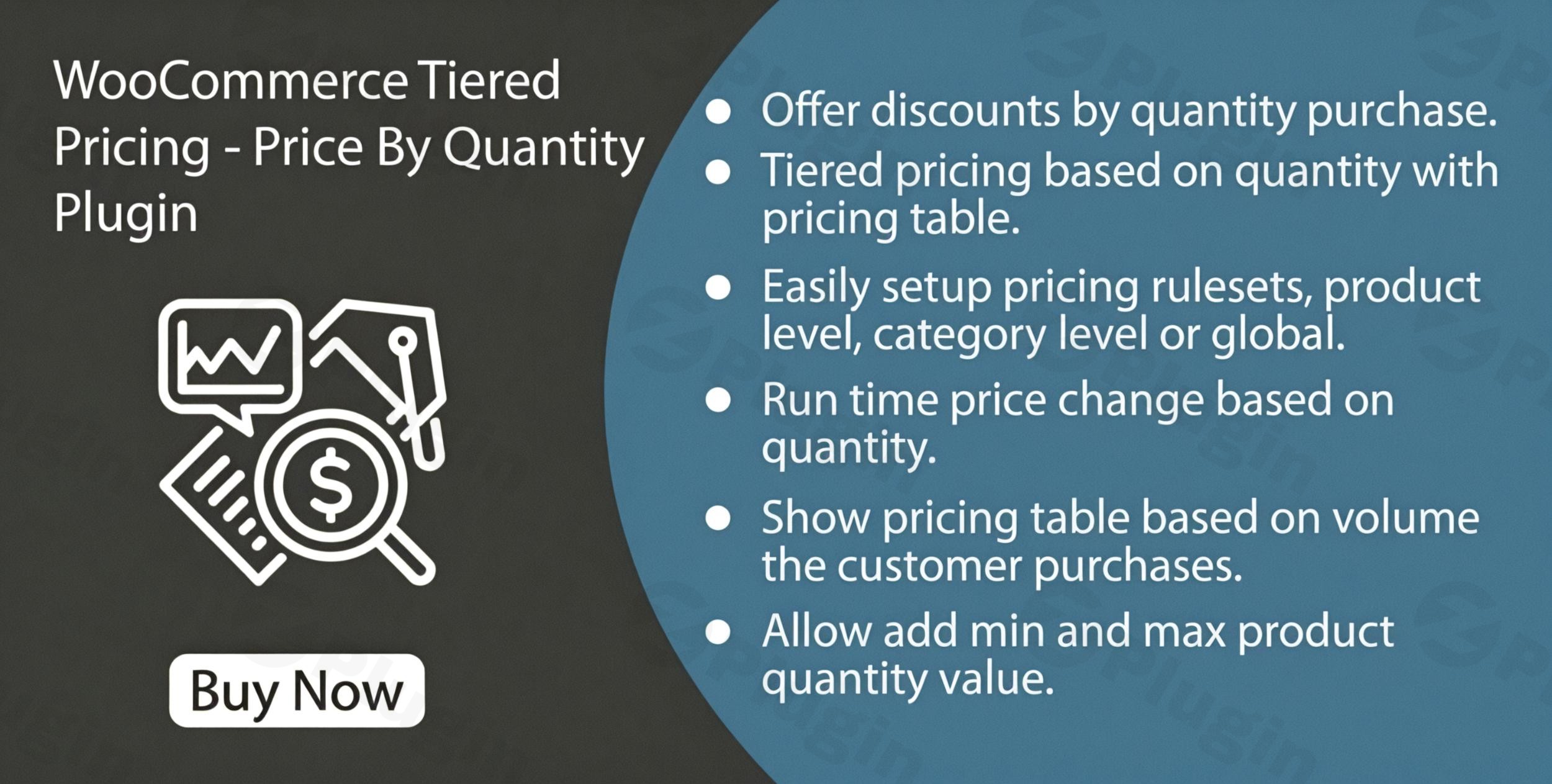
In the competitive world of eCommerce, encouraging customers to buy more per order is one of the fastest ways to grow your revenue. While the standard WooCommerce setup is excellent for individual sales, it lacks native support for complex discount structures. This is where WooCommerce tiered pricing becomes essential. By implementing a WooCommerce quantity based pricing strategy, you can incentivize bulk purchases, reward loyal customers, and significantly increase your Average Order Value (AOV).
The WooCommerce Tiered Pricing – Price By Quantity Plugin is a robust solution designed to bridge this gap. It allows store owners to create dynamic pricing rules that automatically adjust based on the number of items a customer adds to their cart. Whether you are running a B2B wholesale operation or a retail shop looking to move inventory faster, this plugin provides the tools to automate your discounts and display them beautifully.
Key Features & Benefits of Price By Quantity
Understanding the features of a WooCommerce dynamic pricing plugin is key to leveraging it for maximum ROI. Here is a breakdown of what makes this plugin a top choice for store owners.
1. Automated Quantity-Based Discounts
The core of the plugin is its ability to set “tiers.” For example, you can offer a product at its standard price for 1–4 units, a 10% discount for 5–9 units, and a 20% discount for 10 or more units. These discounts can be set as fixed price reductions or percentage-based cuts.
2. Professional Tiered Pricing Tables
Transparency builds trust. The plugin automatically generates a clean, responsive pricing table on the product page. This table clearly shows customers how much they can save by adding just a few more items to their cart, acting as a powerful “nudge” in the sales funnel.
3. Real-Time Price Updates
User experience is critical for conversion. As a customer changes the quantity on the product page, the price updates simultaneously. This immediate feedback ensures there are no surprises at checkout and reinforces the value of the bulk discount.
4. Support for Simple and Variable Products
Not all products are the same. This plugin fully supports WooCommerce price by quantity for variable products. This means you can set different tiered rules for a “Large Blue T-Shirt” versus a “Small Red T-Shirt,” or apply the same rules across all variations of a single product.
5. Role-Based Pricing for Wholesale
If you run a B2B store, you likely need a WooCommerce wholesale pricing plugin capability. You can assign specific pricing tiers to specific user roles (e.g., “Wholesale Member” vs. “Retail Customer”), ensuring your VIP buyers always get the best rates without affecting your general public pricing.
How to Set Up WooCommerce Tiered Pricing (Step-by-Step)
Setting up your first discount rule is straightforward. Follow these steps to get your WooCommerce quantity based pricing live.
- Installation: Log in to your WordPress dashboard. Navigate to Plugins > Add New, upload the plugin zip file, and click Activate.
- Access Settings: Go to WooCommerce > Settings and look for the Tiered Pricing tab.
- Configure Global Rules (Optional): If you want the same discount to apply to every product in your store, set your tiers under the “Global Rules” section.
- Set Product-Level Tiers: Open a specific product edit page. Scroll down to the Product Data box. You will see a new “Tiered Pricing” tab.
- Add Tiers: Click “Add Tier.” Define the minimum quantity (e.g., 5) and the discount type (Fixed or Percentage).
- Customize the Table: In the plugin settings, choose where the pricing table appears (e.g., after the price or before the “Add to Cart” button) to ensure it fits your theme’s layout.
- Save and Test: Click Update on the product. Visit the front-end of your site to verify the table appears and the price updates when changing quantities.
Practical Usage & Best Practices
To get the most out of WooCommerce bulk discounts, consider these real-world strategies:
- The B2B Wholesale Workflow: Use the role-based feature to create a “Wholesale” user role. Set deep discounts for quantities of 50+ that are only visible to logged-in wholesalers. This turns your store into a powerful B2B portal.
- Inventory Clearing: If you have overstocked items, apply a category-level tiered pricing rule. Offering “Buy 10, Get 30% Off” is a highly effective way to clear warehouse space quickly.
- Minimum/Maximum Rules: Use the plugin to enforce “Groups of” rules. For example, if you sell items in packs of 6, you can set the plugin to only allow purchases in multiples of 6, ensuring your shipping and packaging remains efficient.
- Combine with SEO: Use the pricing table as a way to rank for “bulk [product name]” keywords. Clear pricing information is often pulled into AI search results and Google SGE snippets, increasing your organic visibility.
FAQ & Troubleshooting
What is tiered pricing in WooCommerce?
WooCommerce tiered pricing is a strategy where the price per unit decreases as the quantity purchased increases. It is commonly used to encourage bulk buying. For example, 1 item costs $10, but 10 items cost $8 each.
Does WooCommerce have built-in tiered pricing?
No, the core WooCommerce plugin does not have native tiered or quantity-based pricing functionality. You must use a dedicated plugin like the WooCommerce Tiered Pricing – Price By Quantity Plugin to enable these features.
Is this plugin compatible with Elementor or Gutenberg?
Yes. The plugin is designed to work with major page builders. The tiered pricing table usually hooks into standard WooCommerce locations (like the product summary), which are supported by Elementor’s product templates and the Gutenberg Block Editor.
Can I set different prices for different user roles?
Yes. The plugin supports role-based pricing. This allows you to show different discount tiers to “Wholesale” customers than those shown to “Retail” customers, making it an ideal WooCommerce wholesale pricing plugin.
What should I do if the pricing table doesn’t match my theme?
The plugin includes styling options in the settings menu. You can adjust colors, fonts, and borders to match your brand. If it still looks off, the plugin follows standard CSS classes, allowing you or a developer to add custom styling easily.
Conclusion: Is This Plugin Right for You?
If you want to move beyond simple “one-off” sales, the WooCommerce Tiered Pricing – Price By Quantity Plugin offers a high ROI by automating the upselling process. It solves the core problem of manual discounting and provides a transparent, professional way to handle WooCommerce quantity based pricing.
For store owners looking to boost their AOV and cater to bulk buyers or wholesalers, this plugin is a “must-have” tool. Its combination of ease of use, real-time updates, and role-based flexibility makes it one of the best choices on the market today. Ready to scale your store? Implementing WooCommerce tiered pricing is the perfect place to start.
For more WordPress tips and plugin reviews, visit wppick.com.
I. Download Limits & Account Benefits
- Free Downloads: Each email address receives 3 downloads per day for free products
- Upgrade Benefits: Purchase any paid product to increase your daily download limit by 3 for each paid product
- No Account Required: You can download immediately by receiving the download link via email
- Account Recommended: Create an account for easier access to your order history and direct update downloads
II. Understanding GPL vs Official Versions
Important: The products available on WPPick are GPL-licensed versions, which differ from official developer versions. Before purchasing, please read our comprehensive guide: Understanding GPL & Official Differences at WPPick
Key Points:
- GPL versions may not include premium support from original developers
- Updates may be delayed compared to official releases
- Some premium features might have limitations
- Always consider your specific needs and support requirements
III. Support & Assistance
We’re here to help through multiple channels:
- Email Support: Direct email assistance for all inquiries
- Live Chat: Real-time support during business hours
- Comprehensive Documentation: Detailed guides and tutorials
IV. Order Tracking
Access your complete purchase history and download links anytime: Order History
V. Account Access
New to WPPick? Login or Create Account to manage your downloads and orders efficiently.
VI. Refund Protection
We stand behind our products with a clear refund policy. Review our terms: Refund Policy
VII. Privacy & Security
Your data security is our priority. Learn how we protect your information: Privacy Policy
VII. Terms of Service
Understanding our service terms ensures a smooth experience: Terms of Use
Quick Tips for Best Experience
- Verify Compatibility: Check plugin/theme compatibility with your WordPress version
- Backup First: Always backup your site before installing new plugins or themes
- Test Environment: Consider testing on a staging site first
- Stay Updated: Regularly check for updates in your account dashboard
- Read Documentation: Review any included documentation for optimal setup
Need Help?
If you have questions about downloads, licensing, or need technical assistance, don’t hesitate to contact our support team. We’re committed to ensuring you have the best possible experience with WPPick products.
Ready to get started? Your download adventure begins with just one click!
- Fixed some issues.
- Improved code quality.