

Woocommerce Ultimate Points And Rewards
/Year
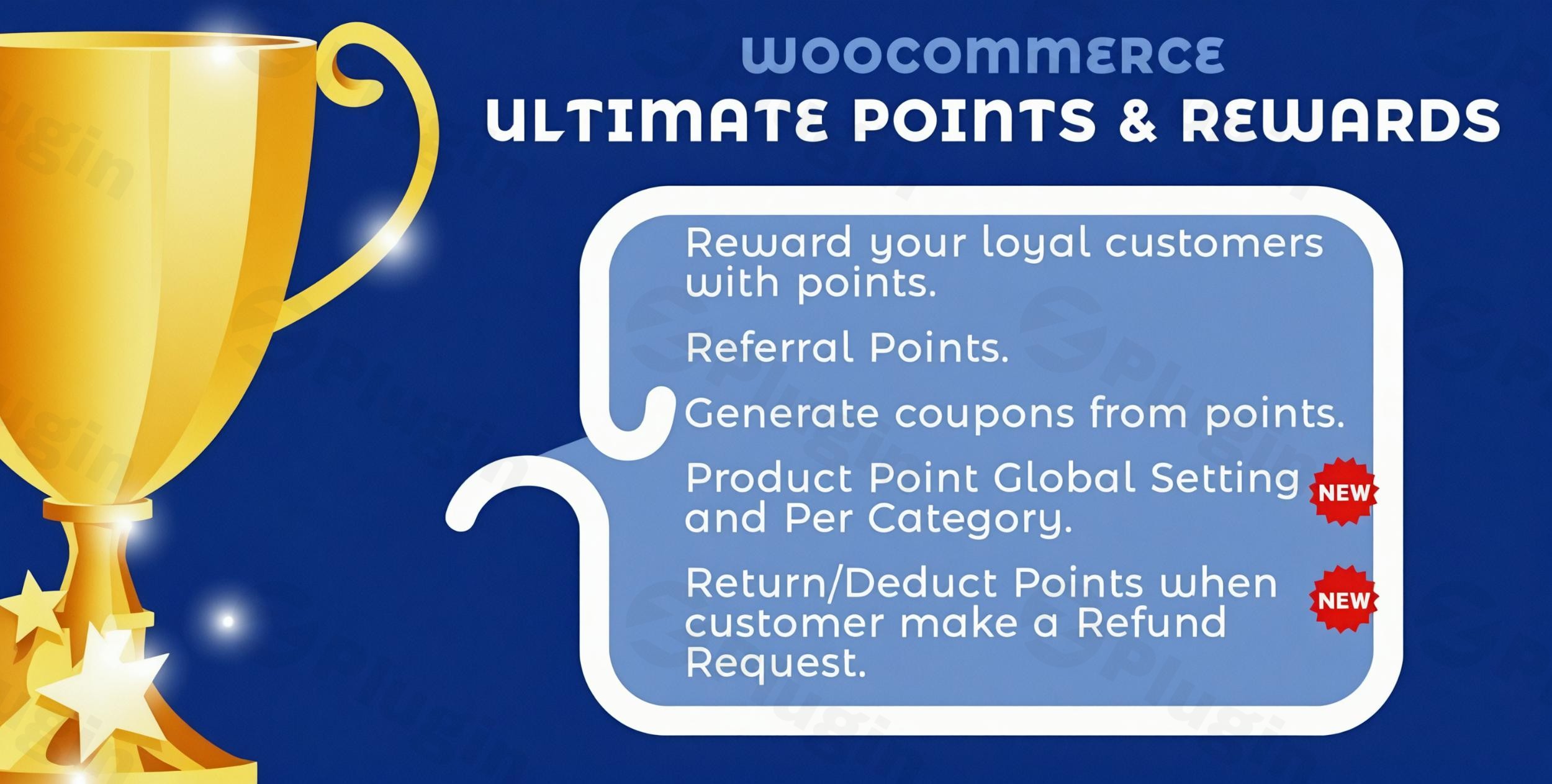
The digital marketplace is more competitive than ever, and retaining customers is crucial for sustainable growth. The WooCommerce Ultimate Points and Rewards plugin transforms your online store into a powerful loyalty hub, designed to acquire and retain valuable customers. By incentivizing every interaction, from initial sign-ups to repeat purchases and social shares, this comprehensive WooCommerce loyalty program automates customer engagement and fosters brand advocates. It’s the ultimate solution for creating compelling reasons for customers to choose your store repeatedly, driving higher conversion rates and increasing customer lifetime value without the hassle of manual reward management.
Key Features of WooCommerce Ultimate Points and Rewards
This plugin offers a robust suite of features to build a versatile and engaging WooCommerce reward system, ensuring every customer interaction contributes to their loyalty journey.
Automated Points Allocation: Reward Every Interaction
The core of any effective loyalty program is the ability to easily earn points. The WooCommerce Ultimate Points and Rewards plugin automates this process across numerous touchpoints:
- Welcome Points for New Registrations: Greet new customers with bonus points the moment they create an account, making their first step into your store rewarding.
- Purchase-Based Points: Award points for every dollar spent or per product purchased, with flexible conversion rates configurable globally, per category, or even per product/variation. This is the cornerstone of
points for purchases WooCommercefunctionality. - Review and Comment Rewards: Encourage valuable customer feedback by granting points for product reviews or comments, boosting user-generated content and social proof.
- Social Sharing Incentives: Expand your brand’s reach by rewarding customers for sharing products or their unique referral links on social media platforms like Facebook and Twitter.
- Referral Bonuses: Implement a powerful referral program where both the referrer and the new customer (referee) earn points, fostering word-of-mouth marketing and new customer acquisition.
- Daily Logins & Birthdays: Encourage repeat visits with points for daily logins and delight customers with special birthday rewards.
- Gamification: Advanced versions of the plugin can include gamified campaigns like “spin-the-wheel” features, quizzes, and user badges, significantly increasing interaction and excitement.
Flexible Point Redemption Options: Empowering Customer Choice
Once customers accumulate points, the plugin provides diverse and flexible ways for them to redeem their rewards, making the loyalty experience even more valuable:
- Convert Points into Discount Coupons: The most popular redemption method, allowing customers to convert their accumulated points into discount coupons applicable at checkout or in the cart. Customizable conversion rates, minimum thresholds, expiration periods, and usage limits provide granular control.
- Direct Product Purchases: Empower customers to purchase products entirely or partially using their points balance, offering a unique shopping experience.
- Membership Enrollment: Allow customers to use their points to join exclusive membership programs or VIP tiers, unlocking special discounts and benefits.
- Store Credit/Wallet Integration: Convert points into store credit, seamlessly integrating with WooCommerce wallet systems.
Advanced Management Tools: Full Control & Transparency
For store owners, comprehensive management tools are essential for running a smooth and effective loyalty program.
- Bulk Product Points Assignment: Efficiently assign points to multiple products simultaneously.
- Comprehensive Points Ledger and Transaction History: Maintain a detailed log of all point transactions for each customer, offering full transparency and easy auditing.
- Customizable Frontend Points Display: Control how points balances and reward opportunities are presented to customers on their “My Account” page and other relevant areas.
- Widgets for Showing Points Balance: Utilize dedicated widgets to display points balances and available rewards prominently.
- Membership Expiration and Renewal Settings: Manage the lifecycle of membership tiers with configurable expiration dates and renewal options.
- Point Expiration: Implement expiry dates for points to create urgency and encourage timely redemption, often with email notifications for upcoming expirations.
- Manual Adjustments & Deductions: Admins can manually add, subtract, or override customer points from the backend, and points can be automatically deducted for refunds or returns.
- Point Sharing: A unique feature allowing customers to share their earned points with other users, adding a social dimension to your loyalty program.
Installation & Setup: How to Set Up WooCommerce Points and Rewards
Getting the WooCommerce Ultimate Points and Rewards plugin up and running is straightforward, even for non-developers. Follow these steps to implement your new WooCommerce reward system:
- Purchase and Download: Acquire the plugin from ZeroPlugin.com. You’ll receive a genuine GPL-licensed product with regular updates.
- Upload to WordPress:
- Log in to your WordPress admin dashboard.
- Navigate to Plugins > Add New.
- Click on the Upload Plugin button at the top.
- Choose the plugin’s
.zipfile you downloaded and click Install Now.
- Activate the Plugin: Once installed, click Activate Plugin.
- Initial Configuration:
- After activation, a new menu item, typically labeled “Points and Rewards” or similar, will appear in your WordPress dashboard (usually under WooCommerce).
- Navigate to the plugin’s settings. Here you will define:
- Global Conversion Rates: Set how many points customers earn per currency unit spent (e.g., 1 point per $1) and the monetary value of points when redeemed (e.g., 100 points = $1 discount).
- Earning Rules: Configure which actions award points (registration, purchases, reviews, etc.) and the specific point values for each.
- Redemption Rules: Set minimum points required for redemption, maximum discount limits, and coupon expiration periods.
- Display Settings: Customize the frontend display of points, messages, and widgets.
- Enable WooCommerce Coupons: Ensure that coupons are enabled in your WooCommerce settings (
WooCommerce > Settings > General > Enable coupons). The plugin heavily relies on WooCommerce’s native coupon functionality for point redemption as discounts. - Account Requirement: Remember that customer accounts are typically required for earning and managing points, as guest checkouts usually do not accumulate rewards.
Practical Usage & Best Practices for Your WooCommerce Loyalty Program
The WooCommerce Ultimate Points and Rewards plugin is ideal for growing e-commerce businesses looking to implement a proven loyalty strategy. It provides enterprise-level features with intuitive management, transforming occasional shoppers into loyal brand advocates.
Use Case 1: Boosting Repeat Purchases and Average Order Value (AOV)
One of the most effective ways to use this plugin is by linking points directly to purchases.
- Strategy: Configure a generous point-earning rate for product purchases, especially for higher-margin items or specific product categories you want to promote.
- Implementation: Set conversion rates that make points a tangible reward, encouraging customers to save up for significant discounts. Use the “Minimum/Maximum Redemption” settings to encourage larger future orders when redeeming points.
- Benefit: Customers will be incentivized to return to your store to earn more points and eventually redeem them, naturally boosting repeat business and encouraging them to add more to their cart to reach higher point tiers.
Use Case 2: Driving User-Generated Content and Social Proof
Leverage the power of your existing customer base to generate valuable content.
- Strategy: Offer points for submitting product reviews, comments, and sharing products on social media.
- Implementation: Clearly display the point rewards on product pages or after a purchase reminder. Use email notifications to prompt customers to leave reviews for points.
- Benefit: This not only drives valuable social proof that influences new buyers but also keeps existing customers engaged with your brand beyond just making purchases.
Use Case 3: Building a Robust WooCommerce Referral Program Plugin
Expand your customer base through word-of-mouth marketing with the built-in referral system.
- Strategy: Implement a clear referral program where both the referrer and the referred friend receive points upon successful sign-up and their first purchase.
- Implementation: Provide referrers with easy-to-share links (e.g., on their My Account page). Promote the referral program on your website and through email campaigns.
- Benefit: This turns your loyal customers into active marketers, bringing in new, high-quality leads who are more likely to convert and become loyal themselves. This feature positions the plugin as a powerful
WooCommerce referral program plugin.
Use Case 4: Creating Exclusive VIP Experiences with Membership Tiers
For an advanced WooCommerce customer loyalty plugin with membership tiers, this plugin shines.
- Strategy: Create multiple loyalty tiers (e.g., Bronze, Silver, Gold) where customers unlock higher point earning rates, exclusive discounts, or special perks as they accumulate more points or spend more over time.
- Implementation: Define the point thresholds for each tier and assign unique benefits (e.g., Silver members get 1.2x points on purchases, Gold members get free shipping on top of points).
- Benefit: This creates a sense of exclusivity and aspiration, motivating customers to climb the loyalty ladder, leading to increased customer lifetime value and stronger brand affiliation.
FAQ & Troubleshooting
Q1: What is the best WooCommerce points and rewards plugin?
A: While “best” can be subjective, the WooCommerce Ultimate Points and Rewards plugin is consistently recognized as one of the most comprehensive and feature-rich solutions available. It stands out for its diverse earning opportunities (purchases, sign-ups, referrals, reviews, social shares, birthdays, daily logins), flexible redemption options (coupons, product purchases, memberships), robust membership tiers, and unique gamification elements. Its extensive customization and seamless WooCommerce integration make it a top choice for e-commerce stores aiming to build strong customer loyalty and retention.
Q2: How do I redeem points in WooCommerce?
A: As a customer, redeeming points in WooCommerce with this plugin is designed to be straightforward. Typically, you would:
- Log in to your account and navigate to your “My Account” page to view your current points balance.
- During the checkout process or sometimes from a dedicated “Rewards” section, you’ll see an option to convert your accumulated points into a discount coupon or apply them directly as a discount.
- Enter the desired number of points you wish to redeem (adhering to any minimum/maximum limits set by the store).
- The corresponding discount will be applied to your cart or order total, allowing you to complete your purchase at a reduced price or even entirely with points.
Q3: Can I offer points for reviews in WooCommerce?
A: Yes, absolutely! The WooCommerce Ultimate Points and Rewards plugin allows you to easily configure your store to offer points for product reviews. This is a highly effective way to encourage customer engagement and generate valuable social proof for your products. You can set the number of points awarded for each review, which helps incentivize customers to share their experiences and boost your store’s credibility.
Q4: Is WooCommerce Ultimate Points and Rewards compatible with other major WooCommerce extensions?
A: Yes, the plugin is built for broad compatibility within the WooCommerce ecosystem. It works seamlessly with core WooCommerce features, including the new Cart and Checkout blocks and High-Performance Order Storage (HPOS). It also has documented compatibility with popular extensions like WooCommerce Subscriptions (earning points on renewals), MultiVendorX Marketplace (vendors earning points), WooCommerce Gift Cards, WooCommerce Wallet systems, Currency Switcher, Klaviyo (for data syncing), and WPML for multilingual stores.
Conclusion: Drive Sustainable Growth with Your WooCommerce Loyalty Program
The WooCommerce Ultimate Points and Rewards plugin provides a powerful, automated framework to cultivate lasting customer relationships and drive sustainable business growth. By offering a comprehensive WooCommerce loyalty program that rewards every meaningful interaction, you transform occasional shoppers into repeat buyers and passionate brand advocates. From welcoming new customers with bonus points to incentivizing referrals and reviews, this plugin offers the flexibility and robust features needed to significantly increase customer lifetime value and boost your store’s revenue. For any e-commerce business on wppick.com looking to deepen customer engagement and secure a competitive edge, implementing the WooCommerce Ultimate Points and Rewards plugin is a strategic investment that delivers clear and measurable ROI.
I. Download Limits & Account Benefits
- Free Downloads: Each email address receives 3 downloads per day for free products
- Upgrade Benefits: Purchase any paid product to increase your daily download limit by 3 for each paid product
- No Account Required: You can download immediately by receiving the download link via email
- Account Recommended: Create an account for easier access to your order history and direct update downloads
II. Understanding GPL vs Official Versions
Important: The products available on WPPick are GPL-licensed versions, which differ from official developer versions. Before purchasing, please read our comprehensive guide: Understanding GPL & Official Differences at WPPick
Key Points:
- GPL versions may not include premium support from original developers
- Updates may be delayed compared to official releases
- Some premium features might have limitations
- Always consider your specific needs and support requirements
III. Support & Assistance
We’re here to help through multiple channels:
- Email Support: Direct email assistance for all inquiries
- Live Chat: Real-time support during business hours
- Comprehensive Documentation: Detailed guides and tutorials
IV. Order Tracking
Access your complete purchase history and download links anytime: Order History
V. Account Access
New to WPPick? Login or Create Account to manage your downloads and orders efficiently.
VI. Refund Protection
We stand behind our products with a clear refund policy. Review our terms: Refund Policy
VII. Privacy & Security
Your data security is our priority. Learn how we protect your information: Privacy Policy
VII. Terms of Service
Understanding our service terms ensures a smooth experience: Terms of Use
Quick Tips for Best Experience
- Verify Compatibility: Check plugin/theme compatibility with your WordPress version
- Backup First: Always backup your site before installing new plugins or themes
- Test Environment: Consider testing on a staging site first
- Stay Updated: Regularly check for updates in your account dashboard
- Read Documentation: Review any included documentation for optimal setup
Need Help?
If you have questions about downloads, licensing, or need technical assistance, don’t hesitate to contact our support team. We’re committed to ensuring you have the best possible experience with WPPick products.
Ready to get started? Your download adventure begins with just one click!
- Export Point Table
- Compatibility with latest WP(6.8.3) & WC(10.2.2)
- Limit point earning per currency to specific product categories wise
- Compatibility with latest WP(6.8.2) & WC(10.1.0)
- Validation Errors