

Woocommerce Upload Files By Vanquish
/Year
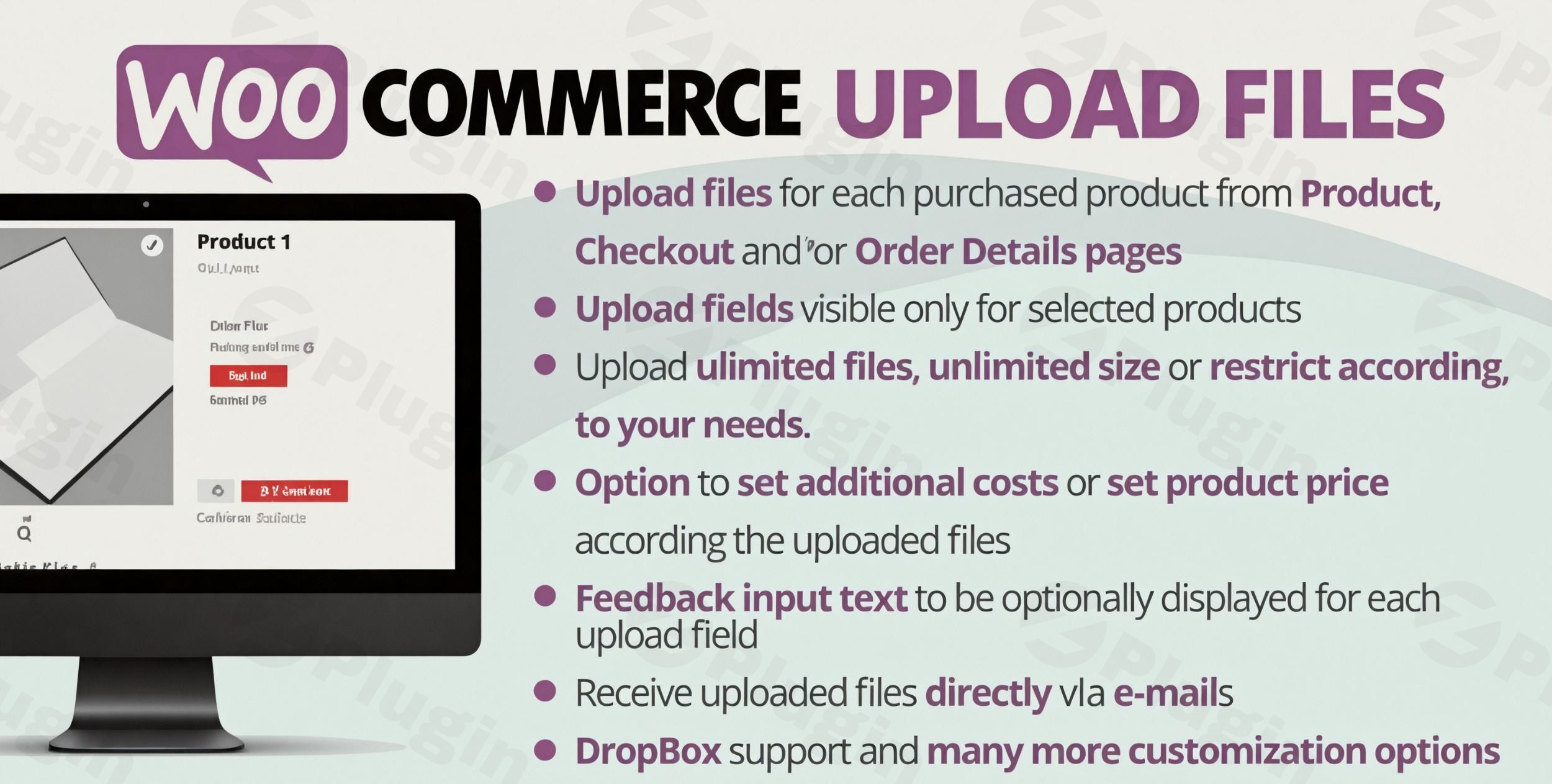
Streamline Custom Orders with WooCommerce File Uploads
Managing custom orders on an e-commerce platform requires a reliable mechanism for customers to submit design files, documents, and technical specifications. The WooCommerce Upload Files plugin by Vanquish provides a comprehensive toolset that embeds secure, versatile file upload fields into multiple stages of the purchasing journey. Instead of relying on fragmented email threads or third-party transfer services, store owners can gather required media and attachments directly within their WordPress dashboard, binding the uploaded data to individual items or complete orders.
What the Plugin Does
This extension enables shoppers to attach files of virtually any extension and size during their shopping experience. It converts static product profiles into interactive spaces where buyers can provide personalized text or media assets. The uploaded files are safely stored on the web server or linked storage provider and remain permanently associated with the customer’s account dashboard, administrative order overviews, and confirmation emails. By automating the collection of client assets at the exact point of sale, the software minimizes manual administrative overhead and clarifies production expectations.
Who It Is For
This functionality is useful for digital agencies, independent creators, and print-on-demand enterprises that manufacture personalized physical goods or customized electronic items. Typical business models utilizing this solution include:
- Commercial printing houses requiring high-resolution vector artwork or complex design layout files.
- Tailoring or custom merchandise stores collecting specific sizing sheets, imagery, or textual instructions.
- Professional certification systems or medical portals requiring identification proofs or prescription documents.
- Legal or architectural consulting firms that demand signed contracts or site blueprints before starting work.
Key Capabilities and Advanced Settings
The plugin is designed around versatile visibility and functional rules, allowing administrators to customize the upload experience down to the individual customer group or catalog item. Important technical features include:
- Omnipresent Upload Zones: Administrators can place native upload forms directly on single product views, the shopping cart overview, the checkout sequence, or the post-purchase user account page.
- Image Cropping and Modification Tools: Customers can crop, rotate, or edit image file formats directly inside the browser before finalized submission, guaranteeing correct upload dimensions.
- Dynamic Price Modifiers: Extra charges can be automatically appended to the checkout subtotal based on the file count, upload types, or secondary options selected by the client.
- Granular Role-Based Visibility: Upload fields can be systematically hidden or displayed depending on user capabilities, user roles, or active items present within the current basket.
- Storage and Security Management: Store owners can define allowed file extensions, enforce strict minimum or maximum size parameters, and download complete bundles as compressed ZIP archives.
Practical WordPress Use Cases
Integrating file upload fields into common configurations solves standard operational problems across several industries:
- Print-on-Demand Setup: A store selling custom t-shirts can apply an upload requirement strictly to the custom apparel category. Buyers drop their transparent PNG file directly onto the single product section, triggering an optional service fee.
- B2B Document Authentication: A wholesale enterprise can restrict certain bulk products to certified vendors by requiring an official business tax license document at checkout before the checkout sequence can be completed.
- Post-Purchase Blueprint Submissions: A home construction supplier can permit clients to finalize a transaction first, sending an automated prompt for them to upload site layout diagrams later via the my-account order summary window.
Setup and Compatibility Notes
The system works directly alongside core WooCommerce configurations and relies on WordPress attachment structures. It functions independently of specialized front-end block themes or vintage classic themes. For websites managing extensive multi-language storefronts via WPML, ensure the core settings are updated to maintain custom document linkages when switching active language sessions during checkout procedures. Large file transfers are heavily dictated by server php.ini directives, such as the maximum upload limits and post parameters, which should be scaled to accommodate oversized client files.
Reasons to Choose It on WPPick
Procuring this software via WPPick provides an optimized deployment route for administrators looking to expand store functionality without restrictive per-site overhead. The extension handles heavy asset uploading without introducing bloated external scripts or external data processing platforms. By leveraging standard server storage and transparent itemized options, the solution ensures clean data management and structural stability for expanding online operations.
Latest Version Context
Detailed release notes are not available from the provided sources for version 88.6. The update follows previous incremental improvements to data safety, minor adjustments to internal processes, and code adjustments to ensure uninterrupted compatibility with modern multi-language networks and standard e-commerce carts.
Frequently Asked Questions
- Is there a limit to the file size that customers can upload?
- No internal limit is dictated by the plugin code itself, allowing files of any capacity to be processed. However, actual file transfer constraints are bound by your specific web hosting setup and the configured maximum post size in your PHP settings.
- Can I charge customers an additional fee when they attach a file?
- Yes, the extension features a dynamic pricing engine that lets you establish custom surcharges. Fees can be applied as fixed amounts per uploaded file or tied directly to individual item variations in the shopping cart.
- Where are the uploaded customer files stored on the server?
- By default, files are routed securely into the standard WordPress uploads directory. Store administrators can monitor, download, or clear these attachments from the backend order management screen or fetch them collectively as a compressed archive.
- Can I require file uploads only for specific product types?
- Yes, field visibility rules allow you to target specific products, categories, or tags. You can make an upload field mandatory before an item can be added to the cart, or configure it as optional depending on your production requirements.
I. Download Limits & Account Benefits
- Free Downloads: Each email address receives 3 downloads per day for free products
- Upgrade Benefits: Purchase any paid product to increase your daily download limit by 3 for each paid product
- No Account Required: You can download immediately by receiving the download link via email
- Account Recommended: Create an account for easier access to your order history and direct update downloads
II. Understanding GPL vs Official Versions
Important: The products available on WPPick are GPL-licensed versions, which differ from official developer versions. Before purchasing, please read our comprehensive guide: Understanding GPL & Official Differences at WPPick
Key Points:
- GPL versions may not include premium support from original developers
- Updates may be delayed compared to official releases
- Some premium features might have limitations
- Always consider your specific needs and support requirements
III. Support & Assistance
We’re here to help through multiple channels:
- Email Support: Direct email assistance for all inquiries
- Live Chat: Real-time support during business hours
- Comprehensive Documentation: Detailed guides and tutorials
IV. Order Tracking
Access your complete purchase history and download links anytime: Order History
V. Account Access
New to WPPick? Login or Create Account to manage your downloads and orders efficiently.
VI. Refund Protection
We stand behind our products with a clear refund policy. Review our terms: Refund Policy
VII. Privacy & Security
Your data security is our priority. Learn how we protect your information: Privacy Policy
VII. Terms of Service
Understanding our service terms ensures a smooth experience: Terms of Use
Quick Tips for Best Experience
- Verify Compatibility: Check plugin/theme compatibility with your WordPress version
- Backup First: Always backup your site before installing new plugins or themes
- Test Environment: Consider testing on a staging site first
- Stay Updated: Regularly check for updates in your account dashboard
- Read Documentation: Review any included documentation for optimal setup
Need Help?
If you have questions about downloads, licensing, or need technical assistance, don’t hesitate to contact our support team. We’re committed to ensuring you have the best possible experience with WPPick products.
Ready to get started? Your download adventure begins with just one click!
- Fixed an issue due to files were not properly saved when using translated product (WPML).
- Fixed an issue that prevented the upload field from being reloaded when deleting a file on the cart page
- Added new wcuf_after_zip_single_field_download_button and wcuf_after_zip_all_download_button actions.
- Internal libraries update
- Minor improvements
- Minor improvements
- Minor improvements