
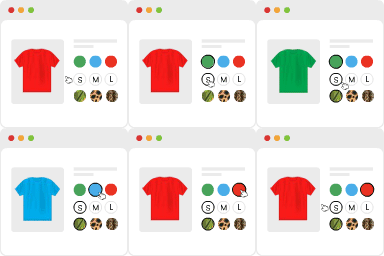
WooCommerce Variation Swatches Pro By GetWooPlugins
/Year
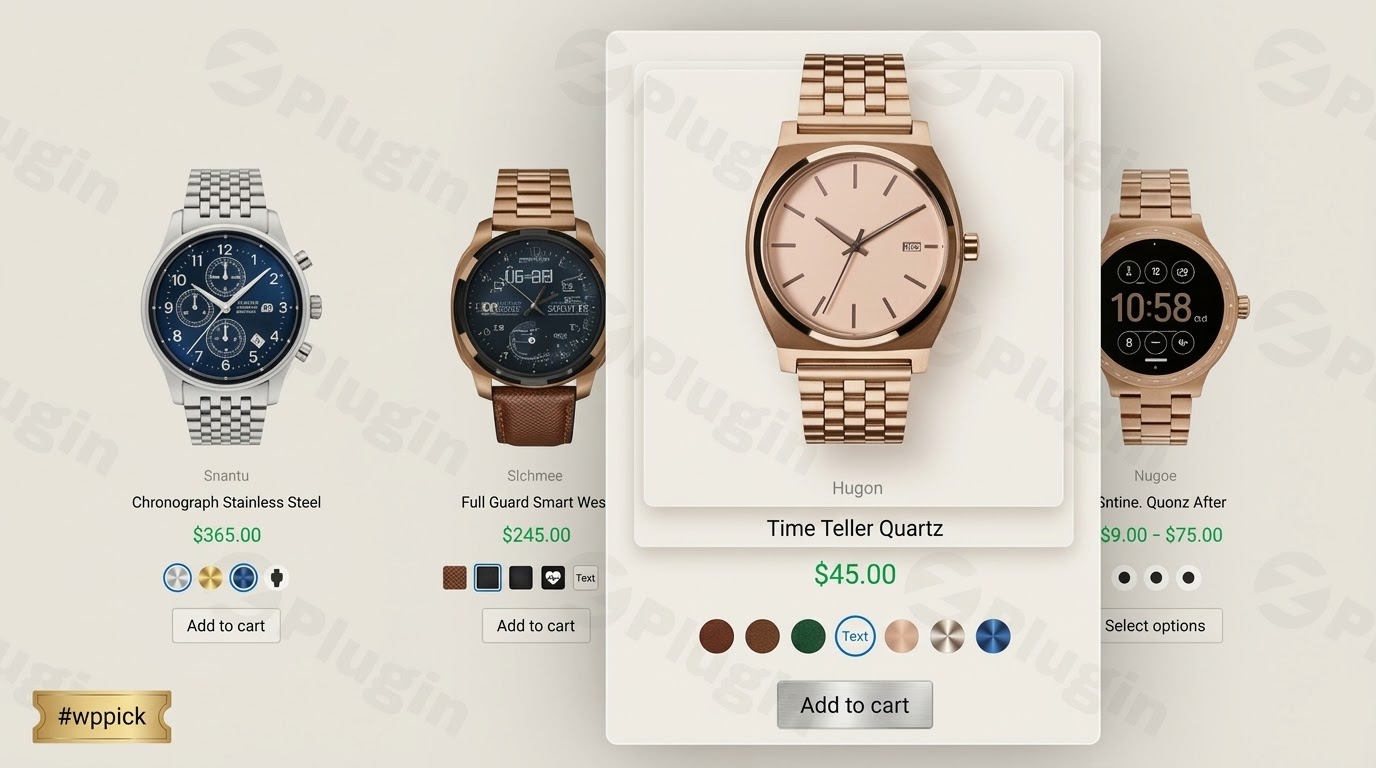
Enhance E-Commerce Storefronts with Interactive Variation Swatches
Are standard text dropdowns slowing down buyers in your e-commerce store? WooCommerce Variation Swatches Pro offers a clean, visual alternative to traditional selection menus. Developed by GetWooPlugins, this optimization tool converts generic attribute dropdown fields into vibrant color circles, accurate product image thumbnails, text buttons, and radio selections. By presenting variable choices clearly from the initial view, you lower user friction, clarify product configuration options, and accelerate checkout pipelines.
Latest Version 2.2.3 Changes
WooCommerce Variation Swatches Pro version 2.2.3 was released on February 11, 2026. This release resolves an issue where CDN images were not loading correctly in the administrative panel, updates the template files version, and introduces official support/compatibility for WooCommerce 9.7+.
- Fix: CDN Image Load Issue on admin.
- Update: Update Template version.
- Add: WC 9.7+ compatibility.
What the Extension Does and Who It Is For
This premium WooCommerce extension changes how online shoppers interact with diverse product attributes like sizing, colorways, materials, and pack quantities. Instead of clicking multiple dropdown menus to check available styles, buyers see all options instantly. This plugin serves digital retail store owners, independent fashion boutiques, digital agencies, and WooCommerce developers who need an efficient, highly customizable solution to improve catalog browsing aesthetics and usability without editing complex template files.
Key Functional Capabilities
- Automated Dropdown Conversion: Automatically replaces standard select elements with beautiful visual swatches matching attribute terms.
- Diverse Swatch Types: Enables color swatches, dynamic image variations, cleanly styled text buttons, and radio button listings.
- Archive and Shop Page Display: Shows selection swatches directly on the main shop archive, category listings, and related product grids to enable rapid shopping.
- Advanced Tooltip Previews: Delivers customizable text or image tooltips that pop up when visitors hover over a specific variant.
- Smart Out-of-Stock Handling: Clear visual indicators like blurs, crosses, or hiding behaviors for unavailable items keep buyers informed before they attempt to purchase.
- Dynamic Quantity Variations: Integrates seamlessly to reflect specific stock statuses or custom pricing adjustments depending on the chosen design attribute.
Practical WordPress Use Cases
- Apparel and Clothing Shops: Display tiny circular fabric images or precise color swatches directly on catalog collection pages, helping shoppers filter options effortlessly.
- Electronics and Furniture Retailing: Use descriptive text buttons to list specifications, dimensions, or hard-drive capacities without cluttering clean product layouts.
- Subscription Box Configurations: Use radio button selections so customers can easily choose weekly, monthly, or annual renewal frequencies during checkout.
Technical Setup and Environment Compatibility
Setting up WooCommerce Variation Swatches Pro is straightforward. Once activated, navigate to the product attributes interface in WordPress to map custom images or global color hex codes to existing taxonomy terms. The software is built using clean, lightweight JavaScript and CSS logic, ensuring fast load times. It maintains architectural compatibility with major core setups, modern page builders including Elementor and Divi, and custom WooCommerce block structures.
Why Choose This Extension on WPPick
Obtaining WooCommerce Variation Swatches Pro through WPPick ensures your development projects remain fast, efficient, and budget-friendly. Each archive download undergoes detailed security scanning via automated analysis networks, verifying clean plugin files free from unwanted scripts or background threats. WPPick offers access to premium visual enhancements at a fraction of standard commercial marketplace licensing costs, allowing designers to build competitive, conversion-focused online shops efficiently.</p
Latest Version Operational Context
The current release, version 2.2.3, incorporates operational refinements targeted at high-traffic ecommerce setups. This update resolves a known administrative bug regarding image loading via Content Delivery Networks (CDNs) within the backend settings control panel. Additionally, it updates underlying layout template files and introduces verified integration fixes for WooCommerce 9.7+ systems, preventing display errors on product detail layouts.
Frequently Asked Questions
How do visual swatches improve storefront conversion rates?
Visual attribute selections reduce the cognitive effort required to evaluate multi-option items. Shoppers see available colors or styles directly on the catalog layout, which minimizes extra clicks, keeps buyers engaged, and speeds up purchasing decisions.
Can I show variation swatches on main shop index layouts?
Yes. The Pro edition includes dedicated styling hooks to output fully interactive color, button, or image swatches directly on shop overview loops, archive views, search result sets, and related product sections.
What happens when a specific product attribute variation runs out of stock?
The plugin includes customizable visibility rules for out-of-stock items. You can set the system to dim the unavailable swatch tile, cross it out with a clear diagonal strike line, or hide the unavailable variation option entirely from the public product display.
Does this plugin conflict with major WordPress site builders?
No. The codebase is fully compatible with popular layout builders such as Elementor, Divi, WPBakery, and native block configurations, ensuring swift rendering across different customized themes.
Can I set specific custom swatches for individual items?
Yes. While you can configure global swatches across your entire product taxonomy, the plugin allows you to override these settings directly inside individual product edit pages to apply unique, item-specific swatches.
I. Download Limits & Account Benefits
- Free Downloads: Each email address receives 3 downloads per day for free products
- Upgrade Benefits: Purchase any paid product to increase your daily download limit by 3 for each paid product
- No Account Required: You can download immediately by receiving the download link via email
- Account Recommended: Create an account for easier access to your order history and direct update downloads
II. Understanding GPL vs Official Versions
Important: The products available on WPPick are GPL-licensed versions, which differ from official developer versions. Before purchasing, please read our comprehensive guide: Understanding GPL & Official Differences at WPPick
Key Points:
- GPL versions may not include premium support from original developers
- Updates may be delayed compared to official releases
- Some premium features might have limitations
- Always consider your specific needs and support requirements
III. Support & Assistance
We’re here to help through multiple channels:
- Email Support: Direct email assistance for all inquiries
- Live Chat: Real-time support during business hours
- Comprehensive Documentation: Detailed guides and tutorials
IV. Order Tracking
Access your complete purchase history and download links anytime: Order History
V. Account Access
New to WPPick? Login or Create Account to manage your downloads and orders efficiently.
VI. Refund Protection
We stand behind our products with a clear refund policy. Review our terms: Refund Policy
VII. Privacy & Security
Your data security is our priority. Learn how we protect your information: Privacy Policy
VII. Terms of Service
Understanding our service terms ensures a smooth experience: Terms of Use
Quick Tips for Best Experience
- Verify Compatibility: Check plugin/theme compatibility with your WordPress version
- Backup First: Always backup your site before installing new plugins or themes
- Test Environment: Consider testing on a staging site first
- Stay Updated: Regularly check for updates in your account dashboard
- Read Documentation: Review any included documentation for optimal setup
Need Help?
If you have questions about downloads, licensing, or need technical assistance, don’t hesitate to contact our support team. We’re committed to ensuring you have the best possible experience with WPPick products.
Ready to get started? Your download adventure begins with just one click!
- WP 6.9+ compatibility.
- WC 10.5+ compatibility.
- Disable Add to cart button issue.
- Archive Stock Info positioning.
- WooCommerce 10.3+ compatibility
- Composite product re-insert label issue
- Unavailable de-select issue
- WP 6.8+ compatibility
- WC 10.1+ compatibility