

Woocommerce Wallet
/Year
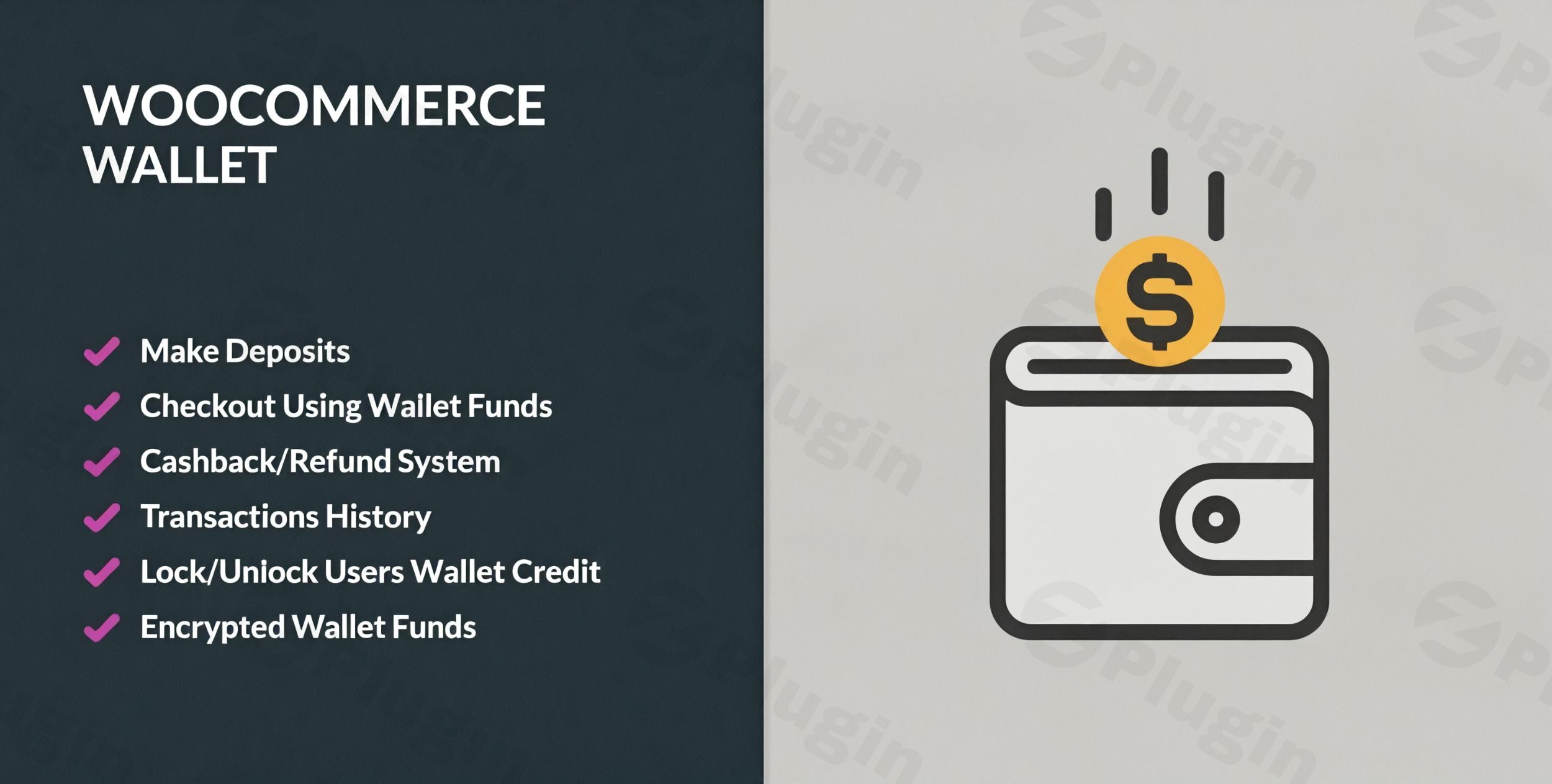
In the competitive world of e-commerce, reducing friction at checkout is the key to increasing conversions. A WooCommerce Wallet plugin transforms your online store by adding a digital credit system, allowing customers to deposit funds, earn rewards, and pay for products seamlessly. By implementing a Digital Wallet WooCommerce solution, you provide a faster alternative to traditional payment gateways, which significantly reduces cart abandonment and builds long-term customer loyalty.
Whether you are looking to offer store credit, manage refunds more efficiently, or launch a rewards program, a WooCommerce Wallet is an essential tool for modern WordPress site owners. In this guide, we will explore the core features, technical requirements, and best practices for setting up a wallet system on your site.
Key Features and Benefits of a WooCommerce Wallet System
Integrating a wallet system goes beyond just adding a new payment button. It introduces a comprehensive financial ecosystem within your store.
1. Seamless Wallet Top-Ups and Fund Management
Customers can proactively add funds to their accounts using their preferred payment methods. This creates “locked-in” capital for your store, ensuring that the customer will return to spend their balance. Many plugins allow you to offer bonus funds (e.g., “Deposit $100, get $10 free”) to incentivize larger top-ups.
2. Automated WooCommerce Cashback Rewards
One of the most effective ways to use a WooCommerce Wallet Plugin is through automated cashback. You can configure the system to reward customers with a percentage of their purchase back into their wallet. This WooCommerce store credit acts as a powerful psychological trigger for repeat purchases.
3. Flexible WooCommerce Partial Payments
If a customer’s wallet balance doesn’t cover the full total, they don’t have to abandon the purchase. Most top-tier plugins support WooCommerce partial payment, allowing users to use their available credit and pay the remaining balance via credit card or PayPal.
4. Direct Peer-to-Peer Fund Transfers
For community-driven sites or marketplaces, the ability for users to transfer wallet balances to one another is a game-changer. Features like OTP (One-Time Password) authentication ensure these transfers remain secure.
5. Efficient Refunds and Withdrawals
Instead of waiting 5–10 business days for a bank refund, you can offer instant refunds to wallet. This keeps the money within your ecosystem and provides immediate satisfaction to the customer. Additionally, you can enable a withdrawal system for multi-vendor setups or affiliate payouts.
Technical Specifications & Compatibility
To ensure your WooCommerce Wallet performs optimally and remains secure, your hosting environment should meet the following standards:
- WordPress Version: 6.0 or greater.
- WooCommerce Version: 7.2 or later (Support for HPOS – High Performance Order Storage is highly recommended for speed).
- PHP Version: PHP 7.4 minimum (PHP 8.0+ is recommended for security and performance).
- Database: MySQL 5.6+ or MariaDB 10.1+.
Pro Tip: Always choose a plugin that is compatible with your page builder (Elementor, Gutenberg) and your subscription management tools (like WooCommerce Subscriptions) to ensure a smooth checkout experience.
How to Add Wallet Functionality to a WooCommerce Store
Setting up a wallet system is straightforward and does not require coding knowledge. Follow these steps to get started:
- Choose and Install Your Plugin: Select a reputable plugin like TeraWallet, WP Swings Wallet System, or YITH WooCommerce Account Funds. Upload the
.zipfile viaPlugins > Add New > Uploadin your WordPress dashboard. - Enable the Wallet Payment Gateway: Navigate to
WooCommerce > Settings > Payments. Locate the “Wallet” option and toggle it on. This allows the wallet to appear as a payment method at checkout. - Configure Top-Up Settings: Go to the plugin settings and define the minimum and maximum amounts a user can deposit.
- Set Up Cashback Rules: Determine if you want to offer global cashback (on every order) or specific rewards for certain product categories.
- Customize the UI: Ensure the “My Wallet” section in the customer’s account area matches your brand’s colors and typography.
Practical Usage & Best Practices
To maximize the ROI of your digital wallet system, consider these real-world workflows:
- For Subscription-Based Sites: Use the wallet balance for auto-renewals. This prevents failed payments due to expired credit cards, as the system can pull from the pre-loaded wallet balance.
- For High-Ticket Stores: Implement Buy Now, Pay Later (BNPL) features integrated with the wallet. This allows customers to secure an item even if they are slightly short on funds, paying the rest later.
- For Agencies & Service Providers: Give clients “Store Credit” as a sign-on bonus. It encourages them to explore your add-on services or maintenance packages.
- The “Refund Alternative”: When a customer is unhappy, offer them 110% of their refund value if they accept it as wallet credit instead of cash. This saves you the transaction fee and guarantees a future sale.
FAQ & Troubleshooting
What is a WooCommerce wallet plugin?
A WooCommerce wallet plugin is a digital credit system for your WordPress site. It allows customers to store money on your website, earn cashback rewards, and use their balance to pay for products, creating a faster and more secure checkout experience.
Can customers transfer money between wallets in WooCommerce?
Yes, many advanced wallet plugins support peer-to-peer transfers. Users can send funds to other registered users on the same site, often protected by OTP (One-Time Password) security to ensure the transaction is authorized.
Is the wallet plugin compatible with WooCommerce Subscriptions?
Most leading wallet plugins are compatible with WooCommerce Subscriptions. This allows the system to automatically debit the subscription renewal fee from the customer’s wallet balance, provided there are sufficient funds available.
How do I set up cashback rewards in WooCommerce?
To set up WooCommerce cashback, navigate to your wallet plugin’s “Rewards” or “Cashback” settings. You can define rules based on the order total, specific products, or user roles. Once configured, the system automatically calculates and adds the credit to the user’s wallet after a successful purchase.
Conclusion: Is a WooCommerce Wallet Right for You?
Implementing a WooCommerce Wallet is one of the most effective ways to improve user experience and retain customers. By offering features like instant refunds, cashback incentives, and partial payments, you reduce the barriers to purchase.
If you want to increase your store’s cash flow through pre-funded deposits and build a loyal community, a wallet system is a high-ROI investment. For most users, starting with a flexible solution like TeraWallet or WP Swings provides the perfect balance of ease of use and powerful enterprise features.
Ready to transform your checkout? Visit wppick.com for more WordPress tutorials and plugin reviews to help you scale your e-commerce business.
I. Download Limits & Account Benefits
- Free Downloads: Each email address receives 3 downloads per day for free products
- Upgrade Benefits: Purchase any paid product to increase your daily download limit by 3 for each paid product
- No Account Required: You can download immediately by receiving the download link via email
- Account Recommended: Create an account for easier access to your order history and direct update downloads
II. Understanding GPL vs Official Versions
Important: The products available on WPPick are GPL-licensed versions, which differ from official developer versions. Before purchasing, please read our comprehensive guide: Understanding GPL & Official Differences at WPPick
Key Points:
- GPL versions may not include premium support from original developers
- Updates may be delayed compared to official releases
- Some premium features might have limitations
- Always consider your specific needs and support requirements
III. Support & Assistance
We’re here to help through multiple channels:
- Email Support: Direct email assistance for all inquiries
- Live Chat: Real-time support during business hours
- Comprehensive Documentation: Detailed guides and tutorials
IV. Order Tracking
Access your complete purchase history and download links anytime: Order History
V. Account Access
New to WPPick? Login or Create Account to manage your downloads and orders efficiently.
VI. Refund Protection
We stand behind our products with a clear refund policy. Review our terms: Refund Policy
VII. Privacy & Security
Your data security is our priority. Learn how we protect your information: Privacy Policy
VII. Terms of Service
Understanding our service terms ensures a smooth experience: Terms of Use
Quick Tips for Best Experience
- Verify Compatibility: Check plugin/theme compatibility with your WordPress version
- Backup First: Always backup your site before installing new plugins or themes
- Test Environment: Consider testing on a staging site first
- Stay Updated: Regularly check for updates in your account dashboard
- Read Documentation: Review any included documentation for optimal setup
Need Help?
If you have questions about downloads, licensing, or need technical assistance, don’t hesitate to contact our support team. We’re committed to ensuring you have the best possible experience with WPPick products.
Ready to get started? Your download adventure begins with just one click!
- UI Revamp
- Added the option to set a custom amount while approving a refund request.