
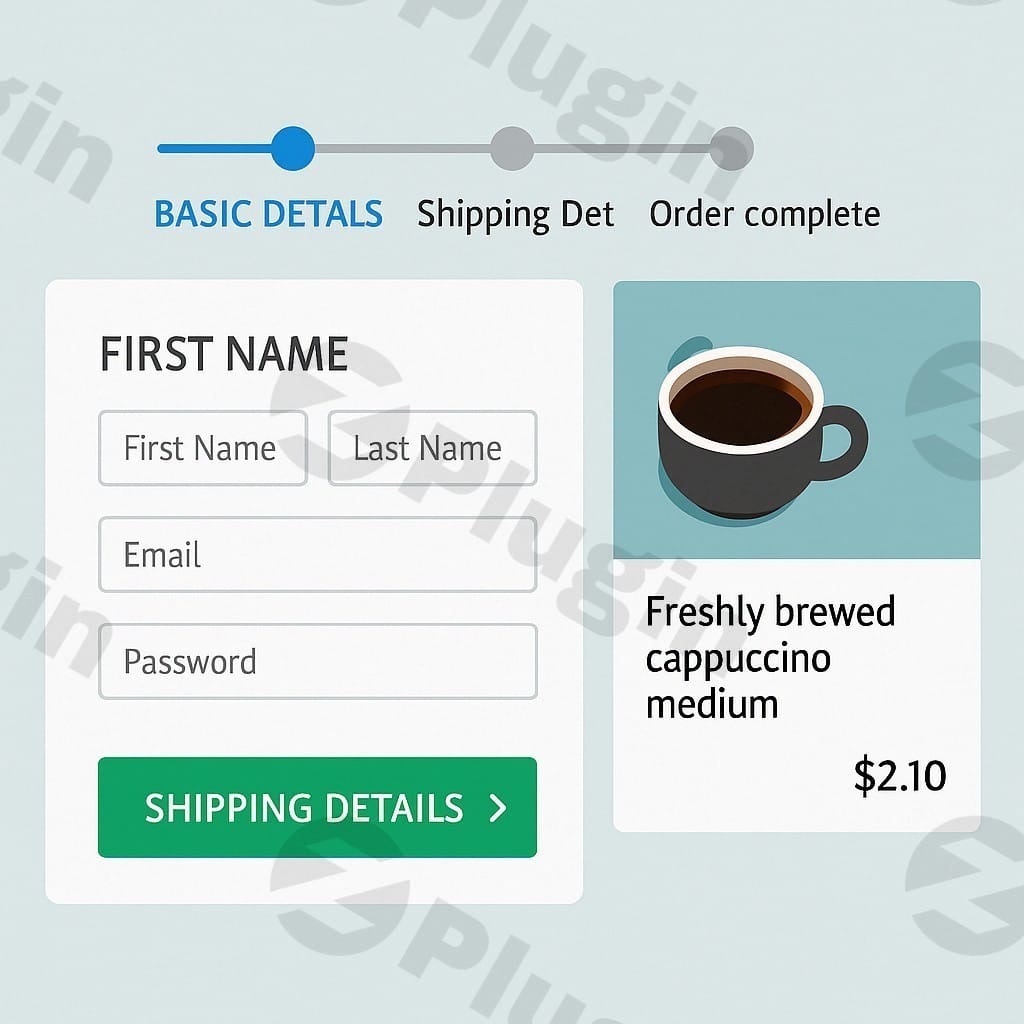
Woofunnels – Optimize WooCommerce Checkout with Aero
/Year
Optimize WooCommerce Conversions with High-Performance Checkouts
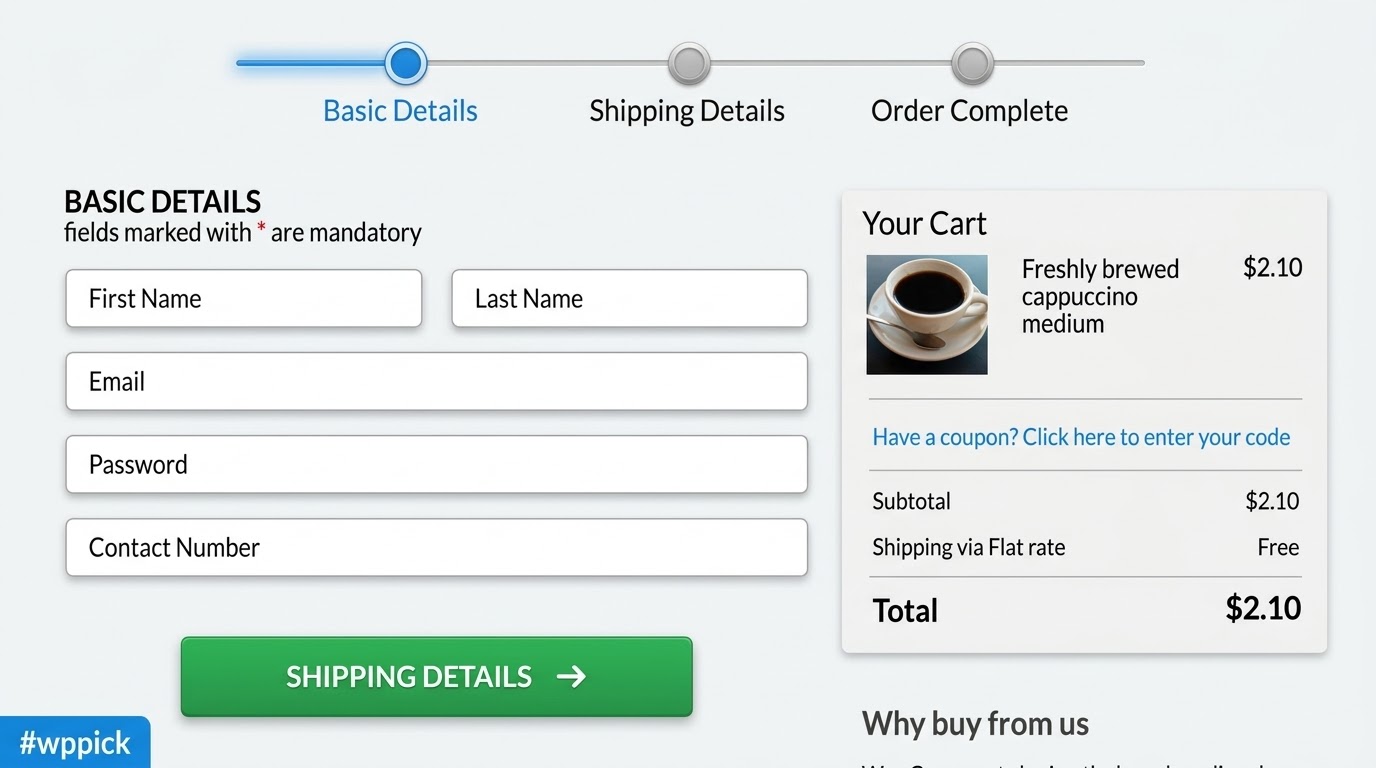
The standard checkout experience often introduces unnecessary friction, leading to abandoned carts and lost revenue. WooFunnels (also known as FunnelKit Aero Checkout) provides online store owners with the tools to replace generic checkout pages with optimized layouts built specifically for conversions. By introducing distraction-free interfaces, multi-step progress bars, and strategically placed trust symbols, this plugin addresses the primary bottlenecks in the customer purchasing journey.
What WooFunnels Does and Who It Is For
WooFunnels is a checkout customization and sales optimization plugin designed for WordPress e-commerce websites. It replaces the default WooCommerce transactional layout with specialized forms structured to retain buyer attention. E-commerce store managers, digital marketers, agency developers, and WooCommerce entrepreneurs use this tool to build custom purchase flows without modifying core theme files. Whether managing a single-product storefront or a large marketplace, users can tailor the path to purchase based on specific customer behaviors.
Key Capabilities for Checkout Customization
The core structure of the plugin focuses on design flexibility and user psychology. It offers robust single-page and multi-step layout builders that divide complex field collections into digestible sections. Key functional areas include:
- Flexible Multi-Step Layouts: Break form fields into account creation, shipping, and payment steps to lower cognitive load.
- Express Checkout Integrations: Surface modern payment buttons prominently for faster mobile transactions.
- Embedded Trust Elements: Easily position customer testimonials, security badges, and satisfaction guarantees where buyers decide.
- Field Editing Interface: Rearrange, hide, or rename billing and shipping inputs to match geographical needs.
Practical WordPress Use Cases
Implementing targeted interfaces changes how different business structures capture sales. For instance, subscription-based sites utilize multi-step layouts to clarify recurring costs prior to final authorization. Digital downloadable asset shops apply single-column streamlined forms, removing shipping field friction entirely to ensure near-instantaneous completions. Physical goods retailers leverage the embedded trust fields to showcase product reviews right on the final payment selection pane, countering last-minute buyer hesitation.
Setup, Themes, and Page Builder Context
WooFunnels is built to integrate directly with standard WordPress page builders, including Elementor, Divi, Oxygen, and Bricks. Upon activation, users can assign globally active templates or create specific checkout layouts linked to distinct products or marketing campaigns. The plugin respects default transactional protocols while overlaying custom front-end styling. It maintains baseline compatibility with popular hooks, allowing major shipping calculators and tax compliance extensions to process data predictably behind the scenes.
Reasons to Choose WooFunnels on WPPick
Acquiring this tool through WPPick allows developers and store owners to evaluate advanced sales optimization frameworks within local or staging environments before full production deployment. It provides an efficient path for testing multi-step forms, analyzing mobile layout responsiveness, and identifying conversion opportunities. Users gain complete functional access to test configuration variations across multiple client sites, ensuring compatibility across diverse theme ecosystems without administrative restrictions.
Latest Version Context
The current release addresses critical technical compatibility and layout preservation across specialized setups. Specifically, integration with the MailerLite platform has been updated to guarantee consistent lead sync behavior during user registration. Additionally, a template structural issue has been resolved where checkout configurations occasionally overrode active Oxygen builder boxed or canvas structural layouts, ensuring intended page hierarchies remain completely intact. Detailed release notes are not available from the provided sources beyond these specific maintenance fixes.
Frequently Asked Questions
Can I create separate checkouts for different products?
Yes. The architecture allows you to deploy a global layout for your entire store or construct highly specific custom configurations assigned to individual items, categories, or specialized marketing campaigns.
Does this plugin support standard mobile express payments?
Yes. The forms are designed to remain fully responsive and integrate smoothly with standard digital wallets, ensuring express payment options scale appropriately on smaller screens.
Can I add or remove fields from the checkout form?
Yes. The extension features built-in field management tools that allow administrators to disable unnecessary input blocks, reorder existing fields, or mark specific options as optional to minimize user friction.
Is it compatible with major WordPress page builders?
Yes. It includes deep integration parameters for popular editing frameworks like Elementor, Divi, Bricks, and Oxygen, allowing developers to style the final interface using familiar design tools.
I. Download Limits & Account Benefits
- Free Downloads: Each email address receives 3 downloads per day for free products
- Upgrade Benefits: Purchase any paid product to increase your daily download limit by 3 for each paid product
- No Account Required: You can download immediately by receiving the download link via email
- Account Recommended: Create an account for easier access to your order history and direct update downloads
II. Understanding GPL vs Official Versions
Important: The products available on WPPick are GPL-licensed versions, which differ from official developer versions. Before purchasing, please read our comprehensive guide: Understanding GPL & Official Differences at WPPick
Key Points:
- GPL versions may not include premium support from original developers
- Updates may be delayed compared to official releases
- Some premium features might have limitations
- Always consider your specific needs and support requirements
III. Support & Assistance
We’re here to help through multiple channels:
- Email Support: Direct email assistance for all inquiries
- Live Chat: Real-time support during business hours
- Comprehensive Documentation: Detailed guides and tutorials
IV. Order Tracking
Access your complete purchase history and download links anytime: Order History
V. Account Access
New to WPPick? Login or Create Account to manage your downloads and orders efficiently.
VI. Refund Protection
We stand behind our products with a clear refund policy. Review our terms: Refund Policy
VII. Privacy & Security
Your data security is our priority. Learn how we protect your information: Privacy Policy
VII. Terms of Service
Understanding our service terms ensures a smooth experience: Terms of Use
Quick Tips for Best Experience
- Verify Compatibility: Check plugin/theme compatibility with your WordPress version
- Backup First: Always backup your site before installing new plugins or themes
- Test Environment: Consider testing on a staging site first
- Stay Updated: Regularly check for updates in your account dashboard
- Read Documentation: Review any included documentation for optimal setup
Need Help?
If you have questions about downloads, licensing, or need technical assistance, don’t hesitate to contact our support team. We’re committed to ensuring you have the best possible experience with WPPick products.
Ready to get started? Your download adventure begins with just one click!
- Checkout: Compatibility updated with MailerLite plugin. (#8237)
- Checkout: Issue with oxygen templates getting overridden by checkout page if set for boxed or Canvas template. (#8235)
- Checkout – New feature billing/shipping address fields to allow house numbers for better user experience
- Enhanced compatibility with the Divi Menu and Divi Bar plugins for seamless integration
- Updated compatibility with WooCommerce Checkout Manager (QuadLayers v7.6.5) for improved checkout flow
- Improved compatibility with the PostNL plugin for a smoother checkout experience
- Address autocomplete suggestions now support the current user language for a more localized experience
- Address autocomplete API arguments modify to show more results in the suggestions
- prevent copying enteries in billing & shipping phone in multi step form
- Handled PHP errors in the checkout template when using Divi Builder, even if the theme/plugin was later disabled
- Addressed the subscription price string issue in the product switcher when the product was not in the cart
- Resolved the "Invalid recurring shipping method" error when using WooCommerce subscriptions with a single recurring shipping method
- Coupon input value was not sustaining after applying in case of multiple coupon fields. (#6437)
- Google Analytics BeginCheckout event was not sending multiple cart items. (#6779)
- Page URL preview in admin interface was showing wrong in case of additional permalink like '/blog'. (#6762)
- PHP notice in case of WooCommerce advanced field used in checkout but no billing fields exists. (#6818)
- The sticky place order button on mobile devices is not working correctly for bricks integration. (#6812)
- Resolved issues with deprecated Typography method in elementor v3.26.x. (#6879)
- Compatibility with the plugin WooCommerce EU VAT Assistant by Aelia updated.
- Compatibility updated for WooCommerce EU VAT Assistant by Aelia plugin.
- Compatibility updated for YITH Dynamic Pricing per Payment Method for WooCommerce Premium by YITH.
- Compatibility updated for Generatepress theme.
- Compatibility updated for RY WooCommerce ECPay Invoice plugin.
- Postal Code by Google address autocomplete now supports the Netherlands.
- Compatibility with the plugin Complianz | GDPR/CCPA Cookie Consent added.
- WooCommerce Order attribution was not working since WooCommerce v3.6.0.
- Google map address autocomplete settings was not visible in global settings.