
Wootour
/Year
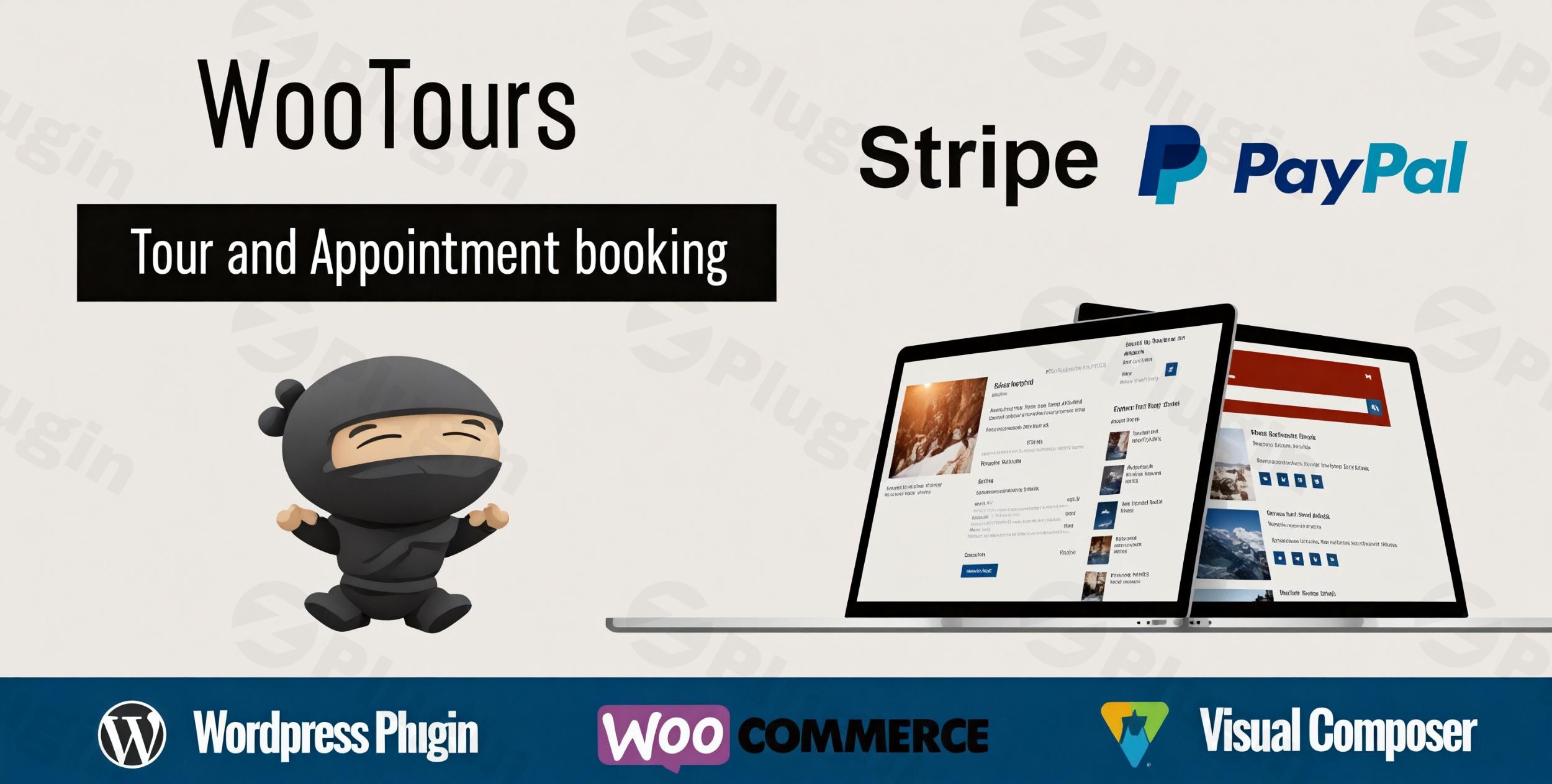
Are you looking to transform your WordPress website into a dynamic platform for selling tours, managing appointments, or organizing events? The WooTour WooCommerce booking plugin is your comprehensive solution. It seamlessly integrates with WooCommerce, leveraging its robust e-commerce capabilities to provide an effortless WordPress tour booking system that streamlines operations for travel agencies, tour operators, and event managers alike.WooTour simplifies the entire booking lifecycle, from showcasing diverse tour packages and processing payments to sending automated notifications and managing customer data. It empowers you to create a professional and user-friendly online travel booking WordPress experience for your customers, ensuring a smooth and efficient workflow for your business.
Key WooTour Plugin Features for Efficient WooCommerce Tour Management
WooTour is packed with powerful features designed to give you complete control over your booking system. Let’s explore the core functionalities that make WooTour an indispensable tool for WooCommerce tour management:
- Effortless Booking System: At its heart, WooTour provides an intuitive booking system, allowing users to effortlessly browse, select, and book tours, events, or appointments directly on your site. This ease of use encourages higher conversion rates.
- Deep WooCommerce Integration: Built as an extension for WooCommerce, WooTour turns your tours and services into standard WooCommerce products. This means you can utilize all of WooCommerce’s inherent features, including its extensive array of payment gateways, coupon systems, and checkout processes.
- Flexible Tour Types & Scheduling:
- Multiple-day tours: Easily define durations for multi-day excursions.
- One-day tours: Offer different prices based on customer types (adults, children) for various time slots within a single day, complete with seasonal price adjustments.
- Specific date ranges: Set up tours with fixed time periods and variable pricing for different guest types.
- Daily, Weekly, or Special Events: Adapt to any schedule requirement, whether it’s a recurring weekly class or a one-off annual event.
- Custom Ticket Types & Pricing: Create a variety of ticket options, including special rates for adults, children, and even babies. You can also offer free tickets for promotions or special events, giving you flexibility in your marketing strategies.
- Automated Communication: Enhance customer experience with automated email notifications for booking confirmations, cancellations, successful payments, and even reminders. This keeps customers informed and reduces administrative overhead.
- Customer Booking History & Accounts: Registered users can create accounts, view their past bookings, and manage upcoming reservations, fostering customer loyalty and repeat business.
- Advanced Display Options with Shortcodes: Showcase your tours beautifully using flexible display options. With WooTour shortcode support, you can embed tours in grids, tables, or eye-catching carousels anywhere on your site. Choose from three distinct single-page layouts to present your offerings in the best light.
- Review & Coupon System: Encourage customer engagement and drive sales with an integrated review and rating system, alongside the ability to offer discount coupons and promotions.
- Powerful Search & Organization: Help customers find their perfect tour with an advanced search widget and shortcode. Organize your offerings effectively using categories and tags for easy navigation.
- Professional PDF Invoices & Data Export: Generate professional WooTour PDF invoice generation for all bookings, and easily export customer data to CSV, PDF, or Excel for reporting and marketing purposes.
- Multilingual Ready: Reach a global audience with WooTour WPML integration guide compatibility and full translation readiness (works with Loco Translate), allowing you to localize your booking system.
- Page Builder Compatibility: Enjoy seamless design flexibility with support for popular page builders like WPBakery (formerly Visual Composer).
- Availability Management: Utilize a front-end calendar for customers to easily select dates and view unavailable periods, complemented by a back-end calendar for administrators. Set buffer times with “preparation days” to ensure smooth operations.
- Extra Services & Custom Fields: Boost revenue by adding unlimited payable extra services to bookings and gather essential information with custom checkout fields.
Installing and Setting Up Your WooTour Plugin
Getting your Wootour WooCommerce booking plugin up and running is straightforward. Follow these steps to set up your comprehensive tour and booking system:
- Purchase and Download: Obtain the WooTour plugin from a reputable source like ZeroPlugin.com, ensuring you receive a genuine GPL license for security and updates.
- Upload the Plugin:
- Log in to your WordPress admin dashboard.
- Navigate to Plugins > Add New.
- Click on the Upload Plugin button at the top of the page.
- Choose the
wootour.zipfile you downloaded and click Install Now.
- Activate the Plugin: Once installed, click Activate Plugin. You’ll now see “WooTour” added to your WordPress admin menu.
- Install WooCommerce (if not already done): WooTour requires WooCommerce to function. If you don’t have it installed and activated, you’ll need to do so. You can find it under Plugins > Add New and search for “WooCommerce.”
- Initial Configuration:
- Go to WooTour > Settings in your WordPress dashboard.
- Review the general settings, including currency, date/time formats, and email notification preferences.
- Explore the “Ticket Settings” to define default ticket options and enable features like WooTour custom ticket types setup.
- Familiarize yourself with “Tour Settings” for global configurations related to your tours.
- Start Creating Tours:
- Navigate to WooTour > Tours > Add New.
- Enter the tour title, description, and detailed itinerary.
- Configure pricing, availability (including multi-day, one-day, or specific date range options), and extra services.
- Assign categories and tags to your tour for better organization.
- Add compelling images and videos.
- Publish your tour!
- Display Tours on Your Site: Use the provided shortcodes (e.g.,
[wootour_grid],[wootour_table],[wootour_carousel]) or the WooTour widgets to display your tours on pages, posts, or in your sidebar.
Practical Usage & Best Practices for Your WordPress Tour Booking System
WooTour empowers a variety of businesses. Here’s how you can leverage its capabilities for real-world impact:
Use Case 1: The Travel Agency – Building Comprehensive Tour Packages
As a travel agency, you need to offer diverse and detailed packages. WooTour is ideal for crafting engaging itineraries for multi-day adventures or single-day excursions.
- Best Practice: Utilize the “Multiple-day tours” feature to specify exact durations and itinerary details. For seasonal variations, use the dynamic pricing options to adjust rates automatically. Add payable extra services like airport transfers or specialized equipment rental directly to the booking form. This streamlines the booking process and increases average order value.
Use Case 2: The Local Tour Operator – Managing Daily Sightseeing & Activities
For local tour operators running daily sightseeing tours, managing different time slots and varying guest types (adults, children) is crucial.
- Best Practice: Employ the “One-day tours” functionality to set up multiple time slots throughout the day. Define different price points for adults and children. Use the front-end calendar for customers to easily see available slots and book instantly. This enhances user experience and reduces manual inquiries.
Use Case 3: The Event Organizer – Selling Tickets for Workshops & Classes
Beyond travel, WooTour serves as an excellent event booking plugin for WordPress. If you organize workshops, classes, or conferences, you can sell tickets with ease.
- Best Practice: Configure “Specific date ranges” for fixed-term events like a weekend workshop or a monthly seminar series. Use custom ticket types to offer “Early Bird,” “Standard,” and “VIP” options. Leverage the coupon system for promotional discounts to drive early registrations.
Use Case 4: The Appointment-Based Service – Scheduling Consultations or Sessions
Even for businesses offering individual appointments like photography sessions, consultations, or personal training, WooTour’s flexible scheduling can be adapted.
- Best Practice: Set up “One-day tours” with specific time slots marked as available appointments. Use the “preparation days” feature to ensure you have buffer time between appointments. This ensures smooth scheduling and prevents double bookings.
FAQ & Troubleshooting for WooTour Users
What is Wootour – Woocommerce Travel Tour Booking?
WooTour is a powerful WordPress plugin that extends WooCommerce to create a comprehensive online booking system for tours, travel packages, appointments, and events. It allows businesses to manage bookings, process payments, and provide a seamless experience for customers, turning tours into standard WooCommerce products.
Does Wootour support multiple payment gateways?
Yes, WooTour fully integrates with WooCommerce, which means it inherently supports all payment gateways that are compatible with WooCommerce. This includes major options like PayPal, Stripe, and many country-specific gateways, offering maximum convenience for your customers.
How do I create a tour package with WooTour?
To create a tour package with WooTour, navigate to WooTour > Tours > Add New in your WordPress dashboard. Here, you can define the tour title, detailed itinerary, pricing (including options for multi-day, one-day, or specific date ranges), and assign categories/tags. You can also add images, videos, and set up extra payable services before publishing your tour.
Is Wootour compatible with WordPress latest version?
Yes, WooTour is regularly updated to maintain compatibility with the latest versions of WordPress and WooCommerce. Specifically, it requires at least WordPress 6.0 (and has been tested with 6.8) and WooCommerce 9.3 (tested with 10.2.2). It also requires PHP version 7.4 or higher for optimal performance and security.
How does WooTour handle PDF invoice generation?
WooTour includes built-in support for generating professional PDF invoices for all successful bookings. Once a booking is confirmed and payment processed, an invoice can be automatically generated, providing a professional document for both the customer and your records. This feature helps streamline accounting and order fulfillment.
Conclusion: Your Go-To Plugin for Online Travel Booking
For any business looking to establish a robust and user-friendly WooCommerce travel tour booking platform, WooTour stands out as an exceptional choice. Its deep integration with WooCommerce means you don’t just get a booking system; you get a powerful e-commerce engine designed to sell experiences.From flexible tour types and dynamic pricing to advanced display options and multilingual support, WooTour provides the tools needed to manage your online bookings with unparalleled efficiency. It’s the best WooCommerce plugin for travel agencies and event organizers seeking a reliable, feature-rich, and easy-to-use solution. By choosing WooTour, you’re investing in a system that not only simplifies your operations but also significantly enhances your customers’ booking journey, leading to increased conversions and business growth.
I. Download Limits & Account Benefits
- Free Downloads: Each email address receives 3 downloads per day for free products
- Upgrade Benefits: Purchase any paid product to increase your daily download limit by 3 for each paid product
- No Account Required: You can download immediately by receiving the download link via email
- Account Recommended: Create an account for easier access to your order history and direct update downloads
II. Understanding GPL vs Official Versions
Important: The products available on WPPick are GPL-licensed versions, which differ from official developer versions. Before purchasing, please read our comprehensive guide: Understanding GPL & Official Differences at WPPick
Key Points:
- GPL versions may not include premium support from original developers
- Updates may be delayed compared to official releases
- Some premium features might have limitations
- Always consider your specific needs and support requirements
III. Support & Assistance
We’re here to help through multiple channels:
- Email Support: Direct email assistance for all inquiries
- Live Chat: Real-time support during business hours
- Comprehensive Documentation: Detailed guides and tutorials
IV. Order Tracking
Access your complete purchase history and download links anytime: Order History
V. Account Access
New to WPPick? Login or Create Account to manage your downloads and orders efficiently.
VI. Refund Protection
We stand behind our products with a clear refund policy. Review our terms: Refund Policy
VII. Privacy & Security
Your data security is our priority. Learn how we protect your information: Privacy Policy
VII. Terms of Service
Understanding our service terms ensures a smooth experience: Terms of Use
Quick Tips for Best Experience
- Verify Compatibility: Check plugin/theme compatibility with your WordPress version
- Backup First: Always backup your site before installing new plugins or themes
- Test Environment: Consider testing on a staging site first
- Stay Updated: Regularly check for updates in your account dashboard
- Read Documentation: Review any included documentation for optimal setup
Need Help?
If you have questions about downloads, licensing, or need technical assistance, don’t hesitate to contact our support team. We’re committed to ensuring you have the best possible experience with WPPick products.
Ready to get started? Your download adventure begins with just one click!
- Fixed live total price calculation bug
- Resolved "Call to a member function is_type()" error with WooCommerce 9.x
- Fixed min/max adult settings issue for variable products
- Resolved various minor bugs
- Addressed security vulnerability related to excessive input data