

WordPress Contact Form 7 Pdf, Google Sheet & Database
/Year
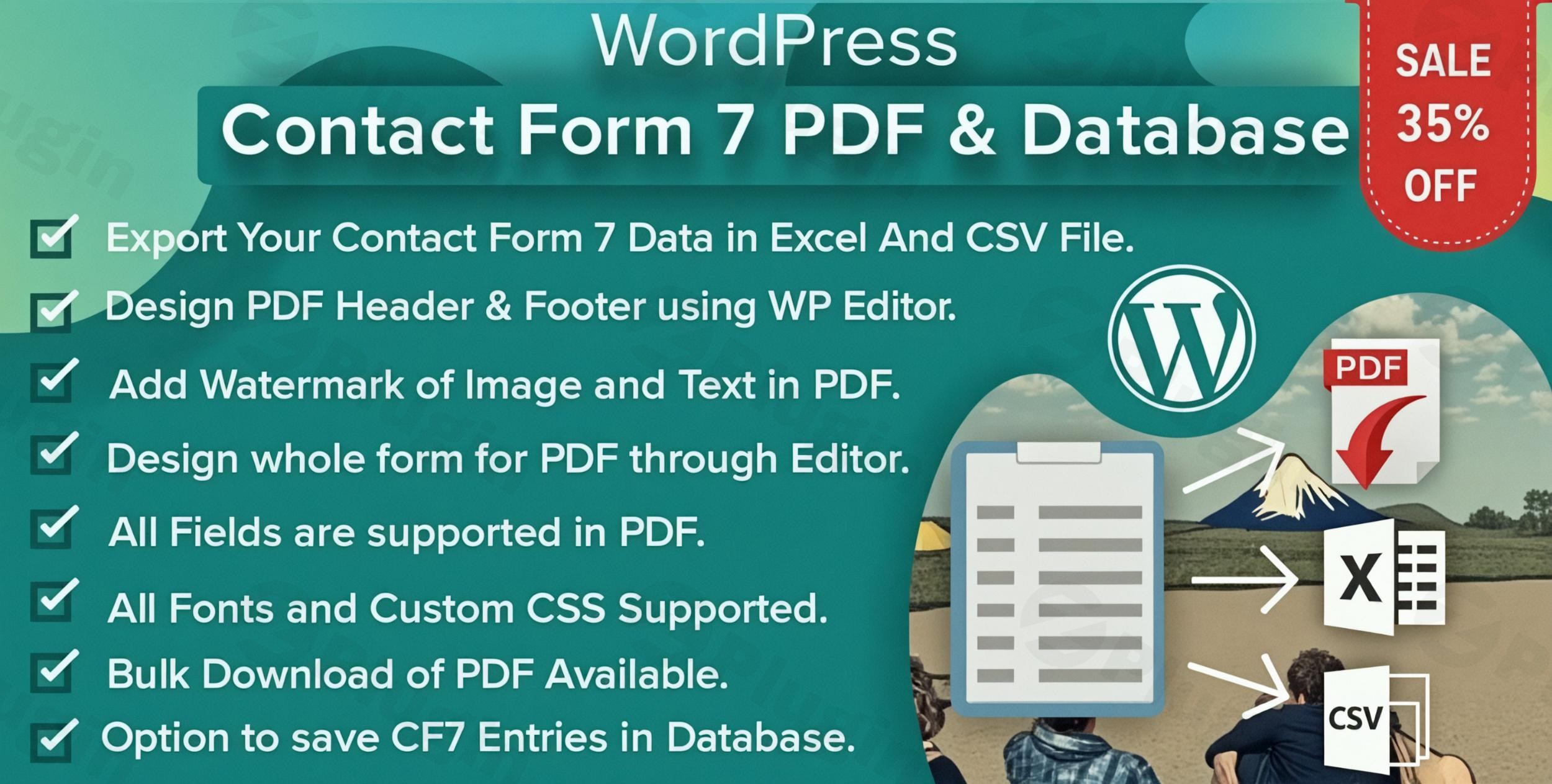
Transform Contact Form 7 Submissions into Professional PDF Documents, Secure Databases, and Dynamic Google Sheets
Elevate your WordPress form management to a professional standard with the premium “Contact Form 7 PDF, Google Sheet & Database” extension. This powerful solution seamlessly integrates with the widely used Contact Form 7 plugin, enabling advanced data handling that goes far beyond basic email notifications. Designed for businesses, consultants, e-commerce sites, and organizations of all sizes, this plugin empowers you to automatically convert form submissions into customized PDF documents, store data securely in your WordPress database, and export information to Google Sheets for enhanced collaboration and analysis—all while maintaining complete control over your data presentation and integrity.In today’s fast-paced digital environment, efficient data management and professional documentation are paramount. This premium plugin from ZeroPlugin.com addresses these critical needs, offering a robust, secure, and expertly supported platform to streamline your workflows and enhance your digital interactions.
Key Features and Benefits
This comprehensive plugin provides an array of advanced features designed to optimize your form submission process and data handling:
1. Advanced PDF Generation
Automatically create professional PDF documents from every Contact Form 7 submission. This feature is crucial for maintaining organized records, providing immediate confirmations, and generating official documents.
- Complete Customization Options: Design your PDF templates to precisely match your brand identity. Incorporate custom headers, footers, logos, fonts, colors, and layouts to ensure consistency across all your documentation.
- Dynamic Content: Populate PDFs with submission data, ensuring each document is unique and relevant to the specific form entry.
- Page Numbering: Automatically add page numbers for multi-page documents, enhancing readability and professional presentation.
2. Flexible PDF Delivery Options
Gain granular control over how your generated PDFs are handled and distributed, ensuring they reach the right recipients efficiently.
- Automatic Email Distribution: Configure the system to automatically email generated PDFs to the user who submitted the form and/or to designated administrators.
- Direct Download Capability: Offer users the option to download their PDF directly after form submission, improving user experience.
- Multiple Distribution Methods: Support for simultaneous delivery via email and download allows for versatile workflow integration.
3. Comprehensive Data Management & Database Storage
Beyond basic email notifications, this plugin provides robust solutions for secure data storage and retrieval, ensuring no critical information is lost.
- Secure WordPress Database Storage: Store all Contact Form 7 submissions directly and securely within your WordPress database. This provides a reliable backup and a central repository for all your form data.
- Advanced Filtering and Search Capabilities: Easily locate specific submissions with intuitive filtering and search tools, making data retrieval efficient.
- CSV Export: Export your stored data to a CSV file for offline backups, further analysis, or integration with other applications, ensuring data portability.
4. Seamless Google Sheets Integration
Transform your data collection into a collaborative and analytical powerhouse with real-time Google Sheets synchronization.
- Real-time Data Sync: Automatically send Contact Form 7 submissions to Google Sheets in real-time, providing an immediate, live overview of your data.
- Reliable Data Backup: Maintain a live, accessible copy of all form data in Google Sheets, offering an additional layer of data security and redundancy.
- Enhanced Collaboration: Facilitate easy sharing of form data with team members, allowing for simultaneous access, review, and analysis without needing WordPress access.
- Customizable Sheets: Control precisely which data fields are exported and how they are formatted within your Google Sheet.
- Google Sheets API Integration: Utilizes the official Google Sheets API for enhanced performance, reliability, and future-proofed functionality, guaranteeing a stable and secure connection.
- One-Click Authentication: Enjoy a fast and secure setup process with simplified Google account authentication.
- Manual Sheet & Tab Name Configuration: Precisely choose the specific Google Sheet and tab where your data will be saved.
- Multiple Sheets Connectivity: Connect a single form to multiple Google Sheets simultaneously, catering to complex data distribution needs.
- Edit/Sort Headers: Easily rename spreadsheet columns and reorder them to match your preferred data presentation.
- Conditional Logic: Implement advanced rules to send specific entries to Google Sheets based on user input or other criteria, allowing for highly targeted data flow.
- Attachment Links: If users upload files, save the uploaded files and add clickable links directly within your spreadsheet for easy access.
5. Customizable Template System
Empower yourself with an intuitive system to design unique PDF templates for different forms, ensuring every document reflects your professional standards.
- Intuitive Interface: Control every aspect of your document formatting, from field placement and font choices to styling and branding elements.
- Form-Specific Templates: Create distinct PDF templates for various forms, allowing for tailored documentation for different purposes (e.g., contact inquiries vs. job applications).
Why Choose This Premium Solution from ZeroPlugin.com?
When investing in a premium WordPress plugin, trustworthiness, expertise, and ongoing support are paramount. This plugin stands out due to its commitment to quality, security, and user satisfaction.
GPL Licensed and Regularly Updated
This plugin is distributed under the GPL license, ensuring complete legal compliance and freedom to use, modify, and distribute according to your needs. Our dedicated team provides regular updates to maintain seamless compatibility with the latest WordPress versions, Contact Form 7 updates, and evolving web standards, ensuring your investment remains valuable and functional.
Security Verified
Security is a cornerstone of our development process. All plugins from ZeroPlugin.com undergo thorough security scanning using industry-standard tools like VirusTotal and comprehensive third-party dependency analysis. We guarantee clean, safe code that won’t compromise your website’s security or performance, building trust through verifiable measures.
Reliable Support and Maintenance
When you purchase through ZeroPlugin.com, you receive access to ongoing support and maintenance updates. Our commitment to quality ensures that your investment continues to perform optimally over time, backed by a team of experts ready to assist you. This dedication to post-purchase care establishes ZeroPlugin.com as an authoritative and trustworthy provider.
Professional Applications
The “Contact Form 7 PDF, Google Sheet & Database” plugin offers immense value across various professional sectors:
- Business and Client Management: Ideal for service businesses, consultants, and agencies. Generate instant PDF confirmations for quote requests, service inquiries, and application forms, streamlining client communication and record-keeping.
- E-commerce and Lead Generation: Enhance your lead capture process by automatically creating PDF records of customer inquiries, product information requests, and order details. Maintain organized records for effective follow-up and customer relationship management.
- Educational and Non-Profit Organizations: Perfect for schools, universities, and non-profits that need to document program applications, volunteer registrations, information requests, and consent forms with professional, standardized PDF documentation.
- Legal and Compliance: Create auditable records of user agreements, terms acceptance, and policy confirmations, essential for regulatory compliance.
Technical Specifications
Ensuring robust performance and broad compatibility, this plugin is built with modern WordPress environments in mind.
- Compatibility: Fully compatible with WordPress 5.0+ and Contact Form 7 5.0+. Many add-ons are generally designed to work seamlessly with WordPress versions up to 6.8.2 and PHP 8.3, ensuring broad applicability.
- Performance: Requires PHP 7.0 or higher for optimal performance and security. The plugin is designed to be lightweight, minimizing its footprint and avoiding any slowdowns on your website.
- Responsive Design: Features mobile-responsive PDF generation, ensuring documents look professional on any device.
- Multisite Compatibility: Fully compatible with WordPress Multisite networks, making it suitable for larger installations.
- Multi-language Ready: Prepared for translation into multiple languages, supporting a global user base.
- Regular Compatibility Updates: Our ongoing development ensures continued compatibility with future WordPress and Contact Form 7 updates.
Getting Started Today
Implementing the “Contact Form 7 PDF, Google Sheet & Database” plugin is straightforward. After installation and activation, you’ll find intuitive settings within your WordPress dashboard to configure PDF templates, Google Sheet integrations, and database storage preferences. The user-friendly interface allows both technical and non-technical users to quickly set up and customize these powerful features.Streamline your form management process with this comprehensive Contact Form 7 extension. Transform simple form submissions into organized, professional documentation while maintaining secure data storage and flexible export options. Experience the efficiency of automated PDF generation, intelligent Google Sheet synchronization, and robust database management designed for WordPress professionals who demand reliability, security, and advanced functionality. Invest in a solution that not only meets your current needs but also provides the flexibility and support to grow with your business.
I. Download Limits & Account Benefits
- Free Downloads: Each email address receives 3 downloads per day for free products
- Upgrade Benefits: Purchase any paid product to increase your daily download limit by 3 for each paid product
- No Account Required: You can download immediately by receiving the download link via email
- Account Recommended: Create an account for easier access to your order history and direct update downloads
II. Understanding GPL vs Official Versions
Important: The products available on WPPick are GPL-licensed versions, which differ from official developer versions. Before purchasing, please read our comprehensive guide: Understanding GPL & Official Differences at WPPick
Key Points:
- GPL versions may not include premium support from original developers
- Updates may be delayed compared to official releases
- Some premium features might have limitations
- Always consider your specific needs and support requirements
III. Support & Assistance
We’re here to help through multiple channels:
- Email Support: Direct email assistance for all inquiries
- Live Chat: Real-time support during business hours
- Comprehensive Documentation: Detailed guides and tutorials
IV. Order Tracking
Access your complete purchase history and download links anytime: Order History
V. Account Access
New to WPPick? Login or Create Account to manage your downloads and orders efficiently.
VI. Refund Protection
We stand behind our products with a clear refund policy. Review our terms: Refund Policy
VII. Privacy & Security
Your data security is our priority. Learn how we protect your information: Privacy Policy
VII. Terms of Service
Understanding our service terms ensures a smooth experience: Terms of Use
Quick Tips for Best Experience
- Verify Compatibility: Check plugin/theme compatibility with your WordPress version
- Backup First: Always backup your site before installing new plugins or themes
- Test Environment: Consider testing on a staging site first
- Stay Updated: Regularly check for updates in your account dashboard
- Read Documentation: Review any included documentation for optimal setup
Need Help?
If you have questions about downloads, licensing, or need technical assistance, don’t hesitate to contact our support team. We’re committed to ensuring you have the best possible experience with WPPick products.
Ready to get started? Your download adventure begins with just one click!
- Now can add custom fonts
- Apply custom font separately to header, body & footer
- With Latest versions Contact Form 7 & WordPress
- PDF library Updated
- Plugin optimized and size reduced
- Other minor bugs fixed