

WordPress Events Calendar Registration & Tickets By Elbisnero
/Year
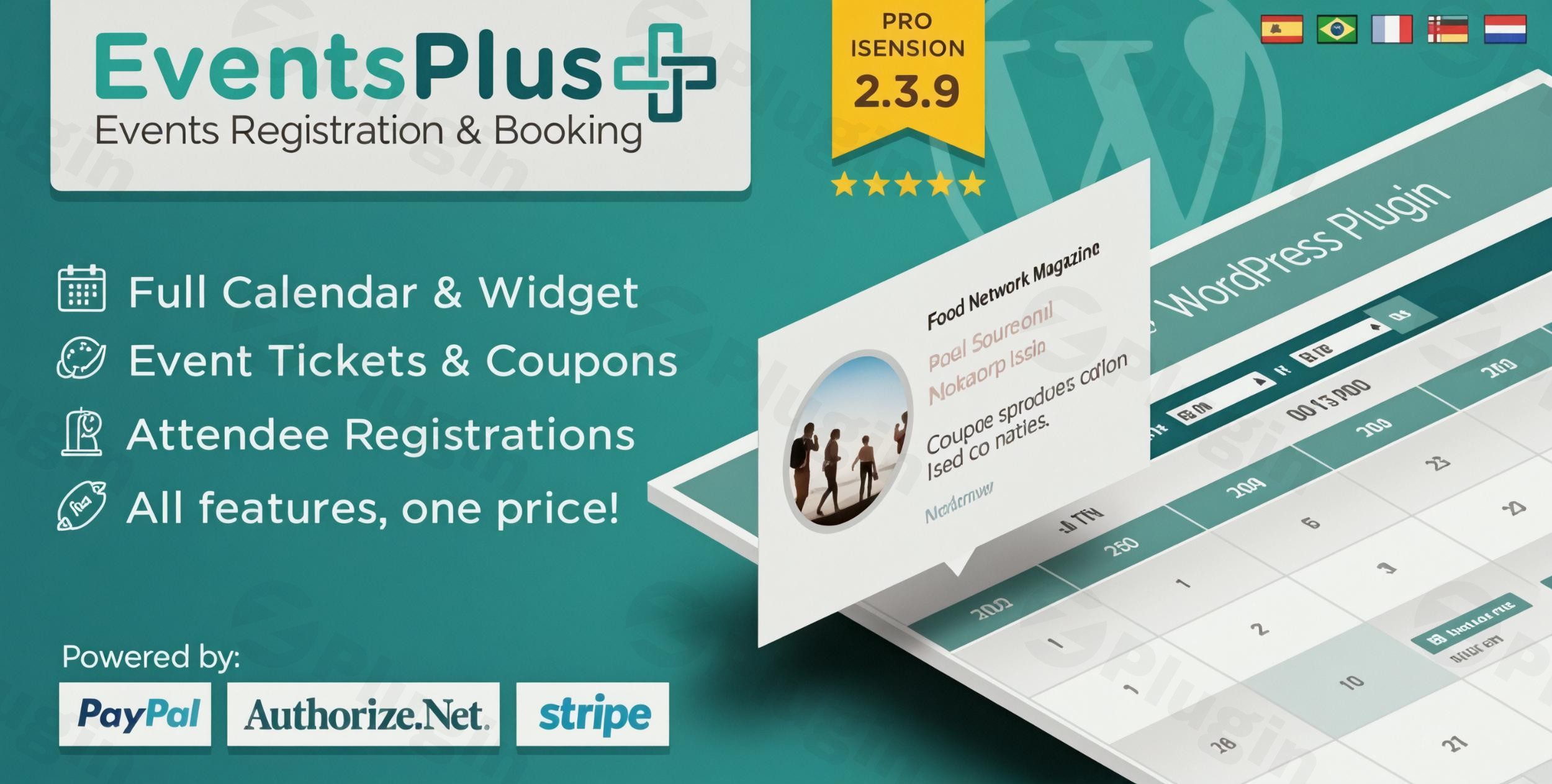
Are you looking to transform your WordPress website into a dynamic hub for event management, capable of handling everything from event listings to secure ticket sales and attendee registration? Managing events, whether they are seminars, workshops, conferences, or concerts, can be complex without the right tools. This is where the WordPress Events Calendar Registration & Tickets By Elbisnero plugin steps in, offering an all-in-one WordPress Events Calendar Registration solution designed to streamline your entire event workflow.This powerful WordPress event management system empowers you to effortlessly create, promote, and manage any type of event, taking the hassle out of registrations and payments directly from your WordPress dashboard. With features geared towards both flexibility and ease of use, it’s an essential tool for event organizers, businesses, and community groups seeking a robust WordPress event ticketing plugin.
Key Features for Professional Event Management
The Elbisnero Events Calendar plugin is packed with functionalities that cover every aspect of event organization, from attractive displays to secure financial transactions.
Advanced Event Display Options
First impressions matter. This plugin ensures your events captivate your audience with modern, responsive designs.
- Fully Responsive Events Grid: Your event listings will look stunning and function flawlessly on any device, from desktops to smartphones, thanks to its modern, responsive grid design.
- Countdown Timer: Build anticipation for upcoming events with an integrated countdown timer, encouraging early registrations.
- Bootstrap 3.0 Compatible Event Templates: Leverage stable and widely recognized web design standards for a consistent and clean look.
- Multiple Calendar View Options: Offer flexibility to your visitors with various ways to view events, including calendar and list views, and the ability to sort events in ascending or descending order.
- Shortcode Integration: Easily embed events or calendars into any page or post using simple shortcodes.
- Dedicated Single Event Pages: Each event gets its own page, providing all crucial information and a quick registration option.
Flexible Registration & Payment Capabilities
Beyond just listing events, this plugin makes the registration and payment process smooth and secure for both you and your attendees. It’s a true WordPress event ticketing plugin at its core.
- Multiple Ticket Pricing Options: Offer different ticket tiers or early bird discounts to maximize attendance and revenue.
- Secure PayPal and Authorize.net Integration: Accept payments online with confidence through two of the most trusted payment gateways. The plugin makes WordPress event plugin PayPal Authorize.net integration straightforward.
- Custom Discount Coupon Creation: Boost sign-ups and reward loyal attendees by creating and managing custom discount coupons – a powerful WordPress event discount coupon functionality.
- Seat Limitation and Waitlist Functionality: Control event capacity by setting seat limits. Once full, a built-in waitlist feature can automatically manage interested participants.
- Offline Payment Option: Accommodate attendees who prefer to pay by other means.
- Donation Acceptance: Integrate an option for attendees to make donations, perfect for charity events or non-profits.
- Automatic Registration Closure: Set registrations to automatically close at the start or end of an event.
Professional Event Management Tools
Behind the scenes, the plugin provides robust tools to manage every detail of your events efficiently.
- Recurring Events Support: Effortlessly schedule events that happen regularly with powerful recurring events WordPress plugin capabilities, saving you significant time.
- Custom Registration Form Fields: Tailor your event registration form WordPress to gather precisely the information you need from your attendees.
- Automatic Google Maps Integration: Enhance event details with automatic Google Maps integration, making it easy for attendees to find your venue.
- Exportable Events and Attendees Lists: Keep organized with the ability to export all event and attendee data for reporting, CRM integration, or offline management.
- Admin Dashboard Statistics: Track key metrics for events, payments, and attendees from a central dashboard.
- One-Click Event Copying: Quickly duplicate existing events to save time when creating similar new ones.
Customization & Communication
Tailor the plugin to your brand and maintain excellent communication with your attendees.
- Customizable Email Notifications: Send automated, branded confirmation emails and other communications to attendees after registration.
- Multilingual Support with .PO Files: Easily translate the plugin into different languages, making your events accessible to a global audience.
- Color Customization for Calendar & Categories: Match the calendar’s appearance to your website’s branding and use colored categories for better event organization and visibility.
- Custom Header Image & Social Sharing: Further personalize your event pages with custom header images and built-in social sharing links to boost promotion.
Installation & Setup: How to Add an Event Calendar with Registration to WordPress
Getting the Elbisnero Events Calendar plugin up and running on your WordPress site is a straightforward process, even for non-developers. Here’s a step-by-step guide on how to add an event calendar with registration to WordPress:
- Download the Plugin: Once you’ve purchased the plugin (e.g., from CodeCanyon), download the plugin file (a
.zipfile) to your computer. - Upload to WordPress:
- Log in to your WordPress admin dashboard.
- Navigate to Plugins > Add New.
- Click the “Upload Plugin” button at the top of the page.
- Click “Choose File”, then select the
.zipfile you downloaded. - Click “Install Now”.
- Activate the Plugin: After the plugin has successfully installed, click the “Activate Plugin” button.
- Initial Configuration:
- A new menu item, usually labeled “Events,” will appear in your WordPress dashboard sidebar.
- Navigate to the plugin’s settings to configure global options such as date/time formats, default currency, and email settings.
- Set up your payment gateways (PayPal and/or Authorize.net) by entering your API credentials.
- Create Your First Event:
- Go to Events > Add New Event.
- Fill in event details: title, description, date, time, location (Google Maps integration will automatically work here), ticket prices, and seat limitations.
- Assign categories and customize registration form fields if needed.
- Publish your event.
- Display Your Calendar:
- Create a new page (e.g., “Events Calendar”).
- Use the provided shortcode (often found in the plugin’s documentation or directly within the event editor) to display your event calendar or specific event listings on that page. For example,
[event_calendar]or[events_list]. - Publish the page.You’ve now successfully added an event calendar with registration functionality to your WordPress site!
Practical Usage & Best Practices for Your WordPress Event Management System
The Elbisnero Events Calendar plugin is versatile, catering to a wide range of users. Here are some practical use cases and best practices to get the most out of your WordPress event management system:
1. For Educators and Training Providers: Streamlining Course Registrations
If you offer workshops, online courses, or seminars, this plugin is ideal for managing your schedule and sign-ups.
- Best Practice: Use the recurring events WordPress plugin feature for weekly classes or multi-part workshops. Customize the event registration form WordPress to gather specific information like attendee skill levels or dietary restrictions. Leverage the “seat limitation” feature to ensure optimal class sizes.
2. For Concert Promoters and Conference Organizers: Efficient Ticketing & Attendance
Selling tickets for larger gatherings requires robust tools, and this plugin delivers.
- Best Practice: Utilize the WordPress event ticketing plugin‘s multiple pricing options for VIP, early bird, and standard tickets. Implement the WordPress event discount coupon functionality for promotional campaigns or corporate sponsorships. Export attendee lists for check-in on the day of the event. Ensure your WordPress event plugin PayPal Authorize.net integration is fully tested before launching ticket sales.
3. For Community Centers and Non-Profits: Engaging Your Audience
Organizing community events, fundraisers, or volunteer drives is made simpler.
- Best Practice: Clearly categorize events using colored event categories for easy navigation. Use Google Maps integration to help participants find the venue. For fundraising, enable the donation option alongside free or low-cost event registrations.
4. For Agencies and Freelancers: Providing Comprehensive Client Solutions
If you build and manage websites for clients, this plugin offers a powerful solution for their event needs.
- Best Practice: The “all-in-one” nature reduces the need for multiple add-ons, simplifying client billing and support. The GPL license offers flexibility for client projects. Emphasize the comprehensive documentation and dedicated support to clients.
FAQ & Troubleshooting
Here are answers to some common questions about the WordPress Events Calendar Registration & Tickets By Elbisnero plugin:
Q1: What is WordPress Events Calendar Registration & Tickets By Elbisnero?
WordPress Events Calendar Registration & Tickets By Elbisnero is a premium WordPress plugin designed to provide a complete, all-in-one event management solution. It allows users to create and display events, manage online registrations, sell tickets through secure payment gateways like PayPal and Authorize.net, and track attendees directly from their WordPress website. It serves as a comprehensive WordPress event management system.
Q2: Is Elbisnero Events Calendar compatible with WordPress 6.x?
Yes, the Elbisnero Events Calendar plugin is officially compatible with recent WordPress versions, including WordPress 6.x. The plugin’s technical specifications indicate compatibility up to WordPress versions 6.8.x, ensuring it works seamlessly with the latest WordPress environments and provides a secure and updated experience.
Q3: How to create recurring events in Elbisnero WordPress plugin?
To create recurring events in the Elbisnero WordPress plugin, navigate to the “Add New Event” section in your WordPress dashboard. Within the event creation interface, you will find options to set up recurrence patterns, such as daily, weekly, monthly, or yearly, along with specifying an end date or number of occurrences. This feature is a core part of its recurring events WordPress plugin functionality, simplifying the management of regular events.
Q4: Does this WordPress event ticketing plugin support multiple payment gateways?
Yes, this WordPress event ticketing plugin supports secure payment processing through multiple popular gateways. It integrates directly with both PayPal and Authorize.net, allowing your attendees to pay for tickets online safely and efficiently. The WordPress event plugin PayPal Authorize.net integration ensures flexibility for your customers.
Q5: Can I customize the event registration form?
Absolutely. The Elbisnero Events Calendar plugin allows for extensive customization of the event registration form WordPress. You can add custom fields to collect specific information relevant to your event, such as dietary preferences, T-shirt sizes, or additional attendee details, ensuring you gather all necessary data from your registrants.
Conclusion: Your All-in-One Solution for WordPress Event Management
The WordPress Events Calendar Registration & Tickets By Elbisnero plugin stands out as an exceptionally comprehensive and user-friendly solution for anyone looking to manage events effectively on their WordPress site. From its intuitive interface for event creation and a sleek, responsive display for visitors, to robust WordPress event registration and WordPress event ticketing plugin features including secure payment gateways and discount coupons, it truly offers an “all-in-one” package.Its commitment to regular updates, GPL license, and compatibility with the latest WordPress versions ensures a stable and secure foundation for your event strategy. Whether you’re an educator, a concert promoter, a community organizer, or an agency, this WordPress event management system provides the tools you need to succeed. Invest in the Elbisnero Events Calendar to streamline your operations, enhance attendee experience, and confidently grow your events.
I. Download Limits & Account Benefits
- Free Downloads: Each email address receives 3 downloads per day for free products
- Upgrade Benefits: Purchase any paid product to increase your daily download limit by 3 for each paid product
- No Account Required: You can download immediately by receiving the download link via email
- Account Recommended: Create an account for easier access to your order history and direct update downloads
II. Understanding GPL vs Official Versions
Important: The products available on WPPick are GPL-licensed versions, which differ from official developer versions. Before purchasing, please read our comprehensive guide: Understanding GPL & Official Differences at WPPick
Key Points:
- GPL versions may not include premium support from original developers
- Updates may be delayed compared to official releases
- Some premium features might have limitations
- Always consider your specific needs and support requirements
III. Support & Assistance
We’re here to help through multiple channels:
- Email Support: Direct email assistance for all inquiries
- Live Chat: Real-time support during business hours
- Comprehensive Documentation: Detailed guides and tutorials
IV. Order Tracking
Access your complete purchase history and download links anytime: Order History
V. Account Access
New to WPPick? Login or Create Account to manage your downloads and orders efficiently.
VI. Refund Protection
We stand behind our products with a clear refund policy. Review our terms: Refund Policy
VII. Privacy & Security
Your data security is our priority. Learn how we protect your information: Privacy Policy
VII. Terms of Service
Understanding our service terms ensures a smooth experience: Terms of Use
Quick Tips for Best Experience
- Verify Compatibility: Check plugin/theme compatibility with your WordPress version
- Backup First: Always backup your site before installing new plugins or themes
- Test Environment: Consider testing on a staging site first
- Stay Updated: Regularly check for updates in your account dashboard
- Read Documentation: Review any included documentation for optimal setup
Need Help?
If you have questions about downloads, licensing, or need technical assistance, don’t hesitate to contact our support team. We’re committed to ensuring you have the best possible experience with WPPick products.
Ready to get started? Your download adventure begins with just one click!
- Patched critical PHP Object Injection vulnerability (CVE-2024-2172) as reported by Wordfence
- Replaced all unserialize() and maybe_unserialize() usage on user-controlled and database fields with secure JSON decoding
- Hardened all admin, export, and meta/option data handling against object injection
- Improved input validation and sanitization throughout the plugin
- Fixed 'A non-numeric value encountered' warning in open seats calculation on dashboard
- Updated plugin version to 2.6.3
- Small bug fixes and improvements
- Bug fixes and improvements