

WordPress Real Thumbnail Generator: Efficiently Force Regenerate Thumbnails In Bulk (or Single)
/Year
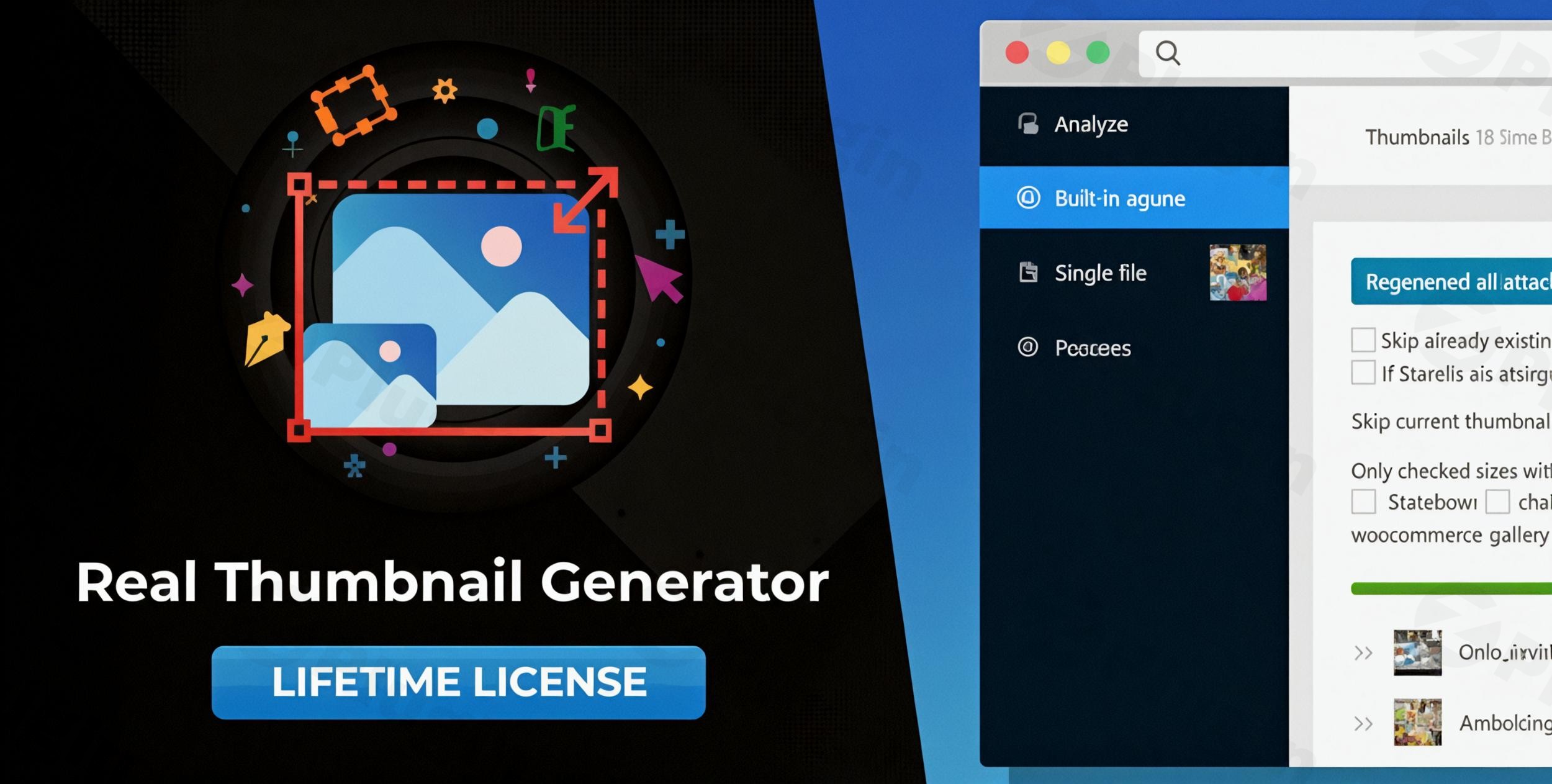
Have you ever switched your WordPress theme only to find that your images look blurry, cropped incorrectly, or simply don’t fit the new layout? This common issue happens because WordPress generates specific image sizes at the moment of upload. When your site requirements change, your old images don’t automatically adapt. This is where WordPress thumbnail regeneration becomes essential.The Real Thumbnail Generator plugin by devowl.io is a high-performance solution designed to force regenerate thumbnails in bulk or individually. Whether you are performing a site redesign, optimizing storage, or fixing display issues, this plugin ensures your media library is perfectly aligned with your current theme and plugin requirements.
Key Features of Real Thumbnail Generator
The Real Thumbnail Generator is more than just a basic utility; it is a comprehensive media management tool that prioritizes speed and server health.
1. High-Speed Bulk Thumbnail Regeneration
Most regeneration plugins struggle with large libraries, often leading to server timeouts. Real Thumbnail Generator uses a chunked regeneration process. By processing images in smaller batches with fewer requests, it is documented to be up to 33% faster than many of its competitors. This makes it the ideal choice for websites with thousands of images.
2. Intelligent Detection of Unused Image Sizes
Over time, WordPress sites accumulate “junk” image sizes from deactivated themes and plugins. These files waste disk space and slow down backups. This plugin can identify and delete unused image sizes, allowing you to reclaim server storage and keep your media folder lean.
3. Granular Control (Single & Batch Processing)
You don’t always need to redo your entire library. With Real Thumbnail Generator, you can:
- Regenerate a single image directly from the Media Library or attachment view.
- Select specific batches of images for processing.
- Preview how a thumbnail will look before committing to the regeneration, preventing accidental cropping errors.
4. Advanced Technical Capabilities
- PDF Thumbnail Support: Automatically generates image previews for PDF uploads (requires server-side support like ImageMagick).
- Custom Upload Structures: Define specific paths and filenames for your thumbnails to improve organization for FTP retrieval.
* GDPR/DSGVO Compliance: Unlike cloud-based optimizers, all processing happens locally on your server. No personal data is collected or sent to third-party APIs.
How to Install and Set Up Real Thumbnail Generator
Setting up the plugin is straightforward, even for non-developers. Follow these steps to start your WordPress thumbnail regeneration project.
- Install the Plugin: Log in to your WordPress dashboard. Navigate to Plugins > Add New. If you have the premium version, click Upload Plugin and select the ZIP file. Otherwise, search for “Real Thumbnail Generator” and click Install Now, then Activate.
- Access the Dashboard: Once activated, go to Media > Real Thumbnail Generator.
- Scan for Image Sizes: The plugin will automatically detect the image sizes currently registered by your theme and active plugins (e.g., WooCommerce, Elementor).
- Configure Settings: Under the settings tab, you can define your custom upload structure or set up PDF support if needed.
5. Start Regeneration: To force regenerate thumbnails for your entire library, click the “Start” button in the bulk processing section. You can watch the progress bar as the “chunked” logic processes your images efficiently.
Practical Usage & Best Practices
To get the most out of Real Thumbnail Generator, consider these real-world workflows:
When Switching Themes
When you activate a new theme, the “Featured Image” and “Gallery” dimensions usually change. Instead of re-uploading every photo, use the bulk regeneration tool to instantly align your existing library with the new theme’s specifications.
Cleaning Up Storage for Better Performance
If you have been running your site for years, you likely have five or six versions of every image that aren’t even being used. Use the “Detect and Delete Unused Image Sizes” feature once every few months to keep your hosting costs down and your backups fast.
Fixing “Blurry” Images
If you notice images looking pixelated, it’s often because WordPress is serving a small thumbnail in a large container. Use the single image regeneration tool to see which sizes are available and force a high-quality regeneration for that specific file.
FAQ: Common Questions About Thumbnail Regeneration
Why do my WordPress thumbnails look blurry?
Images usually look blurry because the generated thumbnail size is smaller than the display area defined by your theme. By using Real Thumbnail Generator, you can recreate those thumbnails at the correct, higher resolution to ensure crisp visuals.
Is Real Thumbnail Generator compatible with Multisite?
Yes. The plugin is fully compatible with WordPress Multisite installations, allowing network administrators to manage image regeneration across multiple sub-sites efficiently.
Can Real Thumbnail Generator work with PDF files?
Yes. It can generate thumbnails for PDF files, provided your server has the necessary libraries (like Ghostscript and ImageMagick) installed. This is perfect for document-heavy sites or portfolios.
How is this different from the “Regenerate Thumbnails” plugin?
While both tools regenerate images, Real Thumbnail Generator is optimized for speed (33% faster) and includes advanced features like unused image size deletion, custom folder structures, and a preview mode to check cropping before processing.
Final Verdict: Is It Worth It?
If you are a site owner, photographer, or agency managing media-heavy websites, the WordPress Real Thumbnail Generator is a must-have utility. It solves the “blurry image” problem, optimizes server storage by removing redundant files, and handles bulk tasks significantly faster than standard alternatives.Its focus on GDPR compliance and local server processing makes it a trustworthy choice for professional environments. For anyone looking to efficiently regenerate WordPress thumbnails, this plugin provides the best balance of power, speed, and ease of use.Visit wppick.com for more WordPress plugin reviews and technical guides to optimize your website.
I. Download Limits & Account Benefits
- Free Downloads: Each email address receives 3 downloads per day for free products
- Upgrade Benefits: Purchase any paid product to increase your daily download limit by 3 for each paid product
- No Account Required: You can download immediately by receiving the download link via email
- Account Recommended: Create an account for easier access to your order history and direct update downloads
II. Understanding GPL vs Official Versions
Important: The products available on WPPick are GPL-licensed versions, which differ from official developer versions. Before purchasing, please read our comprehensive guide: Understanding GPL & Official Differences at WPPick
Key Points:
- GPL versions may not include premium support from original developers
- Updates may be delayed compared to official releases
- Some premium features might have limitations
- Always consider your specific needs and support requirements
III. Support & Assistance
We’re here to help through multiple channels:
- Email Support: Direct email assistance for all inquiries
- Live Chat: Real-time support during business hours
- Comprehensive Documentation: Detailed guides and tutorials
IV. Order Tracking
Access your complete purchase history and download links anytime: Order History
V. Account Access
New to WPPick? Login or Create Account to manage your downloads and orders efficiently.
VI. Refund Protection
We stand behind our products with a clear refund policy. Review our terms: Refund Policy
VII. Privacy & Security
Your data security is our priority. Learn how we protect your information: Privacy Policy
VII. Terms of Service
Understanding our service terms ensures a smooth experience: Terms of Use
Quick Tips for Best Experience
- Verify Compatibility: Check plugin/theme compatibility with your WordPress version
- Backup First: Always backup your site before installing new plugins or themes
- Test Environment: Consider testing on a staging site first
- Stay Updated: Regularly check for updates in your account dashboard
- Read Documentation: Review any included documentation for optimal setup
Need Help?
If you have questions about downloads, licensing, or need technical assistance, don’t hesitate to contact our support team. We’re committed to ensuring you have the best possible experience with WPPick products.
Ready to get started? Your download adventure begins with just one click!
- This package (@devowl-wp/real-thumbnail-generator) has been updated because a dependency, which is also shipped with this package, has changed.
- Dependency updates @devowl-wp/utils 1.19.32
- warning is_readable(): open_basedir restriction in effect internal reference #8699fqkav