

Wp A.i Assistant – WordPress Plugin
/Year
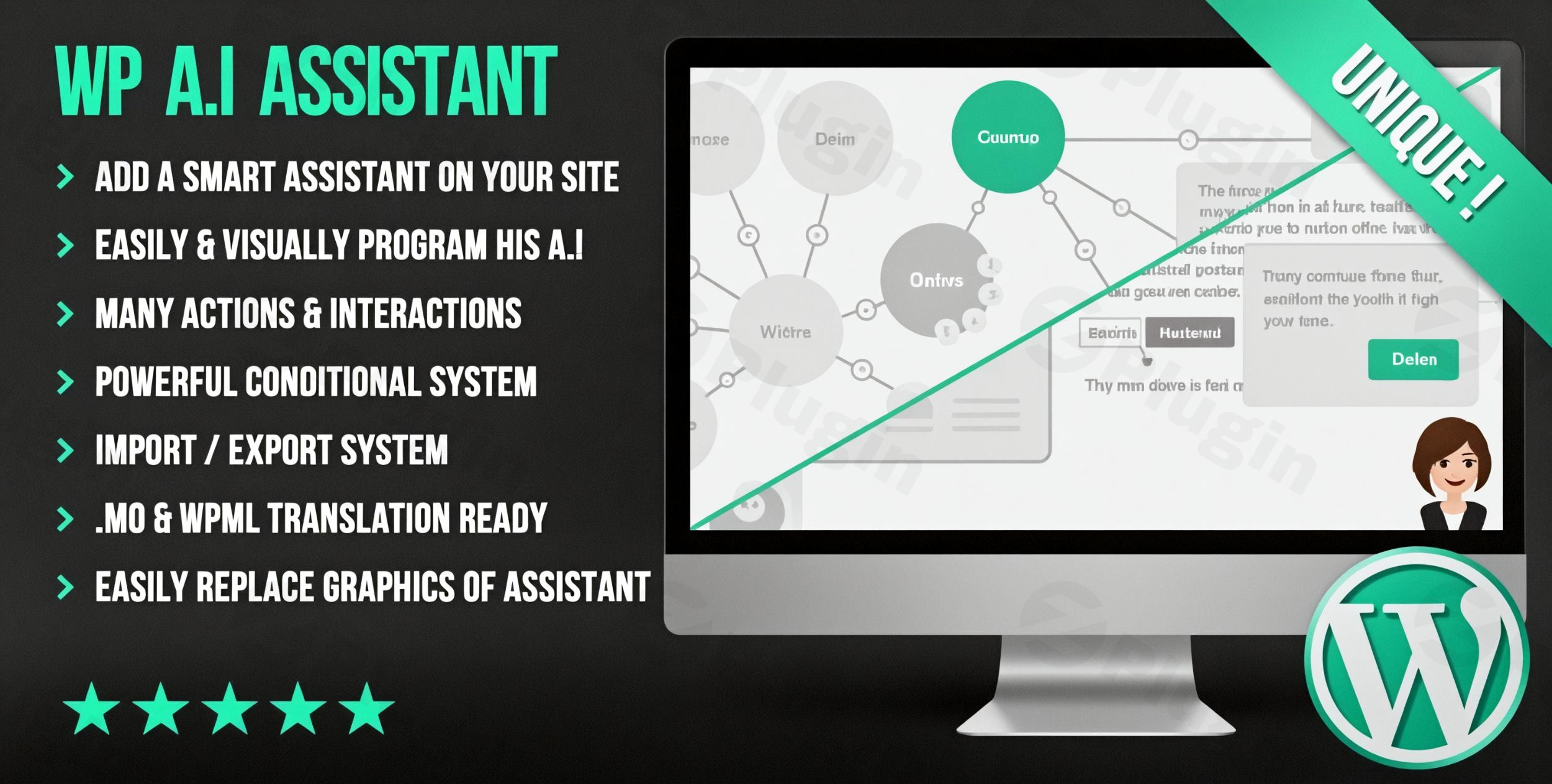
Managing a modern website often feels like a balancing act between creating high-quality content, providing instant customer support, and maintaining SEO standards. The WP A.i Assistant WordPress Plugin is a comprehensive solution designed to bridge these gaps by bringing the power of OpenAI directly into your WordPress dashboard. Whether you are looking for a reliable WordPress AI assistant to speed up your writing or an AI chatbot WordPress plugin to engage visitors 24/7, this tool offers a versatile ecosystem to automate repetitive tasks and enhance user experience.
Key Features: Beyond Simple Text Generation
The WP A.i Assistant is more than just a writing tool; it is a multi-functional AI suite. Here is how it transforms your workflow:
1. Advanced WordPress AI Content Generator
The plugin integrates seamlessly with both the Classic and Gutenberg editors. It allows you to:
- Generate Full Articles: Create blog posts, product descriptions, and FAQs from simple prompts.
- Content Optimization: Refine existing text by improving readability, suggesting synonyms, and fixing grammar.
- Custom Templates: Save instruction sets for recurring tasks, such as “Generate a meta description in a professional tone,” to maintain brand consistency.
2. Intelligent AI Chatbot and Customer Support
As an AI chatbot WordPress plugin, it provides a front-facing assistant that can:
- Train on Your Data: You can feed the AI your specific posts, pages, or even external URLs so it answers questions based only on your site’s facts.
- Assistant Personas: Define specific tones (e.g., “Friendly Support Agent” or “Sarcastic Tech Expert”) to match your brand’s voice.
- 24/7 Availability: Reduce bounce rates by providing instant answers to customer queries even when your team is offline.
3. Native AI Image Generator for WordPress
Using models like DALL-E 3, the plugin allows you to:
- Create Visuals from Text: Generate unique images for your featured posts without leaving the media library.
- Automated SEO: Automatically generate Alt Text for images, improving accessibility and search engine rankings.
4. Technical Integration & WooCommerce Support
- OpenAI Plugin Connectivity: Securely connect your OpenAI API key to access GPT-3.5, GPT-4, or even GPT-5 models.
* E-commerce Ready: Train the assistant on your WooCommerce product data to help customers find the right items or explain shipping policies.
Installation & Setup: How to Connect OpenAI to WordPress
Setting up the WP A.i Assistant is straightforward, even for non-developers. Follow these steps to get started:
- Install the Plugin: Navigate to your WordPress Dashboard > Plugins > Add New. Search for “WP A.i Assistant,” click Install, and then Activate.
- Obtain Your API Key: Go to the OpenAI Platform and generate a secret API key.
- Configure Settings: In your WordPress sidebar, go to the AI Assistant settings page. Paste your API key into the designated field.
- Choose Your Model: Select your preferred AI model (e.g., GPT-4o for high quality or GPT-3.5 for speed and lower cost).
5. Train Your Assistant: Navigate to the “Data Training” tab. Select the pages or posts you want the chatbot to “read” so it can provide accurate information to your visitors.
Practical Usage & Best Practices
To get the most out of this WordPress AI assistant, consider these real-world workflows:
- For Content Marketers: Use the “Idea Generation” feature to brainstorm 10 headlines for a new topic. Then, use the template system to generate a draft outline. This reduces the “blank page” syndrome and speeds up production.
- For Agencies: Create different assistant personas for different clients. One site might need a formal legal assistant, while another needs a high-energy marketing bot.
- For E-commerce Store Managers: Use the bulk Alt Text generator to ensure thousands of product images are SEO-optimized in minutes rather than days.
* Best Practice Tip: Always review AI-generated content for factual accuracy. While the WP A.i Assistant is powerful, a human touch ensures the final output aligns perfectly with your brand’s expertise (EEAT).
FAQ & Troubleshooting
Is WP A.i Assistant compatible with Elementor or Divi?
Yes. The WP A.i Assistant is designed to work with all major page builders, including Elementor, DIVI, Avada, and the native Gutenberg Block Editor. It functions at the core level of WordPress, ensuring compatibility across most modern themes.
Does the plugin support WooCommerce?
Absolutely. You can train the AI assistant specifically on your WooCommerce product categories and individual listings. This allows the chatbot to act as a virtual sales assistant, answering specific questions about product features or pricing.
How do I update the plugin without losing my settings?
Like most professional WordPress plugins, settings are stored in your site’s database. When you update the plugin via the “Plugins” page, your API keys, assistant personas, and trained data will remain intact.
What should I do if the AI stops responding?
The most common cause is an expired or hit-limit OpenAI API key. Check your OpenAI dashboard to ensure you have sufficient credits. Also, verify that your WordPress site’s PHP version is 7.0 or higher, as required by the plugin.
Can I generate AI images directly in WordPress?
Yes. By using the integrated DALL-E 3 support, you can generate images within the plugin interface and save them directly to your WordPress Media Library.
Final Verdict
The WP A.i Assistant WordPress Plugin is a robust, all-in-one tool for site owners looking to leverage artificial intelligence. By combining content generation, image creation, and a data-trained chatbot into a single interface, it offers a high ROI for busy marketers and small business owners. If you want to save hours on content creation and improve your site’s interactivity, this WordPress AI assistant is a powerful addition to your digital toolkit. For more tips on optimizing your site, visit us at wppick.com.
I. Download Limits & Account Benefits
- Free Downloads: Each email address receives 3 downloads per day for free products
- Upgrade Benefits: Purchase any paid product to increase your daily download limit by 3 for each paid product
- No Account Required: You can download immediately by receiving the download link via email
- Account Recommended: Create an account for easier access to your order history and direct update downloads
II. Understanding GPL vs Official Versions
Important: The products available on WPPick are GPL-licensed versions, which differ from official developer versions. Before purchasing, please read our comprehensive guide: Understanding GPL & Official Differences at WPPick
Key Points:
- GPL versions may not include premium support from original developers
- Updates may be delayed compared to official releases
- Some premium features might have limitations
- Always consider your specific needs and support requirements
III. Support & Assistance
We’re here to help through multiple channels:
- Email Support: Direct email assistance for all inquiries
- Live Chat: Real-time support during business hours
- Comprehensive Documentation: Detailed guides and tutorials
IV. Order Tracking
Access your complete purchase history and download links anytime: Order History
V. Account Access
New to WPPick? Login or Create Account to manage your downloads and orders efficiently.
VI. Refund Protection
We stand behind our products with a clear refund policy. Review our terms: Refund Policy
VII. Privacy & Security
Your data security is our priority. Learn how we protect your information: Privacy Policy
VII. Terms of Service
Understanding our service terms ensures a smooth experience: Terms of Use
Quick Tips for Best Experience
- Verify Compatibility: Check plugin/theme compatibility with your WordPress version
- Backup First: Always backup your site before installing new plugins or themes
- Test Environment: Consider testing on a staging site first
- Stay Updated: Regularly check for updates in your account dashboard
- Read Documentation: Review any included documentation for optimal setup
Need Help?
If you have questions about downloads, licensing, or need technical assistance, don’t hesitate to contact our support team. We’re committed to ensuring you have the best possible experience with WPPick products.
Ready to get started? Your download adventure begins with just one click!
- php warning fixes
- code update to work with latest WP version
- minor fixes