
Wp Activity Log Pro
/Year
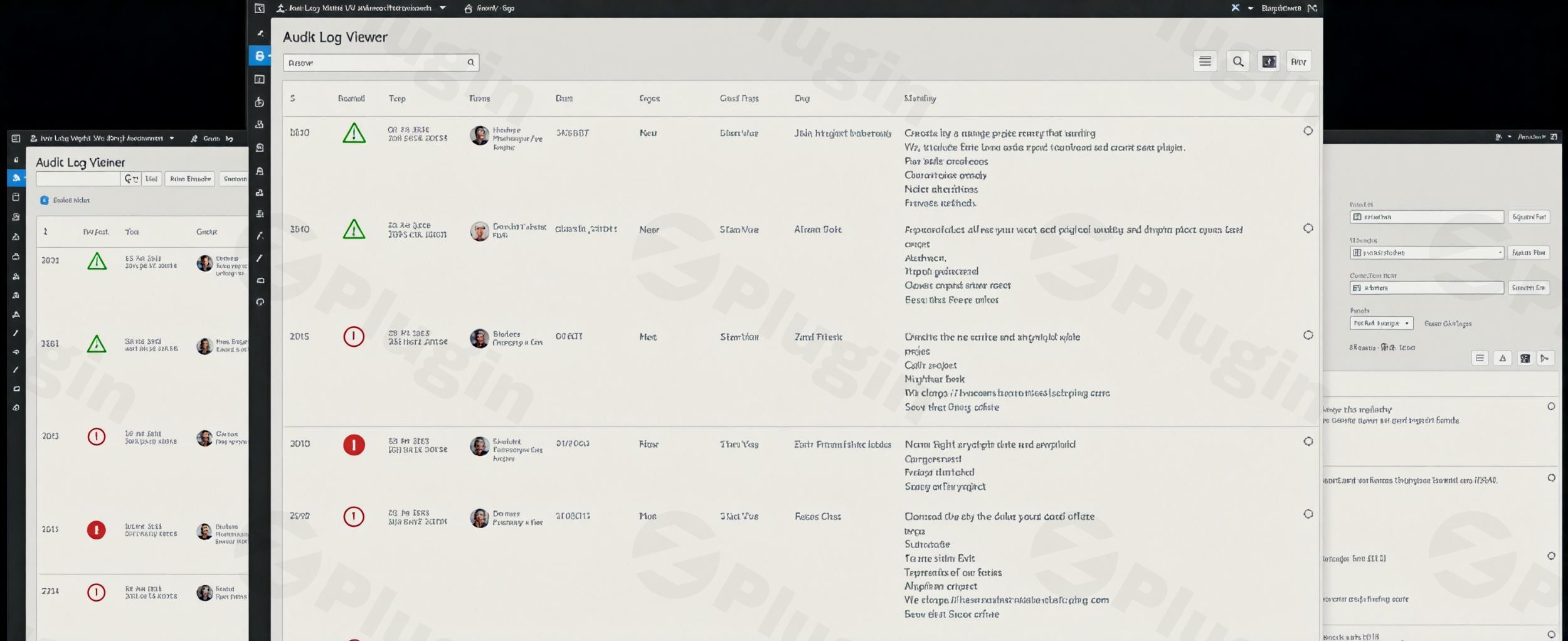
In today’s digital landscape, maintaining the security and integrity of your WordPress website is paramount. Every action, from content updates to user registrations, can impact your site’s stability and security posture. This is where WP Activity Log Pro stands out as the most comprehensive and user-friendly WordPress activity monitoring plugin available, offering unparalleled visibility and control over your website’s operations.WP Activity Log Pro is an indispensable premium solution designed for real-time activity monitoring, ensuring your site remains secure, compliant, and fully auditable. It meticulously logs every user and system action, providing detailed insights that are crucial for security, troubleshooting, and accountability.
Key Benefits of WordPress Activity Logging
Implementing a robust activity logging system like WP Activity Log Pro offers significant advantages for all WordPress users, from individual site owners to large enterprises:
- Monitor User Productivity and Accountability: Gain a clear understanding of who is doing what, enhancing team accountability and productivity.
- Simplify Troubleshooting and Error Resolution: Quickly pinpoint the source of issues by reviewing a chronological log of events.
- Track All User Actions in Real-time: Instantly capture and review every user and system action for immediate awareness.
- Improve Website Management and Organization: Maintain a well-organized and secure site by overseeing all changes.
- Detect Suspicious Behavior Before Security Issues Arise: Proactively identify unusual activities that could indicate a security breach.
- Maintain Compliance and Audit Trails: Generate comprehensive reports essential for regulatory compliance and internal audits.
Comprehensive WordPress Change Monitoring Capabilities
WP Activity Log Pro provides an exhaustive record of changes across your entire WordPress environment, offering granular detail for enhanced security and management.
Content and Post Type Monitoring
The plugin diligently tracks every modification made to your site’s content. This includes:
- Detailed Content Changes: Monitoring status updates, content modifications, title changes, and URL alterations for posts, pages, and custom post types.
- Custom Fields and Metadata: Logging updates to custom fields and other post metadata, ensuring complete oversight of all content attributes.
Taxonomy and Structure Changes
WP Activity Log Pro ensures you are aware of all structural modifications:
- Tags and Categories: Tracks the creation, editing, and deletion of tags and categories.
- Widgets and Menus: Monitors changes made to widgets and menu configurations, including their creation, editing, deletion, and association with posts and pages.
User Management and Security
User activity is a critical aspect of site security. WP Activity Log Pro offers comprehensive tracking for:
- User Profile Modifications: Records registrations, profile modifications, password changes, and email updates.
- Role Adjustments: Logs changes to user roles, ensuring sensitive permission alterations are tracked.
- Login/Logout Activities: Monitors successful and failed login attempts, providing essential data for security audits and detecting brute-force attacks.
System and Core Modifications
Beyond user and content changes, the plugin monitors core WordPress activities:
- WordPress Core Updates: Tracks updates to the WordPress core, ensuring you know when critical system changes occur.
- Settings and Permalinks: Logs modifications to general WordPress settings, permalink structures, and default role adjustments.
- Multisite Network Operations: For multisite networks, it tracks site additions, deletions, and user management across the entire network.
Plugin and Theme Management
All plugin and theme-related activities are meticulously logged:
- Installation and Activation: Records when plugins and themes are installed and activated.
- Deactivation and Updates: Tracks deactivations, updates, and uninstallations, providing detailed change tracking for each event.
Advanced Monitoring Features
WP Activity Log Pro goes beyond basic logging, offering advanced capabilities for real-time insights and proactive management.
Real-Time Activity Tracking
View live user sessions and current activities with detailed timestamps, including milliseconds precision for accurate event sequencing. This allows administrators to monitor events as they unfold, providing immediate context for any unfolding situation.
Comprehensive Event Reporting
Each logged event includes extensive information crucial for complete audit trails. This data encompasses the date and time, the user’s identity and role, the source IP address, and specific details about the change that occurred.
Multisite Network Support
The plugin offers full compatibility with WordPress multisite networks, enabling centralized monitoring of all network sites and user activities from a single, unified dashboard. This simplifies management for complex installations.
Real-Time Alerts & Notifications
Stay informed about critical activities with fully configurable real-time alerts. WP Activity Log Pro can send instant notifications via email, SMS, or Slack about suspicious events, enabling immediate response to potential security threats.
User Session Management
Gain complete control over user sessions. You can view in real-time which users are currently connected to your site and, if necessary, terminate a user’s session directly from the WordPress dashboard at any time.
Professional-Grade Security Features
WP Activity Log Pro incorporates robust security features to protect your sensitive data and help you maintain a secure environment.
Advanced Access Controls
Configure user and role-based permissions for viewing and managing activity logs, ensuring that sensitive security information remains protected and accessible only to authorized personnel.
Custom Alert Configuration
Create tailored monitoring rules and alerts for specific events or user actions that demand immediate attention, allowing for a highly customized security monitoring strategy. The plugin has robust search filters to fine-tune search results, helping you find what you need quickly.
Data Retention Policies
Configure automatic log retention periods and archiving strategies to maintain optimal database performance while preserving essential audit data. You can set flexible log retention periods, ranging from 7 to 365 days, based on your site’s needs and data policies. The plugin can also store activity logs in an external database to improve security and scalability.
Reports & Exports
Generate comprehensive reports on logged activities in HTML or CSV formats. These reports are invaluable for facilitating in-depth analysis and ensuring regulatory compliance, simplifying the process of demonstrating adherence to data protection standards.
Third-Party Integrations
WP Activity Log Pro connects seamlessly with various third-party services and plugins, extending its monitoring capabilities:
- External Systems: Integrates with Slack, Syslog, and external log management systems such as AWS CloudWatch, Loggly, and Papertrail for centralized log management.
- Popular Plugins: Includes activity tracking for popular plugins like WooCommerce, Yoast SEO, WPForms, Gravity Forms, MainWP, and MemberPress, providing a unified view of all critical activities.
EU GDPR Compliance
The plugin is designed with features to help your WordPress site comply with EU GDPR regulations, providing the necessary audit trails and data management capabilities to meet privacy requirements.
Technical Specifications & Compatibility
WP Activity Log Pro is engineered for performance and broad compatibility.
- Compatibility: Supports WordPress multisite networks and is compatible with WordPress versions 5.6 and later. It also performs PHP compatibility checks on plugin loading.
- Performance: The plugin is designed for minimal performance impact. It utilizes a custom database table and optimized queries to ensure efficient logging, even on high-traffic sites. To further reduce the load on the WordPress database, it allows you to save activity log data to an external MySQL server.
- Third-Party Plugin Support: Includes extensive activity tracking for a wide array of third-party plugins, ensuring that a broad spectrum of actions across your entire WordPress ecosystem is monitored.
Industry Recognition and Trust
WP Activity Log Pro is a highly regarded plugin with a long history and a large, trusted user base. It has been featured and recommended by leading industry authorities including GoDaddy, Kinsta, WPBeginner, and numerous other WordPress security experts worldwide. Developed and maintained by Melapress, a reputable team behind other popular WordPress plugins, it is consistently praised for its comprehensive activity tracking, robust user management, and advanced security features. Considered by experts as the best activity monitoring plugin on the market, it is recommended for various use cases, including monitoring user activity, troubleshooting issues, and meeting compliance requirements.
Easy Installation and Setup
Getting started with WP Activity Log Pro is straightforward, ensuring you can begin tracking activities immediately.
Quick WordPress Integration
- Download the plugin from a trusted source like ZeroPlugin.com.
- Upload the plugin file to your WordPress plugins directory.
- Activate the plugin through your WordPress dashboard.
- Configure your desired monitoring settings, and you can start tracking activities immediately.
Why Choose ZeroPlugin.com for Your WP Activity Log Purchase?
ZeroPlugin.com provides genuine GPL-licensed software with an emphasis on security and reliability. When you purchase WP Activity Log Pro from ZeroPlugin.com, you benefit from:
- Genuine GPL License: Ensuring 100% legal and compliant software.
- Regular Update Frequency: Access to the latest security patches and feature enhancements.
- VirusTotal Verified Source Code: Maximum safety and reliability for your WordPress environment.
- Professional Documentation and Support: Access to comprehensive resources and assistance.
- Immediate Download Access: Get started without delay after your purchase.
Conclusion
WP Activity Log Pro is an essential premium WordPress plugin for any website owner or administrator committed to security, accountability, and operational excellence. Its unparalleled depth of logging, real-time insights, and robust integration capabilities make it the definitive choice for maintaining complete visibility and control over your WordPress site. Enhance your WordPress security posture with WP Activity Log Pro, and gain the peace of mind that comes from knowing every action on your site is meticulously monitored and secured.
I. Download Limits & Account Benefits
- Free Downloads: Each email address receives 3 downloads per day for free products
- Upgrade Benefits: Purchase any paid product to increase your daily download limit by 3 for each paid product
- No Account Required: You can download immediately by receiving the download link via email
- Account Recommended: Create an account for easier access to your order history and direct update downloads
II. Understanding GPL vs Official Versions
Important: The products available on WPPick are GPL-licensed versions, which differ from official developer versions. Before purchasing, please read our comprehensive guide: Understanding GPL & Official Differences at WPPick
Key Points:
- GPL versions may not include premium support from original developers
- Updates may be delayed compared to official releases
- Some premium features might have limitations
- Always consider your specific needs and support requirements
III. Support & Assistance
We’re here to help through multiple channels:
- Email Support: Direct email assistance for all inquiries
- Live Chat: Real-time support during business hours
- Comprehensive Documentation: Detailed guides and tutorials
IV. Order Tracking
Access your complete purchase history and download links anytime: Order History
V. Account Access
New to WPPick? Login or Create Account to manage your downloads and orders efficiently.
VI. Refund Protection
We stand behind our products with a clear refund policy. Review our terms: Refund Policy
VII. Privacy & Security
Your data security is our priority. Learn how we protect your information: Privacy Policy
VII. Terms of Service
Understanding our service terms ensures a smooth experience: Terms of Use
Quick Tips for Best Experience
- Verify Compatibility: Check plugin/theme compatibility with your WordPress version
- Backup First: Always backup your site before installing new plugins or themes
- Test Environment: Consider testing on a staging site first
- Stay Updated: Regularly check for updates in your account dashboard
- Read Documentation: Review any included documentation for optimal setup
Need Help?
If you have questions about downloads, licensing, or need technical assistance, don’t hesitate to contact our support team. We’re committed to ensuring you have the best possible experience with WPPick products.
Ready to get started? Your download adventure begins with just one click!
- Added the option to add notes to activity log events in the archive database.
- Improved the text and the behaviour of the "Add note" modal in the activity log viewer.
- Fixed: Event ID 5000 was incorrectly reported in the logs in some cases on some particular setups.
- Fixed: Activity log event's notes not migrated to the archive database during archiving of logs.
- Fixed: "Upload theme" dialog not working when WP Activity Log is installed.