

Wp All Export Acf Pro Addon
/Year
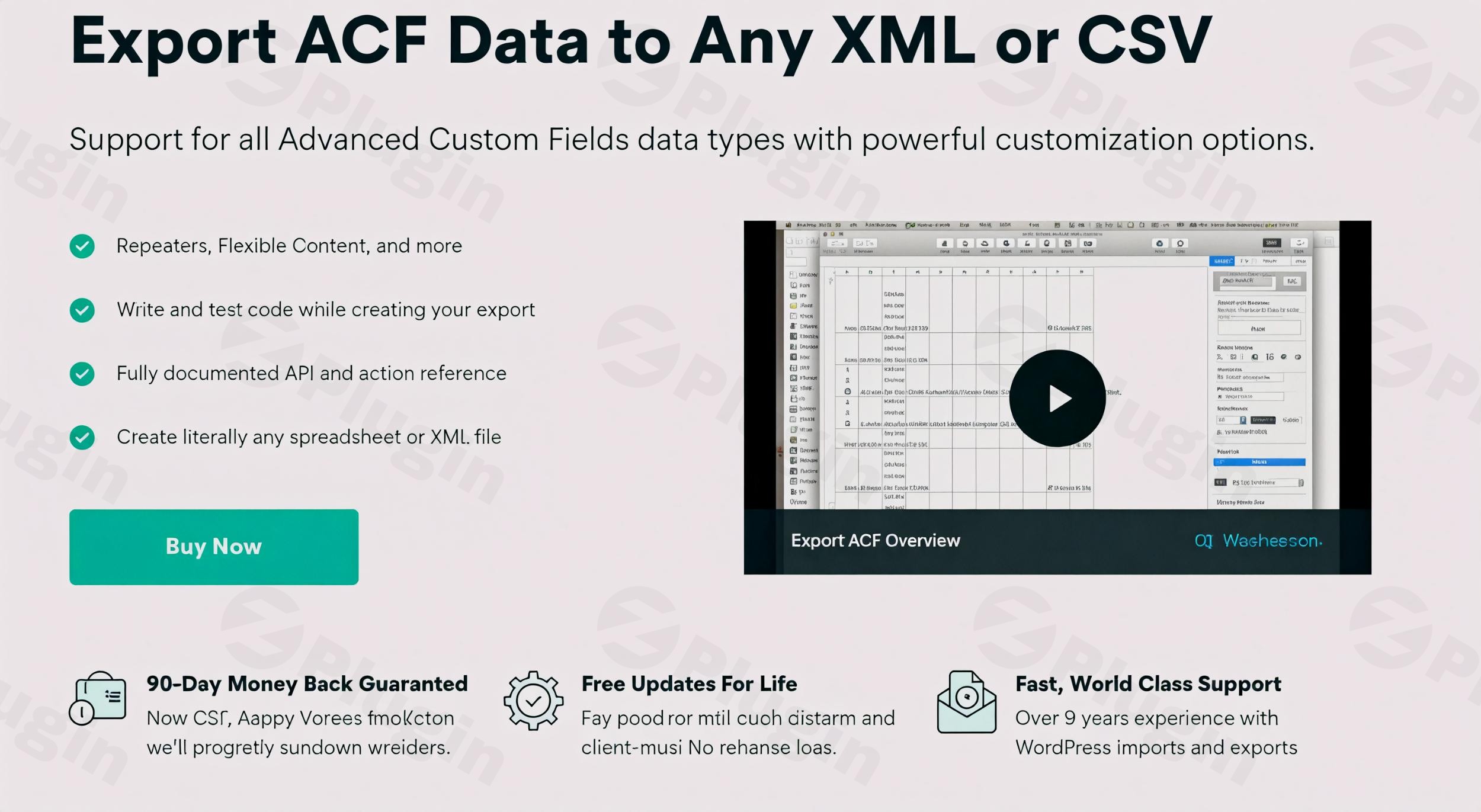
WordPress websites often leverage Advanced Custom Fields (ACF) to store complex, structured data beyond standard post content. While ACF provides immense flexibility for developers and content creators, exporting this intricate data for migrations, analysis, or integration with other systems can be a significant challenge. This is where WP All Export Pro steps in as the most powerful WordPress export plugin with comprehensive ACF support, designed specifically to handle even the most demanding Advanced Custom Fields data export requirements.Whether you’re moving a site to a new server, performing bulk updates, integrating with an external CRM, or simply needing to analyze your custom content in a spreadsheet, WP All Export Pro ensures your ACF data, no matter how complex, is exported accurately and efficiently.
Key Features: Export Advanced Custom Fields Data with Precision
WP All Export Pro, coupled with its dedicated ACF Addon, offers an unparalleled suite of features to ensure every piece of your custom data is accessible and exportable.
Unmatched ACF Field Type Support
Never compromise on your data structure. WP All Export Pro provides full compatibility with all ACF field types, ensuring no data is left behind. This includes:
- Basic Fields: Text, Text Area, Number, Email, URL, Password.
- Choice Fields: Select, Checkbox, Radio Button, Button Group, True/False.
- Picker Fields: Date Picker, Date Time Picker, Time Picker, Color Picker.
- Media Fields: Image, File, oEmbed, and crucial Gallery fields.
- Complex Fields: Robust support for Repeater fields, Flexible Content fields, and Clone fields, allowing you to flatten or nest them for clean, organized output.
- Relational Fields: Expert handling of Google Map fields, Relationship, Post Object, and Taxonomy fields, preserving their connections during export.
- Future-Proof: Automatic support for new ACF fields as soon as they’re released ensures your plugin always keeps pace with ACF development.
Advanced Export Customization
Create perfectly formatted export files that meet any external system’s requirements.
- Intuitive Drag-and-Drop Interface: Easily select and arrange your ACF fields and standard WordPress data to customize the column order in your export file.
- Multiple Export Formats: Export ACF data to CSV, XML, or Excel (XLSX), allowing you to tailor the output to your specific needs.
- Custom CSV Delimiters & Formatting: Fine-tune your CSV output with custom delimiters, BOM options, and other settings for maximum compatibility with spreadsheet software like Excel.
- XML Feed Generation: Generate complex XML feeds that precisely match any demanding schema requirements for third-party integrations.
- Combine Data: Merge data from multiple fields into a single, custom export column, providing flexibility for specific reporting or import scenarios.
Powerful PHP Processing Capabilities
Transform your data exactly how you need it before export, without touching your database.
- In-Editor PHP Functions: Write and test custom PHP code directly within the export interface to modify field data on the fly.
- Real-time Previews: See the results of your PHP functions and data transformations instantly with real-time previews.
- Custom Formatting & Calculations: Apply custom formatting, perform calculations, or concatenate data to create dynamic export content.
- Conditional Logic: Implement conditional logic for dynamic exports, deciding which data to include or how to format it based on specific criteria.
Seamless ACF Data Migration with WP All Import
WP All Export Pro is the perfect companion to WP All Import, offering an unrivaled solution for site migrations and bulk data management.
- Effortless Transfers: Export your ACF data from one WordPress site and seamlessly re-import it into any other WordPress site using WP All Import.
- Preserve Relationships: All field relationships and hierarchical data are maintained during transfers, eliminating the headache of manual re-linking.
- Out-of-the-Box Compatibility: Designed to work together, there’s no complex configuration needed; the two plugins integrate perfectly.
- Ideal for Workflows: Perfect for site migrations, synchronizing staging and live environments, and performing complex bulk updates on ACF content.
Automated and Scheduled Exports
Save time and keep your data consistently up-to-date by automating your export processes.
- Cron Job Integration: Schedule automatic exports to run at specified intervals (daily, weekly, monthly) using cron jobs. This is ideal for continuous data backups, synchronizing with external systems, or generating regular reports.
- Set It and Forget It: Once configured, your exports will run silently in the background, ensuring your data is always current without manual intervention.
Robustness for Large Datasets
Built for speed and accuracy, WP All Export Pro is optimized to handle large ACF datasets efficiently, even on shared hosting environments. You can export thousands of posts with complex custom fields without performance issues.
Installation & Setup: How to Export All ACF Fields from WordPress
Getting started with WP All Export Pro to export Advanced Custom Fields WordPress data is a straightforward process. You’ll need both the core WP All Export Pro plugin and the ACF Export Addon.
- Purchase & Download:
- Obtain WP All Export Pro and its ACF Addon from ZeroPlugin.com. You’ll receive
.zipfiles for both.
- Obtain WP All Export Pro and its ACF Addon from ZeroPlugin.com. You’ll receive
- Install the Core Plugin:
- Log in to your WordPress admin dashboard.
- Navigate to Plugins > Add New > Upload Plugin.
- Click “Choose File”, select the
wp-all-export-pro.zipfile, and click “Install Now”. - Once installed, click “Activate Plugin”.
- Install the ACF Addon:
- Repeat the process: Go to Plugins > Add New > Upload Plugin.
- Click “Choose File”, select the
wp-all-export-acf-addon.zipfile, and click “Install Now”. - After installation, click “Activate Plugin”.
- Note: Ensure the Advanced Custom Fields plugin itself is also installed and activated on your site.
- Start a New Export:
- In your WordPress admin, go to All Export > New Export.
- Choose the type of data you want to export (e.g., Posts, Pages, Custom Post Types, Users, WooCommerce Products, or Comments).
- Use the filtering options to specify exactly which records you want to include in your export.
- Select Your ACF Fields:
- On the “Drag & Drop” screen, you’ll see a section for “Advanced Custom Fields”.
- Expand this section, and you’ll find all the ACF fields associated with your selected post type.
- Simply drag and drop the desired ACF fields into your export columns. For complex fields like Repeaters or Flexible Content, you can choose how to structure their output (e.g., as separate columns, or flattened).
- Configure Export Settings:
- Choose your desired export format (CSV, XML, or Excel).
- Adjust settings like custom delimiters, filename, and header row options.
- For XML exports, you can define your XML structure.
- Run the Export:
- Click “Continue” to review your settings and then “Confirm & Run Export”.
- Once complete, you can download your export file or get the URL for scheduled exports.
Practical Usage & Best Practices
WP All Export Pro isn’t just about moving data; it’s about empowering workflows. Here are some real-world use cases:
- Migrate WordPress Site with ACF Pro Data: When moving a client’s website or your own to a new hosting environment, accurately transferring all custom field data is critical. Using WP All Export Pro with WP All Import ensures a smooth, error-free migration, preserving all ACF relationships without manual data entry. This is the best way to migrate a WordPress site with complex ACF data.
- Comprehensive Data Analysis & Reporting: Export all your product custom fields from WooCommerce, recipe details from a custom post type, or user profile ACF fields to Excel. You can then use this data for detailed analysis, pivot tables, or custom reports outside of WordPress.
- Integrating with Third-Party Systems: Many marketing automation platforms, CRMs, or inventory systems require data in specific XML or CSV formats. WP All Export Pro allows you to generate perfectly structured feeds directly from your WordPress site, including all your ACF content, making integration seamless. For example, if you need to
automate ACF exports WordPressto sync product data with an external fulfillment service, this plugin is ideal. - Bulk Editing ACF Data: The ability to export ACF fields to a spreadsheet, make bulk changes in Excel, and then re-import them using WP All Import is a game-changer for content managers. This approach allows for quick, large-scale updates to pricing, product specifications, or any other ACF content without touching the WordPress admin for each item. This is particularly useful for managing export repeater field ACF or export flexible content ACF data that might require extensive modifications.
FAQ & Troubleshooting
Here are answers to common questions about using WP All Export Pro for ACF data:
Can WP All Export handle all ACF field types?
Yes, WP All Export Pro, with its ACF Addon, offers full compatibility with all Advanced Custom Fields, including complex types like Repeater fields, Flexible Content, Gallery, Google Maps, Relationship, and Post Object fields. It’s designed to support new ACF fields as soon as they are released.
What are the benefits of WP All Export ACF Addon?
The key benefits include unmatched support for all ACF field types, powerful data customization and transformation via a drag-and-drop interface and PHP functions, seamless integration with WP All Import for migrations, scheduled exports, and robust performance for large datasets. It saves immense time and ensures data integrity for complex WordPress sites.
How do I schedule automatic ACF data exports in WordPress?
To schedule automatic ACF data exports, you’ll configure your export settings within WP All Export Pro. After setting up your export, you’ll find options to enable “Scheduling Options” using cron jobs. The plugin provides the necessary cron command, which you can add to your hosting control panel (cPanel, Plesk, etc.) or use a third-party cron service. This allows you to automate ACF exports WordPress at desired intervals.
Is WP All Export ACF Pro Addon compatible with WooCommerce?
Yes, WP All Export Pro is fully compatible with WooCommerce. You can export WooCommerce products, orders, customers, and coupons, including any associated ACF fields you’ve added to them. This is incredibly useful for exporting product data with custom attributes, syncing orders with CRM systems, or migrating an entire e-commerce store with all its custom product details.
What if my WP All Export ACF repeater field is not exporting correctly?
If your export repeater field ACF data isn’t exporting as expected, first verify that you have dragged the individual sub-fields of the repeater into your export columns. The plugin offers options to “flatten” or “nest” repeater data; check that your chosen option aligns with your desired output. Ensure the ACF Addon is activated. If issues persist, check the official documentation or contact support, as complex repeater structures sometimes require specific mapping.
Conclusion
WP All Export Pro stands out as the definitive WordPress export plugin with ACF support for anyone dealing with Advanced Custom Fields. Its comprehensive feature set, including full ACF field type compatibility, advanced customization options, powerful PHP processing, and seamless migration capabilities, makes it an indispensable tool for developers, agencies, and site owners.By providing a robust, reliable, and user-friendly solution for exporting even the most complex ACF data, WP All Export Pro ensures data integrity, streamlines workflows, and unlocks new possibilities for data analysis and integration. If you need to export Advanced Custom Fields WordPress data with confidence and control, WP All Export Pro is the ultimate solution, offering unparalleled value and empowering you to manage your WordPress data like a true professional.
I. Download Limits & Account Benefits
- Free Downloads: Each email address receives 3 downloads per day for free products
- Upgrade Benefits: Purchase any paid product to increase your daily download limit by 3 for each paid product
- No Account Required: You can download immediately by receiving the download link via email
- Account Recommended: Create an account for easier access to your order history and direct update downloads
II. Understanding GPL vs Official Versions
Important: The products available on WPPick are GPL-licensed versions, which differ from official developer versions. Before purchasing, please read our comprehensive guide: Understanding GPL & Official Differences at WPPick
Key Points:
- GPL versions may not include premium support from original developers
- Updates may be delayed compared to official releases
- Some premium features might have limitations
- Always consider your specific needs and support requirements
III. Support & Assistance
We’re here to help through multiple channels:
- Email Support: Direct email assistance for all inquiries
- Live Chat: Real-time support during business hours
- Comprehensive Documentation: Detailed guides and tutorials
IV. Order Tracking
Access your complete purchase history and download links anytime: Order History
V. Account Access
New to WPPick? Login or Create Account to manage your downloads and orders efficiently.
VI. Refund Protection
We stand behind our products with a clear refund policy. Review our terms: Refund Policy
VII. Privacy & Security
Your data security is our priority. Learn how we protect your information: Privacy Policy
VII. Terms of Service
Understanding our service terms ensures a smooth experience: Terms of Use
Quick Tips for Best Experience
- Verify Compatibility: Check plugin/theme compatibility with your WordPress version
- Backup First: Always backup your site before installing new plugins or themes
- Test Environment: Consider testing on a staging site first
- Stay Updated: Regularly check for updates in your account dashboard
- Read Documentation: Review any included documentation for optimal setup
Need Help?
If you have questions about downloads, licensing, or need technical assistance, don’t hesitate to contact our support team. We’re committed to ensuring you have the best possible experience with WPPick products.
Ready to get started? Your download adventure begins with just one click!
- Changelog Not Found!